What's in the Box
2. What's in the Box
Check if all items below are included while unboxing. If anything is missing, please contact our customer service.
- Platform
- Gantry Frame
- Filament Holder
- Screws
- Power Cord*
- Filament
- Toolbox


119 undefined
How to Fix WiFi Connection Issues?


How to Fix the Extruder Filament Feeding Issue
How to Fix Auto-Level Errors for M5
How to Fix Homing Fail Issue
How to Fix a Clogged Extrusion Gear
How to Remove Filament and Clean Up Residual Filament of M5
Abnormal Heating of the Nozzle or Hot Bed
Filament Cannot Pass the Filament Detection Sensor of M5
Analyzing Bottom Layer Error
How to Fix the Data Transmission Error

M5C X Axis Belt Adjuster.gcode
Ankermake Studio Guide(V1.5.21)
M5C Y axis belt adjuster.gcode
V8110 AnkerMake M5C EU Declaration of Conformity
V8110_UK Declaration of Conformity
M5C Y Axis Belt Adjuster.gcode
View More

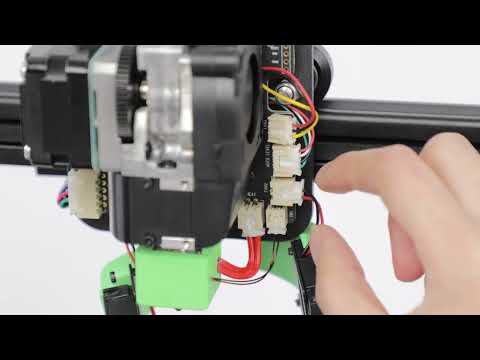
How to Replace the Air Guide of the Print Model Fan
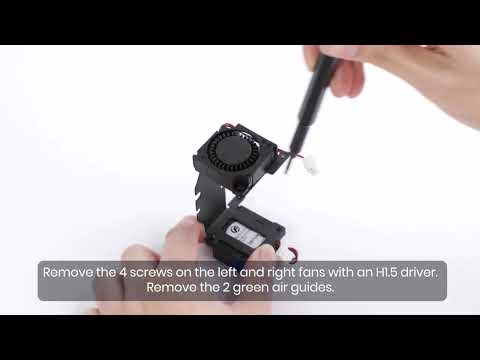
How to Replace the Print Model Fan
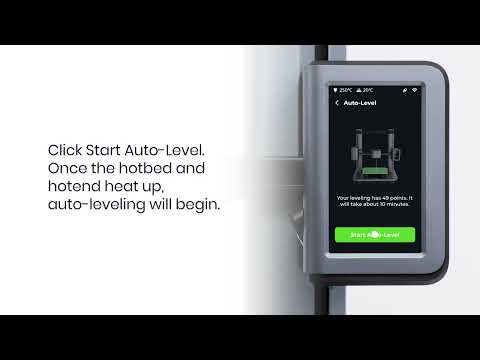
Auto Leveling
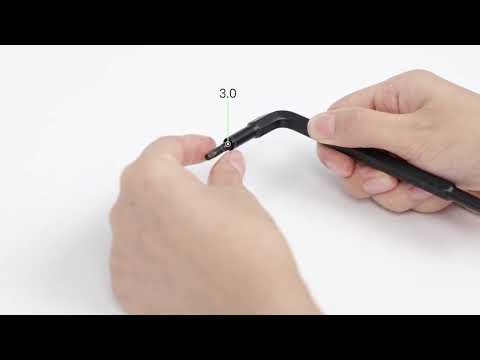
V Wheel Adjustment
How to Transfer Files and Start Printing
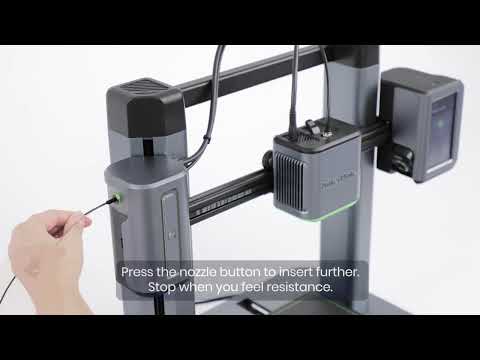
Loading Filament
View More


