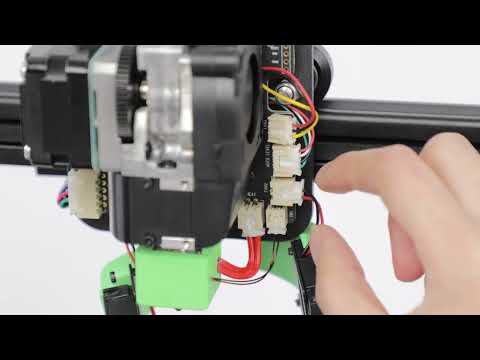
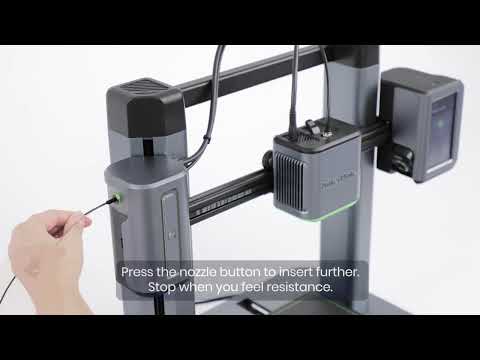
Filament cannot go through the filament detection sensor. If you try to pull the filament gently, the filament can be pulled out.
Root Cause Analysis
Filament remains at the filament detection sensor due to the manual retraction and withdrawal action is too fast, causing the molten tail part of the wire to be blocked by the extruder gear and it remains in the extruder.

Solution
Please follow the article on how to clean the filament detection sensor.
Unusual Phenomenon 2
Filament can go through the filament detection sensor. If you try to pull the filament gently, the filament can be pulled out.
Root Cause Analysis
- Did not press the spring on the extruder and push the filament at the same time, or the filament was not inserted correctly.
- The filament insertion is not smooth and there is resistance.
- The filament is not inserted into the hole between the two gears.
Solution
1. Insert the filament until it reaches the extruder, then press and hold the button on top of the extruder while continuing to insert the filament. Stop inserting the filament as soon as you feel some resistance.

Tips:
- Place the filament on the filament holder, cut the tip of the filament at a 45° angle and straighten the tip (about 40mm).
- Remove the filament by pulling it out slowly when replacing the filmment.
- All of the M5 printers have completed a series of strict printing tests before leaving the factory, and sometimes filament may remain in the nozzle, which is a normal phenomenon.
Article and Video for your reference:
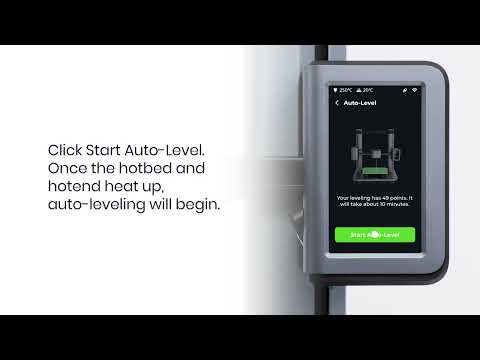
How to Load the Filament and Auto-Level the Heat-Bed
Filament Installation
2. Check if the filament tube is installed properly. Try to press the PTFE tube at the upper end of the extruder into the extruder slightly.

3. Filament is stuck in the gear of the extruder. Please try the following steps:
- Check whether there is air from the air outlet on the back, If it does not, disassemble the extruder shell and check the fan terminal. if the fan is loose, re-plug it or replace it with a new fan;
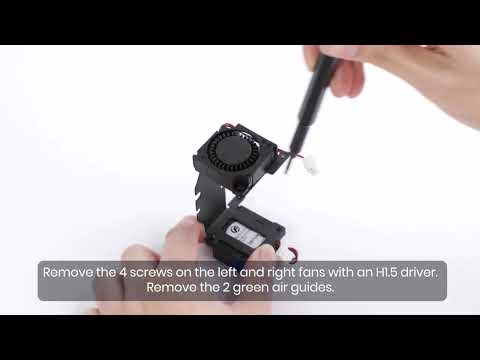
- Replace throat cooling fan. Here is an article for your reference:
How to Replace the Throat Fan of M5
-
Clean the extruder. Here is an article for your reference:
How to Replace the Throat Fan of M5
4.The extrusion spring is loose or does not rebound, or it is stuck on the extrusion clamp cover and cannot be locked.
- Press the extrusion clip several times to make the extrusion clip rebound.
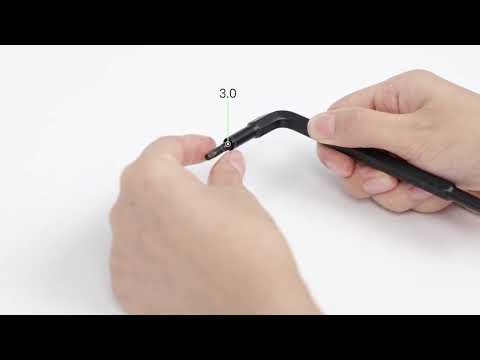
- Remove the upper cover of the extruder, use a 2.5 wrench to remove the extrusion spring’s screw and reinstall it. After tightening the extrusion spring screw, please remember to loosen the screw by two rounds.


Unusual Phenomenon 3
Filament can go through the filament detection sensor. If you try to pull the filament gently, the filament cannot be pulled out.
Root Cause Analysis
1. Nozzle clogging
a. The nozzle has been used over a long period of time;
b. The PTFE feed tube has been used over a long period of time, which led to carbonization;
c. Impurities in the filament used.
Solution
- Power on the M5 printer. Tap Control > Extrude > Unload on the touch screen to preheat the nozzle.
- Press and hold the extrusion clip on the extruder and remove the filament from the left shoulder filament entry until it is fully extracted;

- Please try to clean the nozzle according to the following instructions
Article:How to Clean the Nozzle
Video:How to Clear Nozzle Blockages
- If the aforementioned steps did not help, please try to replace the nozzle and the hotend according to the following instructions
Article:
How to Replace the Nozzle on M5
How to Replace the Hotend of M5
Video:
How to Exchange Nozzles
How to Replace the Hotend of M5
2.Extruder motor does not move
Solution
Power off the M5 printer, remove the shell of the extruder, check whether the terminal connection of the extruder motor is well seated, and re-plug the terminal to make sure that it does not have a loose connection;


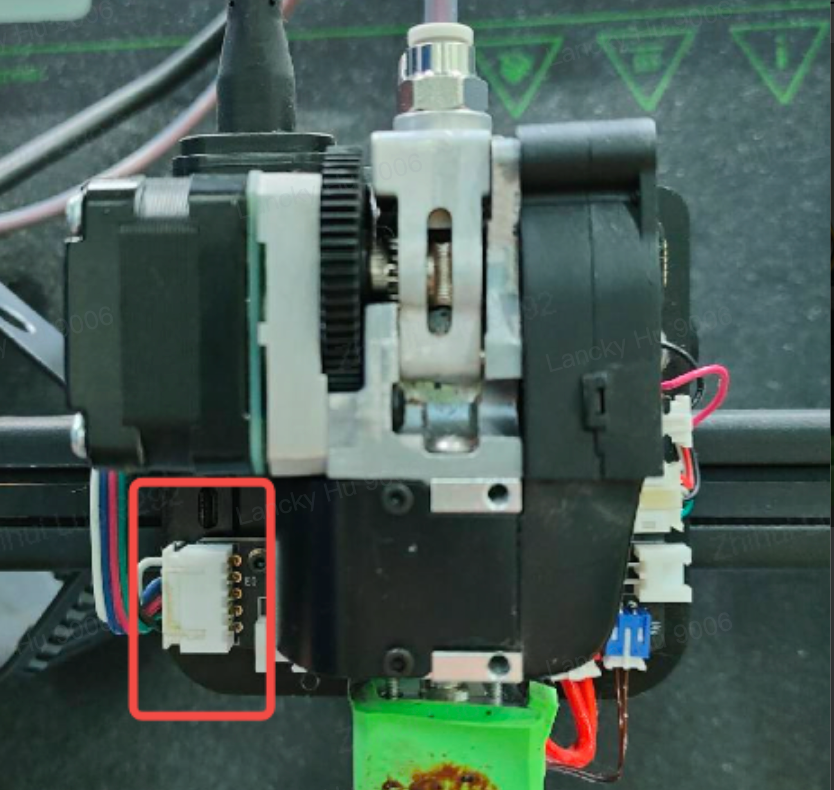
3. Extruder motor does not move and has abnormal noise, or the extrusion motor shakes back and forth.
Solution
Reseat the type-C ends on the extruder and on the base, please ensure the screws on the type-C ends are not installed too tightly.


4. Modify the extrude length from the screen
Solution
Try to tap extrude again on the screen and set the extrude length to 200mm.

5. Preheat to 180℃ but it won’t extrude
Solution
Configure proper preheat temperature based on different filament materials:
PLA: 200℃
ABS: 240℃
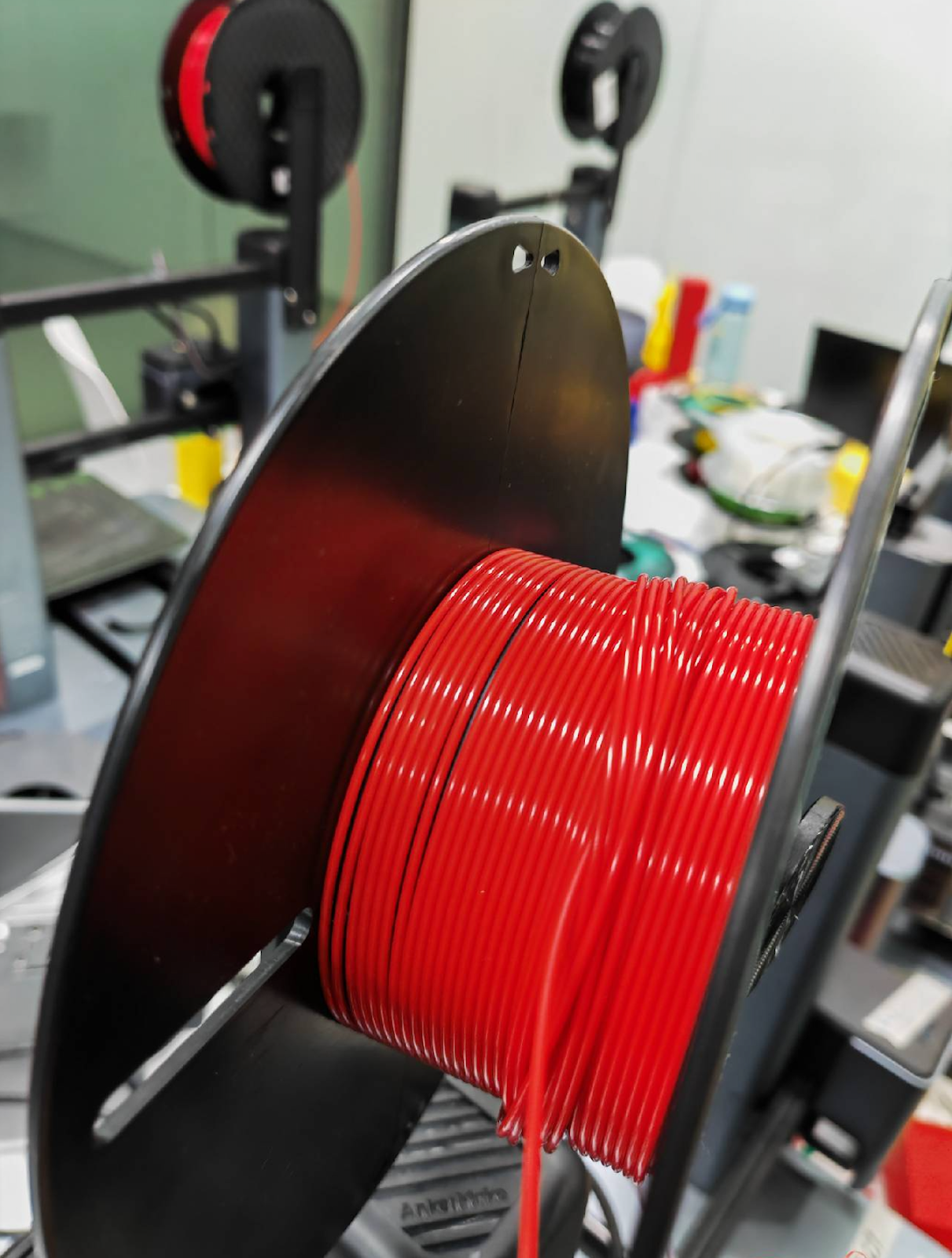
6. Filament is tangled or knotted
Solution
Check if the spool of filament is tangled where the filament overlaps itself. Pause the print and unload the filament from the extruder and untangle the spool, or use a new spool of filament.
7. The ambient temperature is too high and heat cannot be dissipated, which causes the filament to soften in the extruder.
Root Cause Analysis
Check whether the ambient temperature where the M5 printer is placed meets the equipment requirements (the recommended ambient temperature is 15-35°C/59-95°F).
Solution
Place the M5 printer in an environment that meets the recommended temperature.
8. After an error is reported in the filament outage detection, the filament is not inserted in place when replenishing new filament.
Root Cause Analysis
Try to pull the filament to check if the filament can be pulled out.
Solution
Please remove the guide tube from the extruder and remove the remaining filament before loading new filament. For specific methods, please refer to the following article:
Article:How-to-Remove-Filament-and-Residual-Filament
9. After the filament passes through the extruder, it is not inserted into the PTFE tube.
Root Cause Analysis
After the filament is inserted, it cannot be pulled out. When you click extrude, you can hear the sound of the extrusion gear turning but the filament does not extrude.
Solution
Straighten the leading end of the filament and insert it again.
If you have any further questions regarding your AnkerMake M5 printer, please contact AnkerMake customer support and provide logs (AnkerMake App: Me>About>Upload Log; M5 Printer: Setting>Upload Log), Gcode, STL model and pictures showing the exact issues for further analysis.