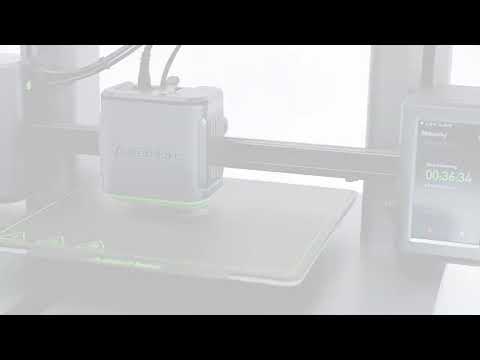
Auto Leveling
5.Leveling Heatbed

The heatbed calibration is the most important step for successful printing as it ensures part adhesion on the first layer. Ideally, the distance between the nozzle and the heatbed is constant, but  it varies at different positions, which could cause warping on prints or even a complete failure. 

 
1.Tear off the protective films on the touch screen.


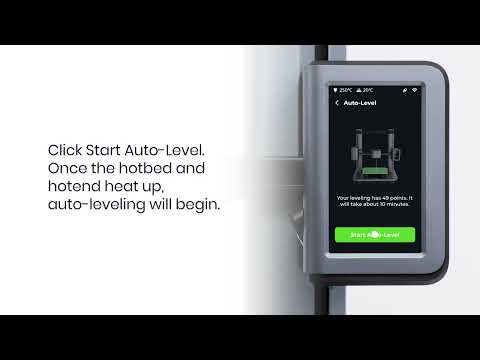
2.On the touch screen, follow the onscreen instructions to complete the leveling and other operations.
  • Avoid moving the ·printer during the auto-leveling process.

 
  • You can tap Skip, but make sure to level the heatbed before the first use.
  • Please set up the system in the AnkerMake app while waiting for leveling to finish.
Unresolved icon
119 undefined
Download icon
M5C X Axis Belt Adjuster.gcode
Download icon
Ankermake Studio Guide(V1.5.21)
Download icon
M5C Y axis belt adjuster.gcode
Download icon
V8110 AnkerMake M5C EU Declaration of Conformity
Download icon
V8110_UK Declaration of Conformity
Download icon
M5C Y Axis Belt Adjuster.gcode
View More
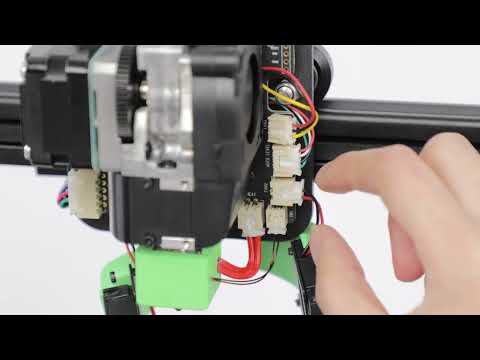
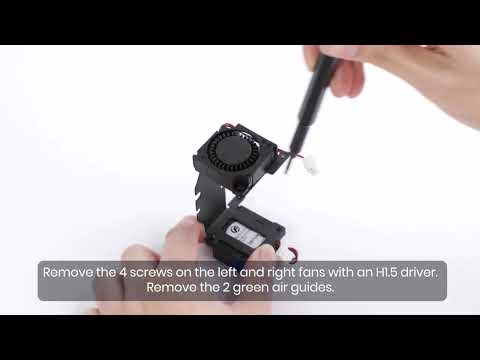
Play videoHow to Replace the Air Guide of the Print Model Fan
How to Replace the Air Guide of the Print Model Fan
Play videoHow to Replace the Print Model Fan
How to Replace the Print Model Fan
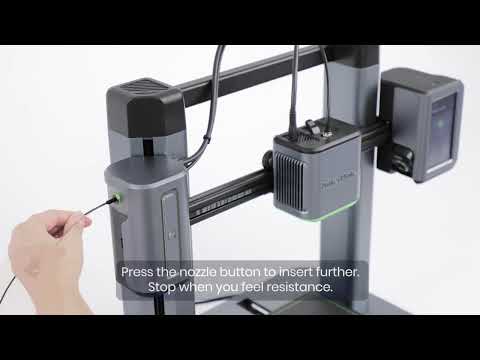
Play videoAuto Leveling
Auto Leveling
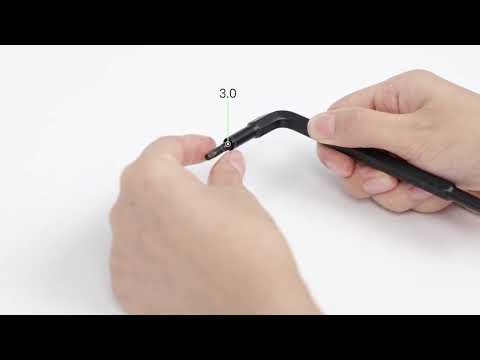
Play videoV Wheel Adjustment
V Wheel Adjustment
Play videoHow to Transfer Files and Start Printing
How to Transfer Files and Start Printing
Play videoLoading Filament
Loading Filament
View More