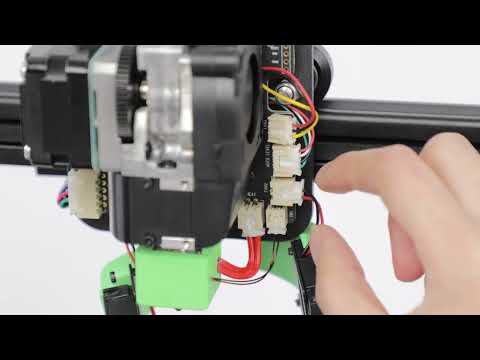
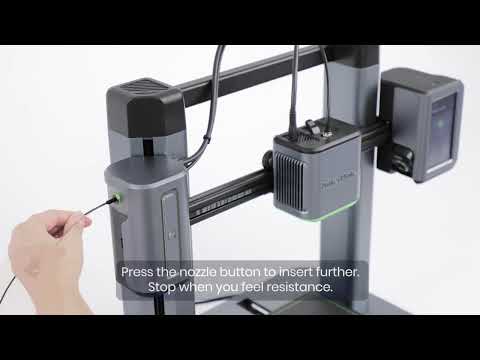
Remove the left and right shells to check if the FCC cable connecting the RGB light board is loose.
Update the firmware and check if the RGB light color display is normal.
Replacement Method:
Turn on the M5 switch. Click Control > Move on the screen to raise the Z-axis of the nozzle assembly by 200mm and move it to the middle of the X-axis for easier access. Ensure the filament is removed and then turn off the power.
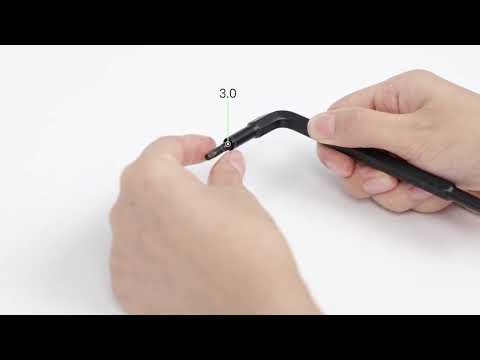
Use an H2.0 hex wrench to unscrew the upper bolt on the left shoulder back cover and the two bolts at the bottom of the left shoulder.
Left shoulder back cover
Bottom of left shoulder
Pop off the upper left shoulder cover from back to front and unplug the break detection cable and RGB light board FCC cable.
Use an H1.5 hex wrench to remove the four screws securing the RGB light board and then remove the board.
Install the new RGB light board using the H1.5 hex wrench to secure it with the four screws.
Re-insert the break detection cable and the RGB light board FCC cable.
Reinstall the left shoulder cover housing and use the H2.0 hex wrench to lock the upper bolt on the left shoulder back cover and the two bolts at the bottom of the left shoulder to complete the RGB light board replacement.
If the issues persist after replacement, please contact Ankermake customer support at us for further assistance.