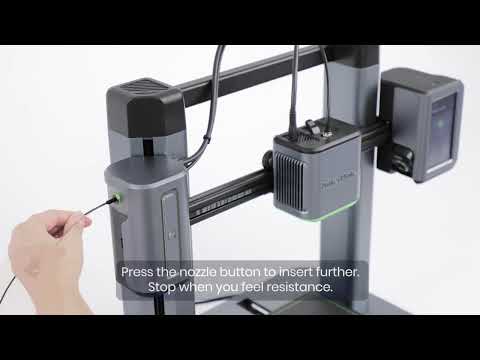
Extruder Assembly Eccentric Nut Adjustment
Introduction to the Nozzle Assembly Eccentric Nut
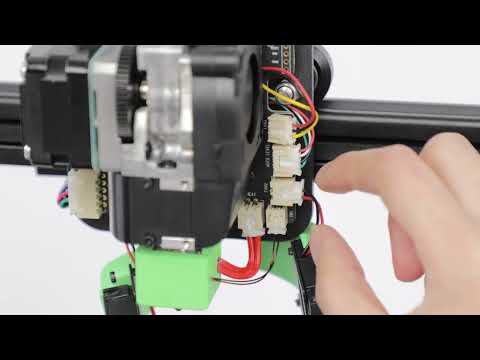
The eccentric nut of the nozzle assembly acts like a cam mechanism, ensuring the nozzle assembly fits well with the X-axis profile. By adjusting the eccentric nut, the V-wheel, and the profile are kept clamped together without any shaking, allowing the nozzle assembly to move smoothly on the X-axis.
Abnormal phenomenon:
- X-axis movement abnormal sound
- Nozzle shaking
- X-axis lamination
- Z-axis lamination
Adjustment Method
- Lift the Nozzle Component:
- Turn on the device power.
- Click on Control > Move on the screen to lift the nozzle component up to 200mm.
- Turn off the power.

Adjust the Eccentric Nut:
- Use an M10 open wrench to adjust the lower V-wheel eccentric nut of the nozzle assembly clockwise.
- Ensure the nozzle assembly does not shake back and forth and that left and right movements are smooth.

Loosen the Back Screws (if necessary):
- If the nozzle assembly cannot be fixed properly, use a 2.0 hex wrench to loosen the back four screws.
- (The following pictures and instructions are compatible with V2 extruder)

Move and Secure the Top Cover and Nozzle Cover:
- Slide the top cover and nozzle cover of the nozzle assembly up along the Type-C line and secure them.
Remove the Bottom Cover:
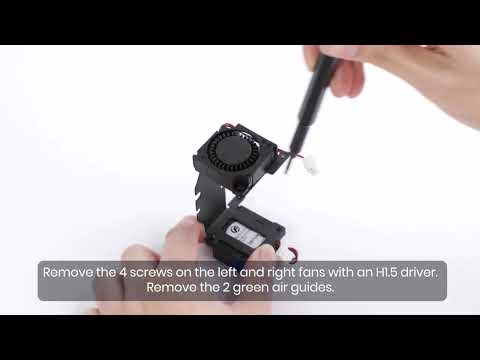
- Use a 2.0 wrench to loosen the front bottom cover bolt and remove the bottom cover.

Lock the V-Wheel:
- Use an M8 open wrench to clamp the V-wheel retainer.
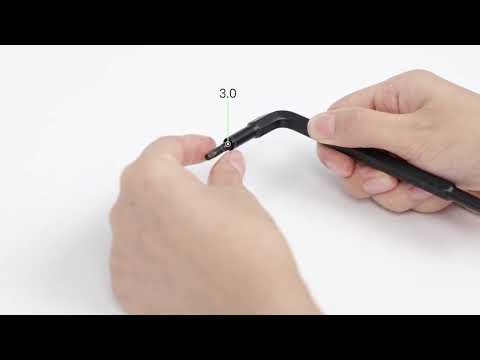
- Use a 3.0 wrench to lock the V-wheel.


Re-Adjust the Eccentric Nut:
- Use an M10 open wrench to adjust the lower V-wheel eccentric nut of the nozzle assembly clockwise again.
- Ensure the nozzle assembly does not shake back and forth, and the left and right movements are smooth.
Secure the Bottom Cover:
- Use a 2.0 wrench to secure the bottom cover.
Reassemble the Nozzle Cover and Top Cover:
- Remove the nozzle cover and top cover for reassembly.
Tighten the Retaining Bolts:
- Use a 2.0 wrench to tighten the four retaining bolts on the back to secure the nozzle housing.
Printing Platform Eccentric Nut Adjustment
Introduction to Eccentric Nuts for Printing Platforms
The eccentric nut of the printing platform is primarily used to fix the printing platform and adjust the tightness of the V-wheel. This ensures that the printing platform moves smoothly on the Y-axis.

Adjustment Method
- Adjust the Eccentric Nuts:
- Use an M10 open wrench to adjust the two eccentric nuts at the bottom of the printing platform clockwise.
- Ensure the printing platform does not shake left and right and that it moves smoothly without any abnormal sounds.
If you have any further questions, please contact us for assistance.