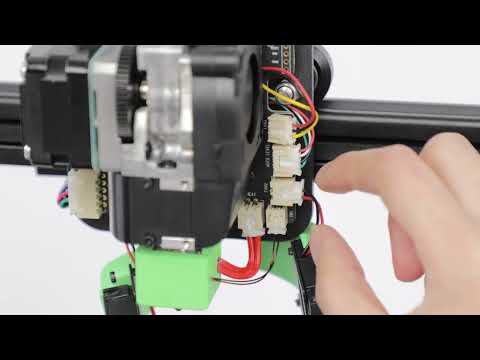
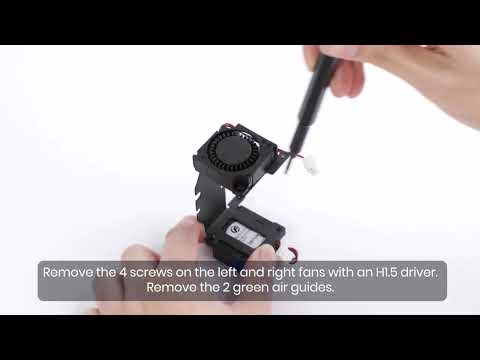
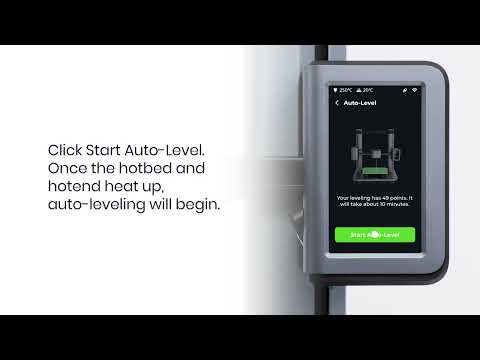
It is highly recommended to clean the nozzle when the nozzle is blocked or the filament cannot be extruded properly.
Steps for cleaning the nozzle
1. Preheat the nozzle to 180℃ by going to Preheat > Nozzle > choose Start Preheating on the touch panel;

2. For cleaning convenience, please raise the extruder to 200mm by going to Control > Move > Z (up).

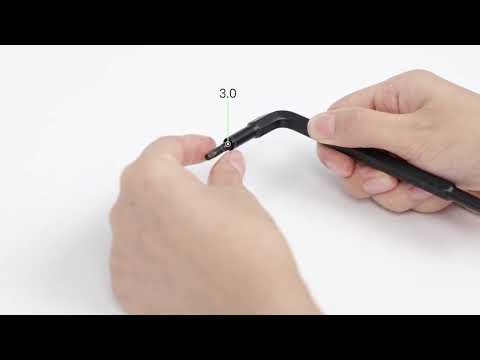
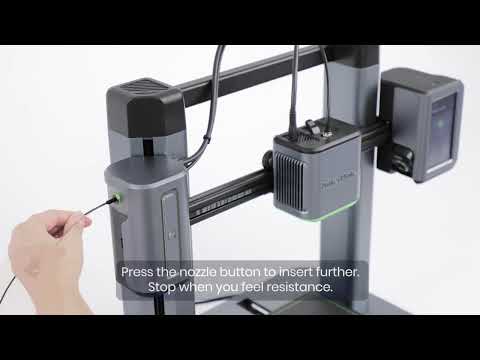
3. When the nozzle temperature reaches 180℃, use the cleaning needle included in the toolbox to insert it into the nozzle. Please ensure the filament has been removed before starting this process.

4. Use the cleaning needle to remove all residual filament;
5. Verify the nozzle is completely clean by going to Control > Extrude > Load and check whether the filament is able to extrude evenly. If it does not extrude evenly, please repeat Step 3 and 4 again to clear the blockage.

If you have any further questions, please contact AnkerMake Customer Support for assistance.