After the extruder has been used for a long period of time, it will need to be cleaned and properly maintained, otherwise the residual filament may block the nozzle.
Daily cleaning and maintenance
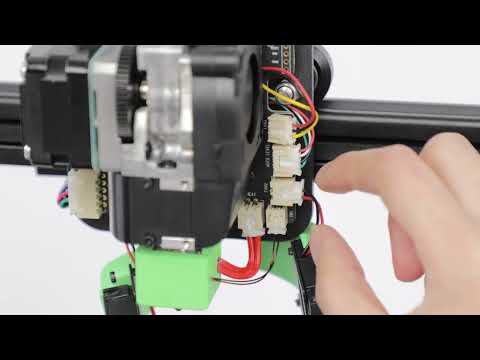
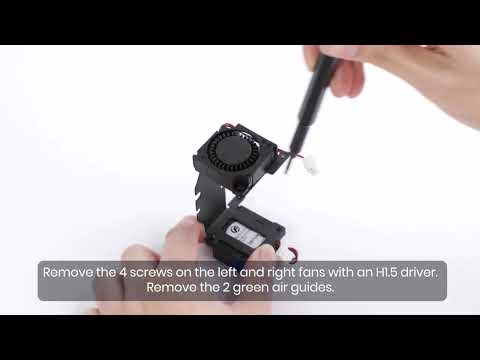
1. Make sure the consumables are removed before the maintenance process begins. Use a H2.0 hex wrench to loosen the four screws on the back of the nozzle assembly, and then remove the upper cover and nozzle cover of the nozzle assembly.

2. Press and hold the pneumatic joint, then gently pull out the PTFE guide tube.
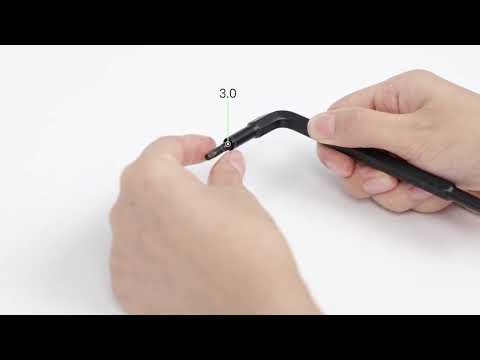
3. Use a H2.5 hex wrench to remove the extrusion clip spring screw.

4. Separate the extrusion clamp and the pneumatic joint, and then clean the consumable debris on the extrusion gear. It is highly recommended to use paper towels, brushes, etc to wipe it clean or blow it off with an air gun.

5. After cleaning, use a H2.5 hex wrench to install the extrusion clip spring screw and adjust the tightness.
6. Install the upper cover and nozzle cover of the nozzle assembly, and then use a H2.0 hex wrench to tighten the four screws on the back of the nozzle assembly before inserting the PTFE material guide tube.
If you have any further questions regarding your AnkerMake M5 printer, please contact AnkerMake customer support for assistance.