Ankermake Studio Guide(V1.5.21)

Ankermake Studio Guide(V1.5.21)


207 undefined
How to Fix WiFi Connection Issues?


How to Fix the Extruder Filament Feeding Issue
How to Fix a Blocked Nozzle of the M5C
How to Fix Auto-Level Errors for M5
How to Fix Data Transmission Error for the M5C Printer
How to Fix Homing Fail Issue
How to Fix the Auto-Leveling Error for the M5C Printer
How to Fix a Clogged Extrusion Gear
How to Remove Filament and Clean Up Residual Filament of M5
Abnormal Heating of the Nozzle or Hot Bed
M5C X Axis Belt Adjuster.gcode
Ankermake Studio Guide(V1.5.21)
M5C Y axis belt adjuster.gcode
V8110 AnkerMake M5C EU Declaration of Conformity
V8110_UK Declaration of Conformity
M5C Y Axis Belt Adjuster.gcode
View More

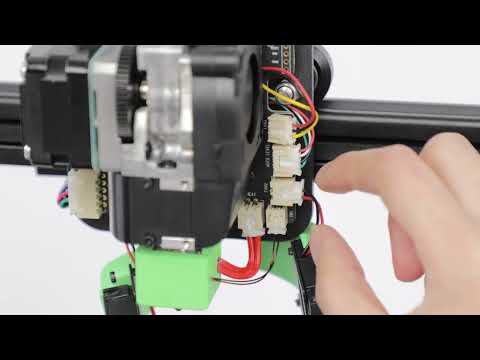
How to Replace the Air Guide of the Print Model Fan
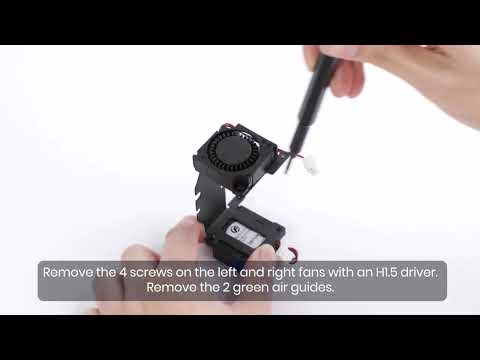
How to Replace the Print Model Fan
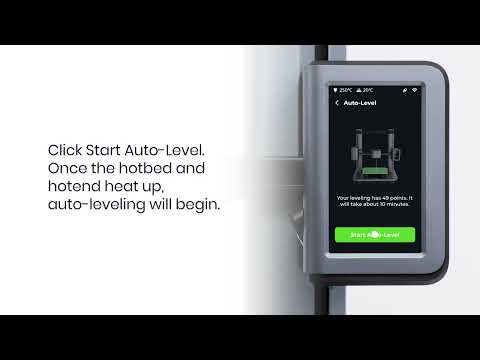
Auto Leveling
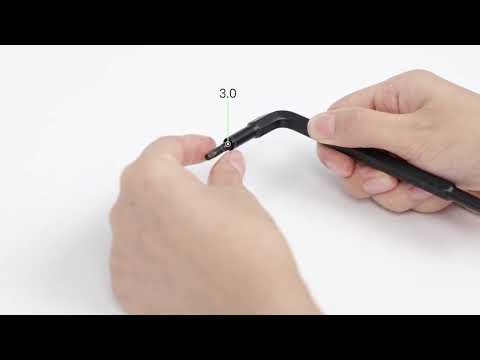
V Wheel Adjustment
How to Transfer Files and Start Printing
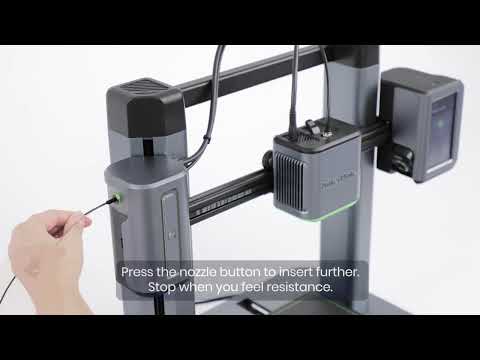
Loading Filament
View More


