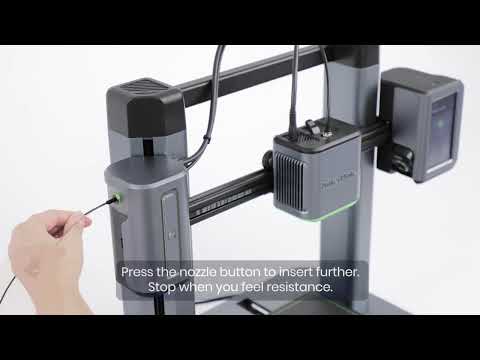
How to Fix Data Transmission Error for the M5C Printer
Cause of Failure:
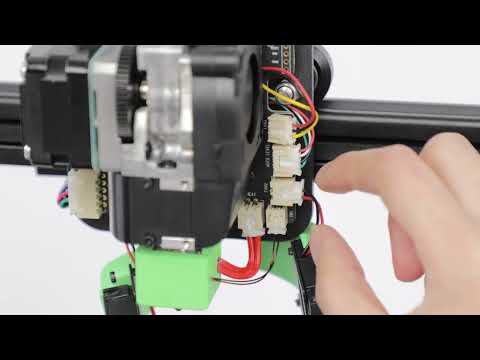
Poor contact of the nozzle assembly Type-C wire.
Poor contact of the left shoulder cable.
Solution:
1. Poor Contact of the Nozzle Assembly Type-C Wire
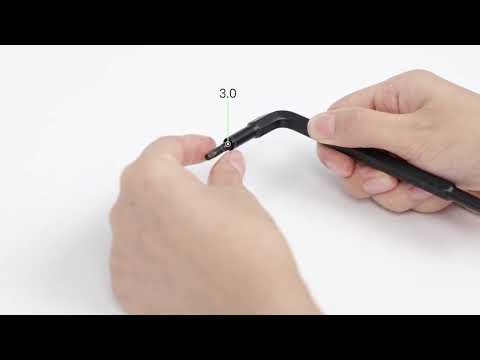
Steps: 1.1 Turn off the printer power. 1.2 Use a 2.0 wrench to unscrew the Type-C wire retaining screws of the nozzle assembly.
1.3 Re-plug the nozzle assembly Type-C cable. 1.4 Tighten the nozzle assembly Type-C wire retaining screws with a 2.0 wrench. 1.5 Turn on the device and start a new print job.
2. Poor Contact of the Left Shoulder Cable
Steps: 2.1 Turn off the printer power. 2.2 Re-plug the two terminals of the left shoulder cable.
2.3 Start the printer and start a new print job;
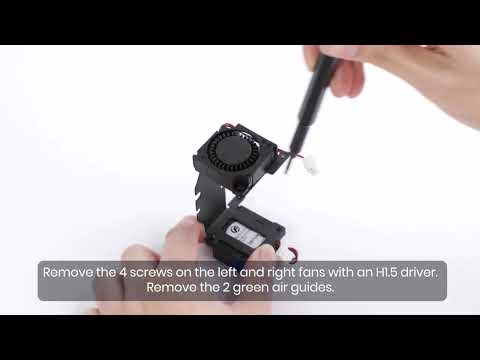
3. Replacing the Type-C Cable
If the above troubleshooting steps do not solve the problem, please replace the Type-C cable according to