How Do I Add AnkerMake M5 to Prusa?
1.Download this file, unzip it, and keep all files for later use.
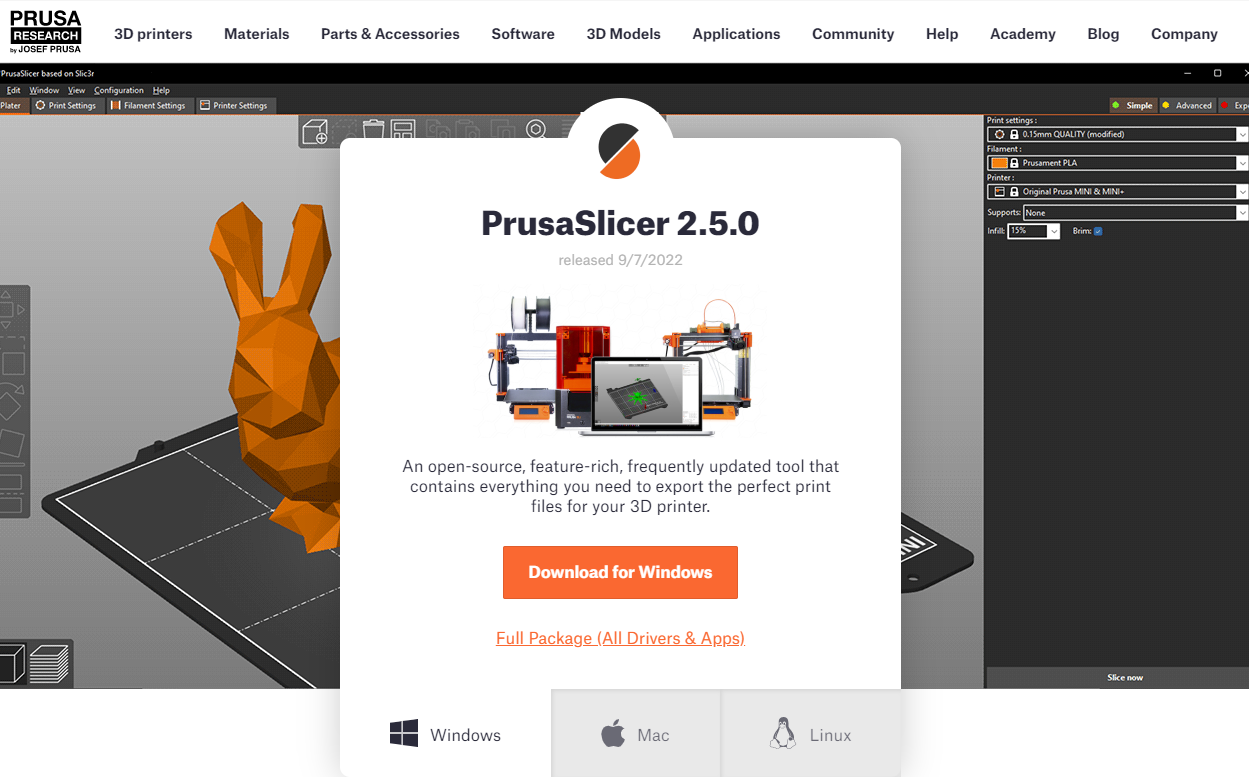
2.Download and install the latest version of the Prusa Slicer.
3.Open Prusa and go to Help > Show Configuration Folder. When prompted, put the AnkerMake files into the Vendor folder.
- Windows


- macOS


4.Restart Prusa, and then go to Configuration > Configuration Wizard. Select AnkerMake in Other Vendors and click Next to complete the addition.
- Windows


- macOS

5.You can now use AnkerMake M5 with the Prusa Slicer.
- Windows

- macOS

How Do I Add AnkerMake M5 to Cura?
1.Download this file , unzip it, and keep all files for later use.
2.Download and install the latest version of UltiMaker Cura.

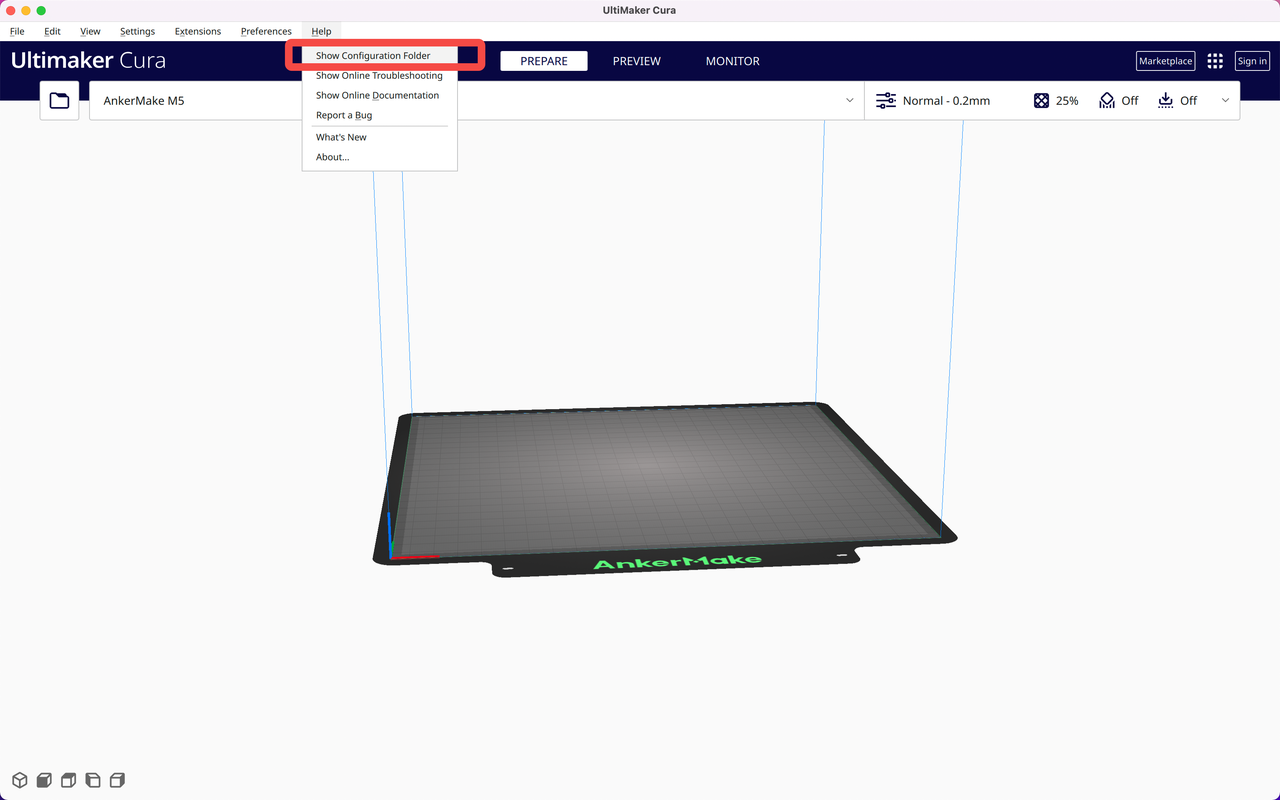
3.Open Cura and go to Help > Show Configuration Folder. Put all unzipped files into the Cura Configuration Folder.
- Windows


- macOS

4.Restart Cura and go to Settings > Printer > Add Printer.
- Windows

- macOS

5.Go to Add a non-networked printer and scroll down to find AnkerMake M5. Click Add.
- Windows

- macOS

6.You can now use AnkerMake M5 with Cura.
- Windows

- macOS