What type of power supply is shipped with AnkerMake M5C
Your AnkerMake M5C can be used worldwide and it supports voltages from 100V to 240V AC. If your AnkerMake M5C printer was purchased in the United States or Canada and brought to a country that uses 200-240V, please make sure to switch the printer's voltage to 230V before using the printer. If your AnkerMake M5C printer was purchased in the UK or German, there is no power switch and you can use it worldwide since the power will switch automatically.

If you have any further questions, please contact us for assistance.
Unresolved icon
96 undefined
Daily Maintenance
Get Started
FAQ
TroubleShooting
Part Replacements
AnkerMake 3D Printer Maintenance (Lubrication)
25985 views42 likes/2025-04-07 18:25:24
How to Replace the X-axis Belt of M5C
4231 views6 likes/2025-04-07 18:25:04
How to adjust X/Y axis belts on the M5C
2655 views5 likes/2025-04-07 18:25:36
How to Adjust the V Wheel of X and Y Axis
2431 views2 likes/2025-05-30 10:28:11
How to clean the M5C printer
2216 views3 likes/2025-04-07 18:25:04
How to Replace the V Wheel of X Axis of M5C
2483 views4 likes/2025-04-07 18:25:36
How to Replace the Y-axis Belt of M5C
2283 views5 likes/2025-04-07 18:25:04
How to Fix Loose Threaded Rods on the M5C
1063 views1 likes/2025-04-07 18:25:04
Download icon
M5C X Axis Belt Adjuster.gcode
Download icon
Ankermake Studio Guide(V1.5.21)
Download icon
M5C Y axis belt adjuster.gcode
Download icon
V8110 AnkerMake M5C EU Declaration of Conformity
Download icon
V8110_UK Declaration of Conformity
Download icon
M5C Y Axis Belt Adjuster.gcode
View More
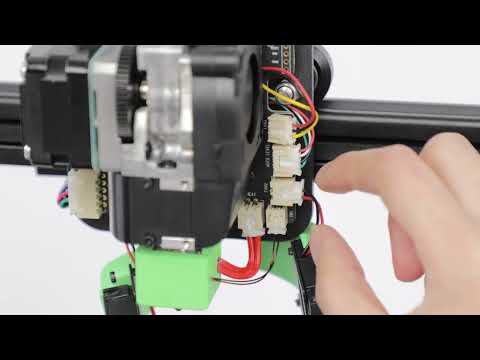
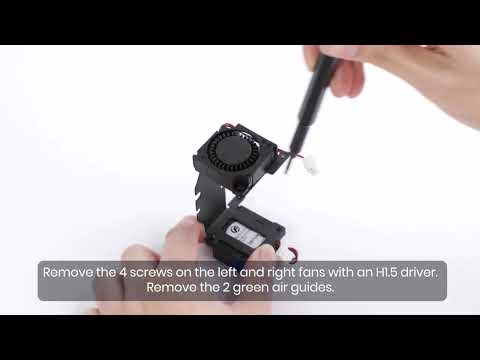
Play videoHow to Replace the Air Guide of the Print Model Fan
How to Replace the Air Guide of the Print Model Fan
Play videoHow to Replace the Print Model Fan
How to Replace the Print Model Fan
Play videoAuto Leveling
Auto Leveling
Play videoV Wheel Adjustment
V Wheel Adjustment
Play videoHow to Transfer Files and Start Printing
How to Transfer Files and Start Printing
Play videoLoading Filament
Loading Filament
View More