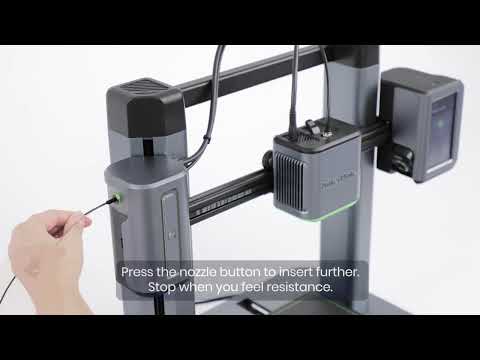
If your M5C printer is experiencing issues with its Y-axis not being able to correctly complete the homing process, please try the following troubleshooting steps to resolve the issue.
1. Install the latest firmware version
Please update your M5C printer’s firmware to the latest firmware version and try the homing process again.
2. Inspect the Y-axis synchronous belt
Check whether the Y-axis synchronous belt is loose. If the belt is loose, please adjust the Y-axis synchronous belt tension.https://support.ankermake.com/s/article/How-to-Adjust-Belts-on-the-X-and-Y-Axis
If you have any further questions, please contact us for assistance.