Can the parameters be adjusted during the M5C printing process
During the M5C printing process, the current printing parameters ( the temperature of nozzle and heat-bed, Z offset) can be adjusted by AnkerMake app, and AnkerMake Slicer software.
If you have any further questions, please contact us for assistance.


96 undefined
AnkerMake 3D Printer Maintenance (Lubrication)


How to Replace the X-axis Belt of M5C
How to adjust X/Y axis belts on the M5C
How to Adjust the V Wheel of X and Y Axis
How to clean the M5C printer
How to Replace the V Wheel of X Axis of M5C
How to Replace the Y-axis Belt of M5C
How to Replace the V Wheel of the Y-Axis for the M5C Printer
How to Fix Loose Threaded Rods on the M5C

M5C X Axis Belt Adjuster.gcode
Ankermake Studio Guide(V1.5.21)
M5C Y axis belt adjuster.gcode
V8110 AnkerMake M5C EU Declaration of Conformity
V8110_UK Declaration of Conformity
M5C Y Axis Belt Adjuster.gcode
View More

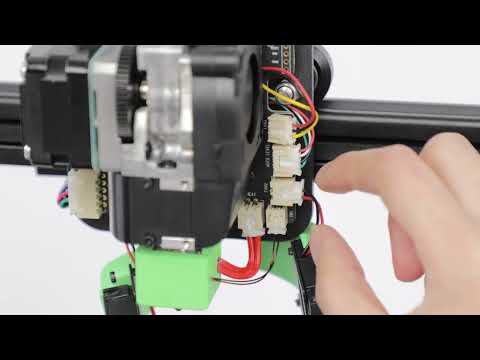
How to Replace the Air Guide of the Print Model Fan
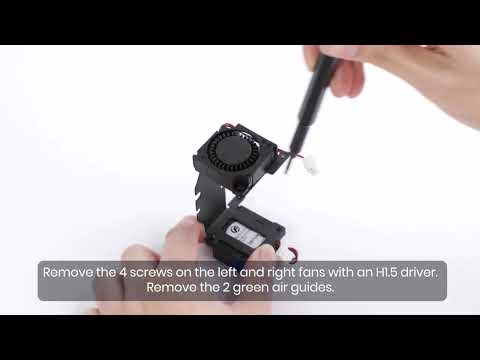
How to Replace the Print Model Fan
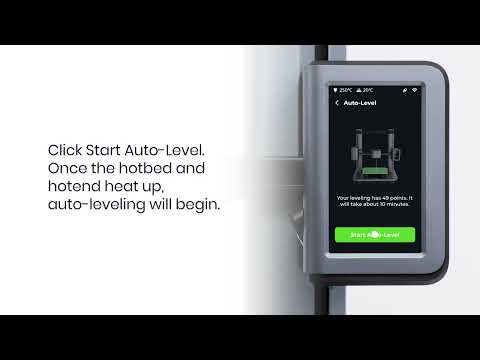
Auto Leveling
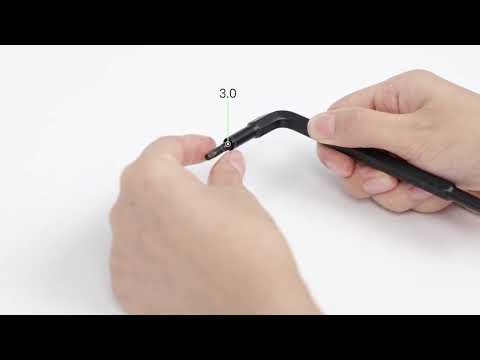
V Wheel Adjustment
How to Transfer Files and Start Printing
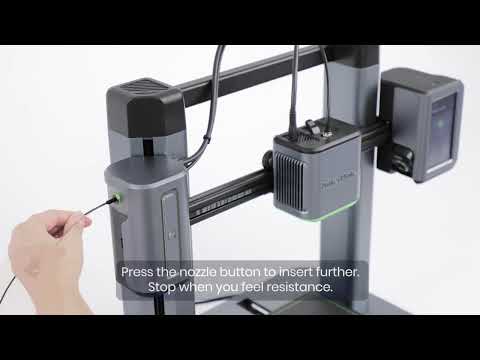
Loading Filament
View More


