https://youtu.be/HCas6-62su8?si=Y35vogsZc446qD-5
Fault Phenomenon
During homing, the printer reports a Z-axis homing failure.
Error code: 0xFD010D0003
Cause Analysis
1.The Z-axis motion mechanism is abnormal and cannot move up and down properly.
2.Hardware issues related to the Z-axis motion system.
Troubleshooting
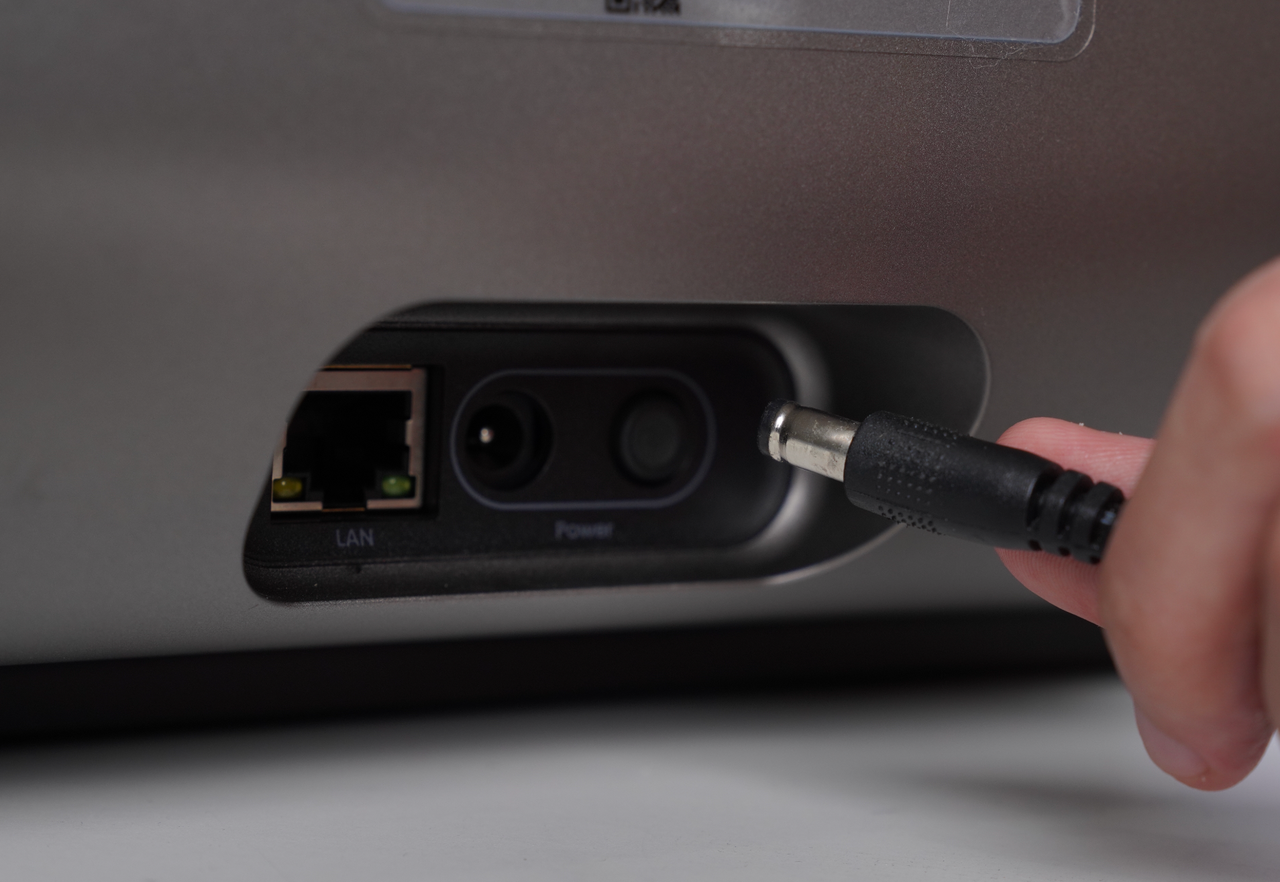
1.Unplug the printer’s power cable.
2.Check whether the mini flatbed is installed. If not, install the mini flatbed into the printer.
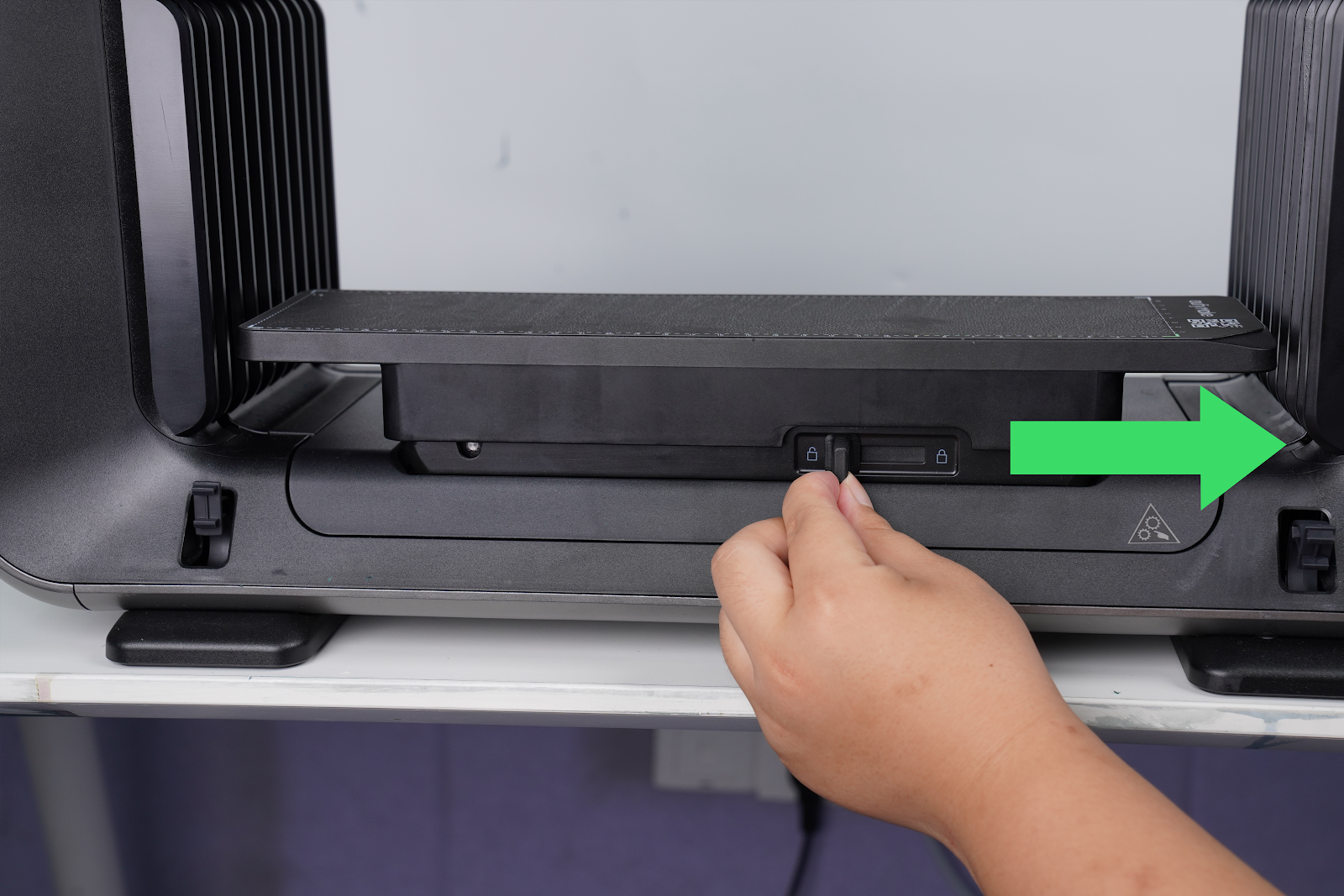
Hold both sides of the mini flatbed and lift it upward to check whether it moves normally.
3.Lift it to the middle position of the Z-axis.
Note: Some resistance is normal during lifting, but there should be no significant obstruction.
If the flatbed cannot be lifted normally, record a video and report it to eufyMake Customer Support.
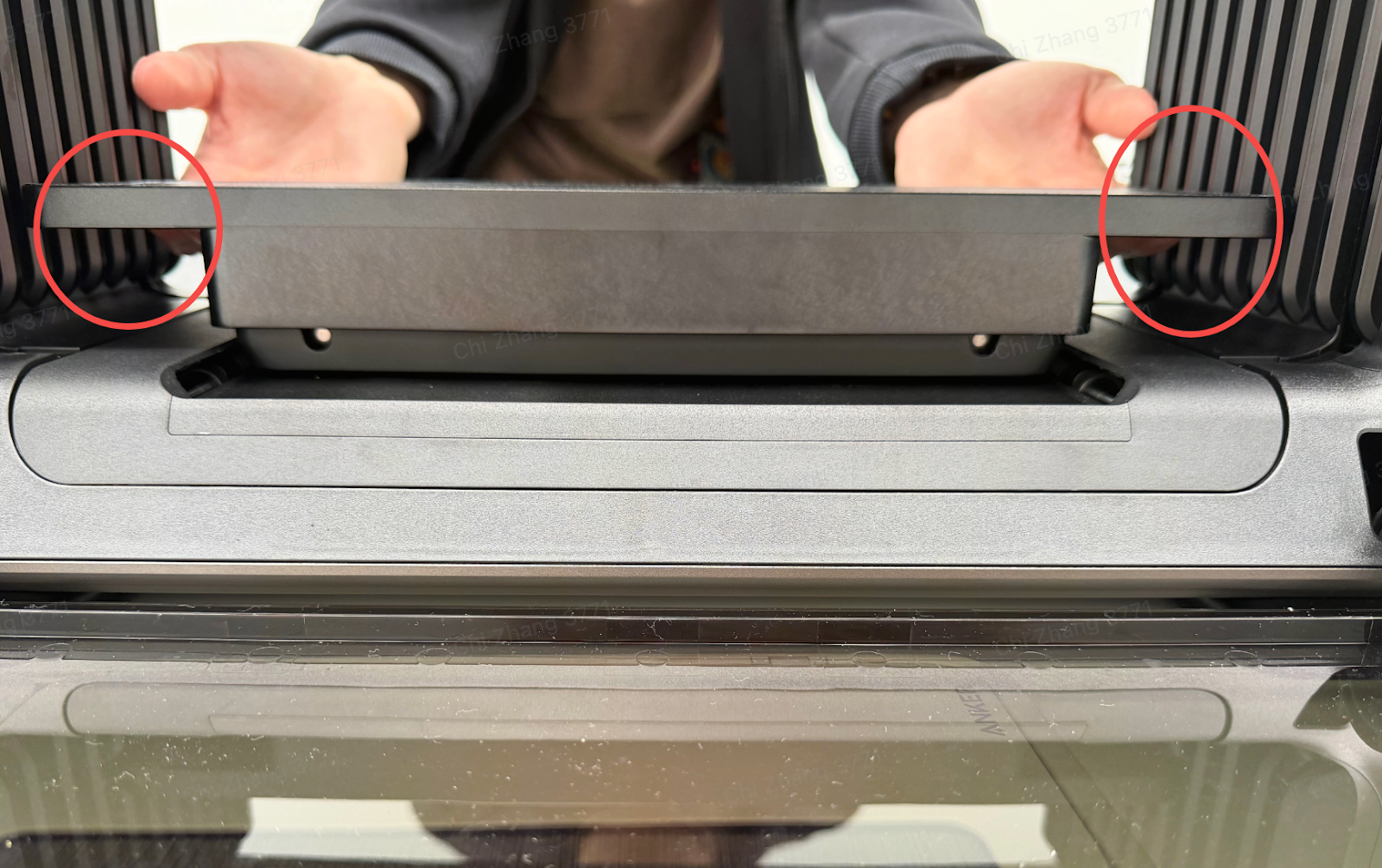
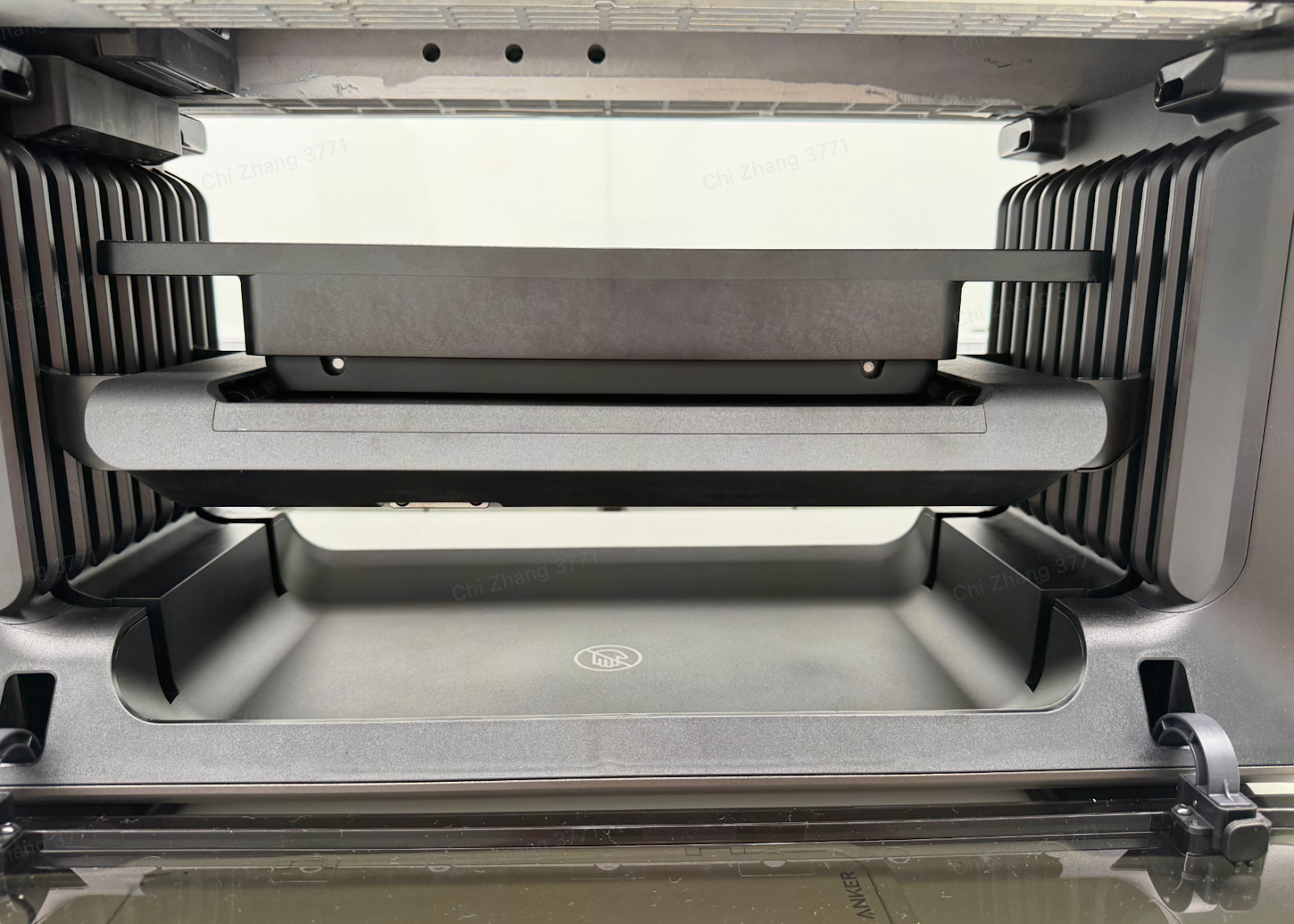
4.If the flatbed moves normally, remove the left and right side covers to inspect the Z-axis hardware:
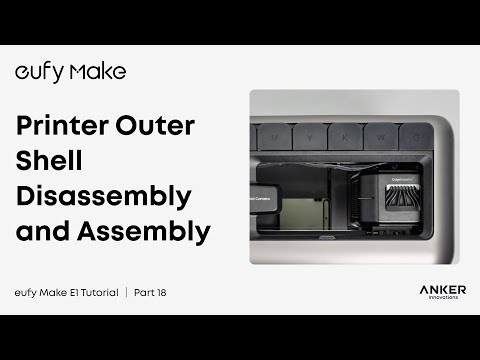
Refer to the guide and use a disassembly tool or hard card to remove the outer covers:
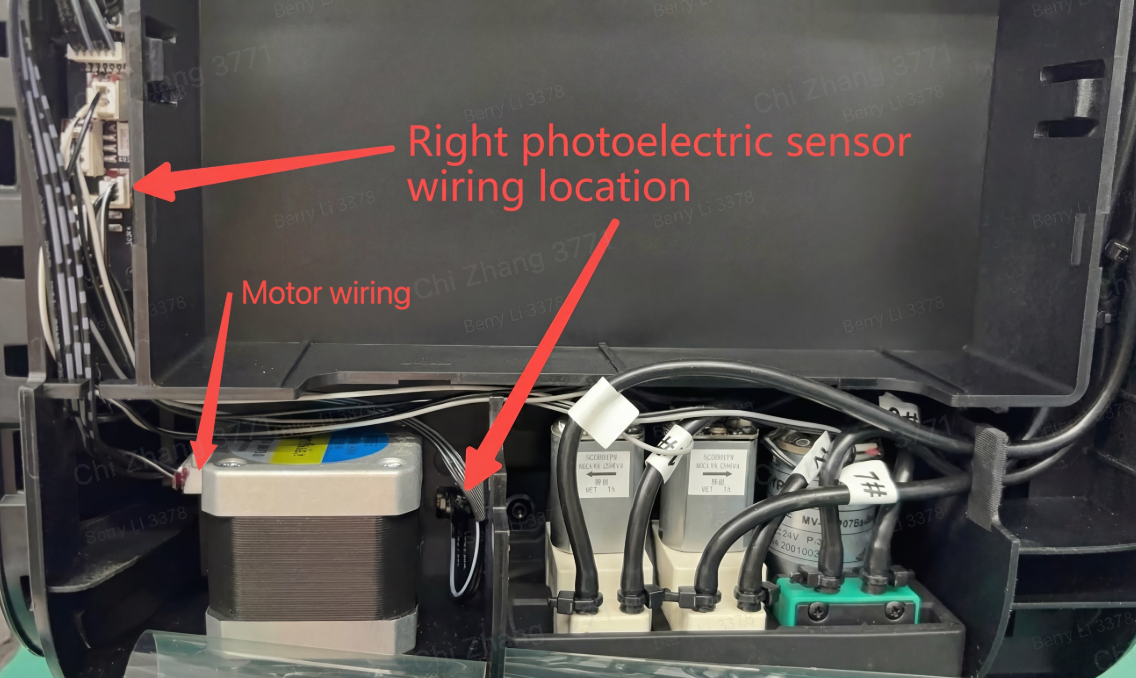
Follow the arrows in the diagram and check the wiring of the photoelectric switches and motors on both sides.
- Ensure all connections are secure. Reconnect any loose cables if necessary.
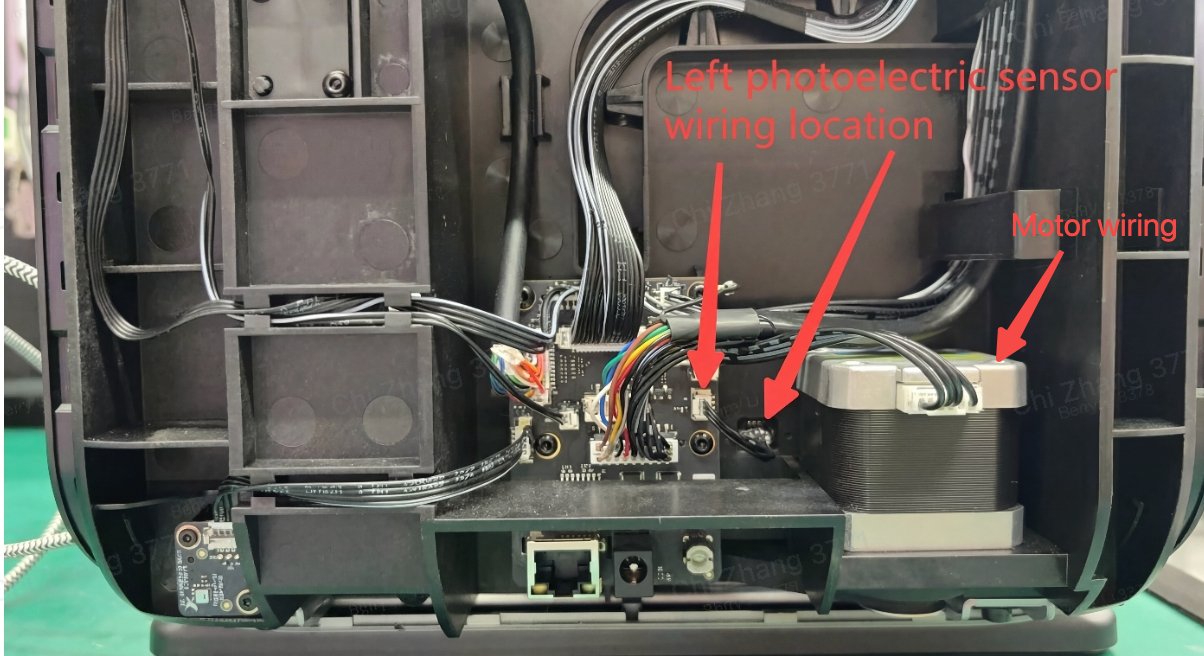
Keep the flatbed at the middle position of the Z-axis, then reconnect the power supply.
5.The printer will perform a self-check.
Observe whether the Z-axis moves during the self-check and record the process as a video.
Support Contact
If the issue persists after completing the above steps, please contact eufyMake Customer Support at support@eufymake.com with the following information:
-
Your Order Information
-
Printer SN. Please refer to: How to Check the Device Serial Number (SN)
-
Printer and App Logs. Please refer to Log / Feedback Upload Process (App & PC) – Overview
-
Relevant photos and videos.