UV printers can accumulate ink and dust during use, so regular maintenance is essential to ensure stable performance and print quality.
Maintenance is divided into two manual cycles:
1. Routine Cleaning (Once a month)
2. Deep Manual Cleaning (Once every 3 months)
⚠️ Safety Precautions: Always wear protective gloves and goggles throughout all cleaning operations to prevent UV ink from contacting your skin or eyes. And avoid letting the cleaning solution drip onto the machine’s exterior, as it can be corrosive.
Routine Cleaning (Monthly)
To maintain print quality and extend the life of your printer, perform the following cleaning procedure once a month, focusing on areas prone to ink buildup.
Materials Needed:
-
Lint-free cloths
-
Lint-free cotton swabs
-
Ink cleaning solution
-
Disposable nitrile gloves
-
Silicone ink scraper
Procedure:
General Precaution
Since UV ink and cleaning solution are mildly corrosive, always wear gloves when cleaning and proceed carefully to avoid splashes.
-
Pre-cleaning operations
⚠️Warning: Make sure the device is idle
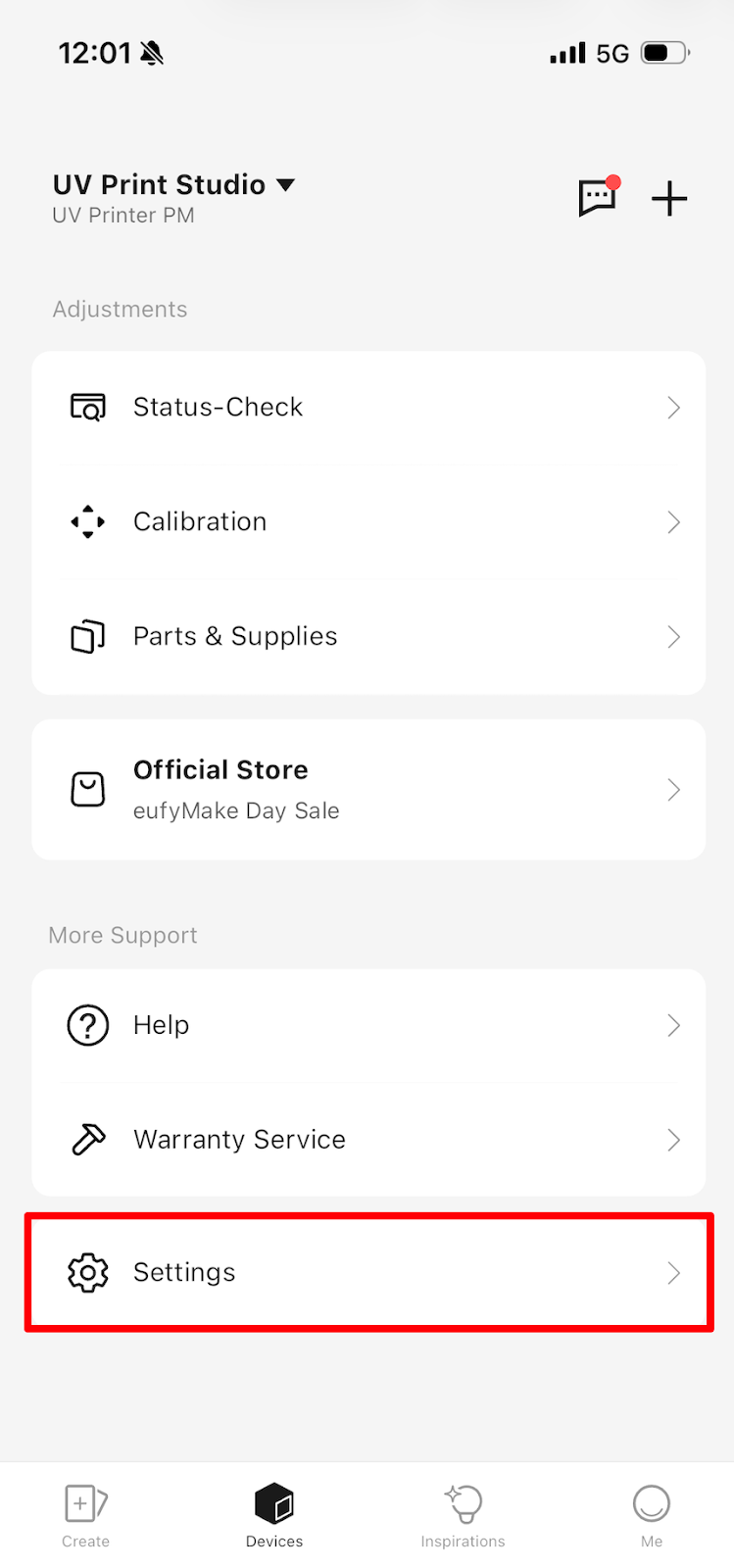
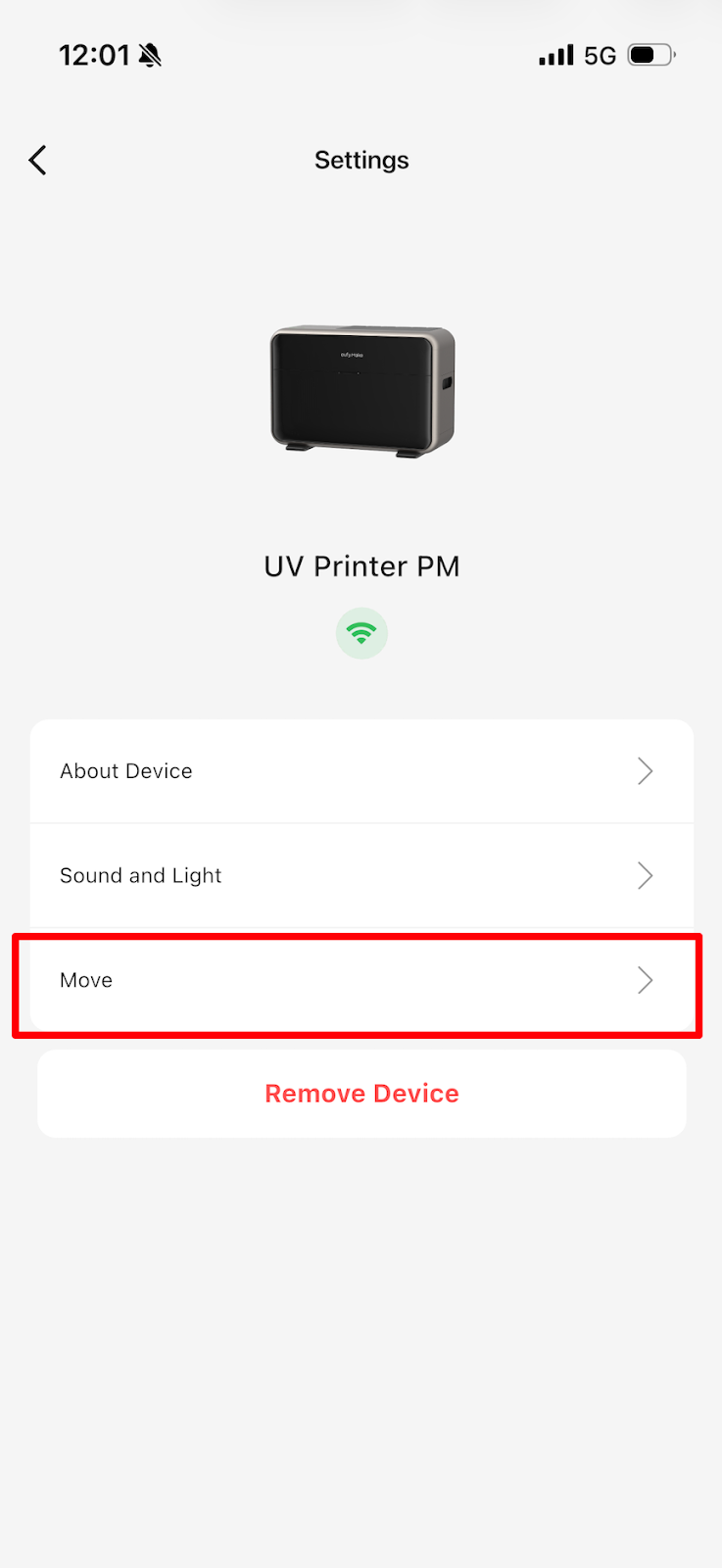
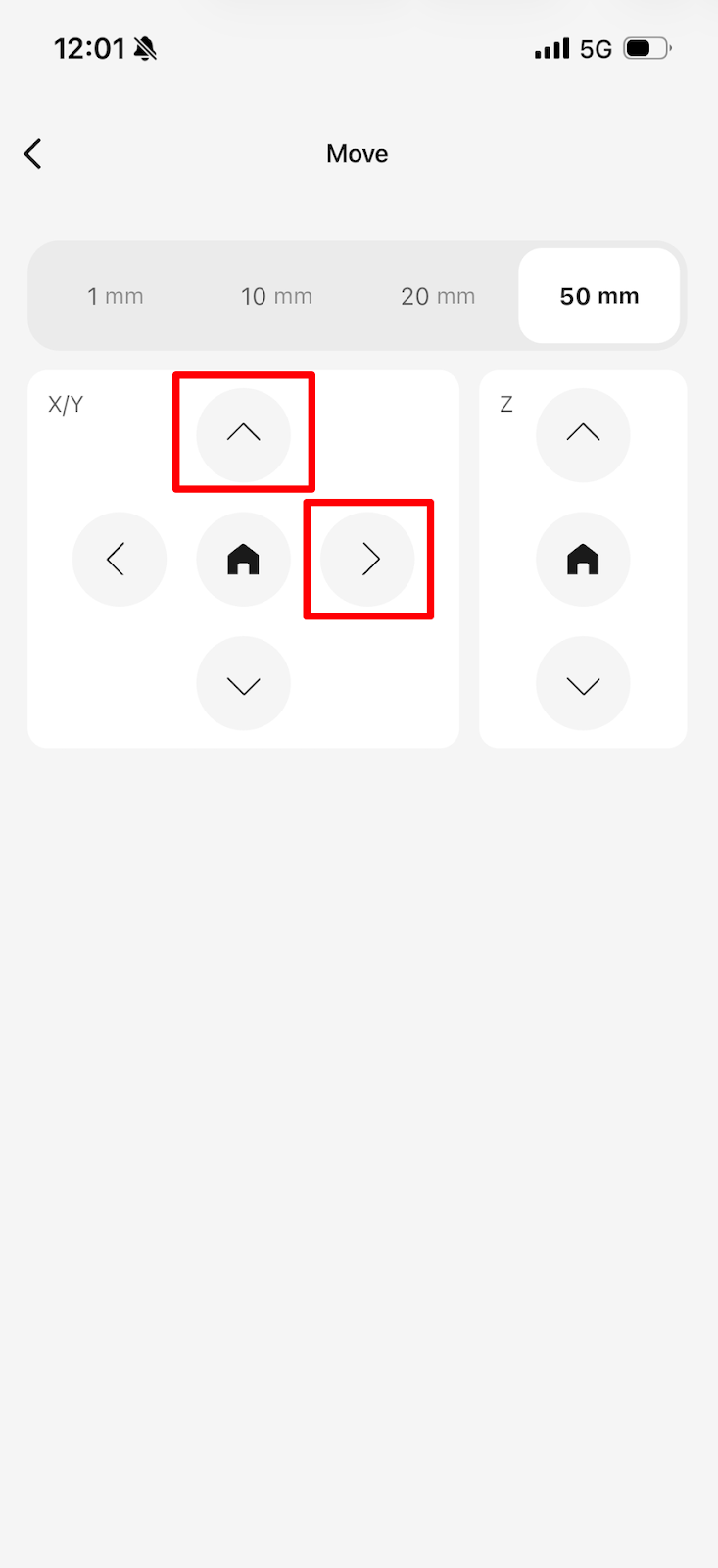
Move the nozzle outward along the X-axis to near the Camera through APP operation, and move the Y-axis base forward through the software until it cannot move forward, leaving enough space for subsequent operations.
-
UV Lamp Surface Cleaning
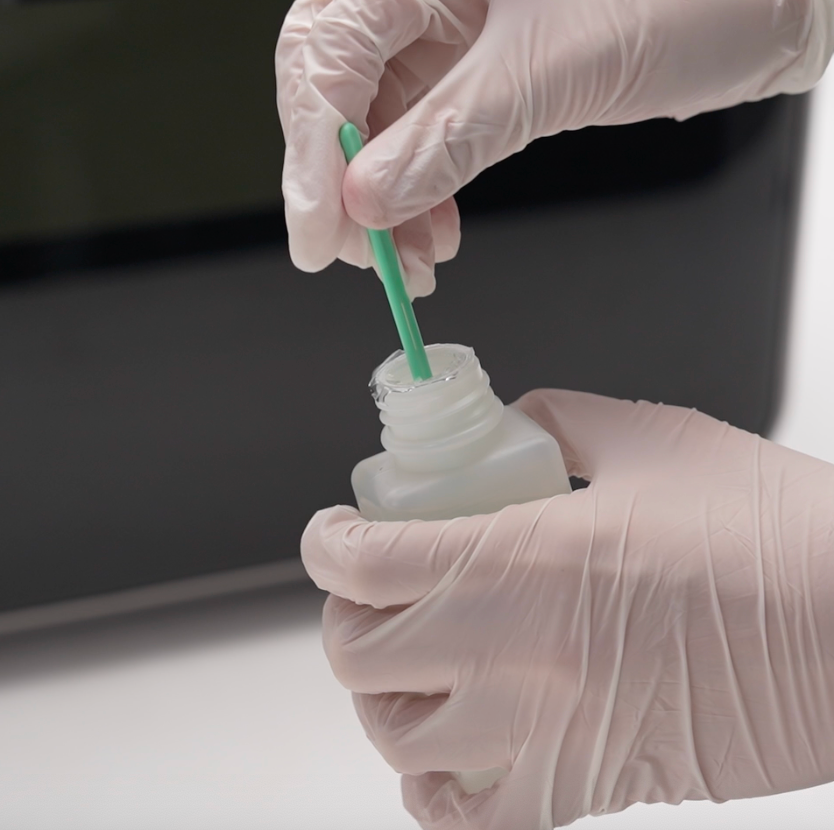
Moisten a lint-free swab with ink cleaning solution.
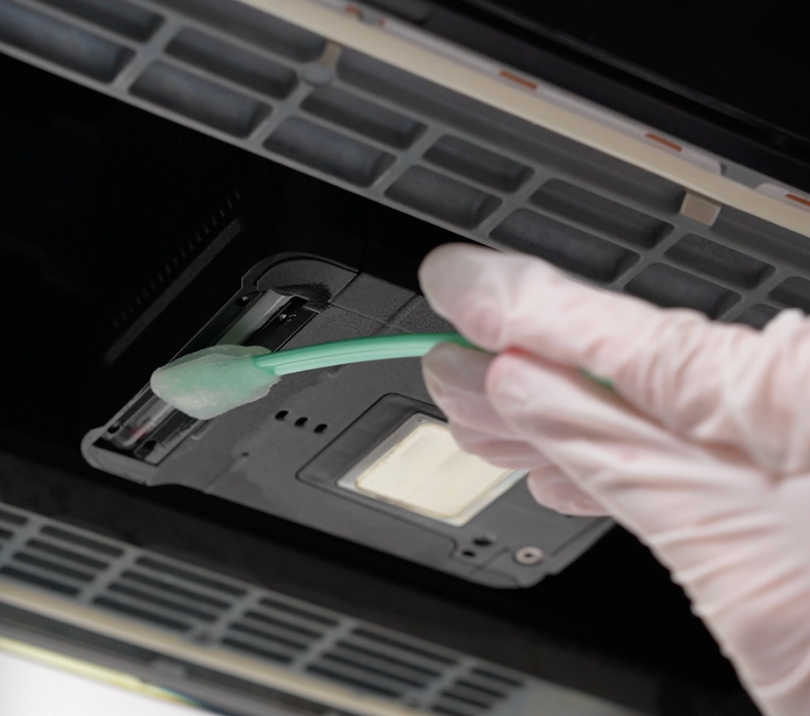
Gently wipe the entire UV lamp surface until no visible ink remains.
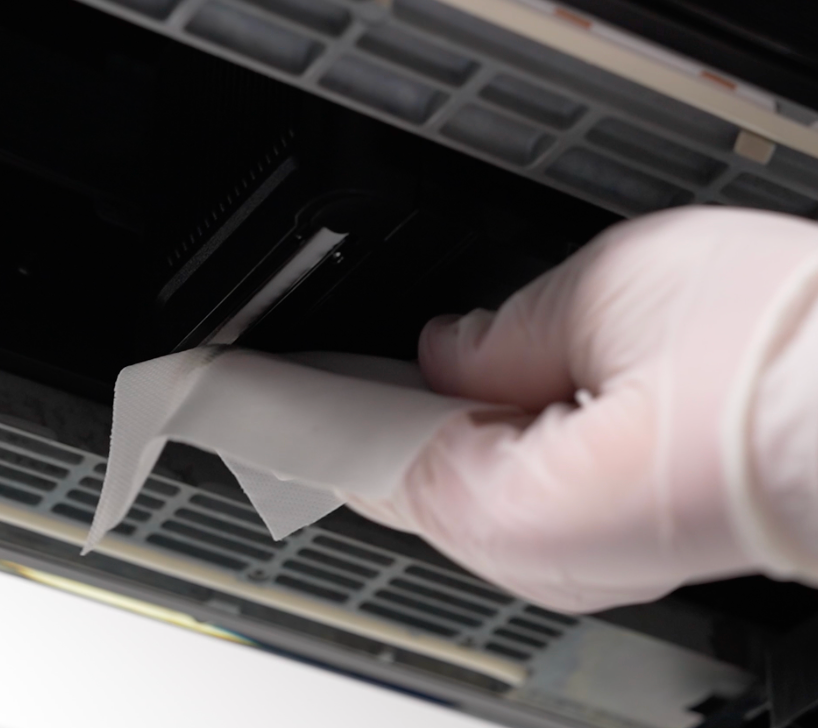
Use a clean lint-free cloth to remove any excess solution and ensure the surface is dry and clean.
-
Printhead Surroundings Cleaning
Moisten a lint-free swab with ink cleaning solution.
Carefully wipe around the printhead area to remove ink splatters.
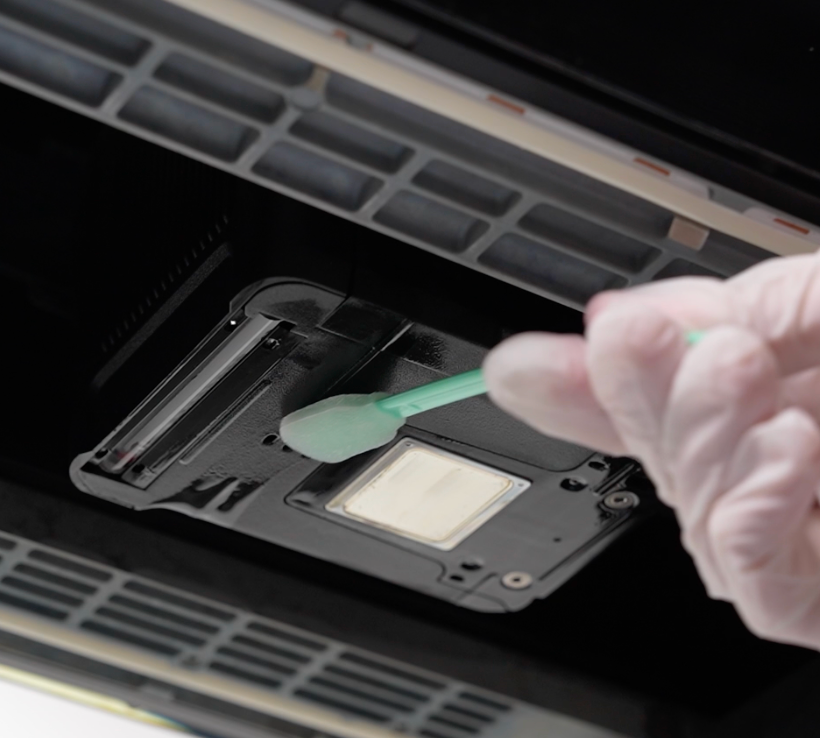
Repeat until the area is free of visible ink.
Use a clean, lint-free cloth to dry the area completely.
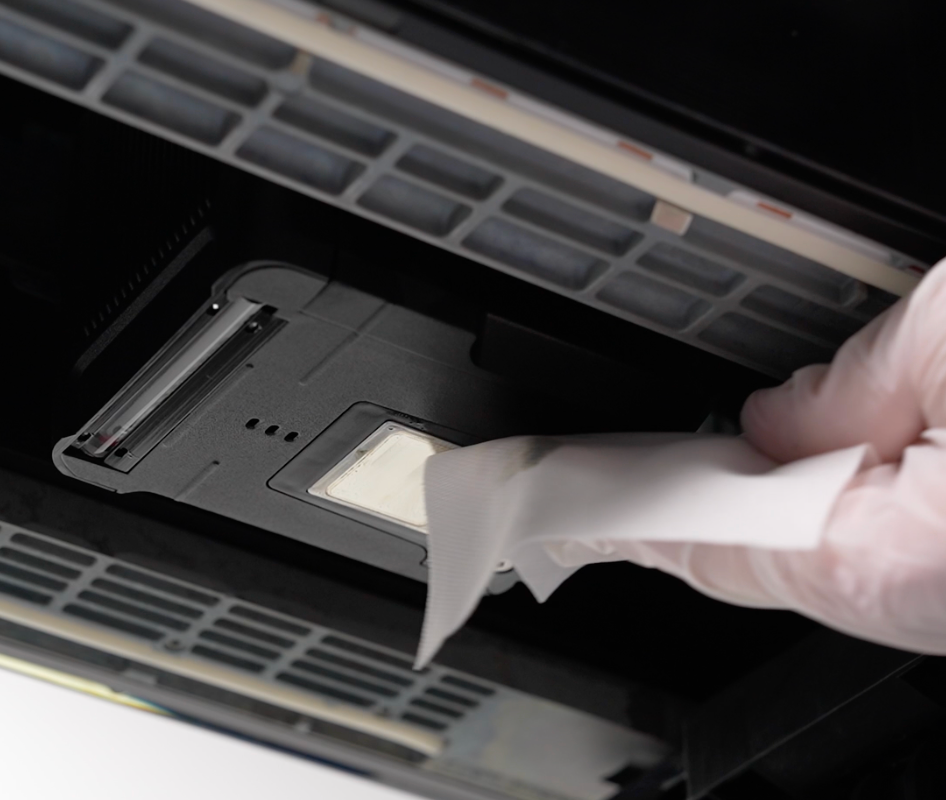
⚠️Caution: It is not recommended to use the cleaning solution for manual cleaning of the nozzle area.
-
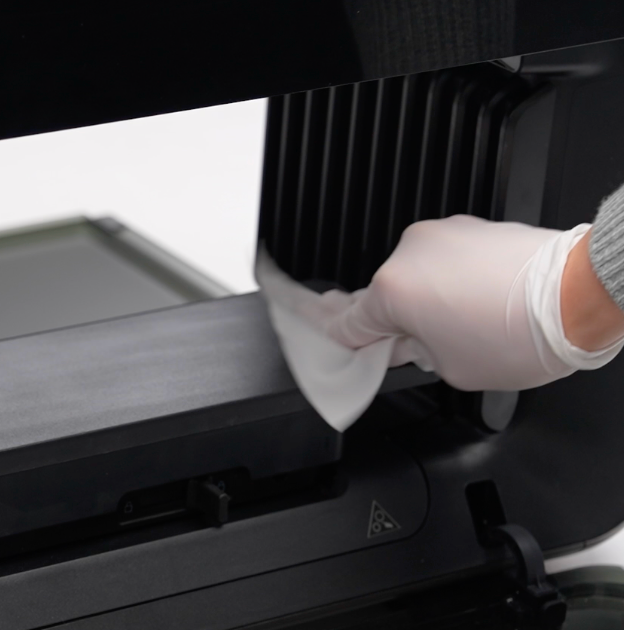
Flatbed Bed Base Cleaning
Moisten a lint-free cloth with ink cleaning solution.
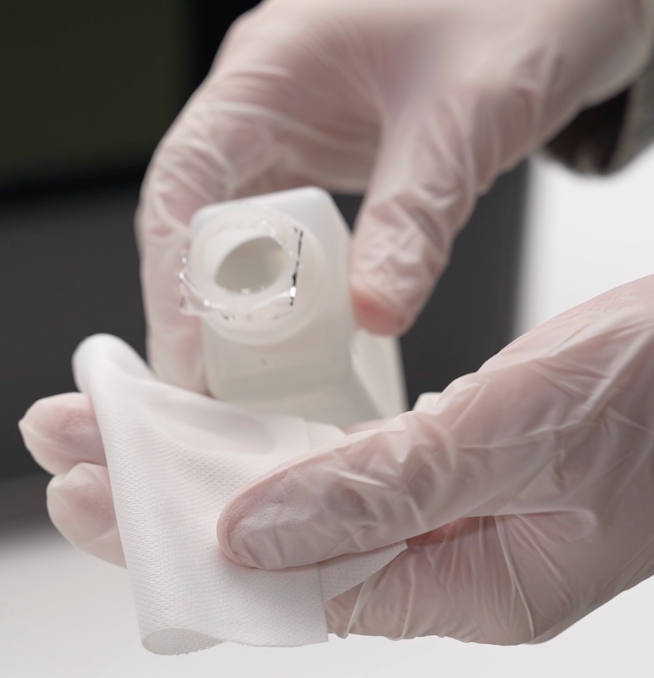
Wipe the entire flat bed surface thoroughly.
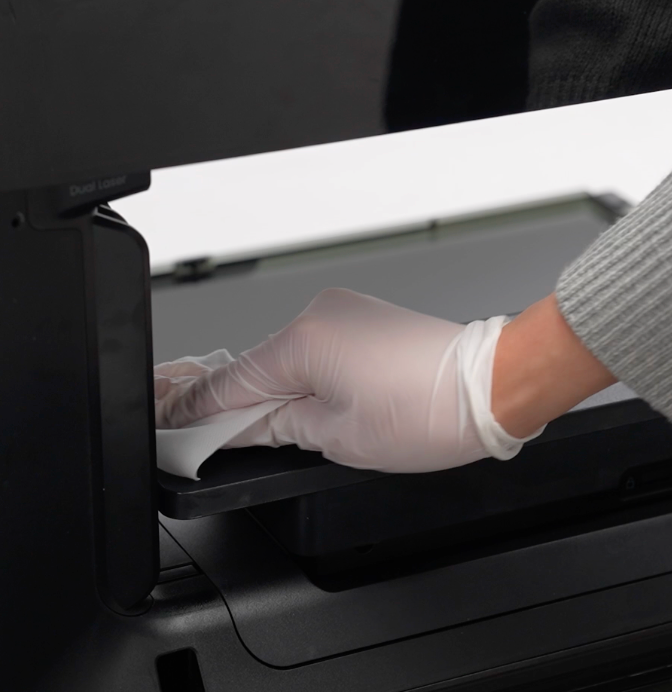
Use a dry, lint-free cloth to remove any leftover solution.
-
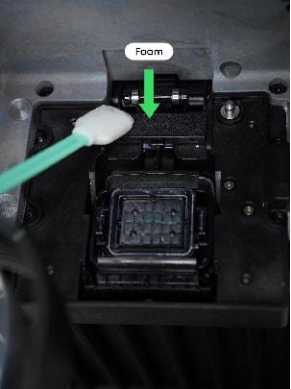
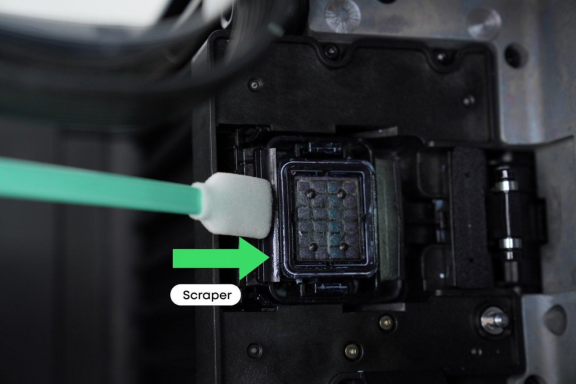
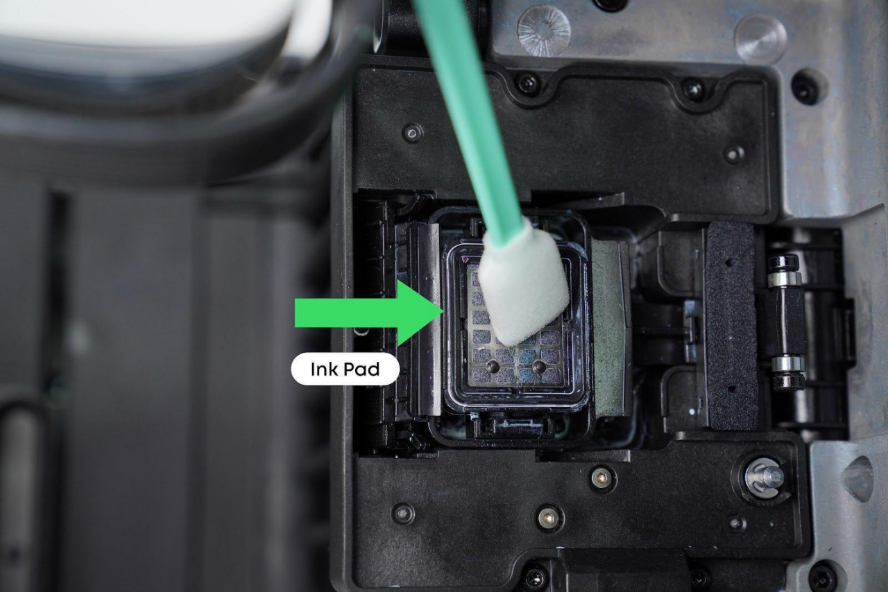
Print Head Station Cleaning
Moisten a lint-free swab with a cleaning solution.
Clean the scraper blade and ink pad until no ink residue remains.
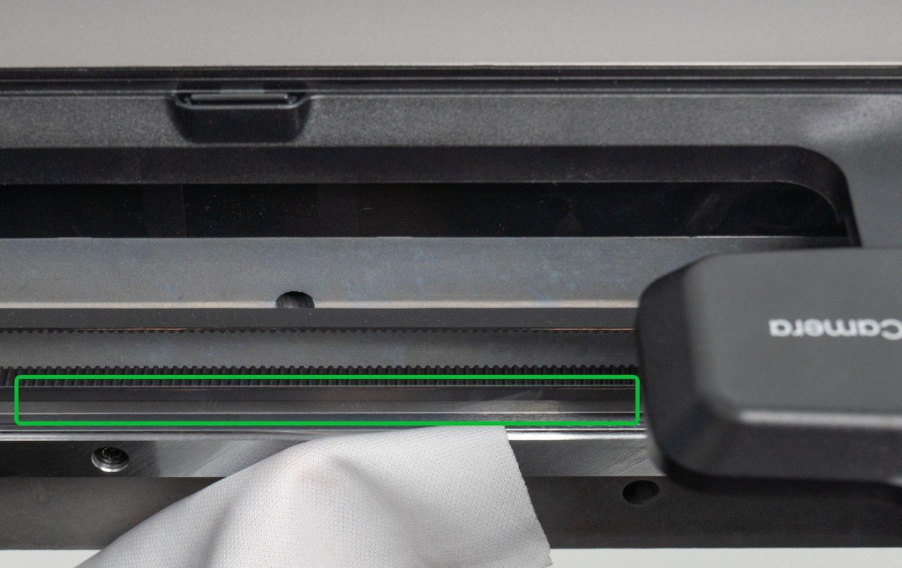
⚠️ Caution: Do not touch the encoder strip to avoid calibration errors!