Video Link: https://youtu.be/ZVLYR4kfdgw?si=dywA2U1V6VGiijfz
Fault Phenomenon
When the printer reports an encoder-related error, this guide covers the standard troubleshooting steps, as these issues typically share the same root causes.
Cause Analysis
1. Foreign objects are blocking print head movement along the X-axis
2. The encoder strip is contaminated (ink, dust, or debris)
3. The encoder strip is misaligned
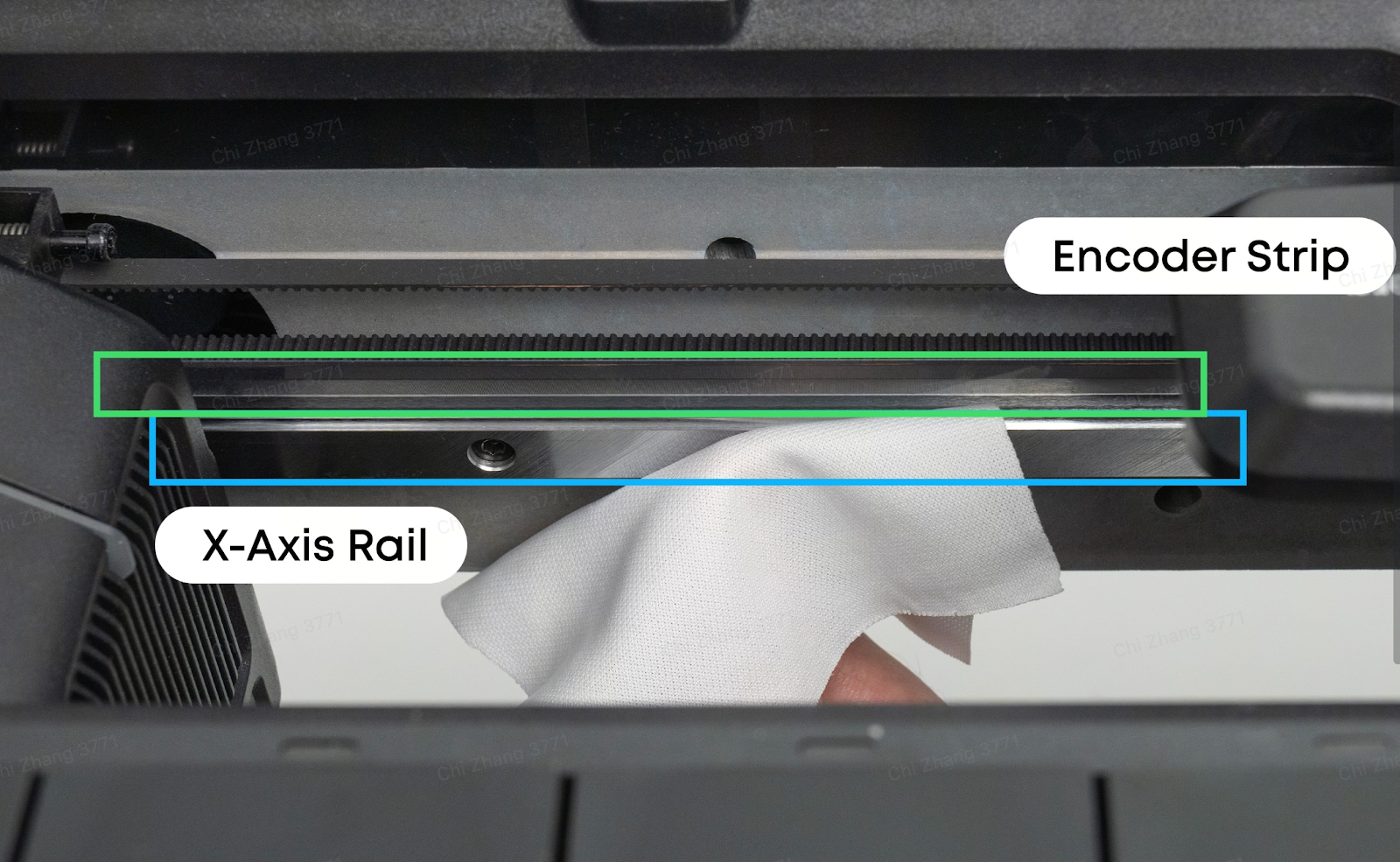
Troubleshooting
1. Check for any foreign objects blocking the X-axis movement. If found, remove them.
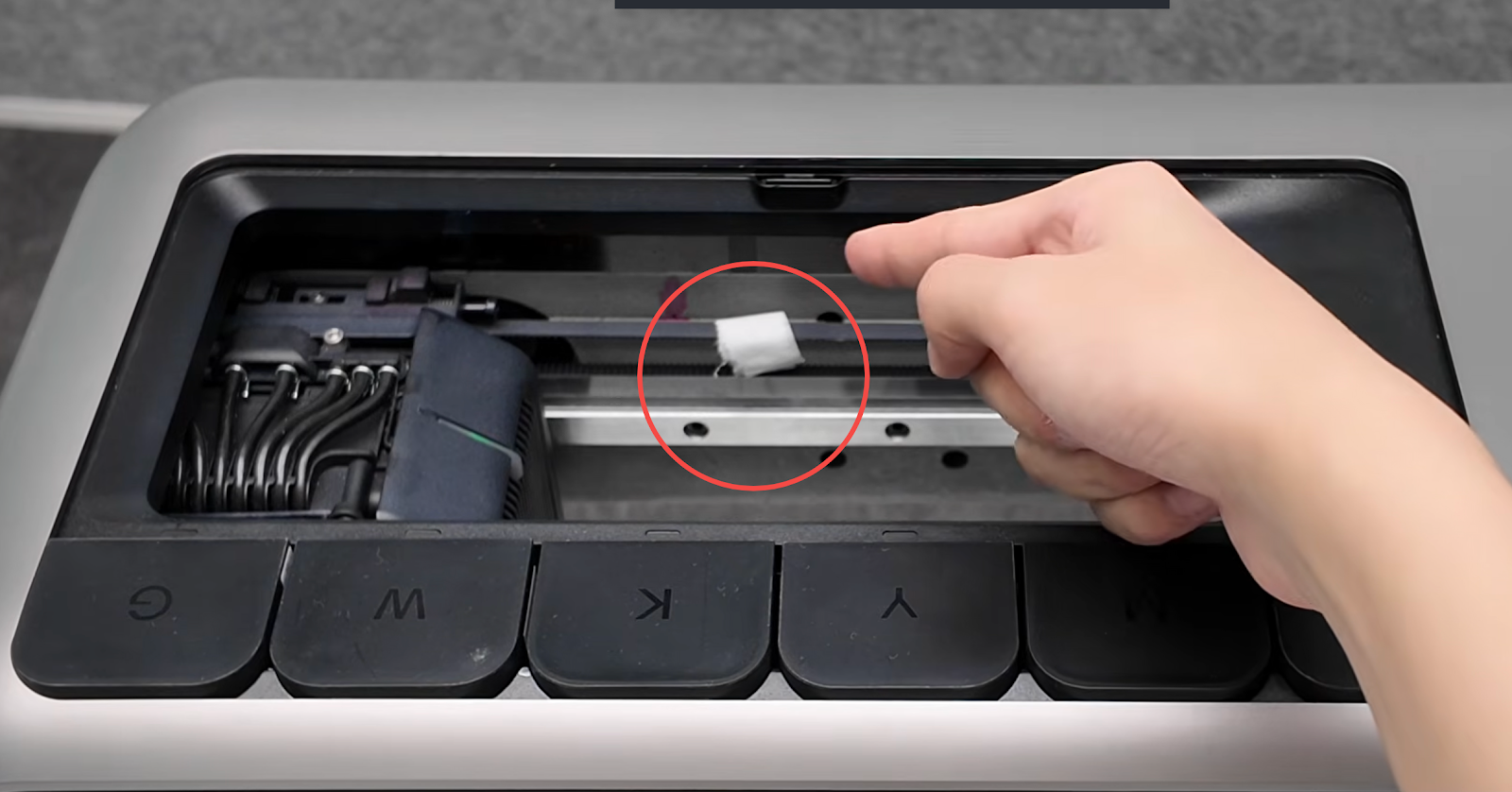
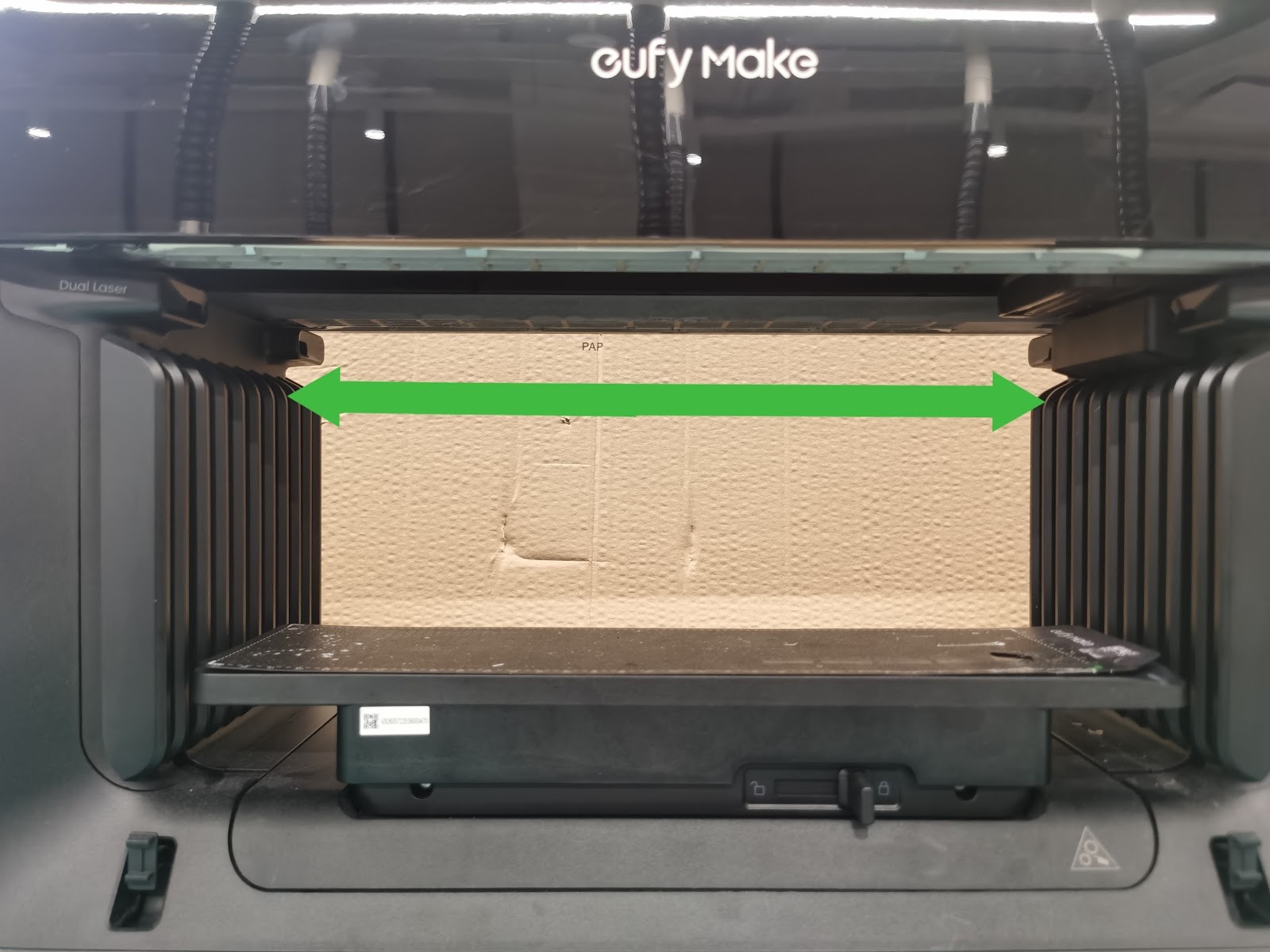
2. Using the APP or PC, move the print head 100–300 mm away from the capping station, then check whether the encoder strip is centred within the sensor.
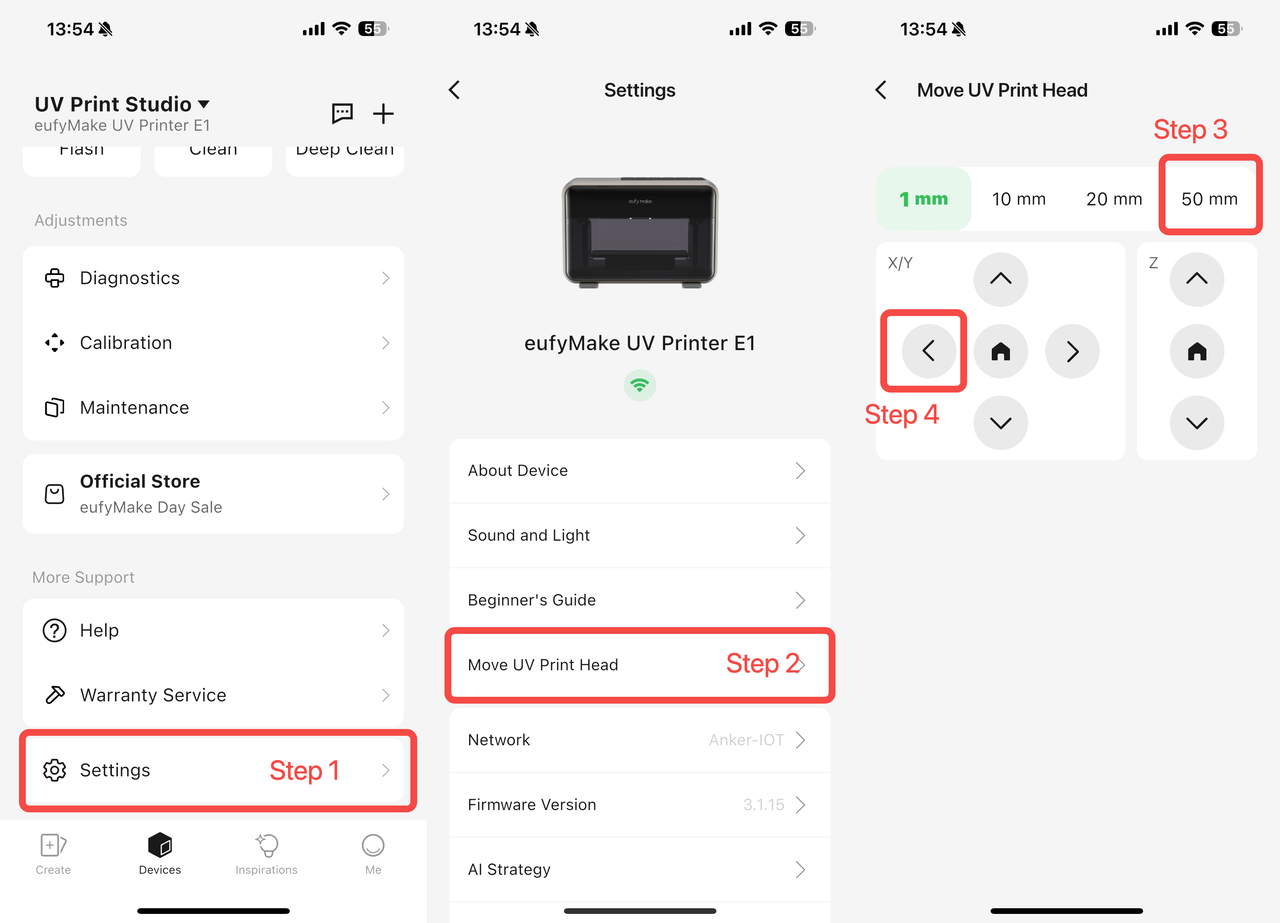
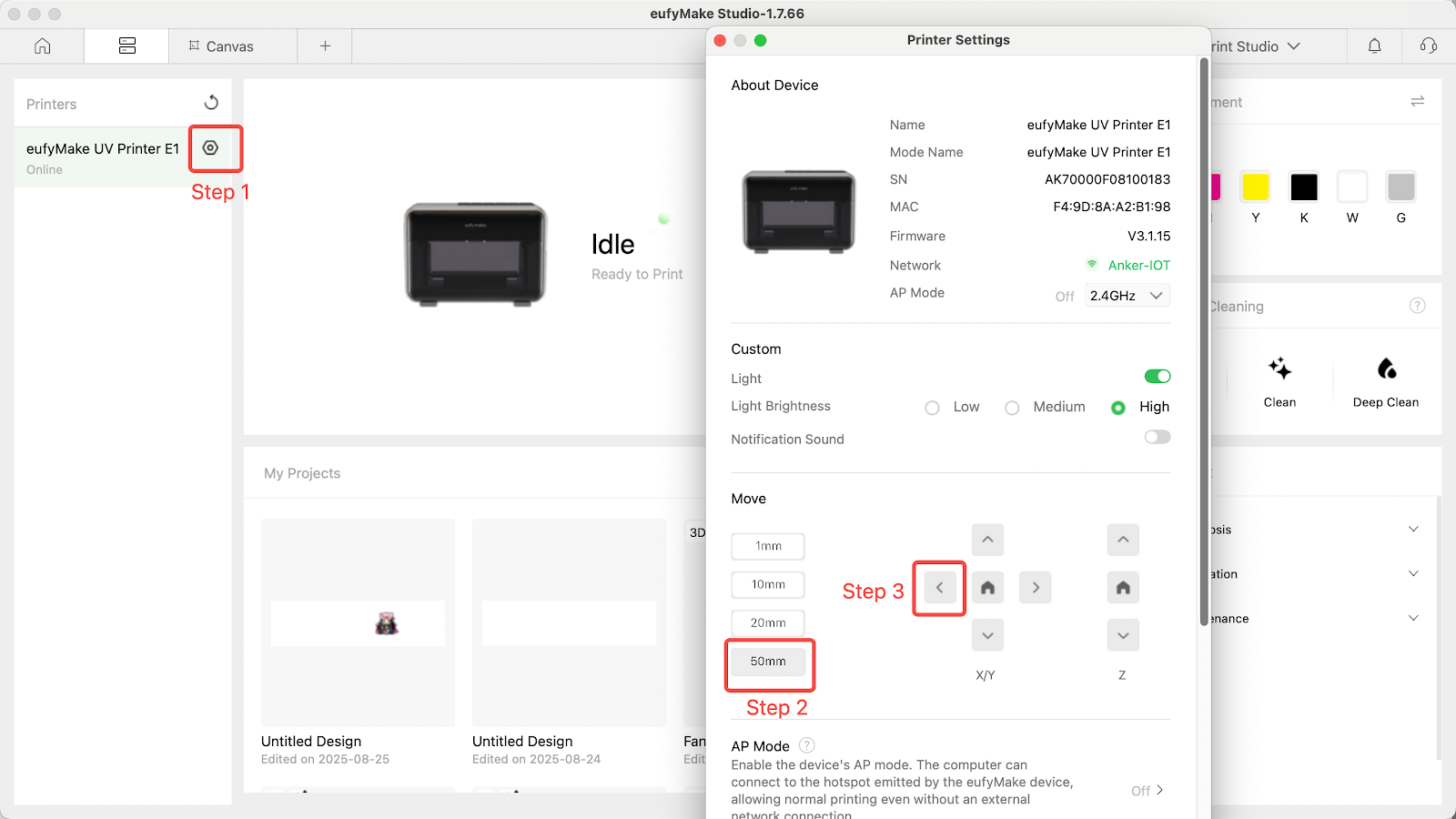
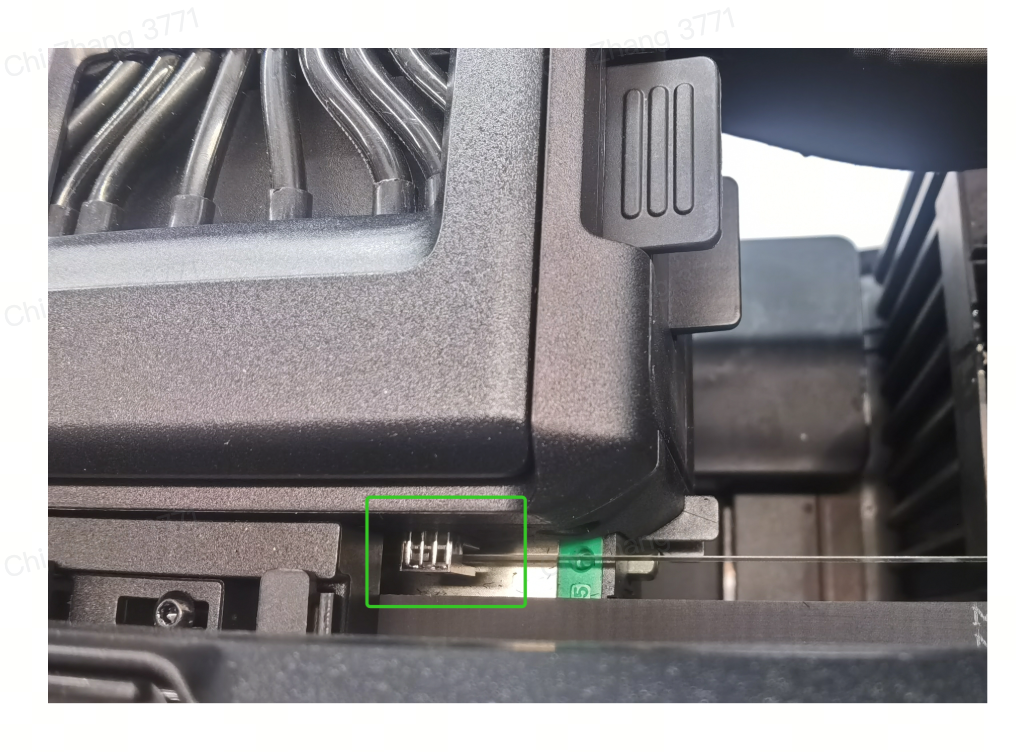
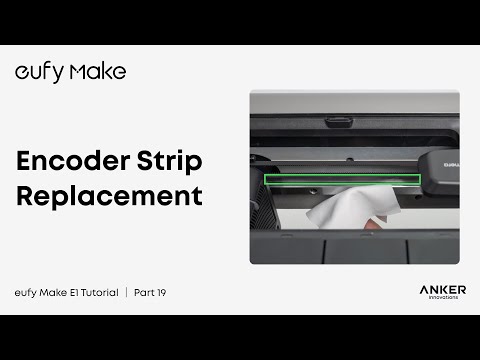
3. If the encoder strip is correctly positioned, proceed to Step 4. If it is misaligned, reinstall it using the guide below:
eufyMake UV Printer E1 Encoder Strip Replacement SOP
youtube.com/watch?v=2L7cZ0C3NJg&list=PL_aDMkCH-68yWfXs3bCObg95QSWqcr1Y3&index=19
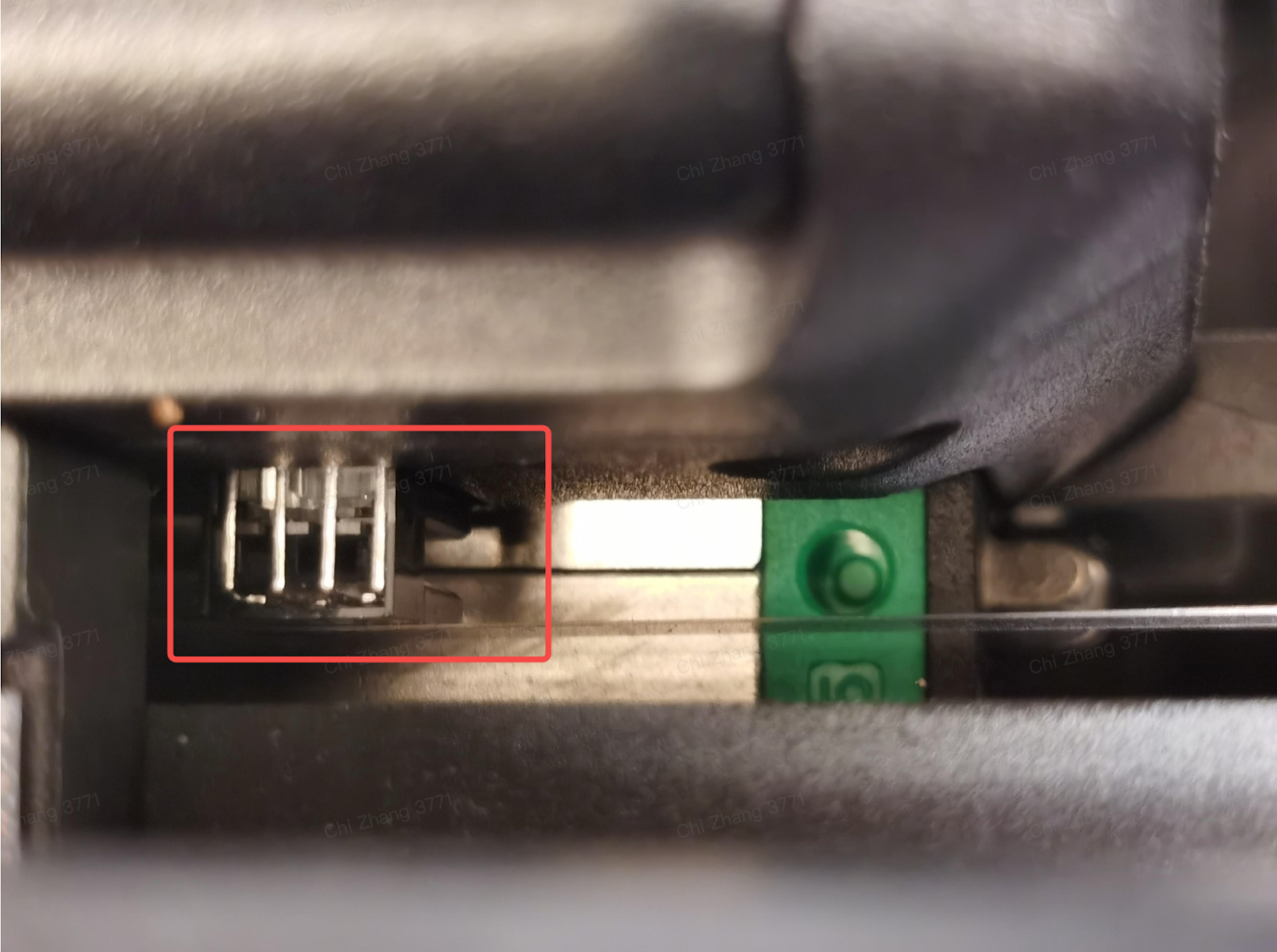
4. After completing the checks above, clean the encoder strip:
Operation video: https://www.youtube.com/watch?v=4hQjPF5VRB4
5. Move the print head 300 mm away from the capping station using the APP or PC
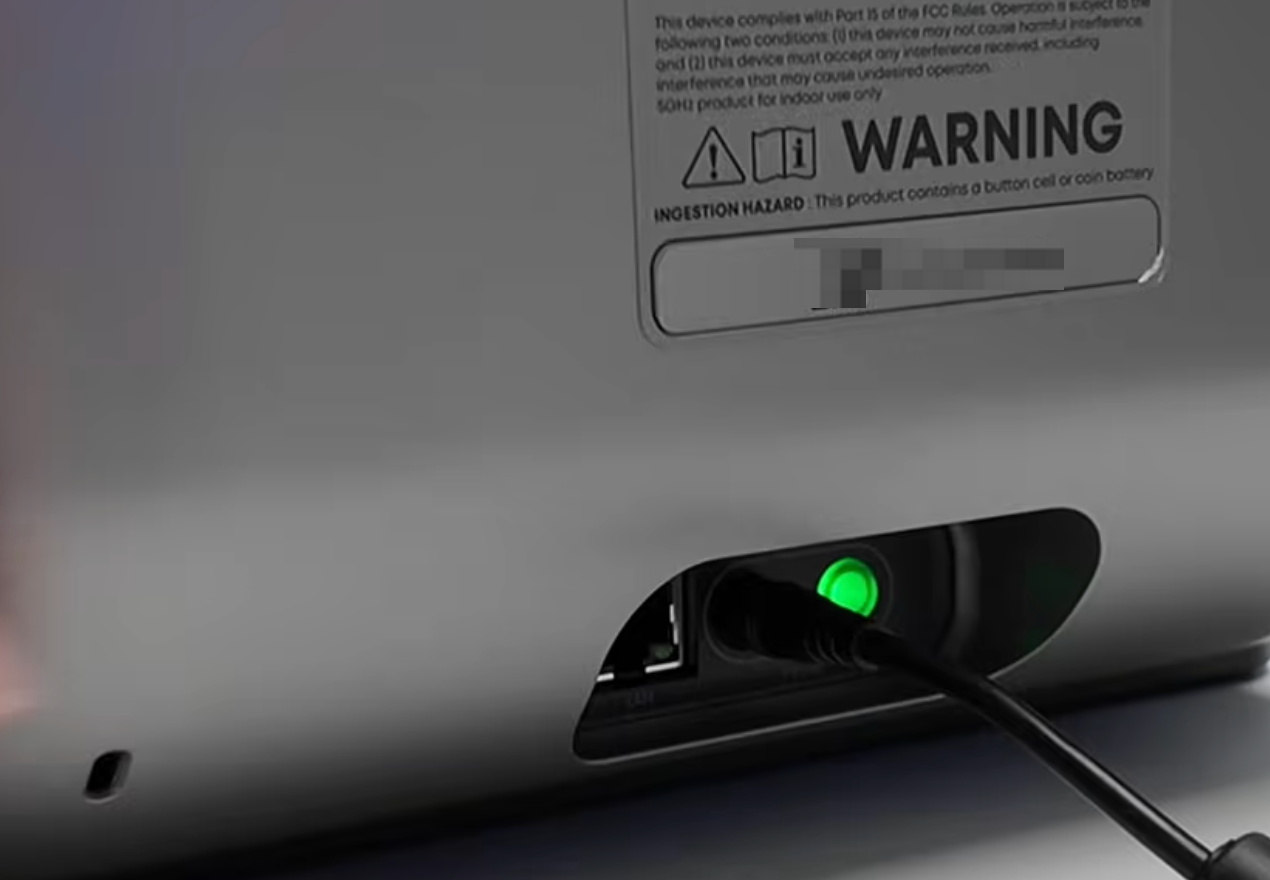
6. Disconnect the printer from the power supply
7. Prepare a clean, lint-free cloth and lightly spray it with ethanol
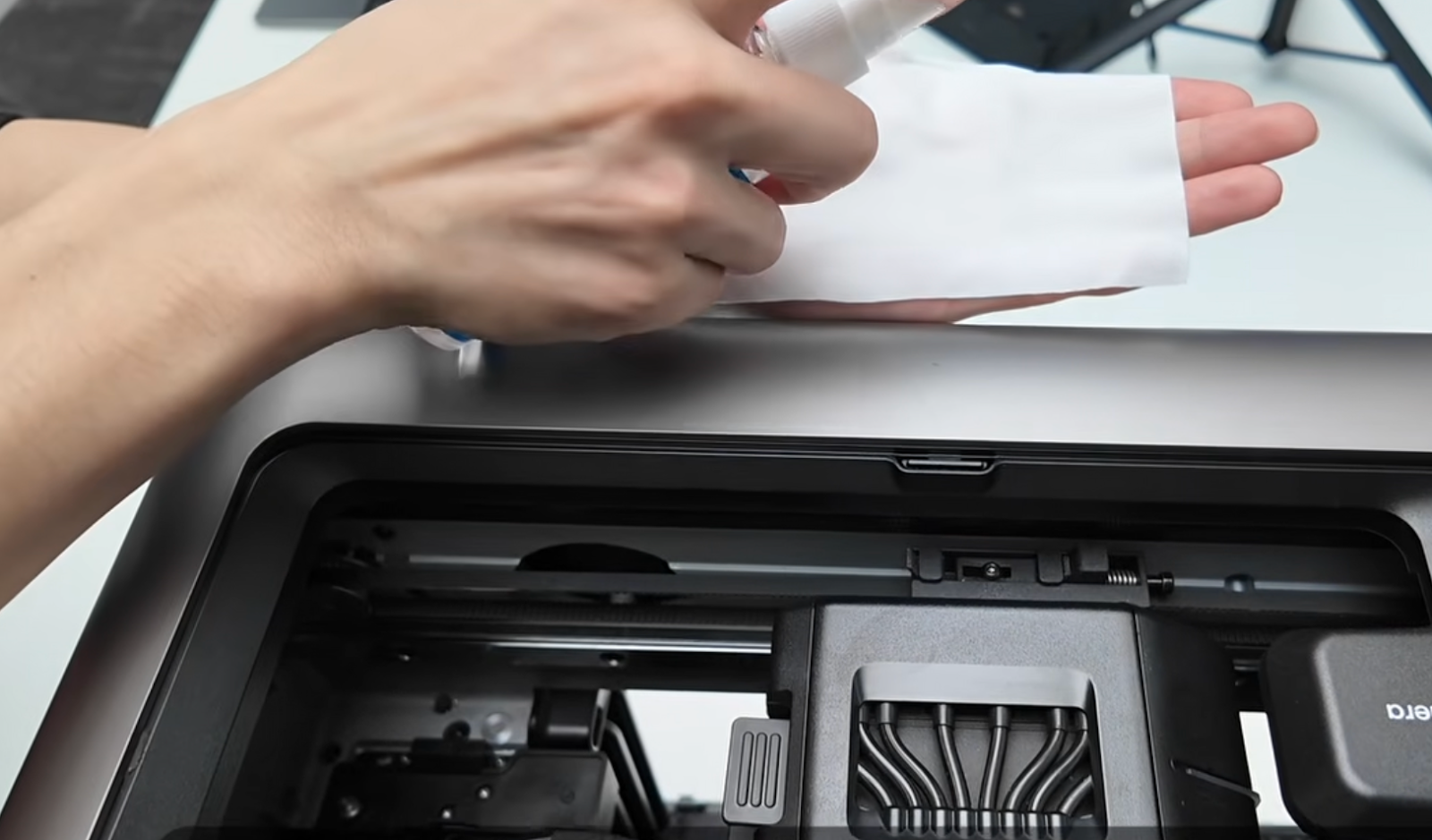
8. Gently wipe the encoder strip from one end to the other (avoid repeated back-and-forth wiping)
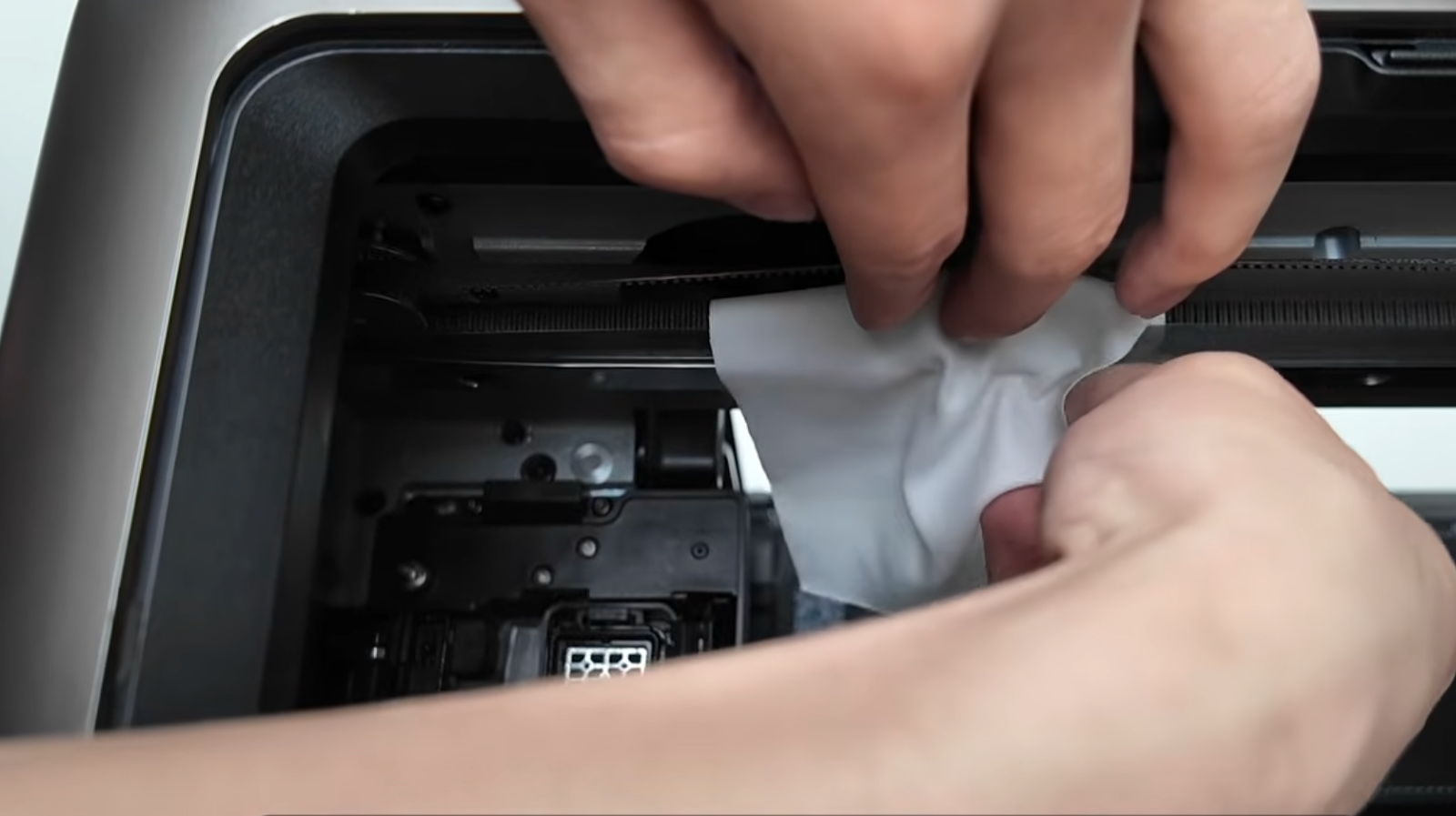
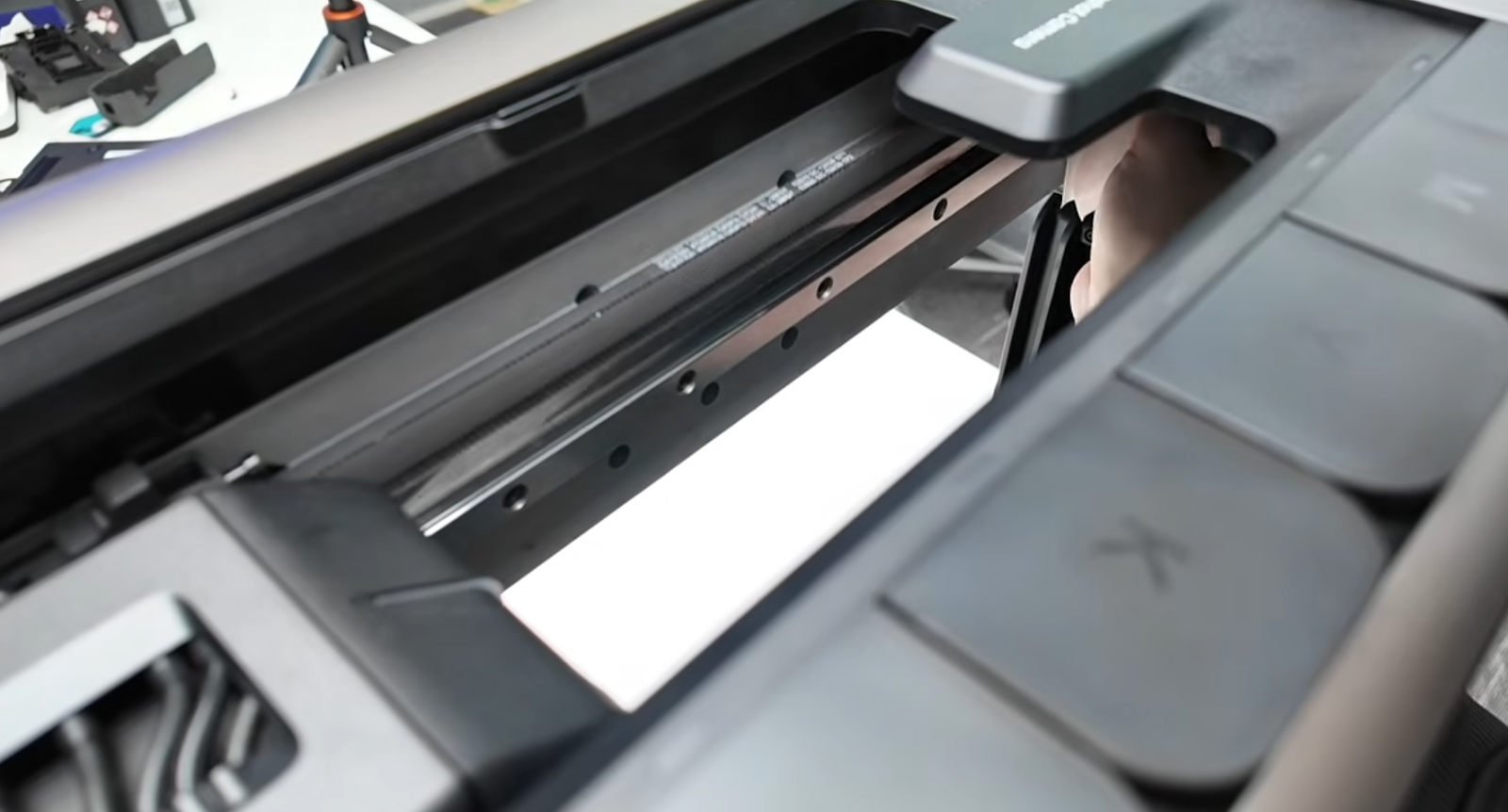
9. After cleaning, wait 20–30 minutes for the alcohol to fully evaporate, then reconnect the power and test again
Support Contact
If the issue persists after completing the above steps, please contact eufyMake Customer Support at support@eufymake.com with the following information:
-
Your Order Information
-
Printer SN. Please refer to: How to Check the Device Serial Number (SN)
-
Printer and App Logs. Please refer to Log / Feedback Upload Process (App & PC) – Overview
-
Relevant photos and videos.