Fault Phenomenon:
-
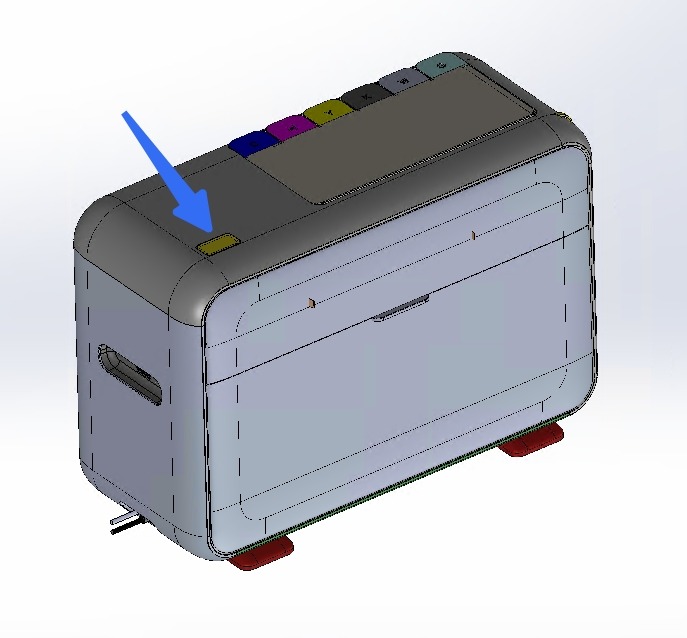
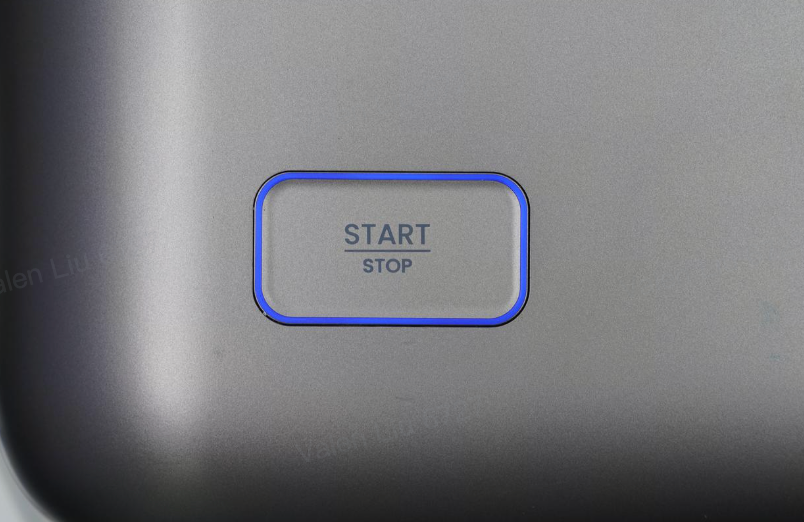
The Start/Stop button does not respond.
-
The APP reports error code: 0xFD01170003
Cause Analysis:
-
The system did not start correctly.
-
The button light board may be damaged.
-
The connecting cable may be damaged.
-
The software system may be frozen.
Required Tools:
-
Disassembly Tool
Troubleshooting Steps:
-
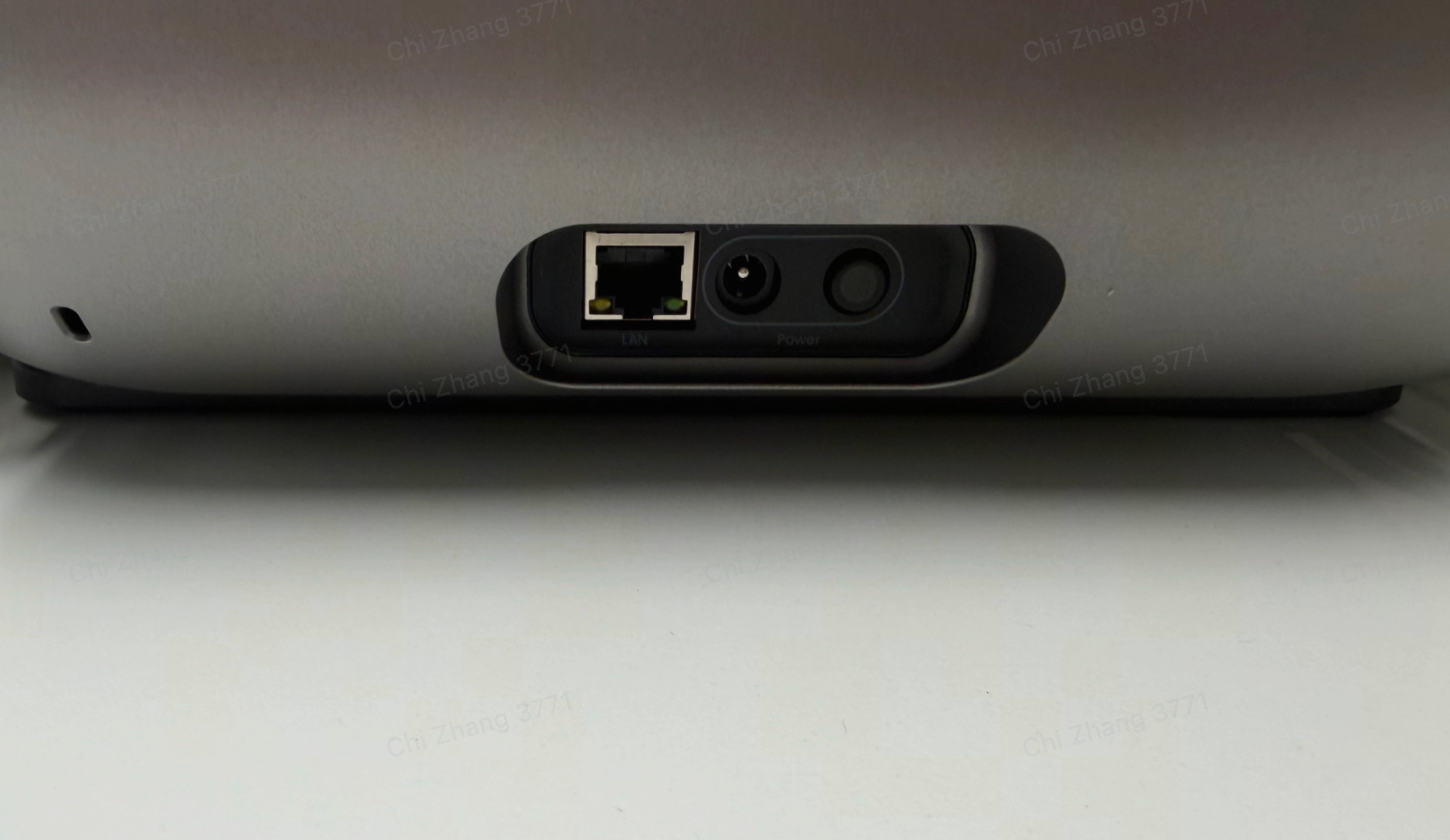
Unplug the printer power cable, then plug it back in.
Check whether the printer starts normally based on the following:
-
A startup sound is heard.
-
The Start/Stop button shows blue, green, or red, and the print head status light is green.
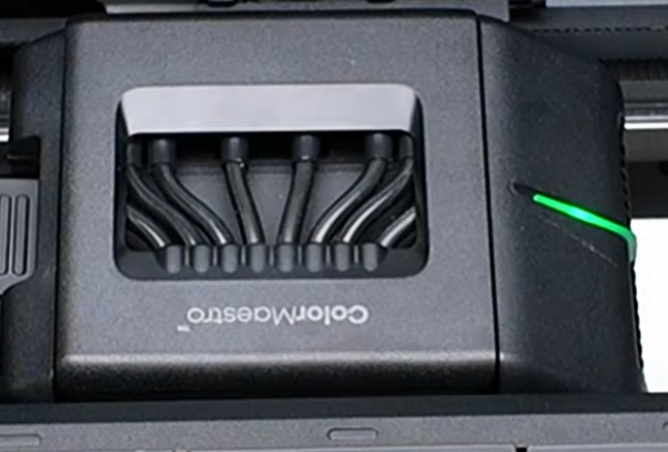
2. After powering on, wait for the device to complete the self-check.
Upload the printer logs:
3. Log / Feedback Upload Process (App & PC) – Overview
Note: After unbinding, logs can no longer be uploaded. If the button is faulty, you may not be able to rebind the printer.
4. Unbind the device.
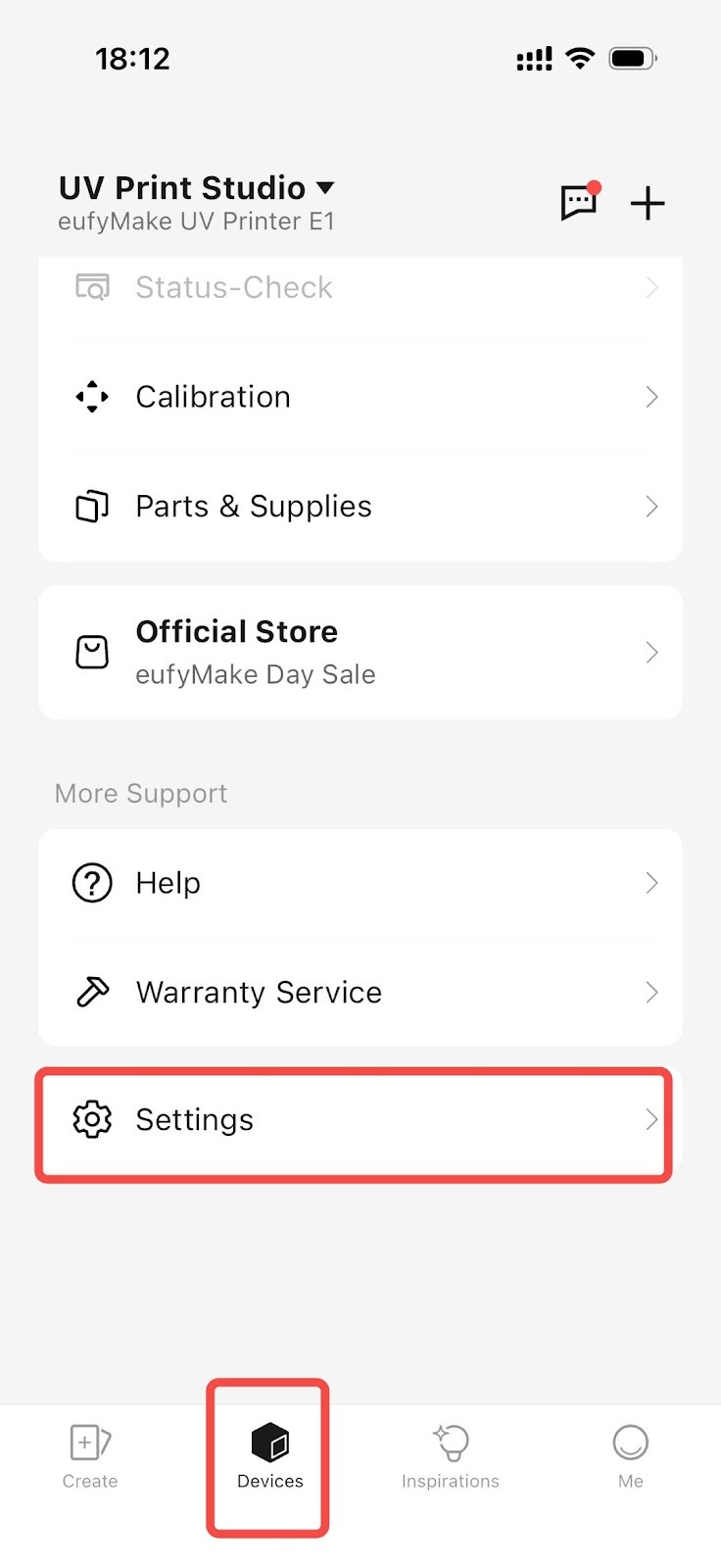
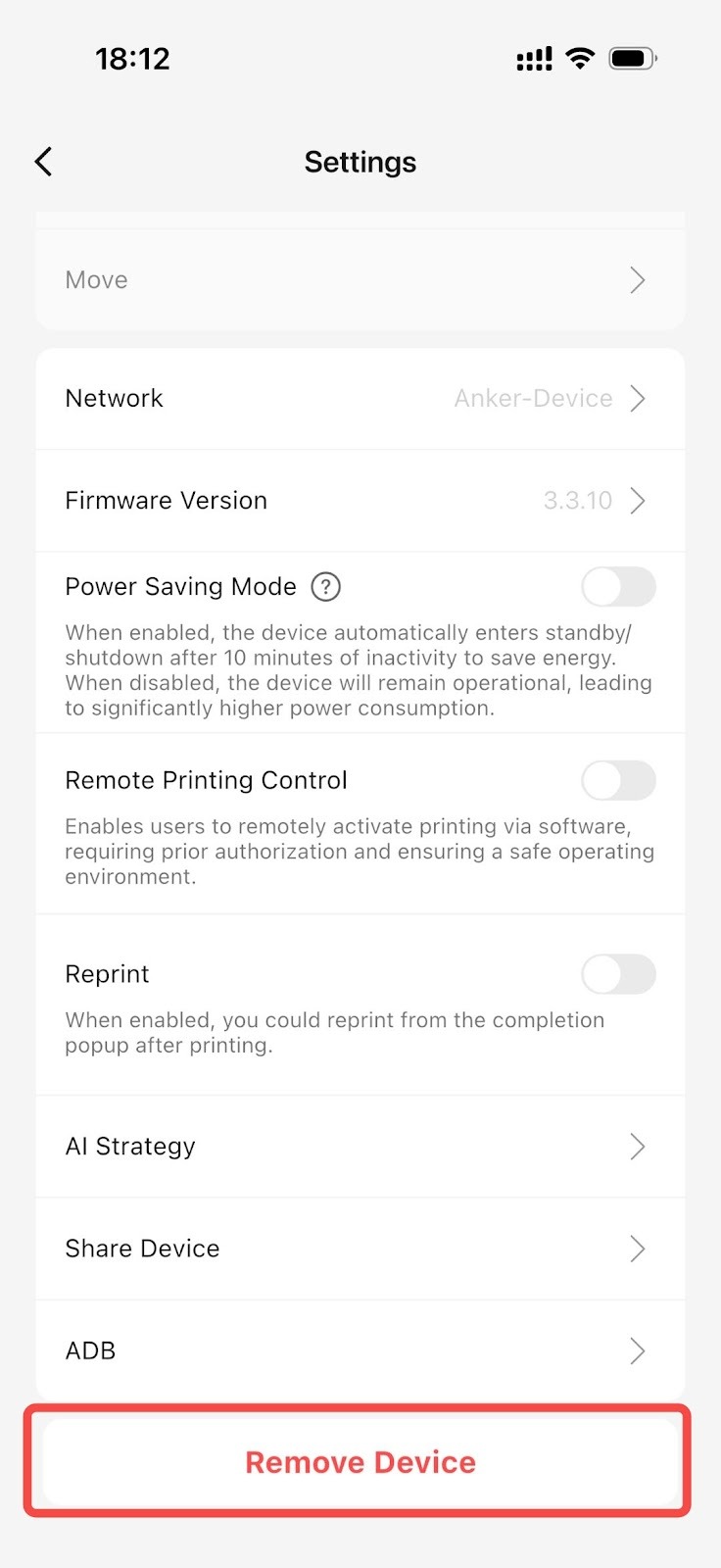
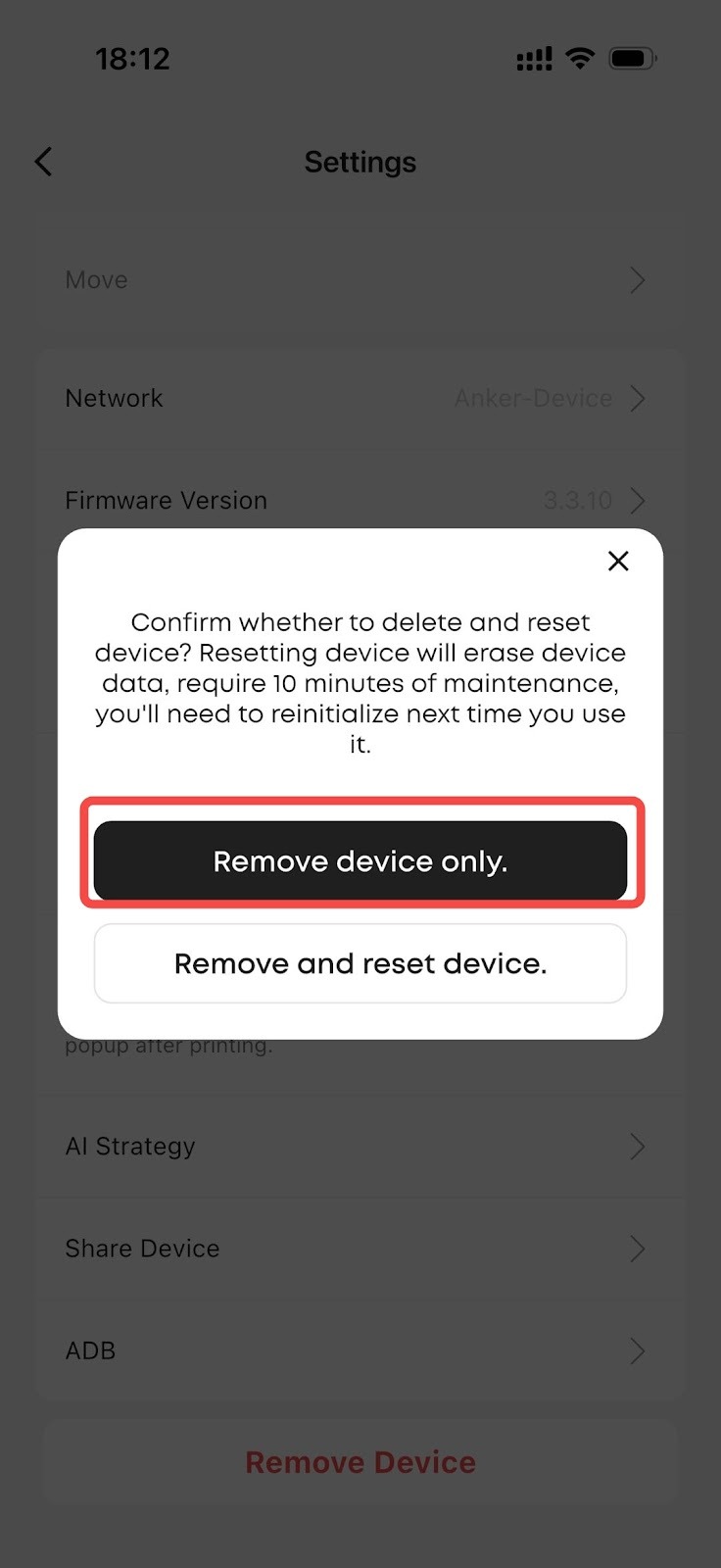
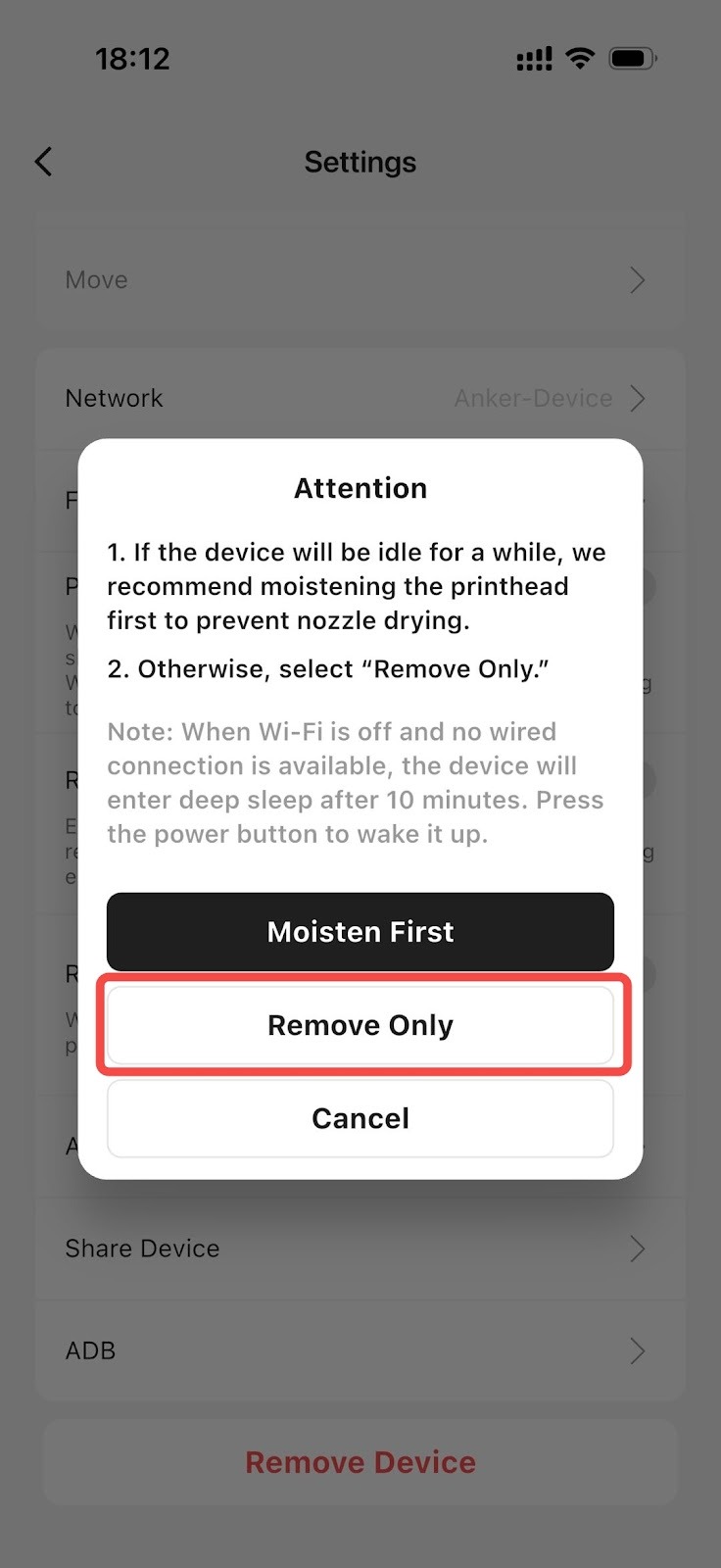
5. Rebind the device following the standard binding process.
a. If the next step can be completed after pressing the button, the button is functioning normally. If not, proceed to Step 6.
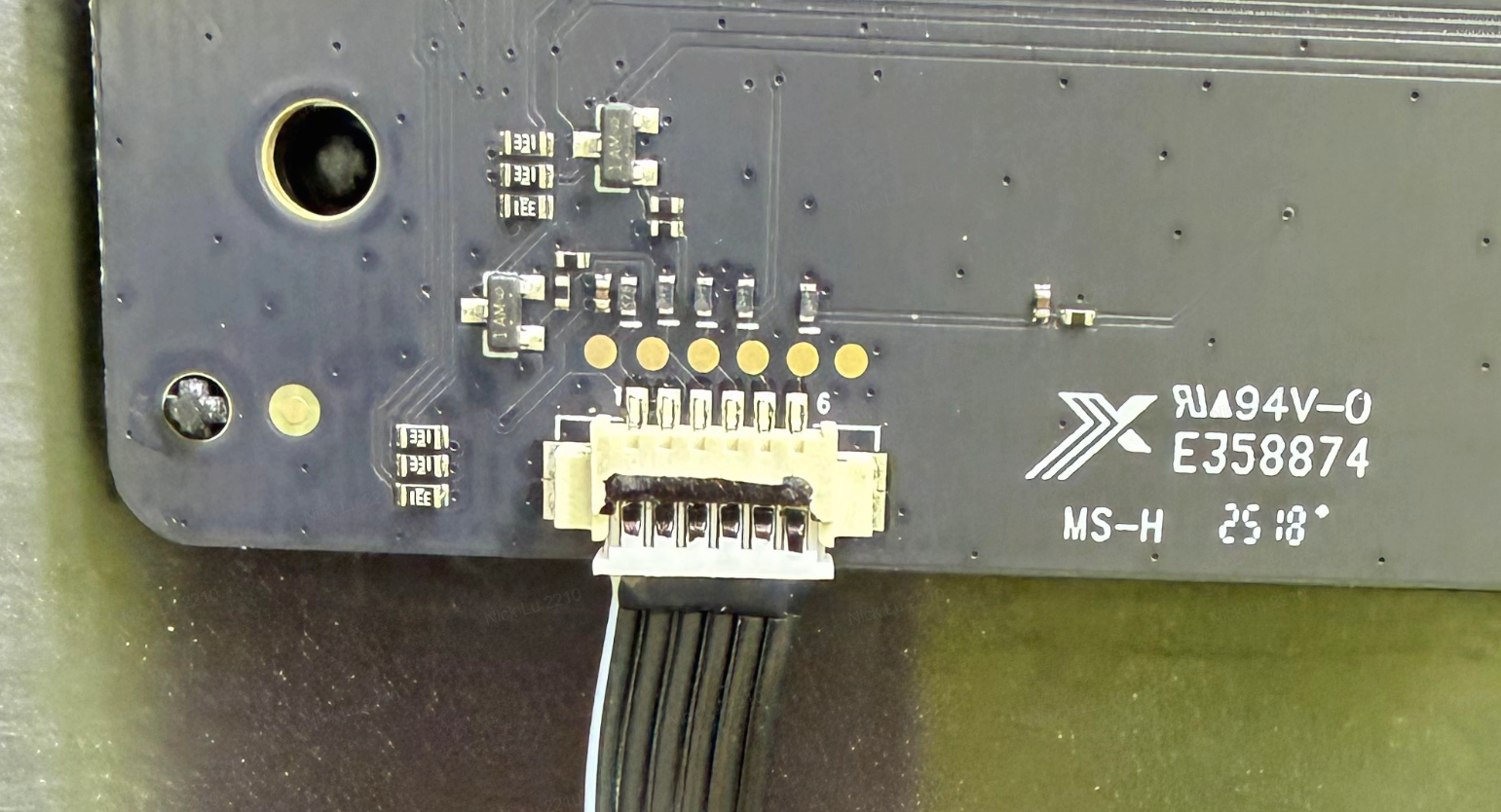
6. If the issue persists, remove the top cover and check the internal connections:
7. Printer Cover Disassembly and Assembly SOP
a. Normal connection image
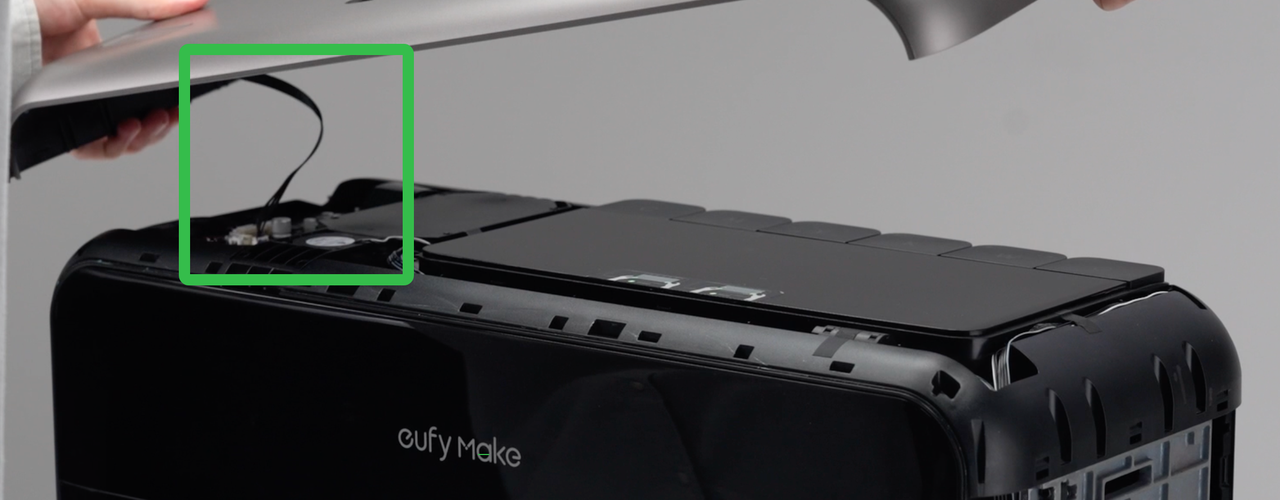
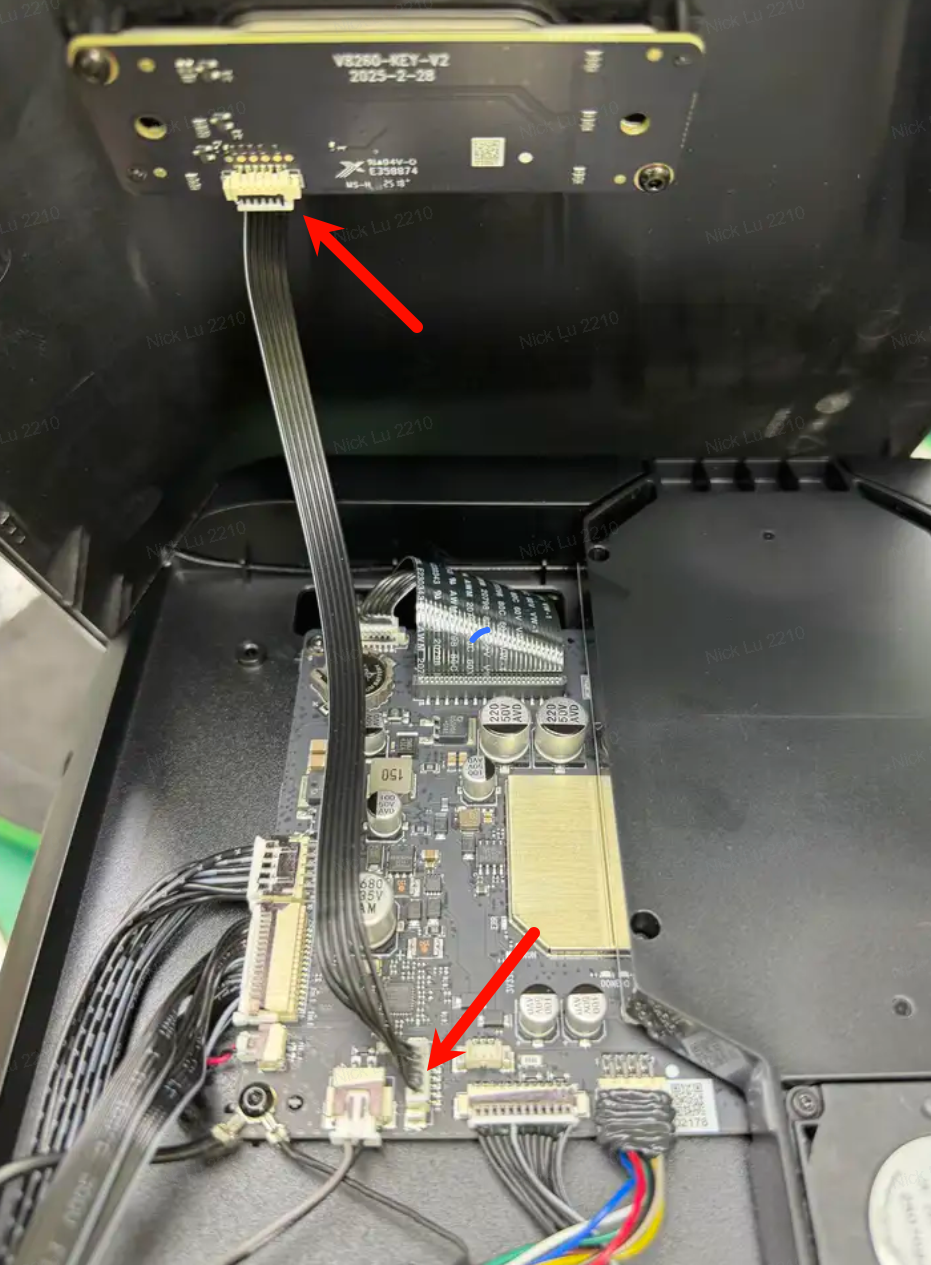
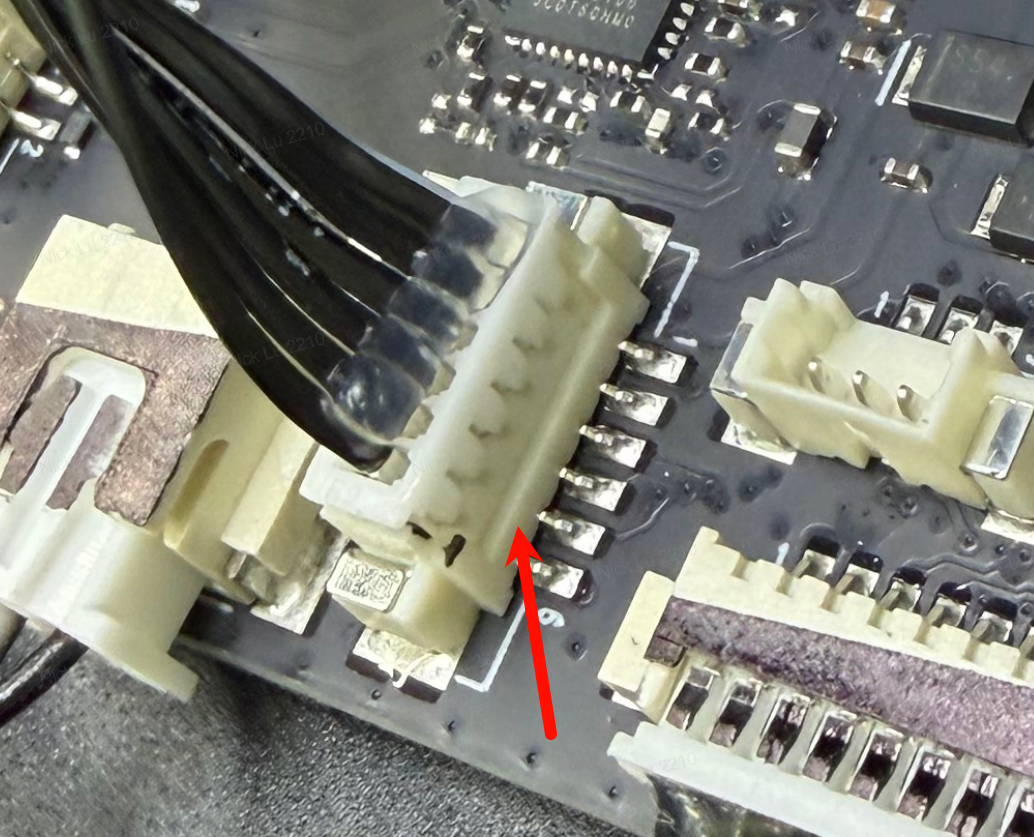
b. Abnormal connection image (loose or disconnected)
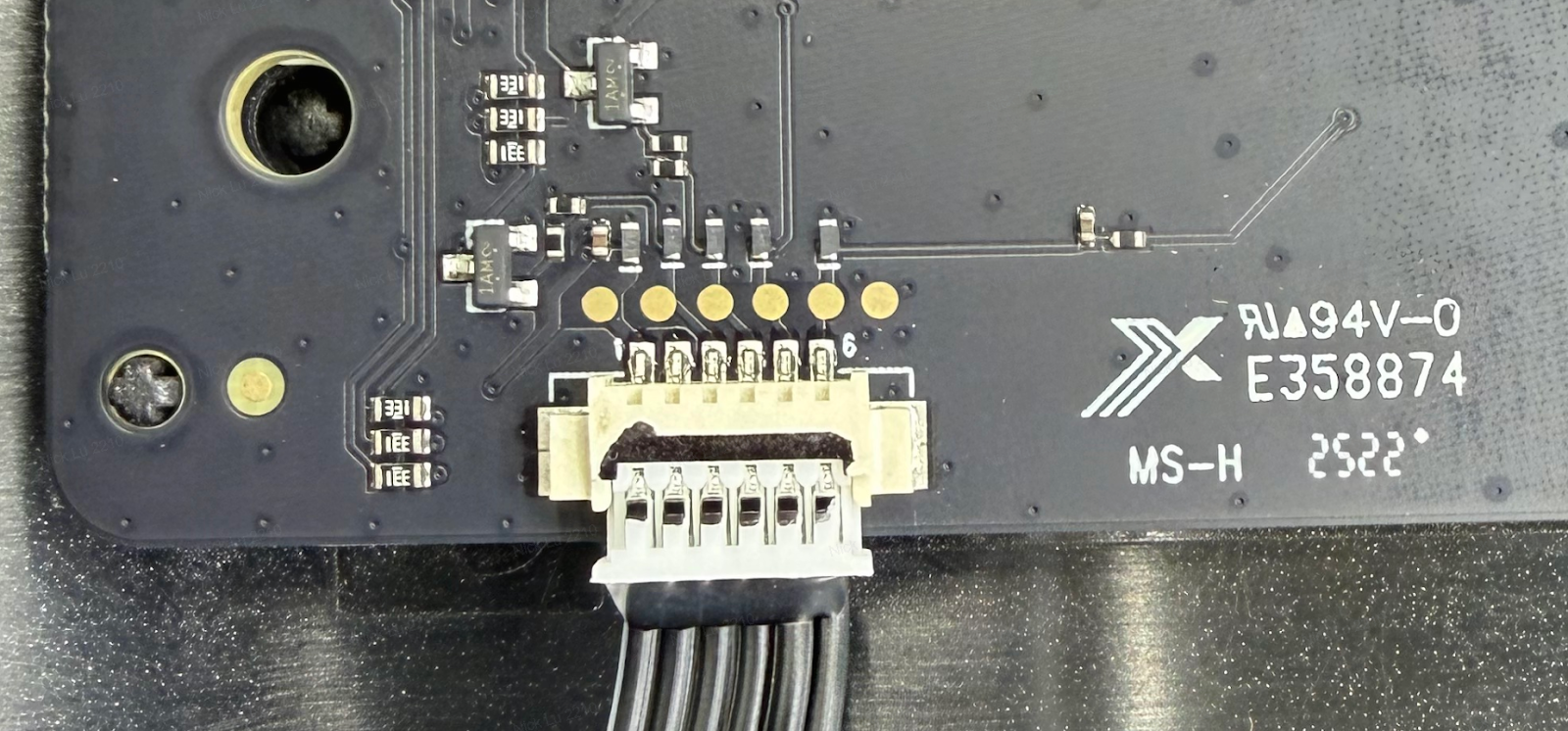
8. If a loose or disconnected cable is found, reconnect it properly, then repeat Steps 2–6.
Support Contact
If the issue persists after completing the above steps, please contact eufyMake Customer Support at support@eufymake.com with the following information:
-
Your Order Information
-
Printer SN. Please refer to: How to Check the Device Serial Number (SN)
-
Printer and App Logs. Please refer to Log / Feedback Upload Process (App & PC) – Overview
-
Relevant photos and videos