Fault Phenomenon
The APP or PC software displays the following error:
Power button abnormal (0xFD01170001)
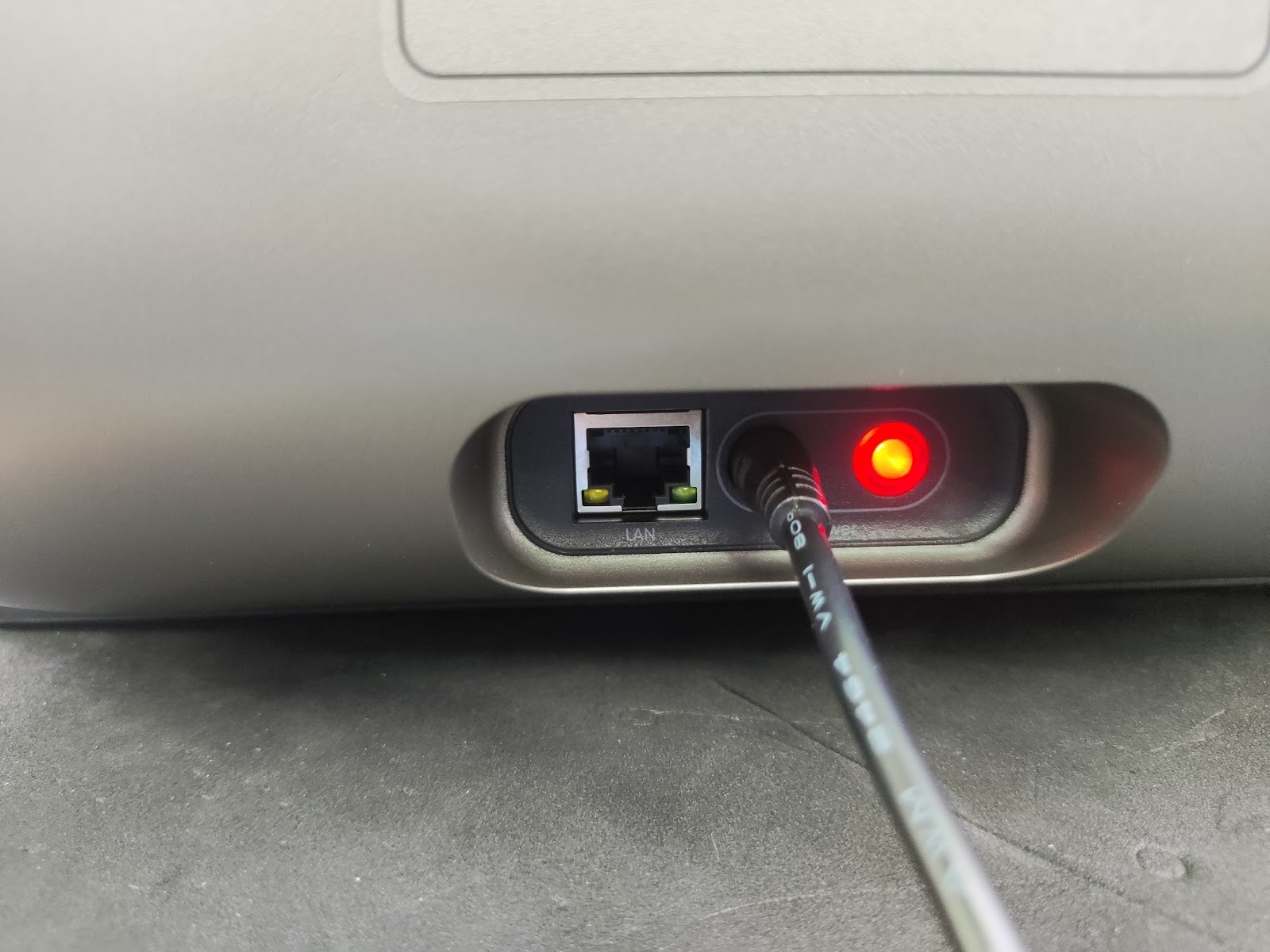
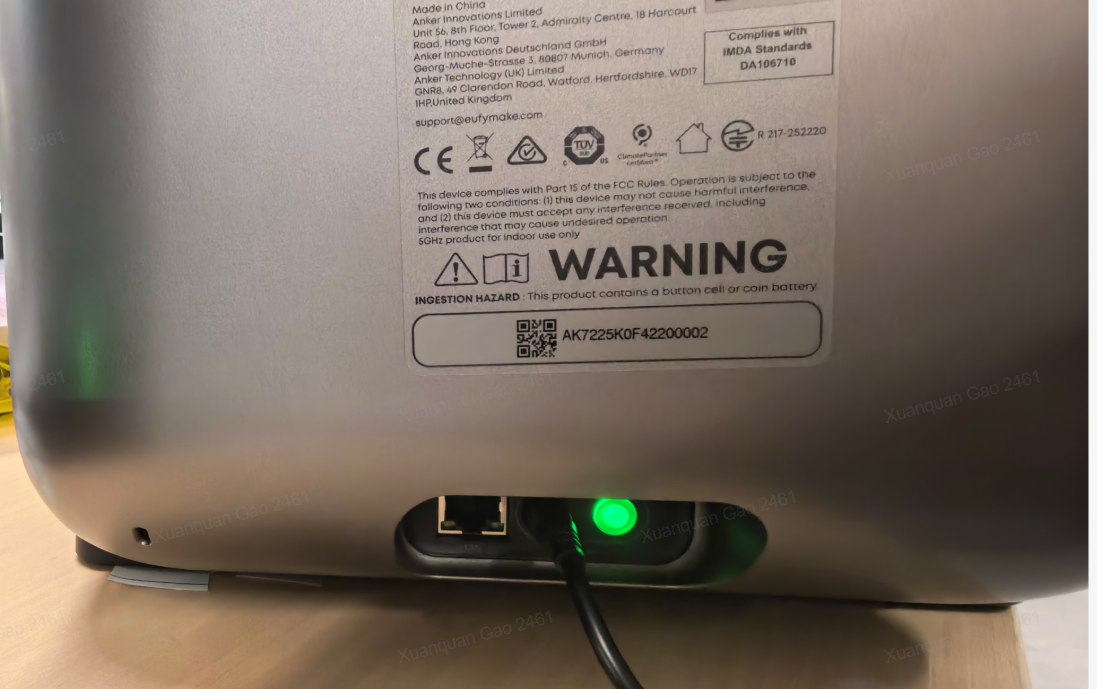
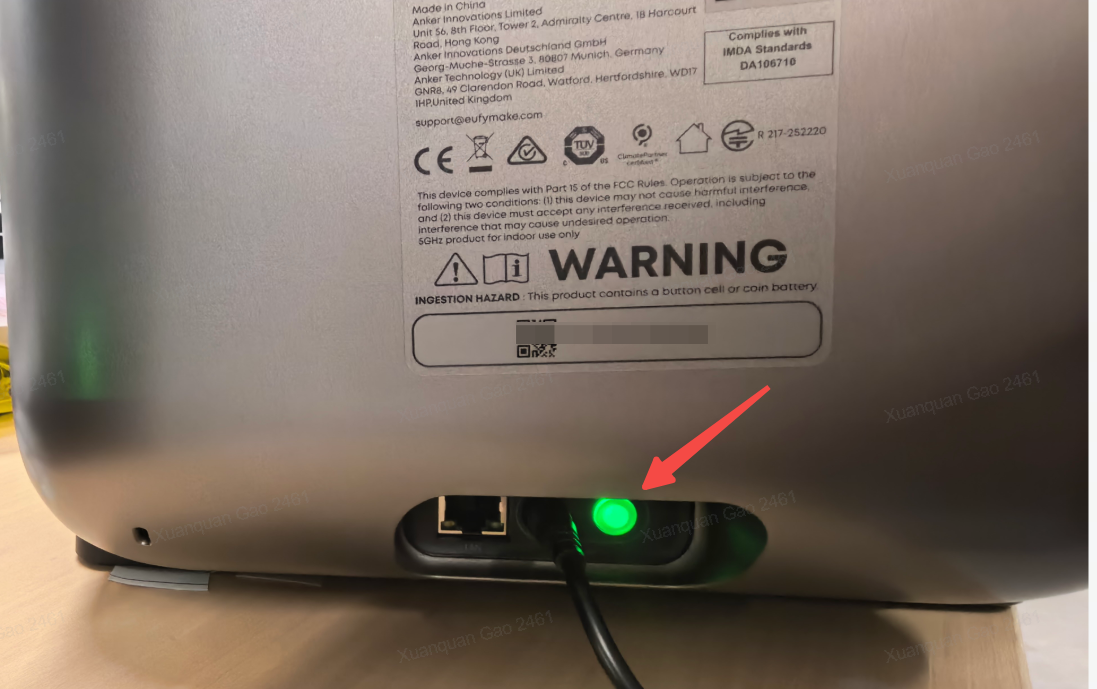
The power button is located on the right side of the printer, near the power cable interface.
-
Normal operation: green light
-
Low-power or abnormal state: red light
Cause Analysis
The printer has detected that the power button may have been accidentally pressed, or the button may be stuck.
Light status
Troubleshooting
1. Check whether the power button was pressed before the error appeared, which may have triggered a false alert.
2. Check the current light status of the power button:
-
Red: may indicate another active error (e.g. low ink)
-
Green: normal operation
Press the power button several times to check whether it moves freely and returns properly.
3. Confirm that it is not sticking and that it resets normally after each press.
If the button does not return correctly, record a video and send it to eufyMake Customer Support.
Support Contact
If the issue persists after completing the above steps, please contact eufyMake Customer Support at support@eufymake.com with the following information:
-
Your Order Information
-
Printer SN. Please refer to: How to Check the Device Serial Number (SN)
-
Printer and App Logs. Please refer to Log / Feedback Upload Process (App & PC) – Overview
-
Relevant photos and videos.