Fault Phenomenon
The APP or PC shows an error indicating a moisture pump malfunction. (0xFD01190015)
Cause Analysis
1. Software false alarm
2. Moisture pump hardware malfunction
Troubleshooting
1. Remove the right-side cover of the printer (cleaning cartridge side):
https://support.eufymake.com/s/article/Printer-Cover-Disassembly-and-Assembly-SOP
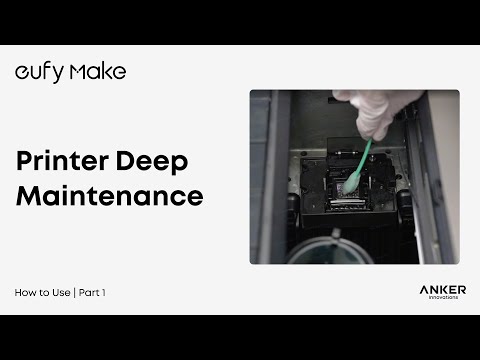
2. Perform a deep clean
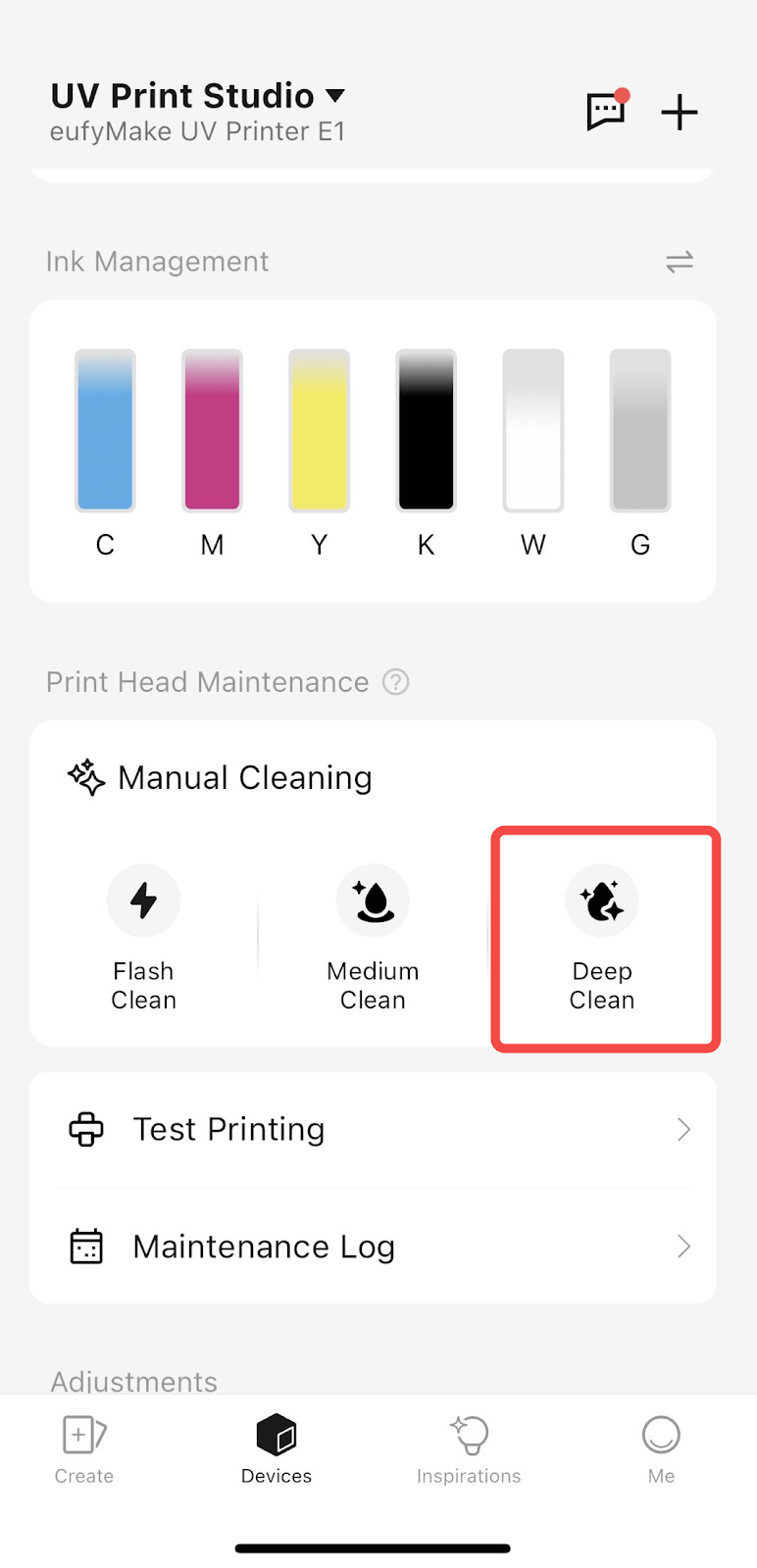
3. During the cleaning process, listen to the moisture pump and lightly touch it to check for vibration.
Use both sound and vibration to confirm whether the pump is operating normally.
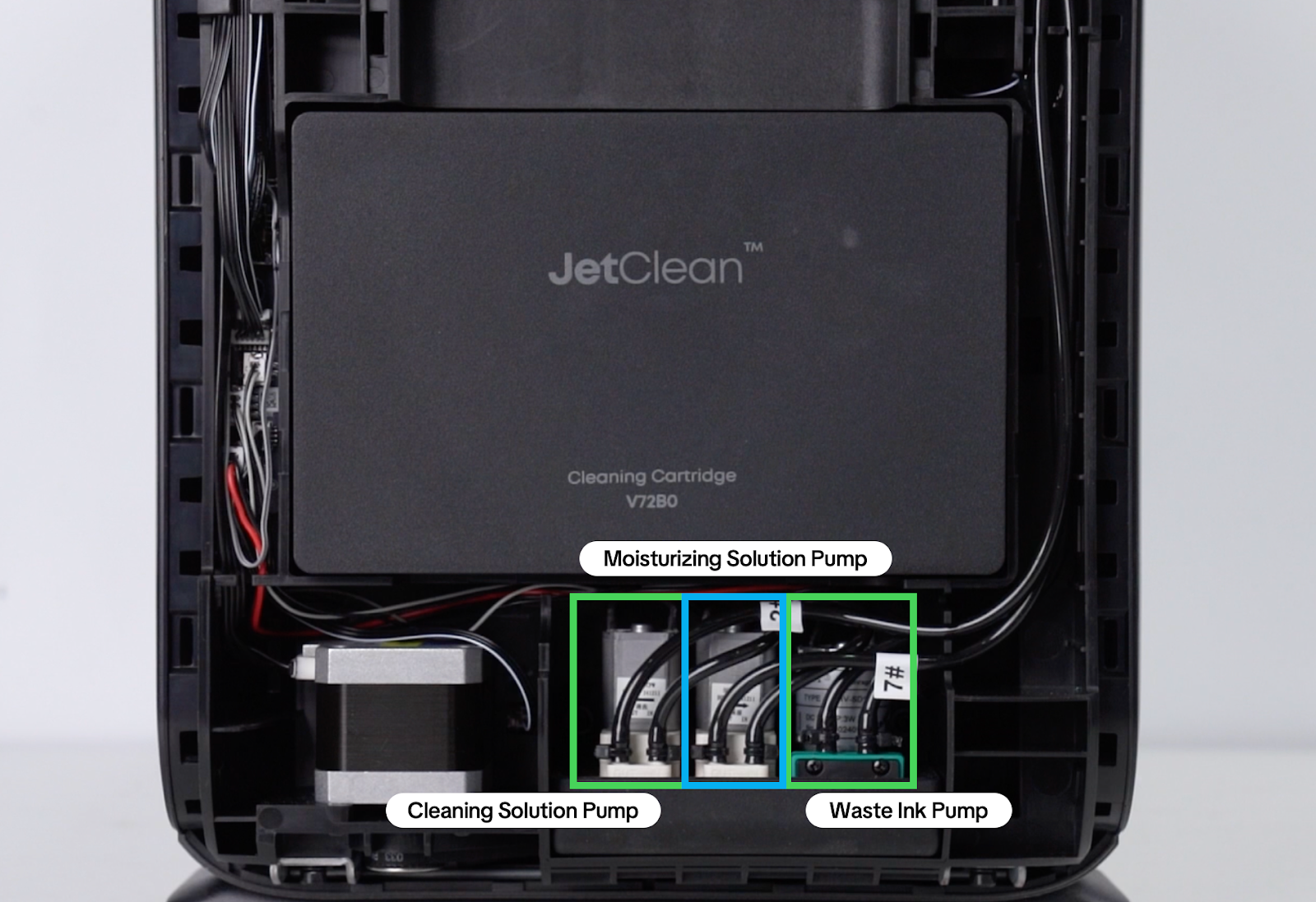
4. If sound and vibration are present, the moisture pump is functioning normally.
This indicates a false alarm and can be temporarily ignored.
Note: A firmware update planned for mid-April 2026 will optimise the error reporting logic.
If there is no sound or vibration during the entire cleaning process, this indicates a hardware issue with the moisture pump.
5. Record a video of the issue and send it to eufyMake Customer Support.
Support Contact
If the issue persists after completing the above steps, please contact eufyMake Customer Support at support@eufymake.com with the following information:
-
Your Order Information
-
Printer SN. Please refer to: How to Check the Device Serial Number (SN)
-
Printer and App Logs. Please refer to Log / Feedback Upload Process (App & PC) – Overview
-
Relevant photos and videos.