Fault Phenomenon:
The APP or PC software displays the following error:
Height measurement timeout (0xFD01120001)
Cause analysis:
1. The substrate height exceeds the device’s supported range.
2. The substrate is placed outside the effective printing area or too close to the boundary.
3. The laser emitter or receiver is blocked by a foreign object during measurement.
4. The flatbed lifts unevenly or tilts during the height measurement process.
5. When using the standard flatbed, it does not move correctly during height measurement.
Troubleshooting:
1. Check whether the substrate height exceeds the limit:
-
Photo alignment: ≤ 60 mm
-
Zero-point alignment: ≤ 100 mm
2. Check whether the substrate is placed within the effective coordinate range of the adhesive mat.
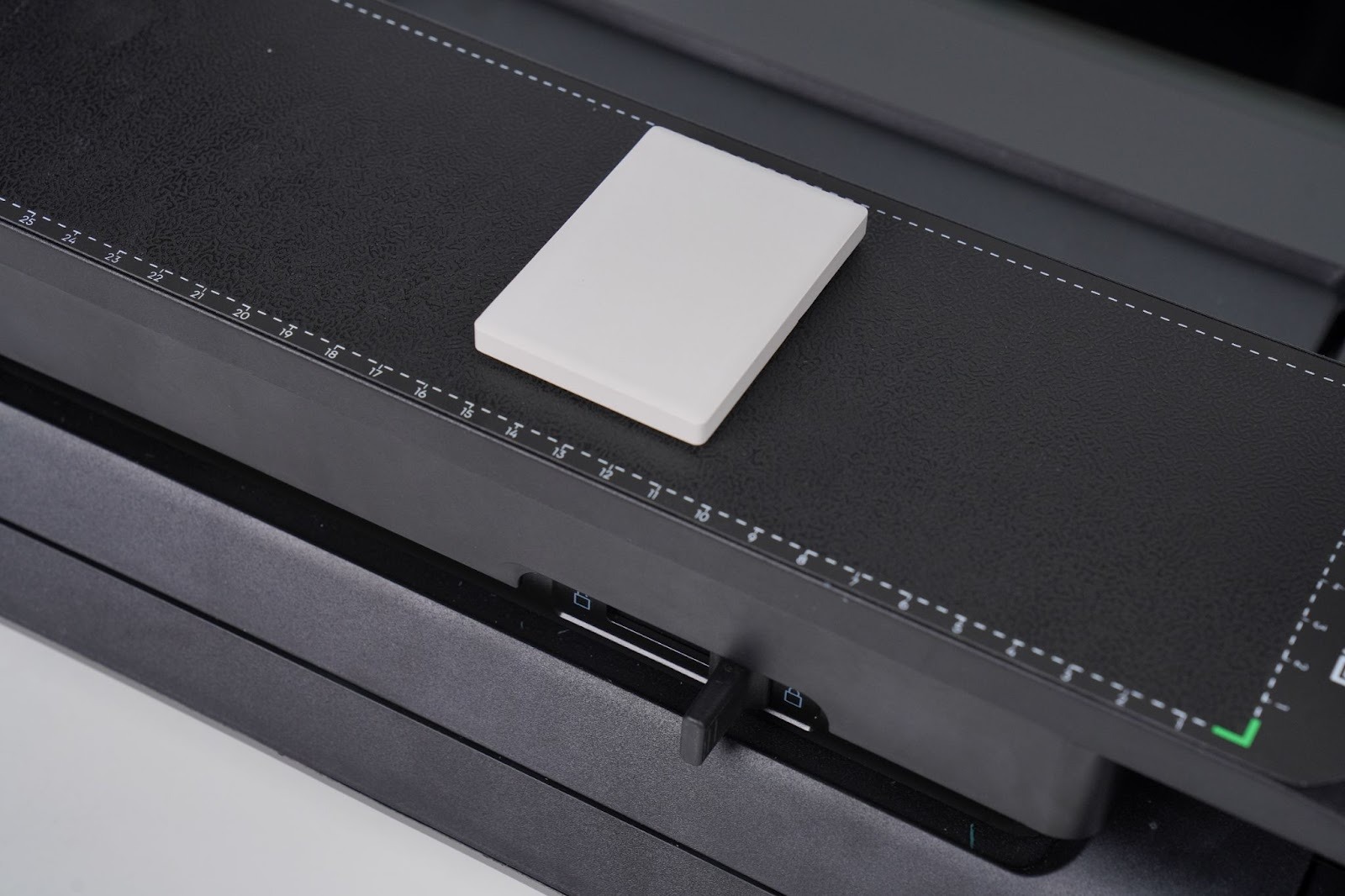
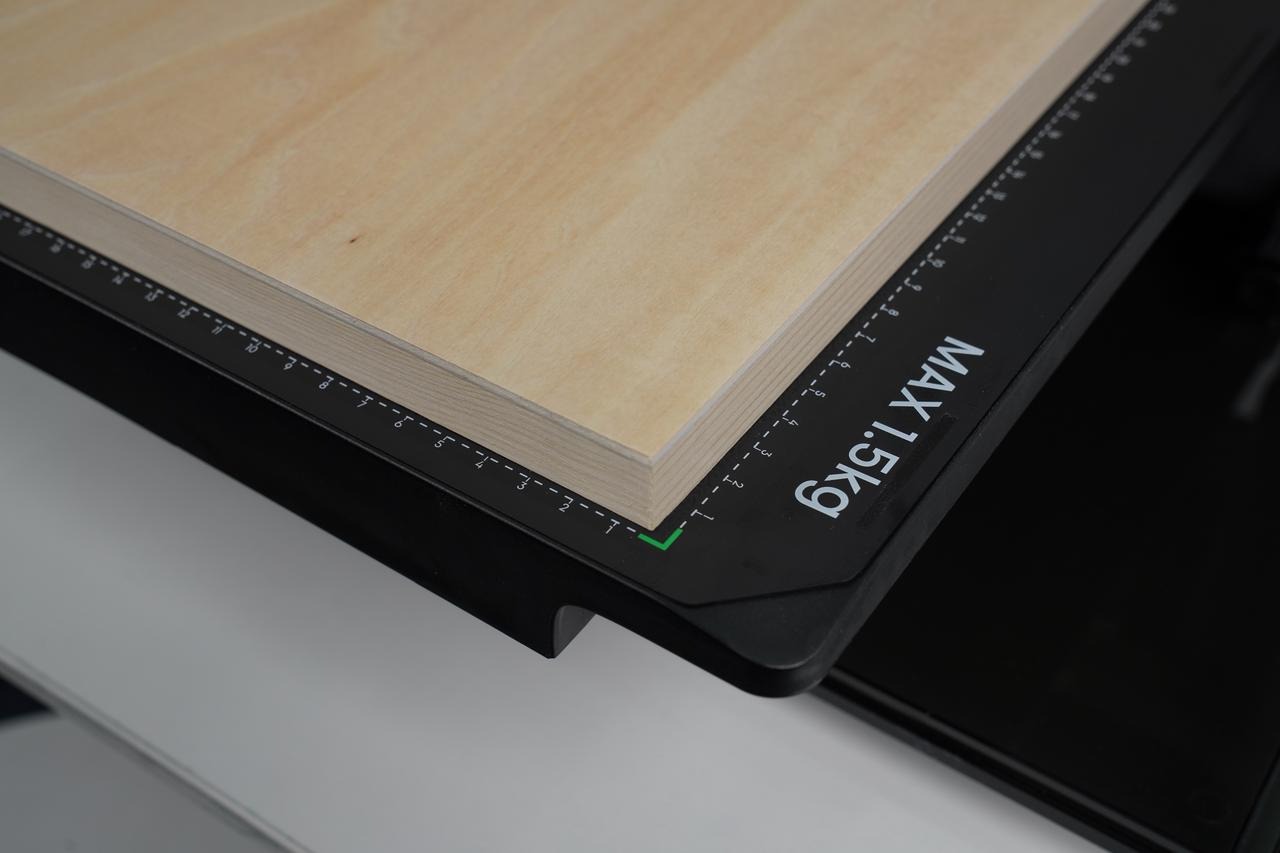
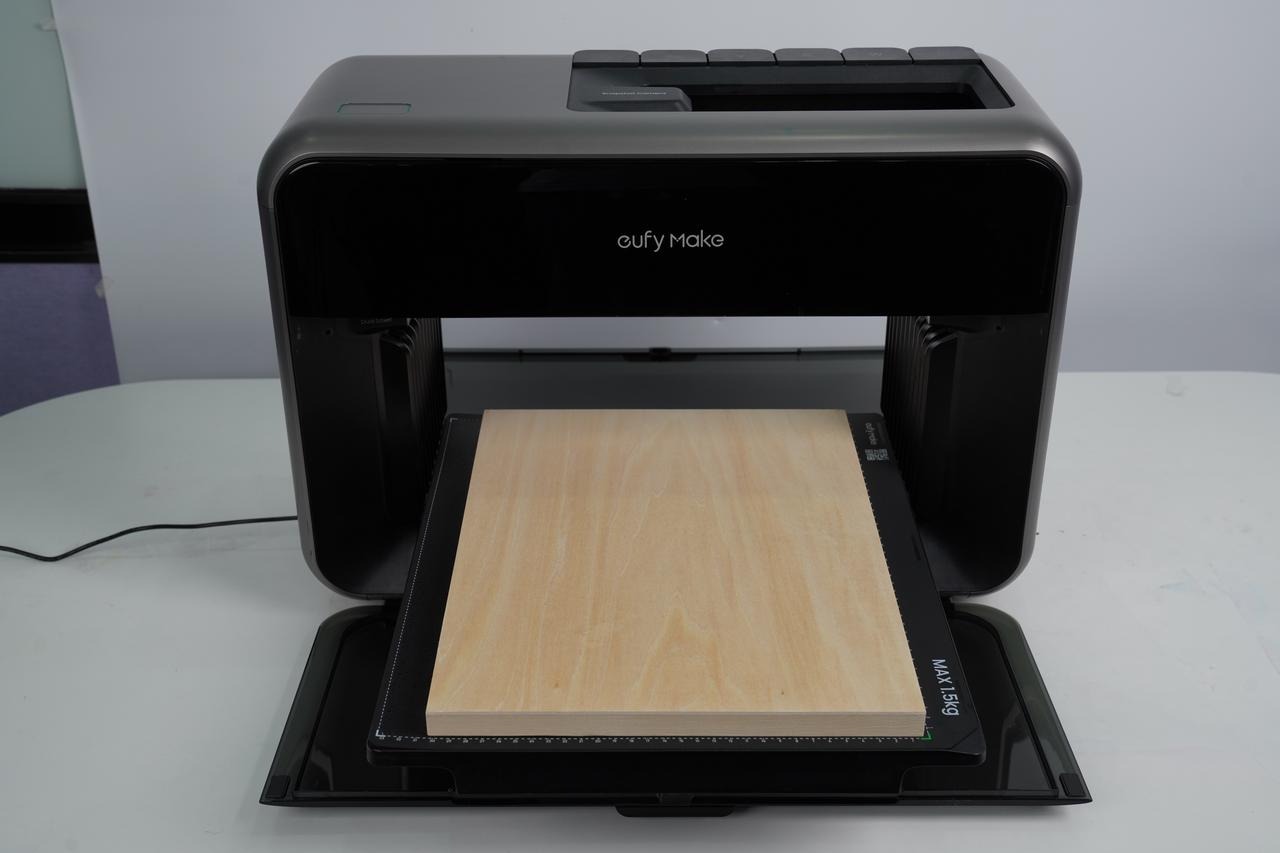
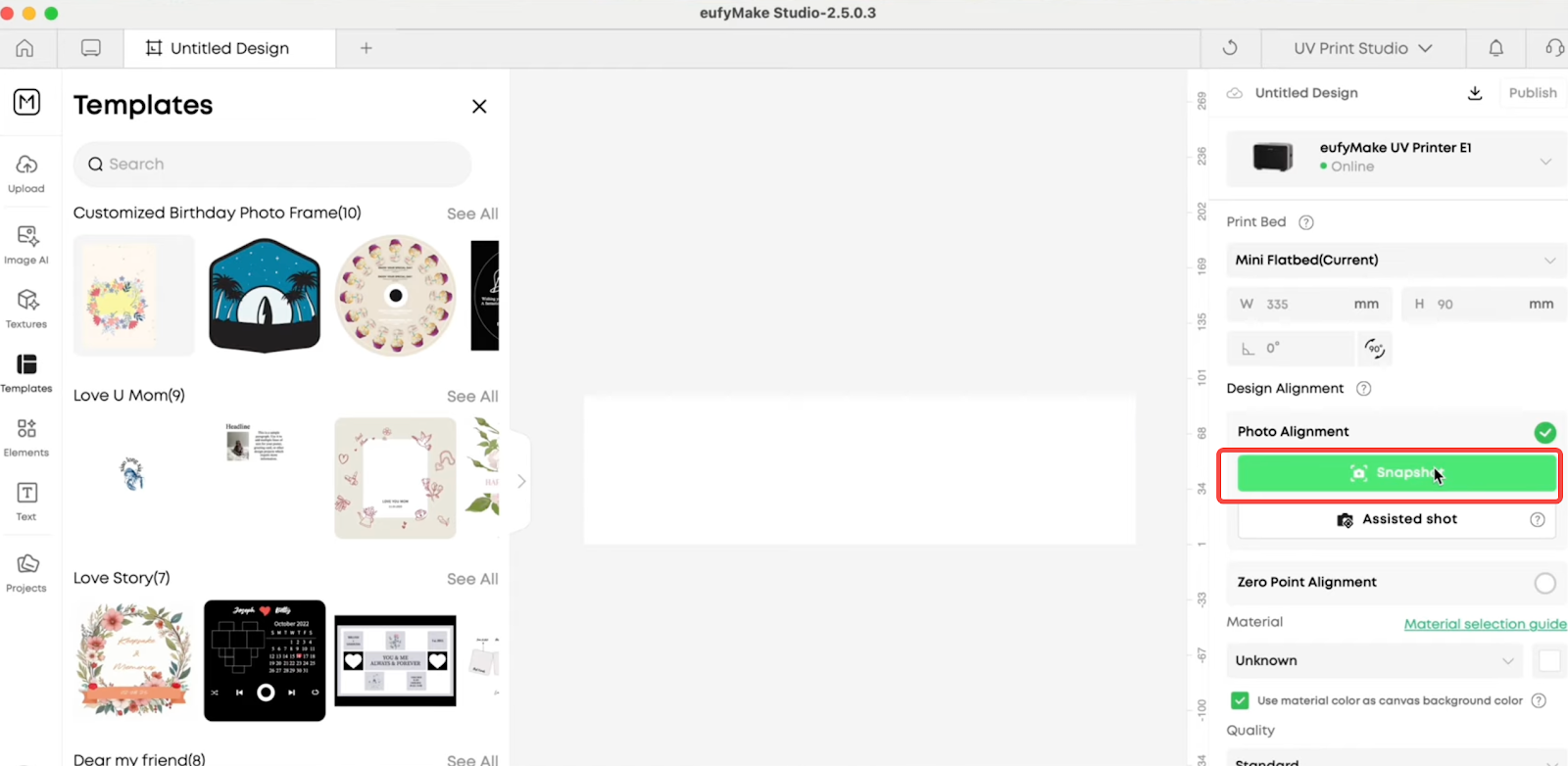
For smaller items, place them in the recommended area shown in Figure 1.
Run Snapshot again and check if the height measurement completes successfully.
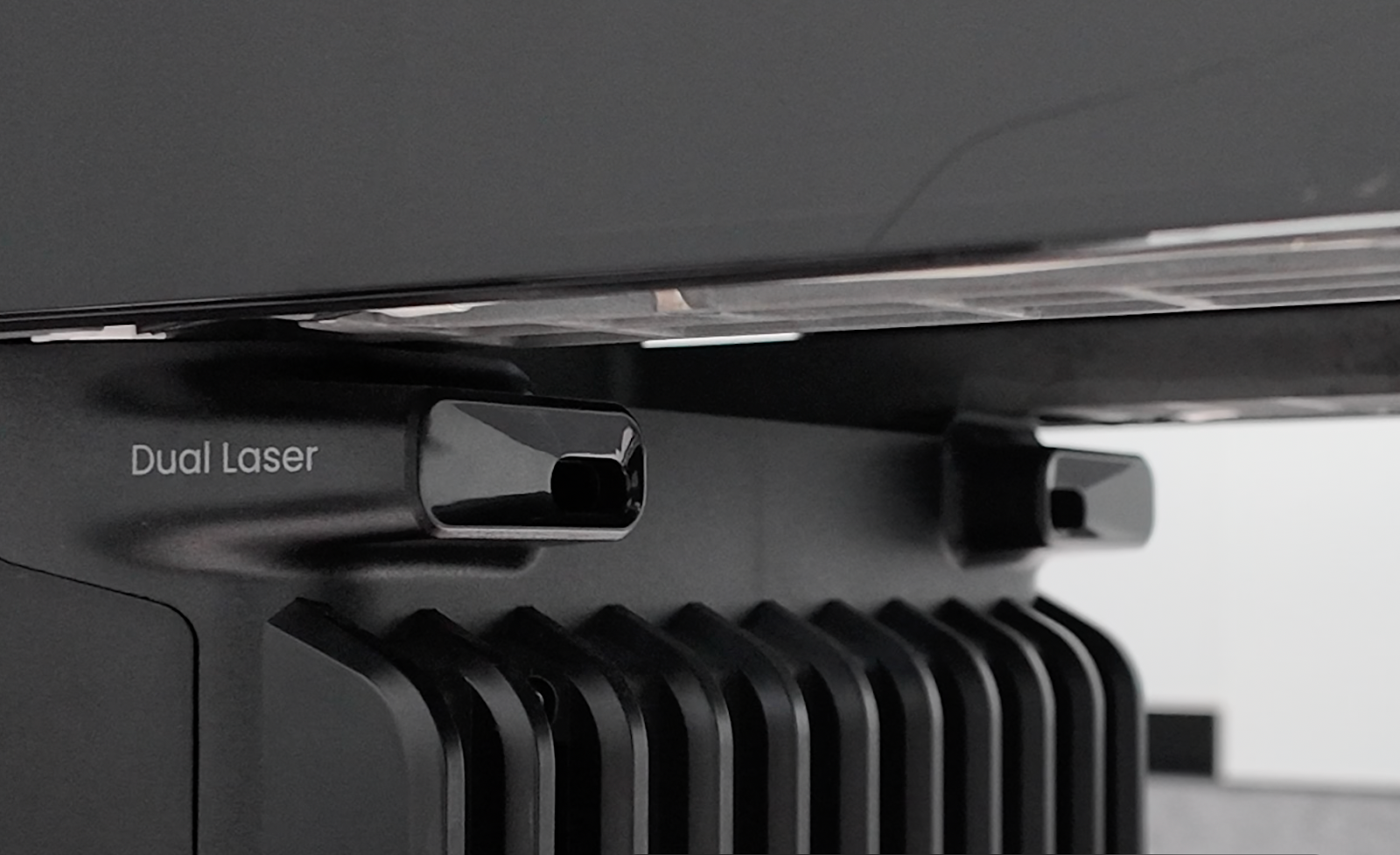
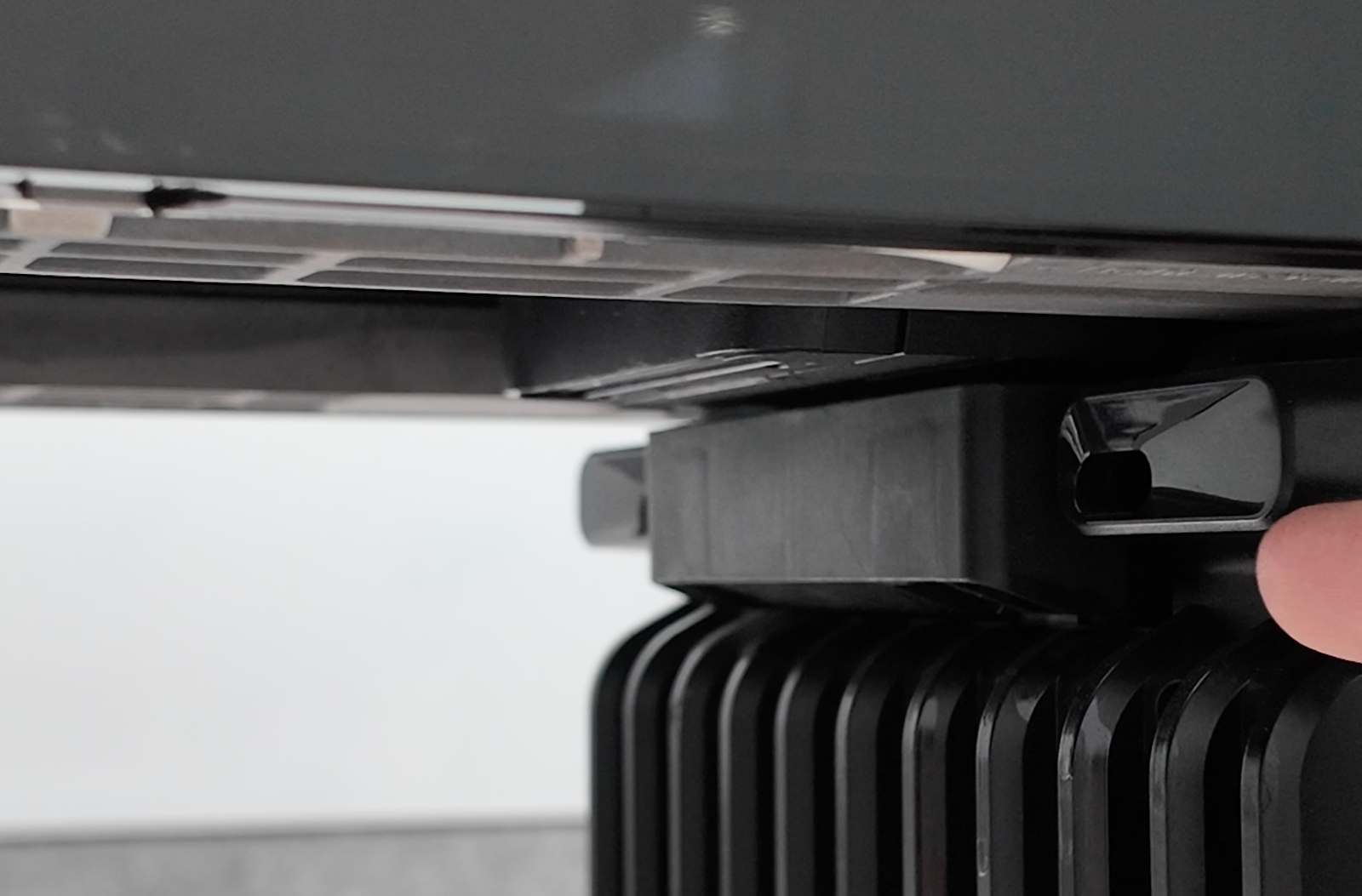
3. Check both the laser emitter and receiver for any obstruction.
4. While the printer is measuring height, watch the flatbed.
It should lift smoothly and stay level. If it tilts or behaves abnormally, record a video.
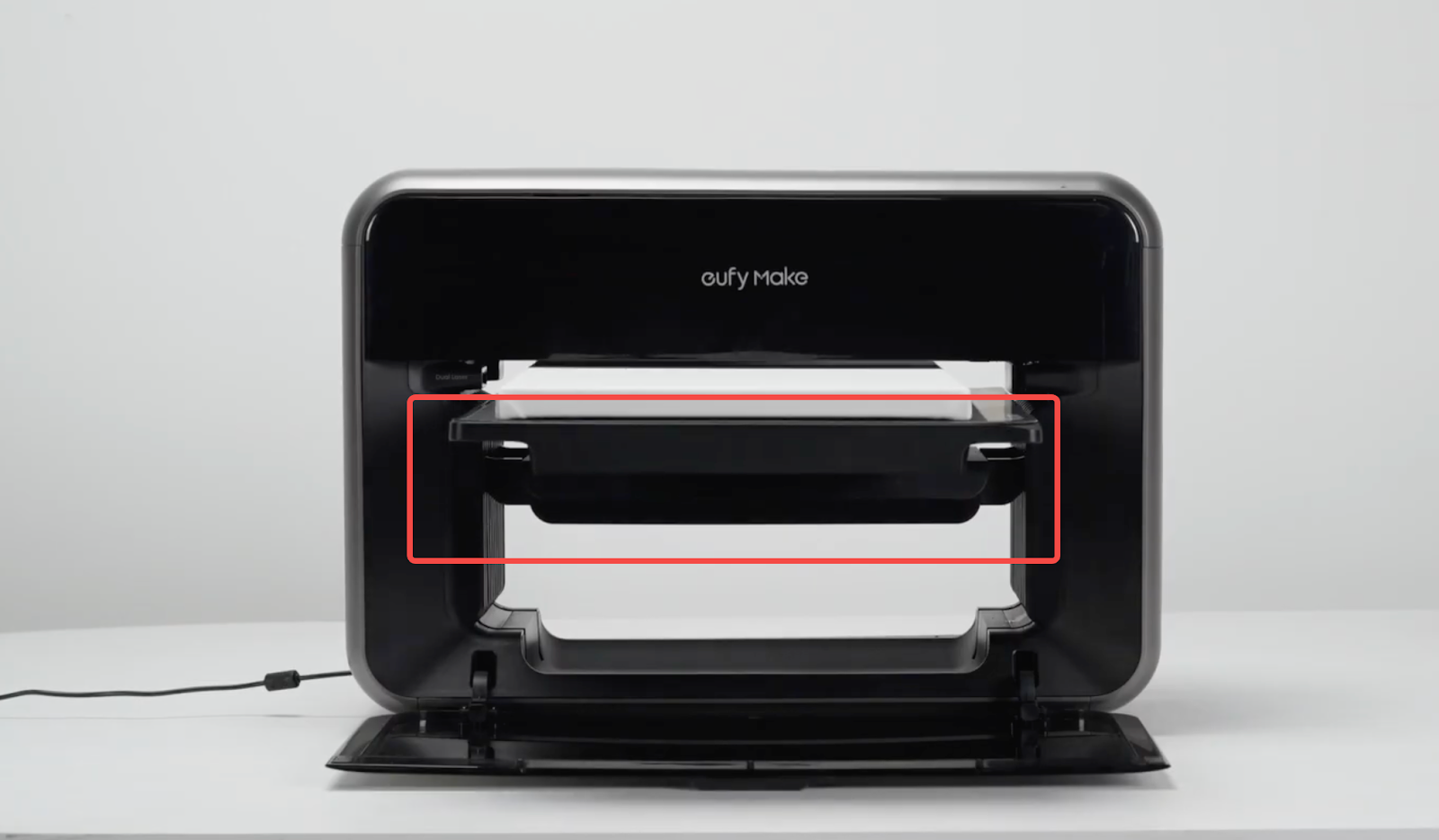
If the mini flatbed works normally but the standard flatbed does not, refer to:
5. Y-axis homing failure (0xFD010D0002, 0xFD010D0004) for troubleshooting.Y-axis zeroing failed (0xFD010D0002, 0xFD010D0004)
Support Contact
If the issue persists after completing the above steps, please contact eufyMake Customer Support at support@eufymake.com with the following information:
-
Your Order Information
-
Printer SN. Please refer to: How to Check the Device Serial Number (SN)
-
Printer and App Logs. Please refer to Log / Feedback Upload Process (App & PC) – Overview
-
Relevant photos and videos.