Video link: https://www.youtube.com/watch?v=ooBvM5V7Oj4&list=PL_aDMkCH-68yWfXs3bCObg95QSWqcr1Y3&index=6
Fault Phenomenon
The printer fails to recognise the roll material inside the Roll-to-Film Attachment.
The APP or PC shows the error:
Roll material not in position (0xFD011400CF)
Cause Analysis
-
The roll material has run out.
-
During installation of the Roll-to-Film Attachment, the internal roll shifted due to improper handling.
-
The roll material is not installed correctly.
Troubleshooting
-
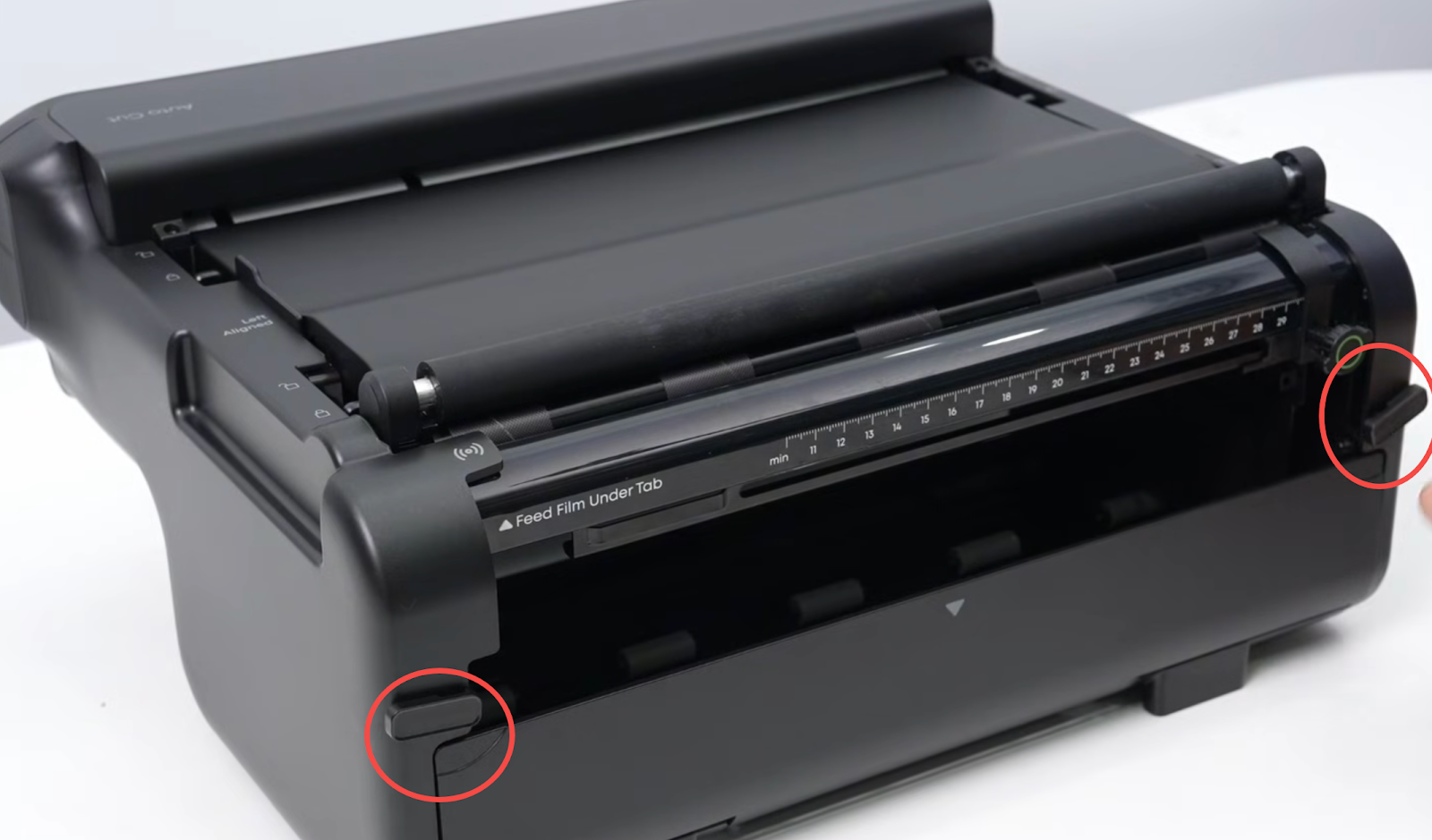
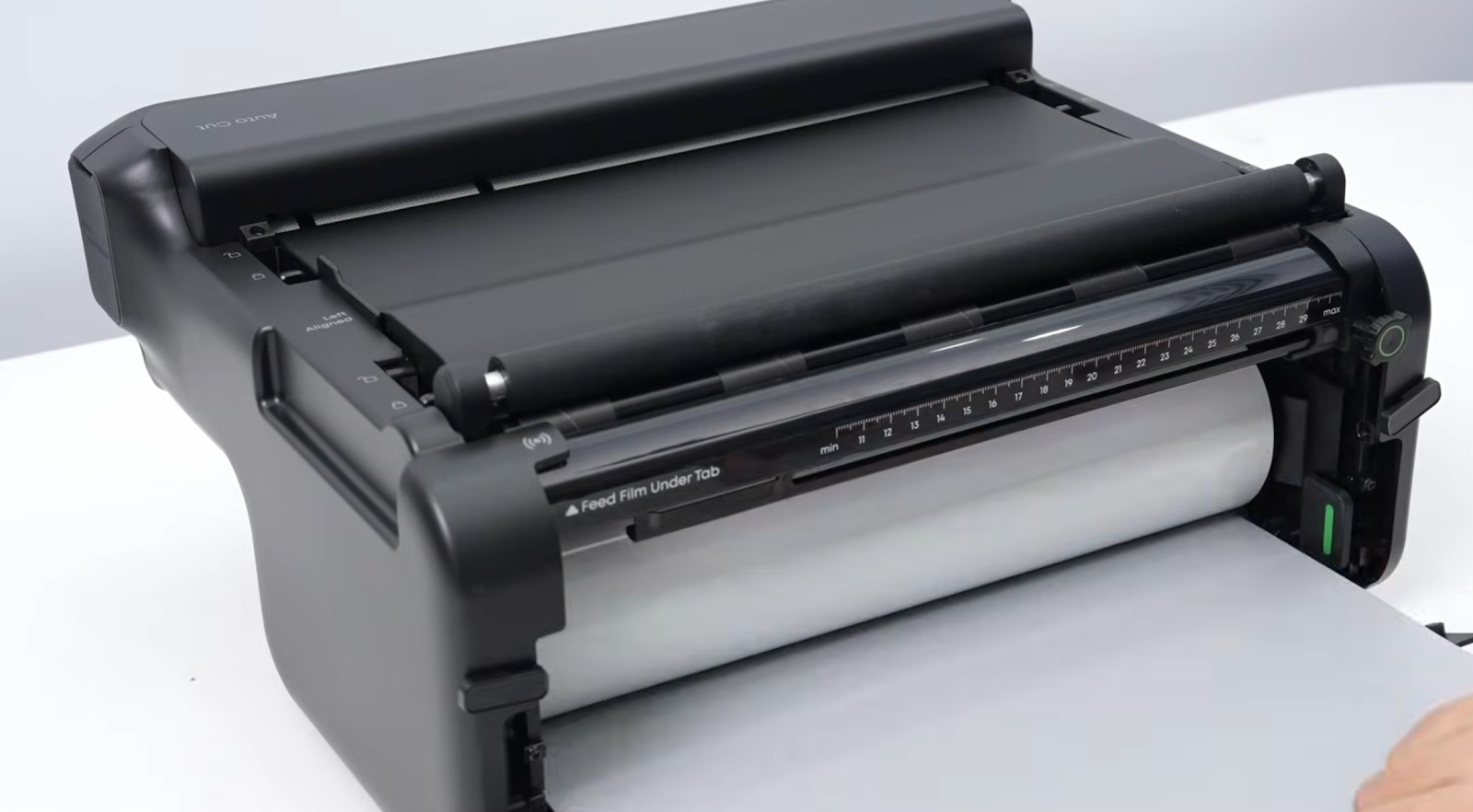
Check whether the roll material has been used up.
-
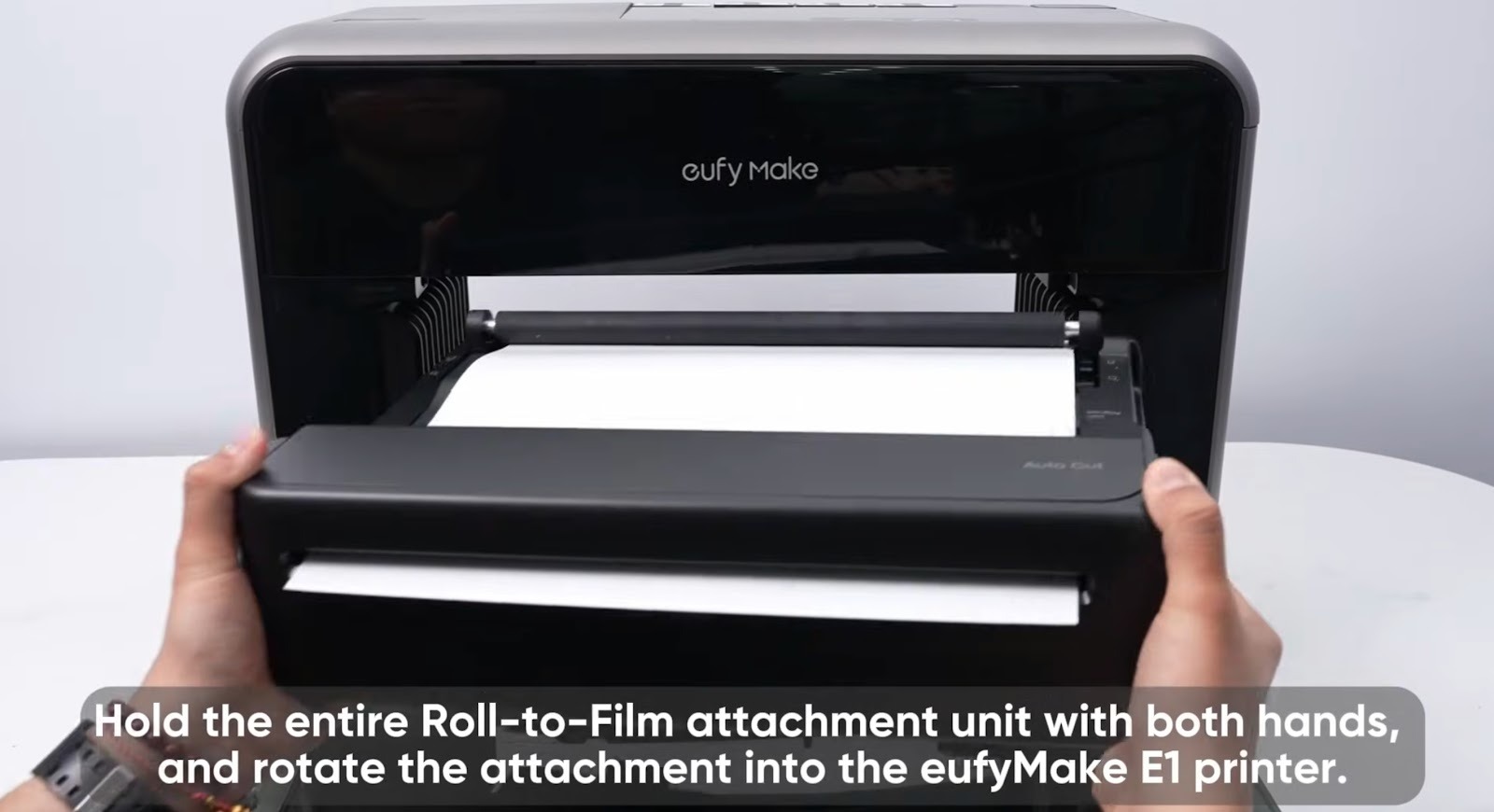
The Roll-to-Film Attachment must be kept level when placing it onto the printer. If it is tilted during installation, the internal roll may shift. If this error appears, check whether the roll inside the attachment has moved out of position.
-
During installation, refer carefully to the QSG (Quick Start Guide) and the video, and pay attention to the following:
QSG:https://support.eufymake.com/s/article/Roll-to-Film-attachment-QSG
Video: https://www.youtube.com/watch?v=ooBvM5V7Oj4&list=PL_aDMkCH-68yWfXs3bCObg95QSWqcr1Y3&index=6
-
In order to prevent the material roll from shifting during printing, make sure the roll and film are installed correctly.
-
The roll should sit close to the left side. Pull the film through the sensor, then through the feed shaft and discharge shaft in sequence.
-
Position the limit block tightly against the right side of the film to prevent movement.
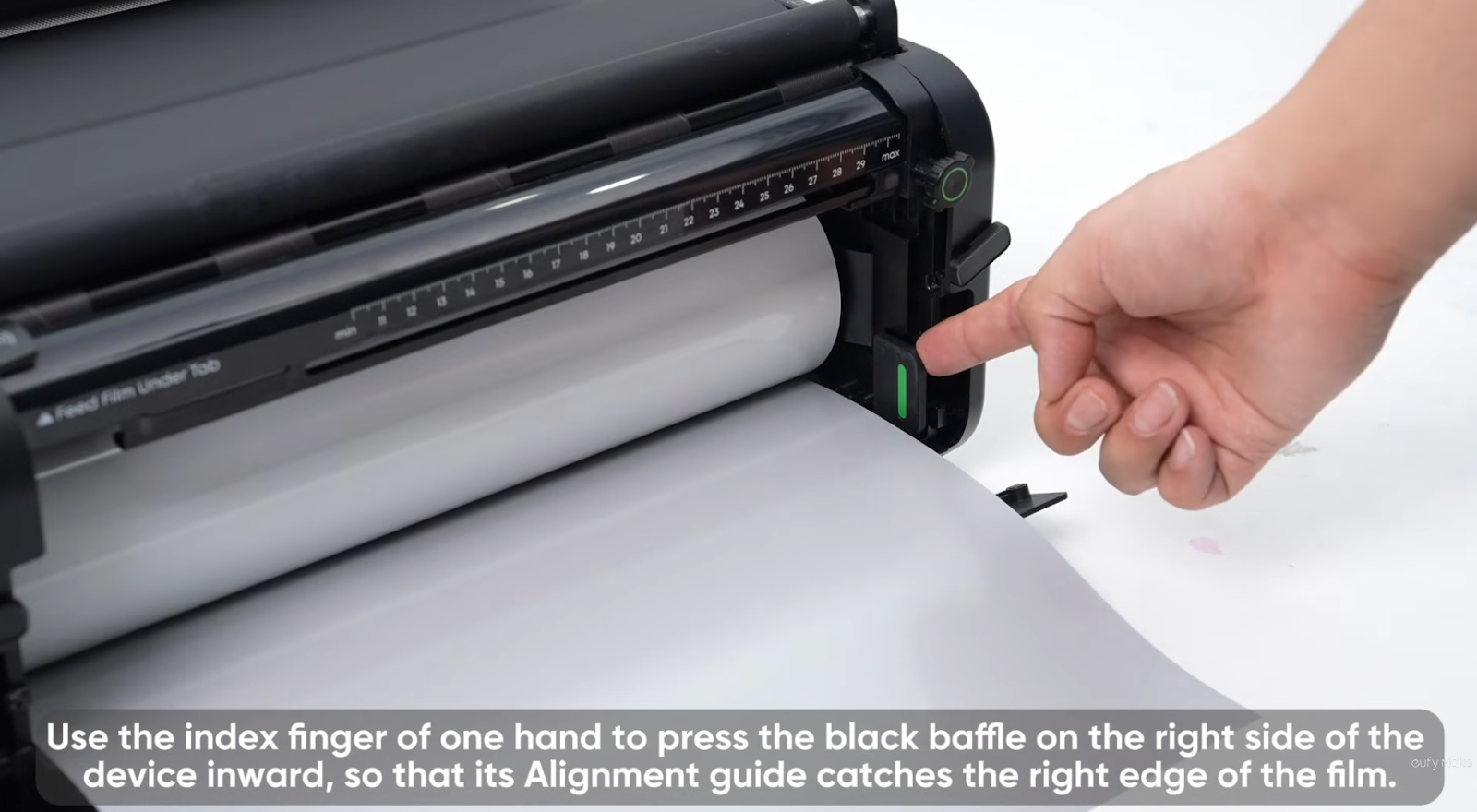
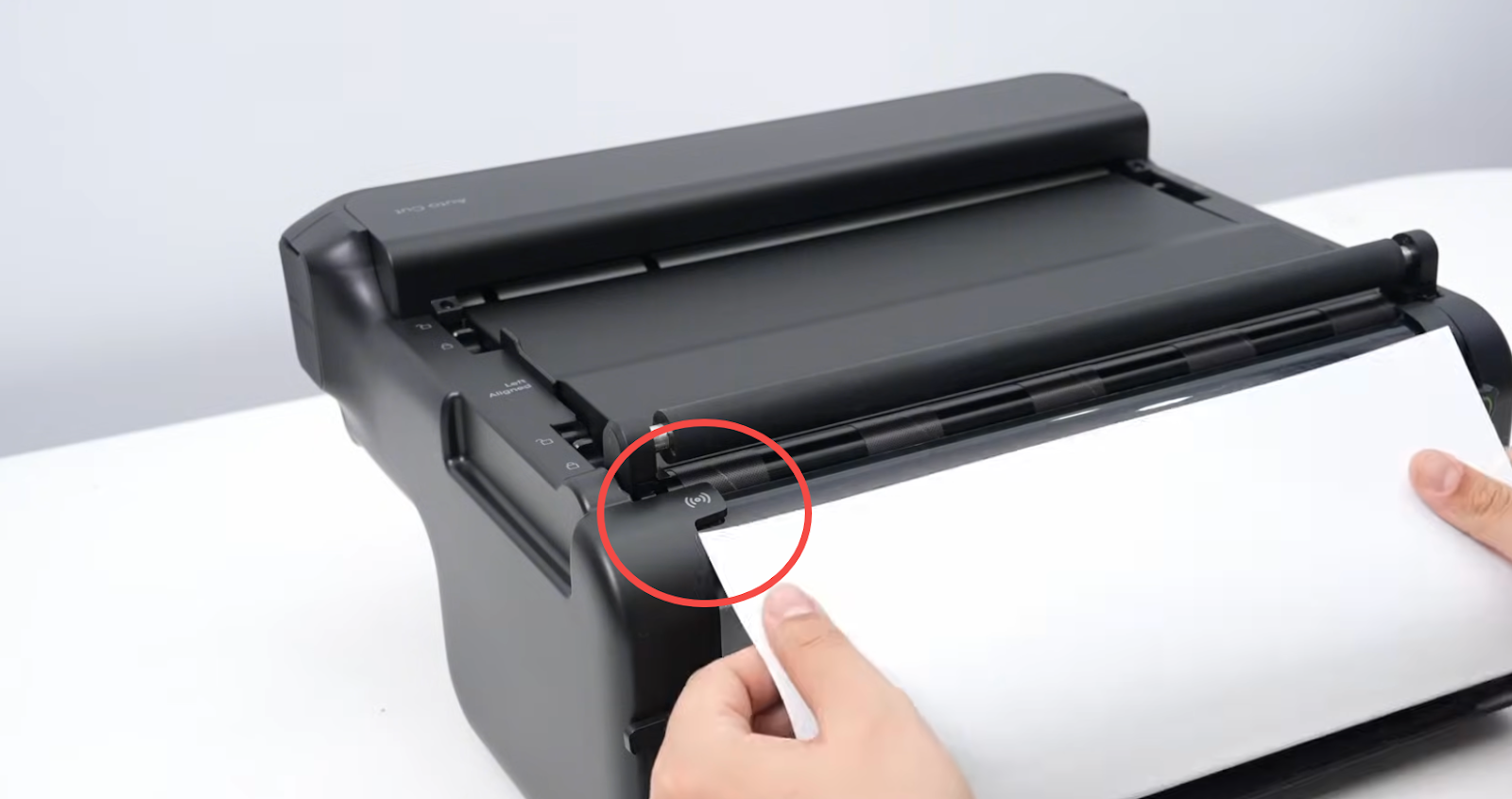
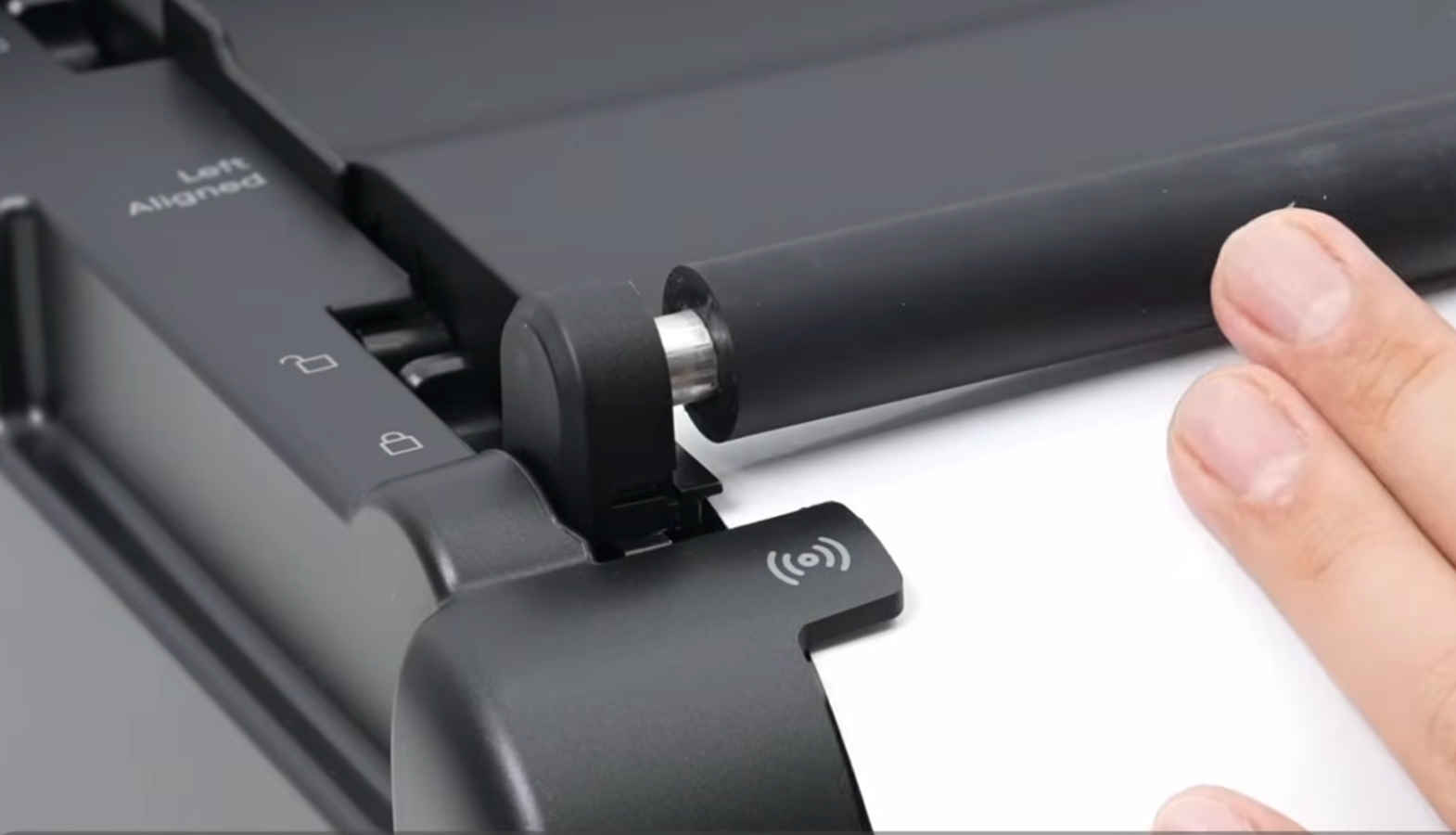
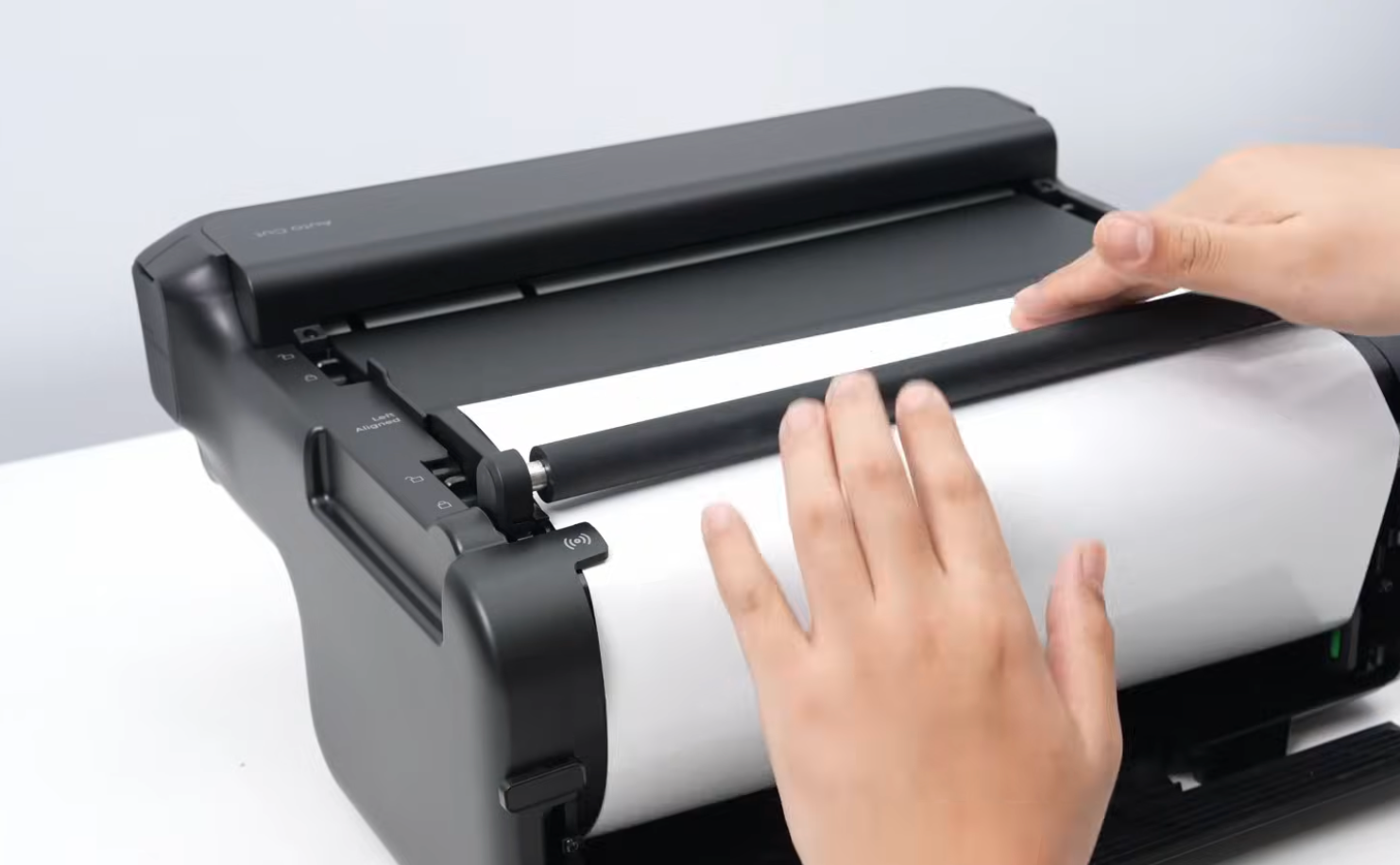
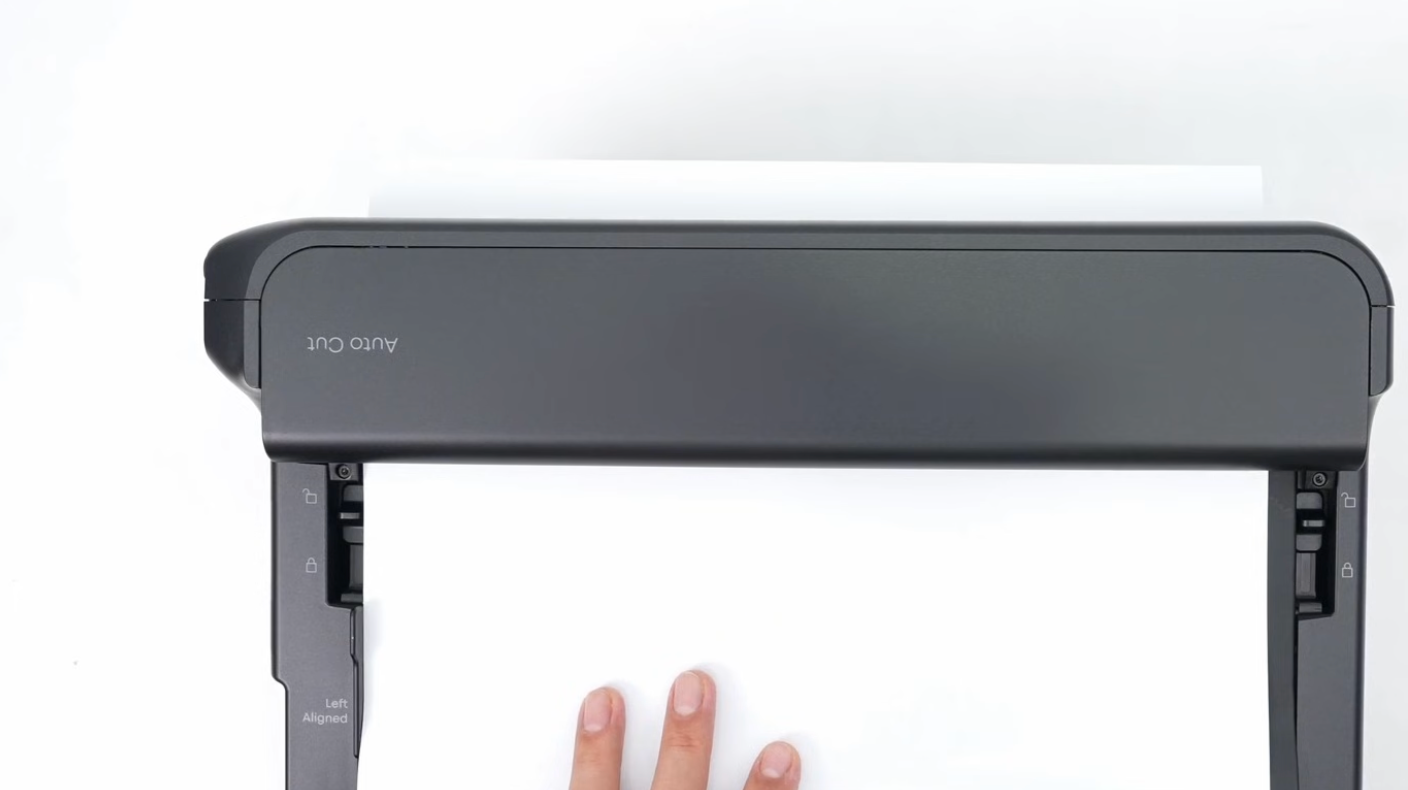
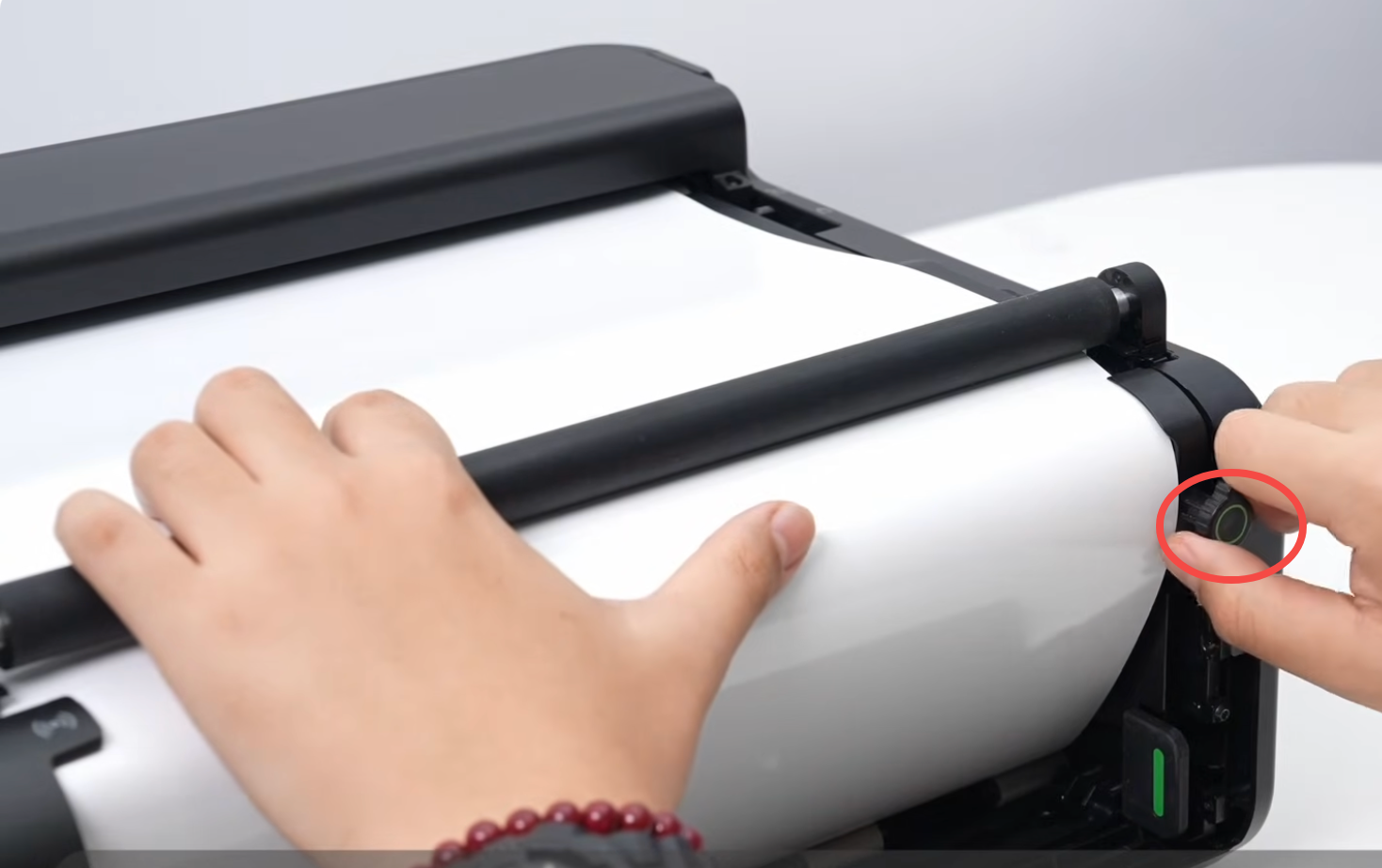
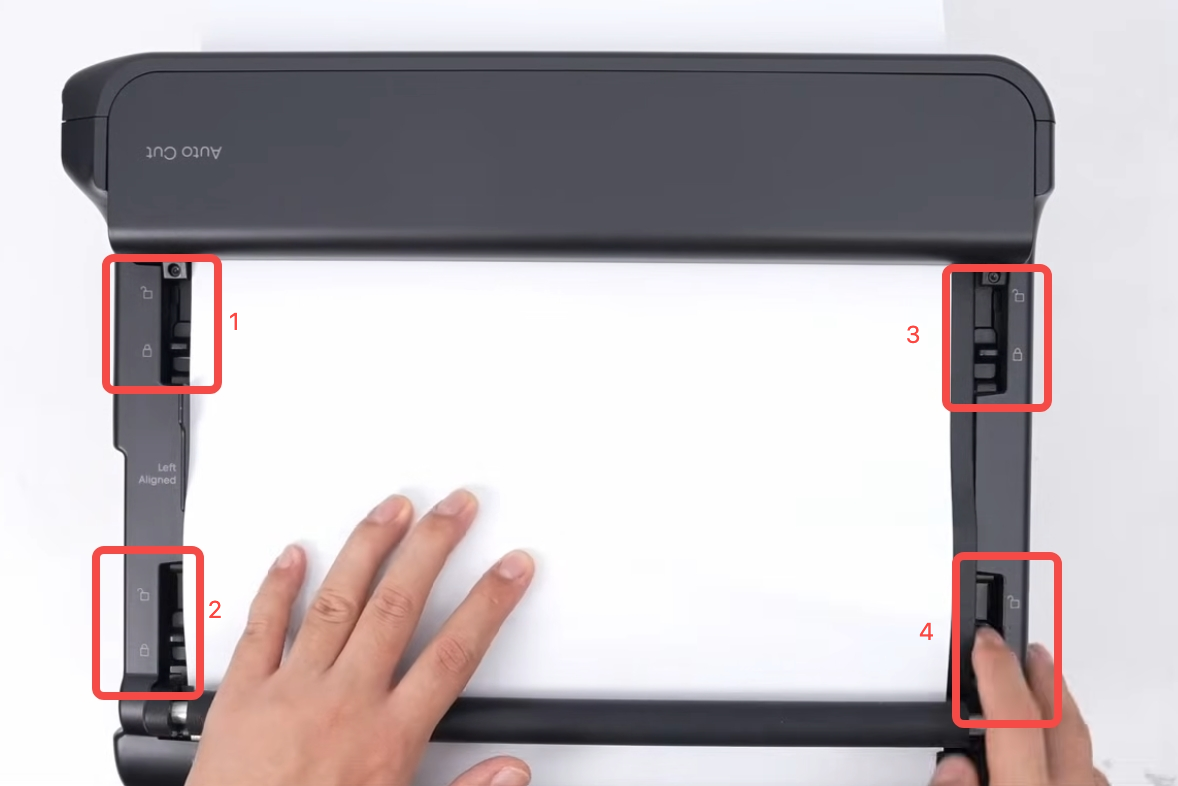
d. During the push, twist, and press-down steps, keep the film aligned to the left against the green guide, while securing all four pressure rods in sequence.
Support Contact
If the issue persists after completing the above steps, please contact eufyMake Customer Support at support@eufymake.com with the following information:
-
Your Order Information
-
Printer SN. Please refer to: How to Check the Device Serial Number (SN)
-
Printer and App Logs. Please refer to Log / Feedback Upload Process (App & PC) – Overview
-
Relevant photos and videos.