Fault Phenomenon
During measurement with the Rotary Printing Attachment, error 0xFD011E0001 occurs.
This is typically caused by a failure to measure the cup diameter.
Cause Analysis
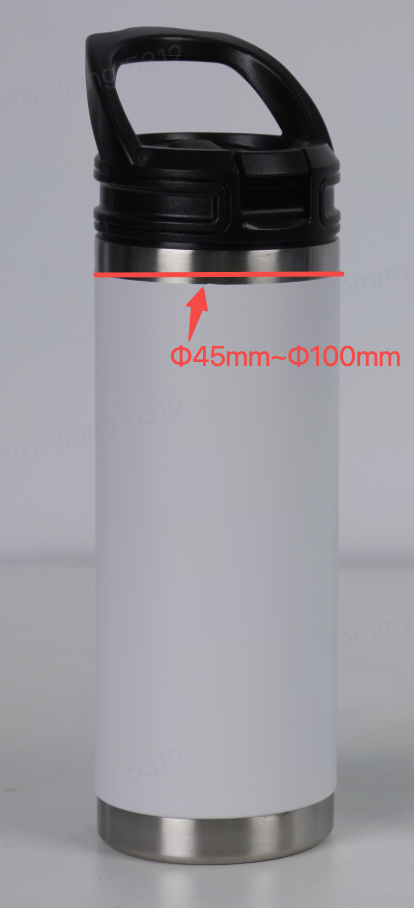
1. The cup mouth diameter exceeds the supported range.
2. The cup is not installed correctly on the Rotary Printing Attachment.
Troubleshooting
1. Use a measuring tool to check the diameter of the cup mouth.
If the result exceeds the specified range, the cup is not compatible with the Rotary Printing Attachment.
a. Conical cup: 45 mm ≤ diameter ≤ 97 mm
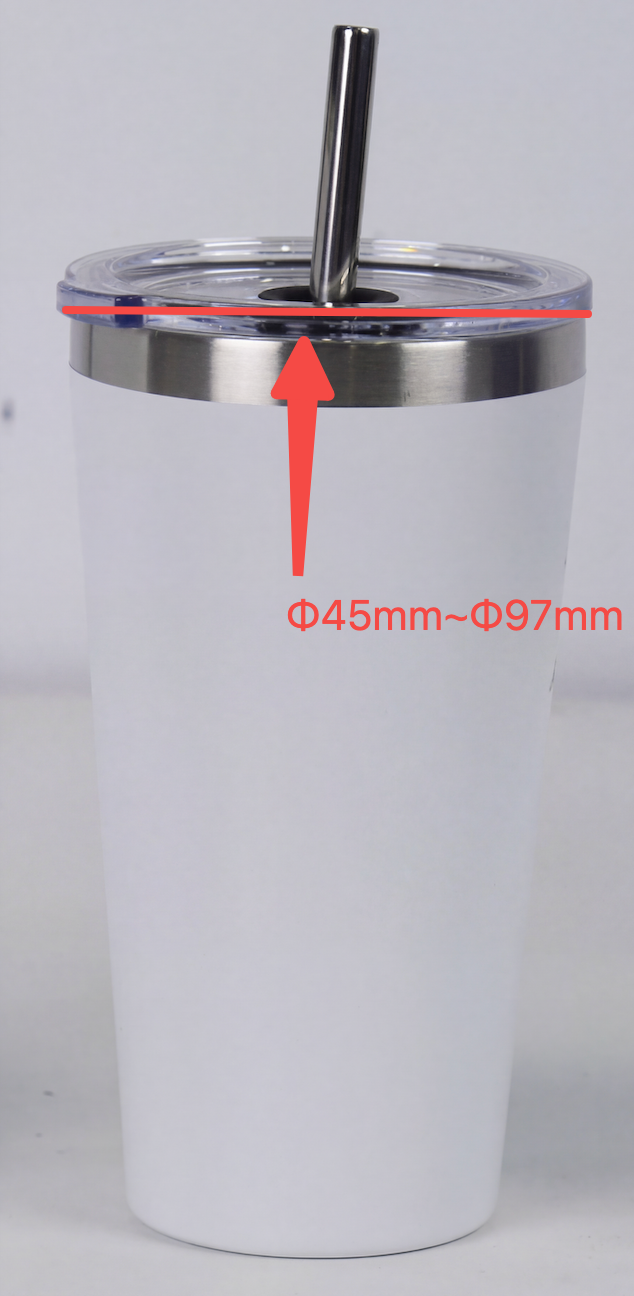
b. Cylindrical cup: 45 mm ≤ diameter ≤ 100 mm
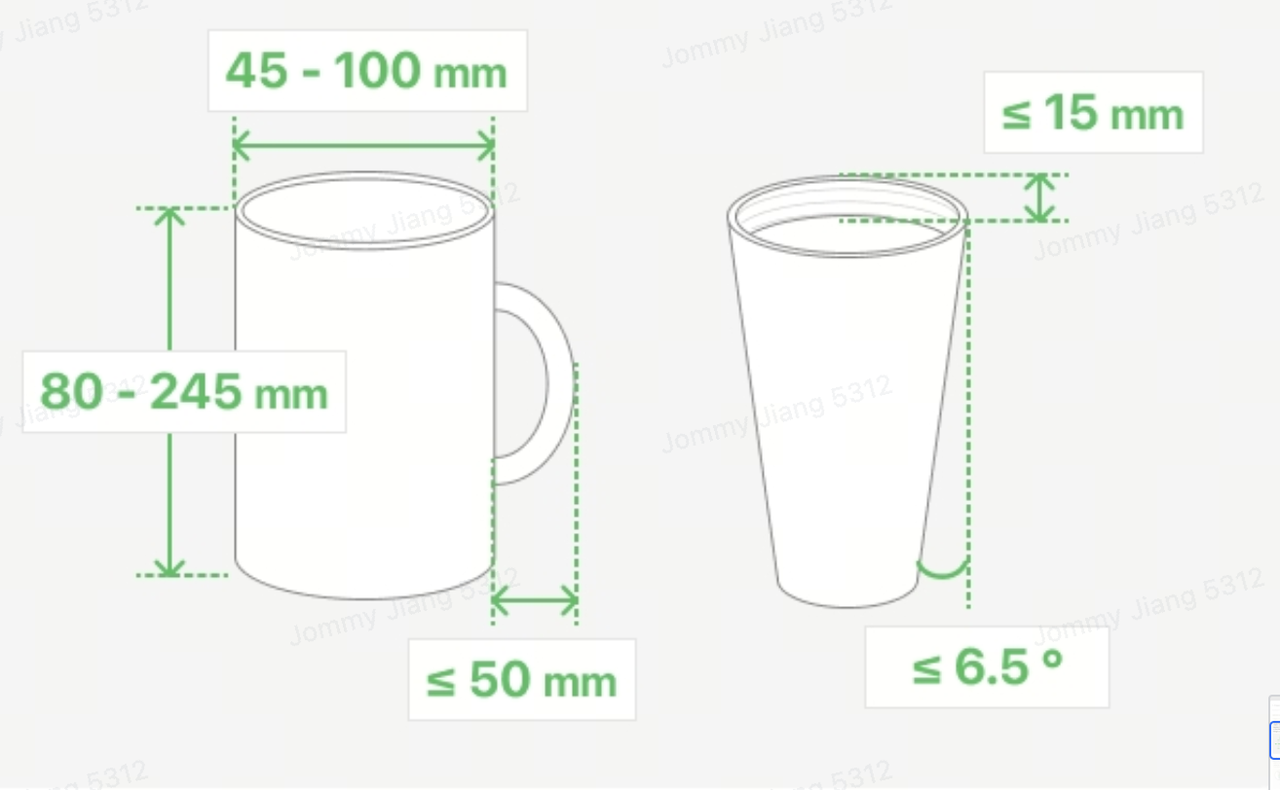
2. The Rotary Printing Attachment is not compatible with cups where the bottom diameter is larger than the top diameter.
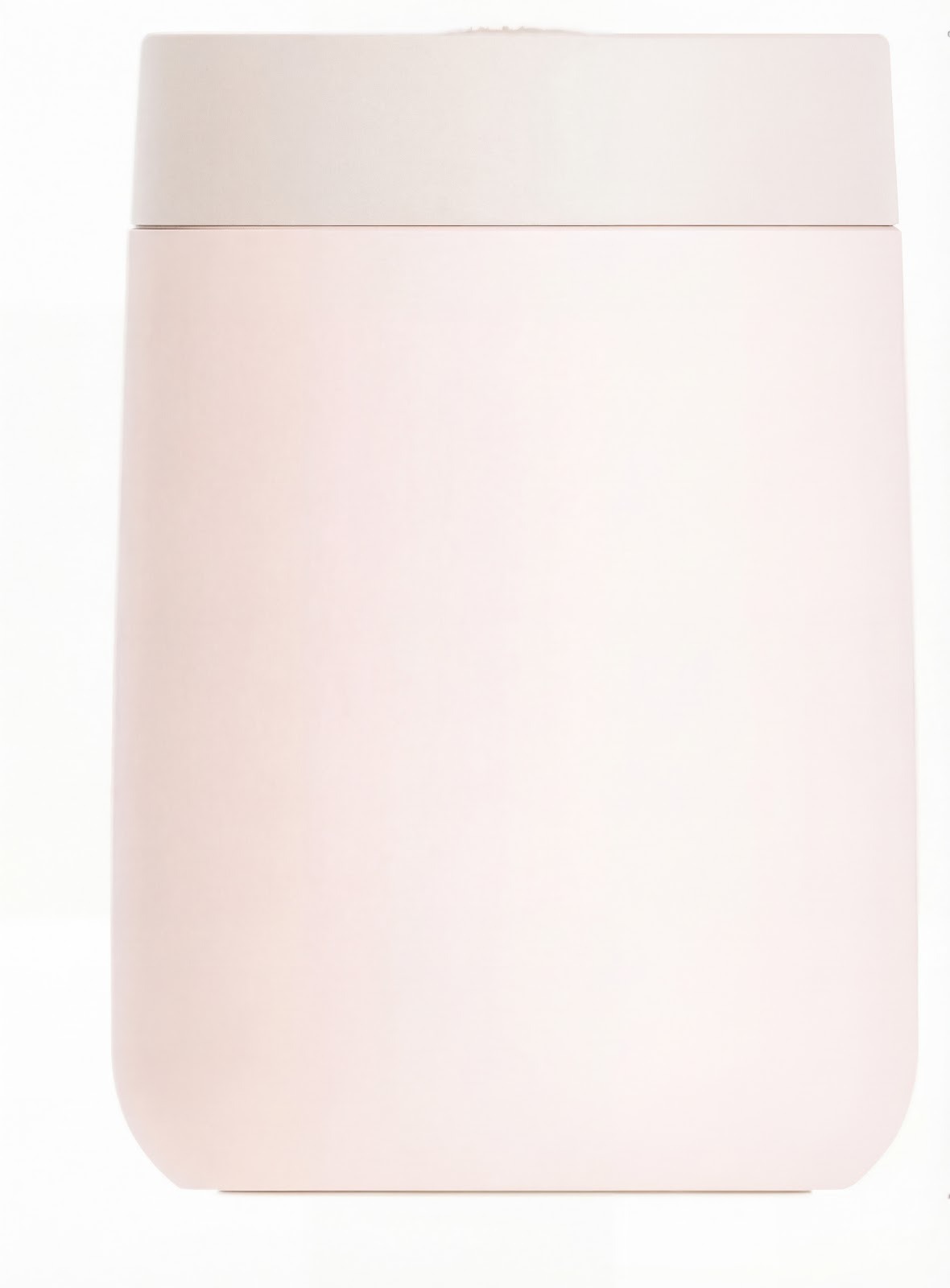
3. Check whether the cup is installed correctly:
-
Confirm the cup orientation.
The cup mouth must face the left side of the Rotary Printing Attachment.
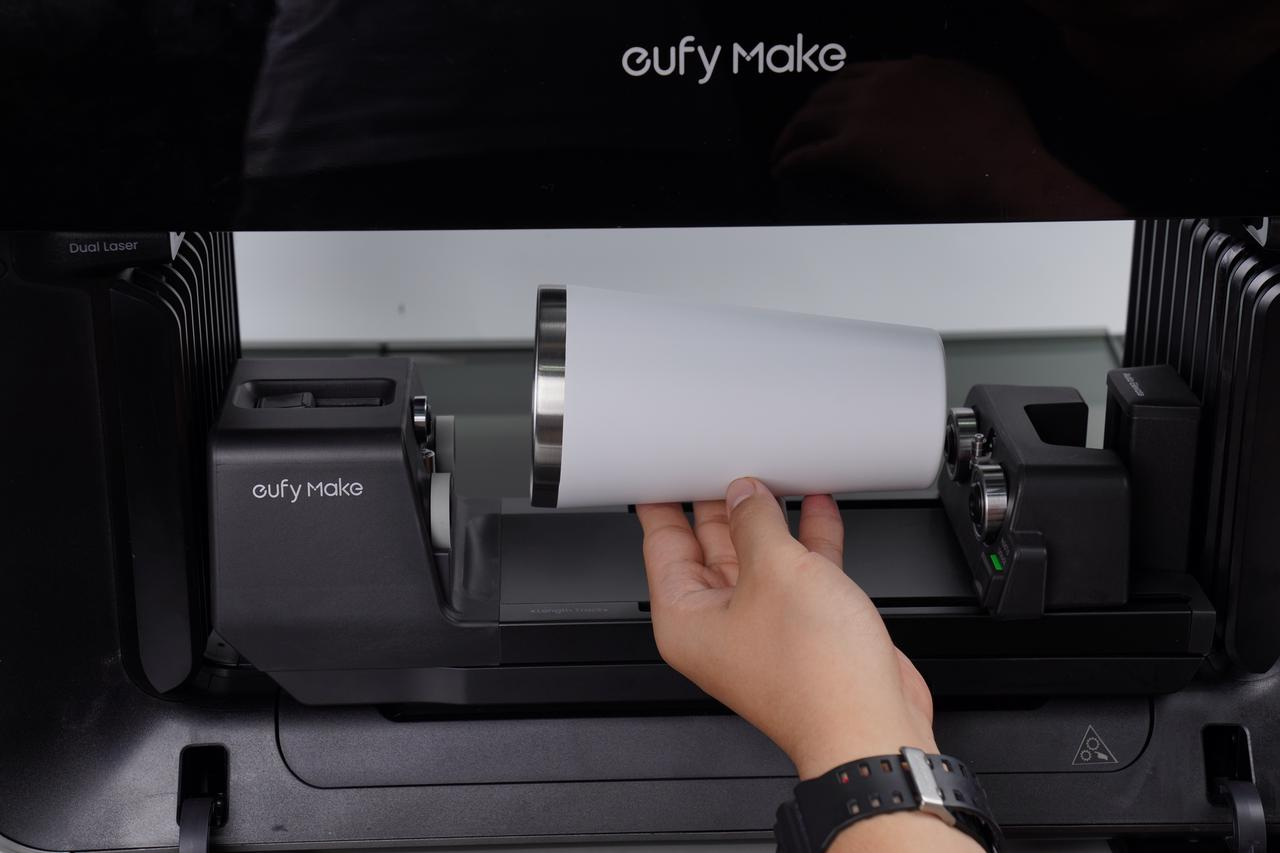
4. Use the pressure rod to secure the cup at the mouth.
Make sure it is firmly held to prevent movement during printing.
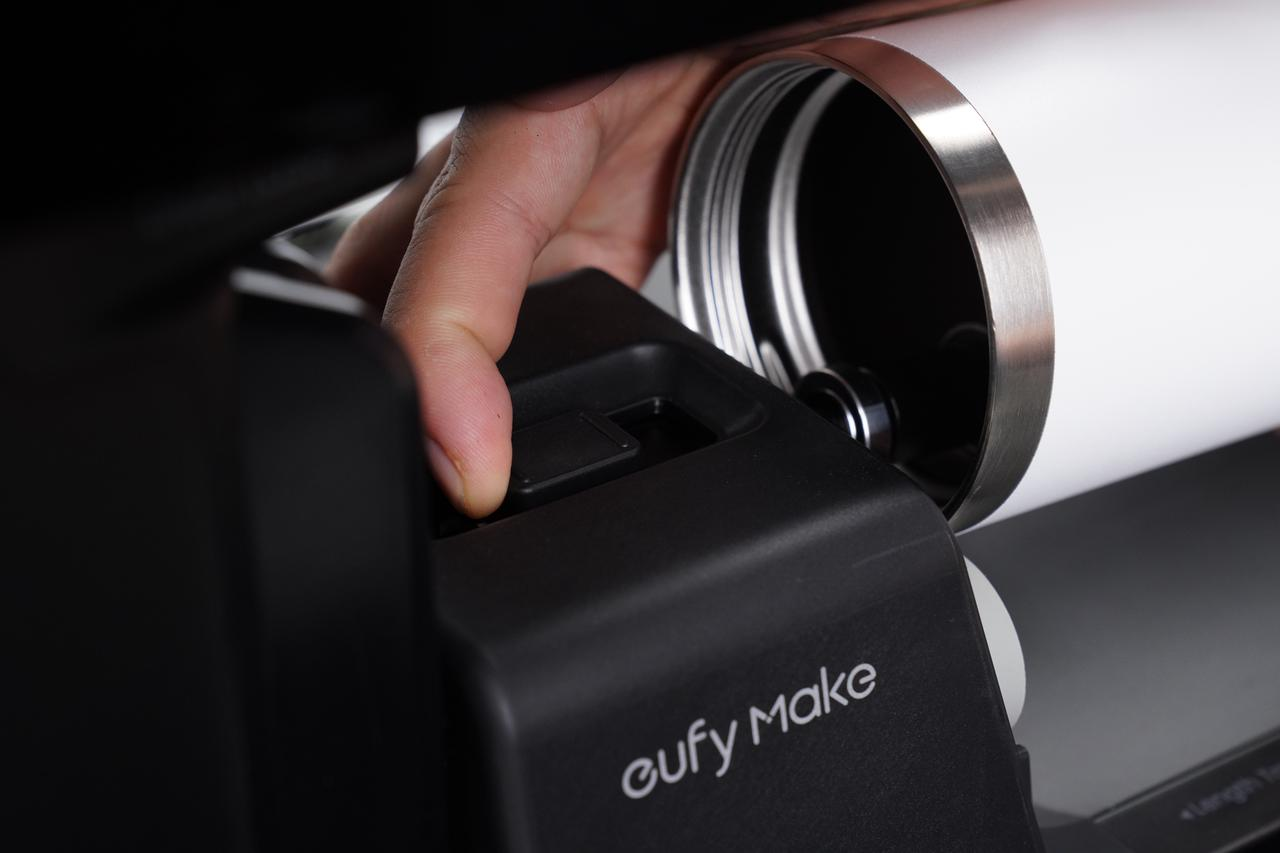
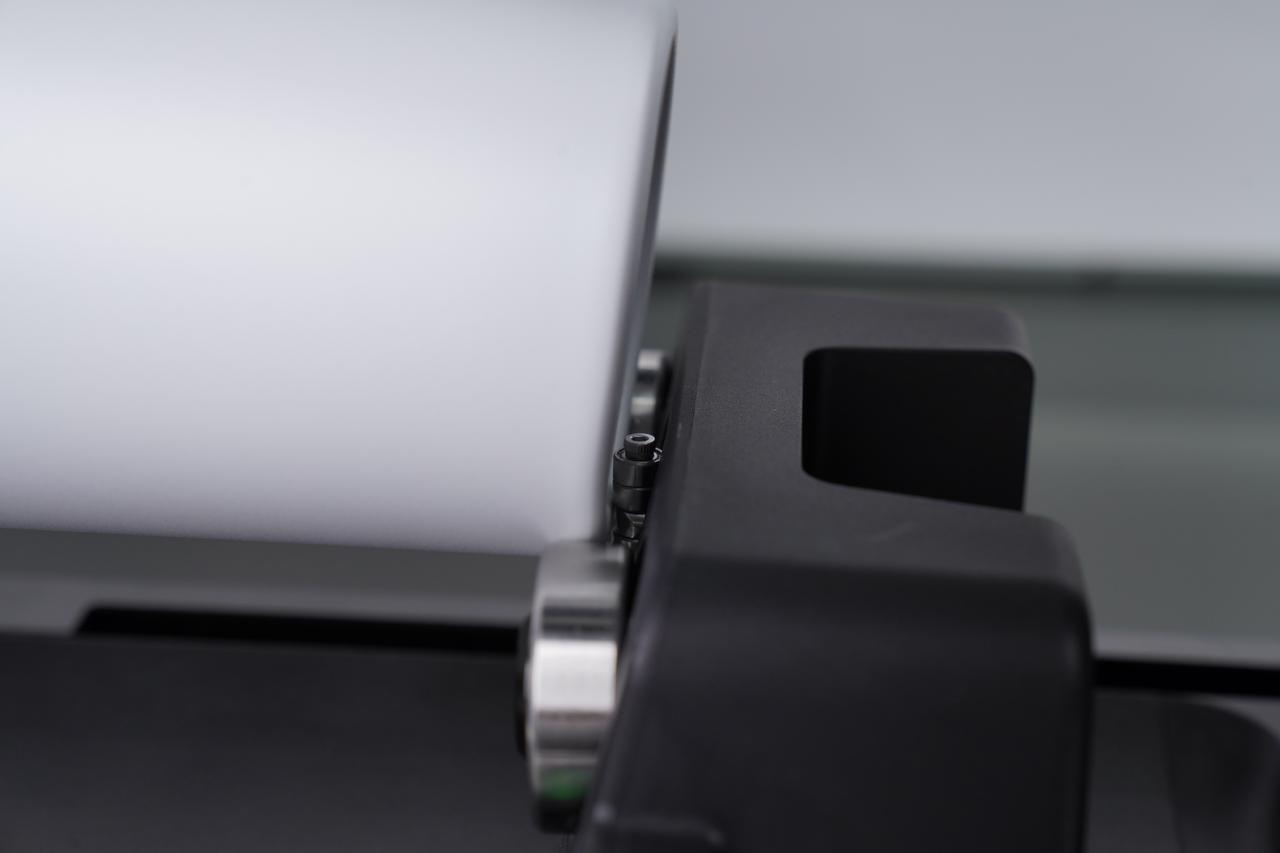
5. The bottom of the cup should face the driven wheel and sit firmly against the rear stop.
Support Contact
If the issue persists after completing the above steps, please contact eufyMake Customer Support at support@eufymake.com with the following information:
-
Your Order Information
-
Printer SN. Please refer to: https://support.eufymake.com/s/article/How-to-Check-the-Device-Serial-Number-SN
-
Printer and App Logs. Please refer to https://support.eufymake.com/s/article/Log-Upload-Process-App-PC-Overview
-
Relevant photos and videos.