Fault Phenomenon
During printer homing, the system reports Z-axis homing failure with error code 0xFD010D0003.
Cause Analysis
-
The Z-axis motion system is abnormal and cannot transmit power correctly.
-
The Z-axis limit switch is abnormal, preventing the Z-axis from returning to the zero position.
Troubleshooting
-
Power off the printer.
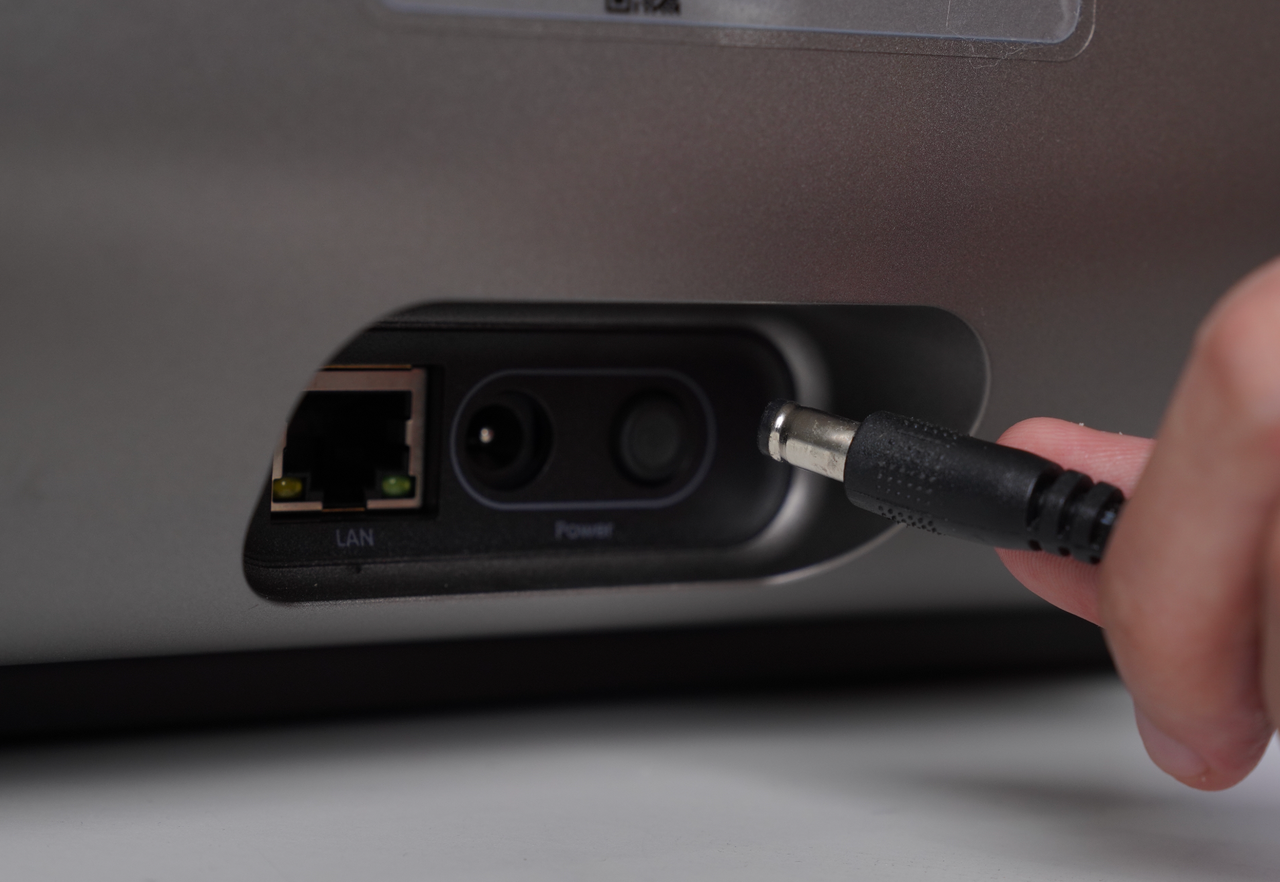
-
Check whether the mini platform plate is installed on the printer.
-
If the mini platform plate is not installed, install it correctly before proceeding.
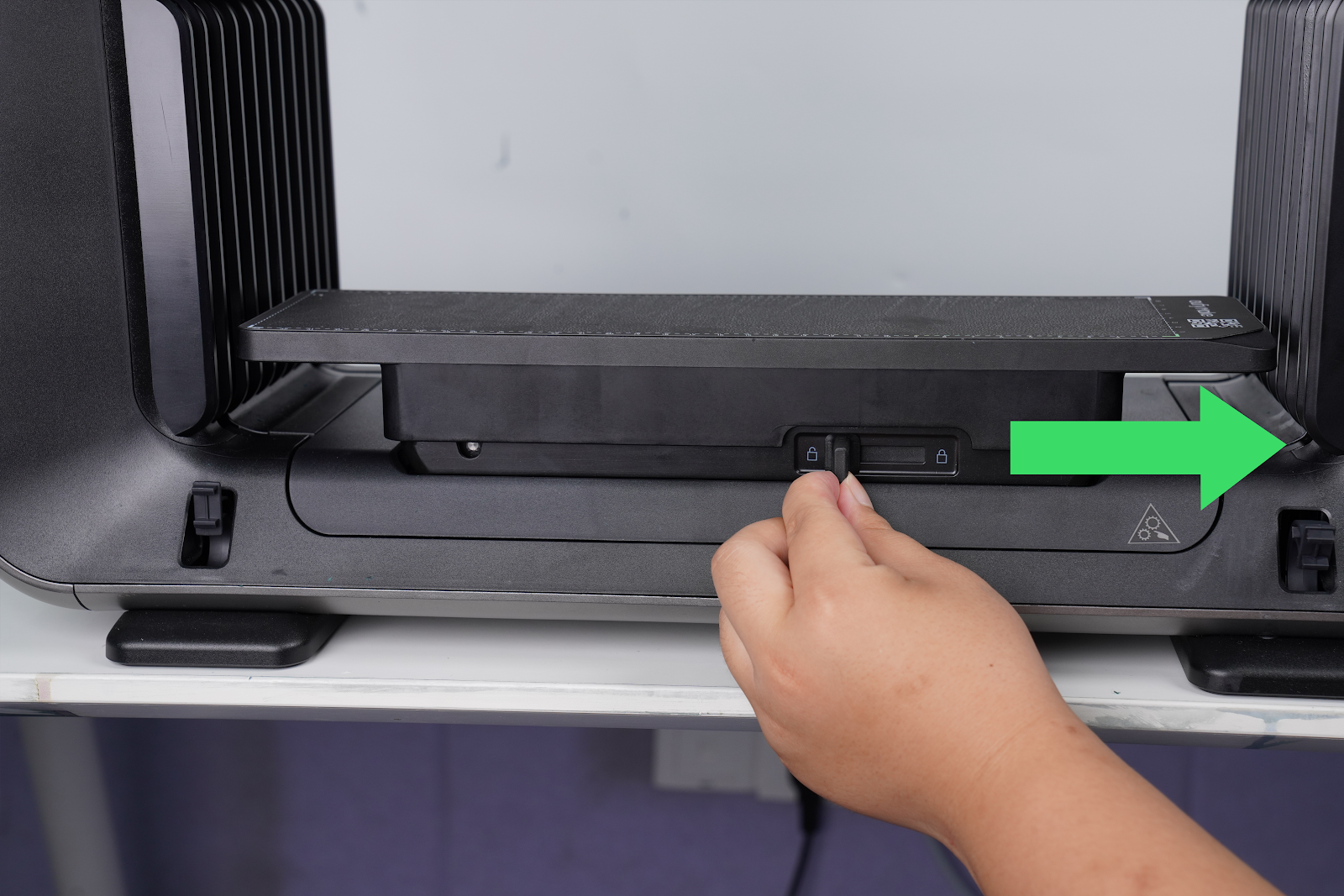
-
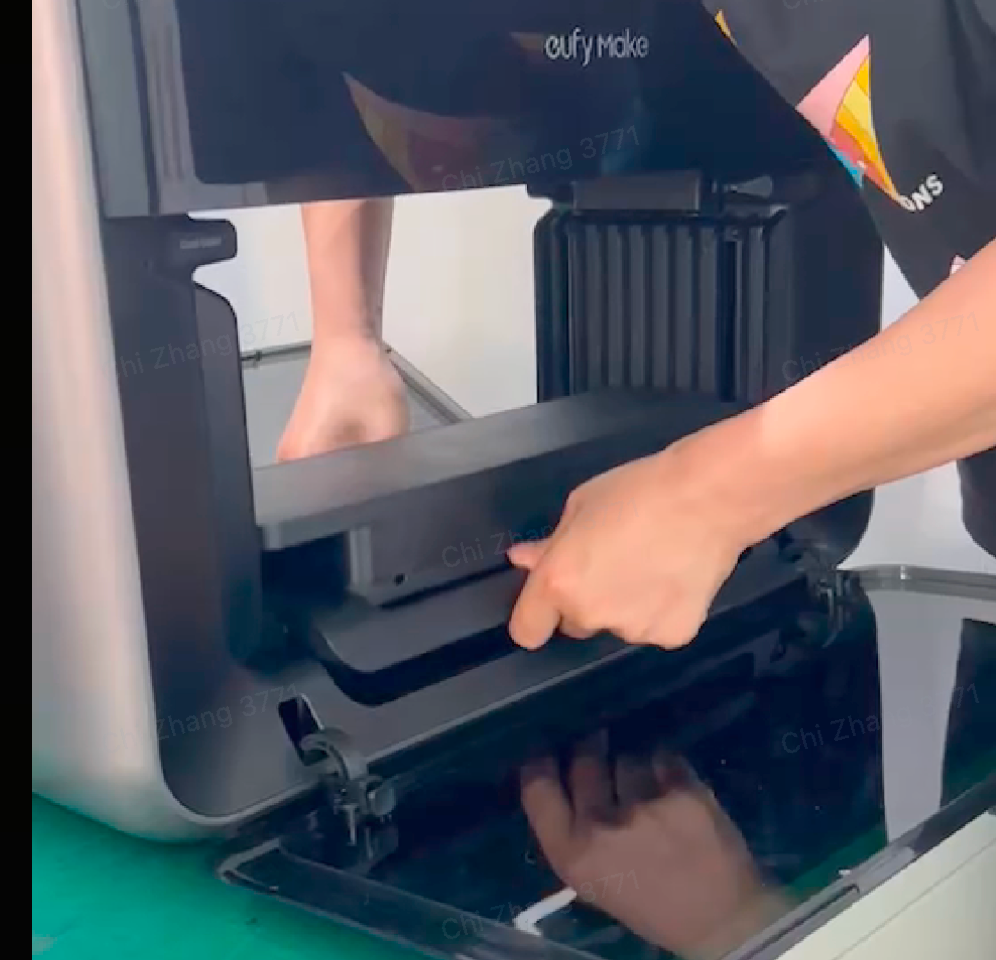
Hold both sides of the mini platform plate with your hands and lift it upward to check whether it can be lifted smoothly.
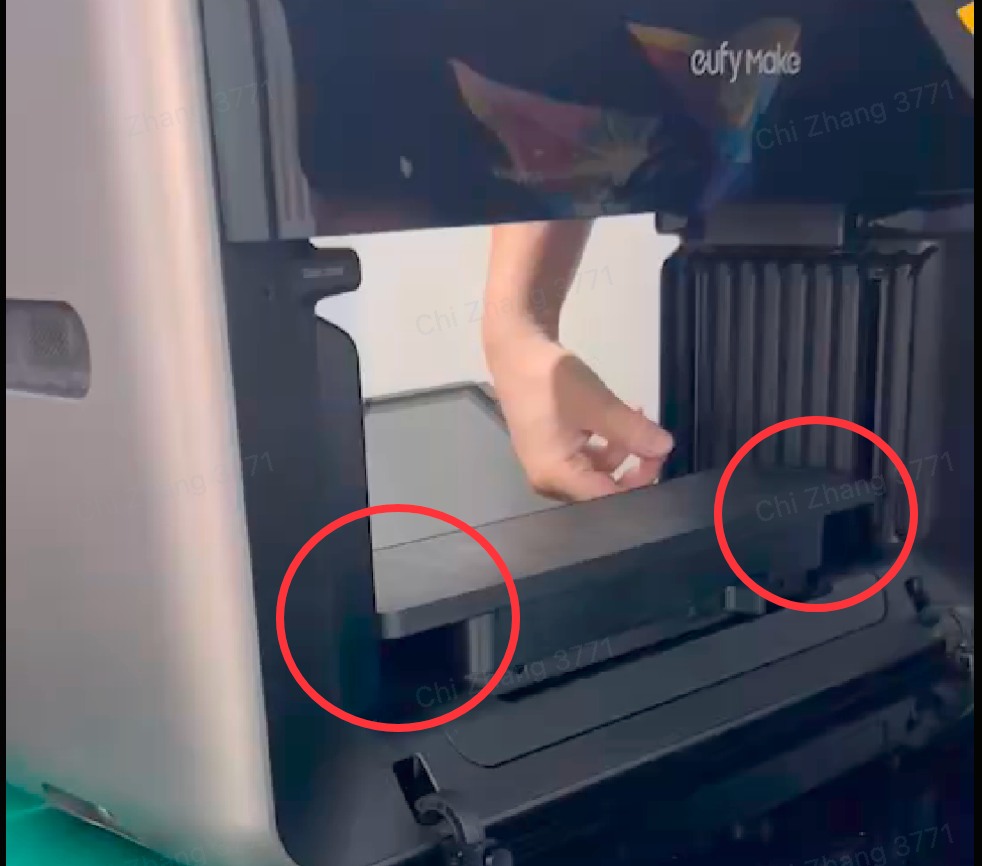
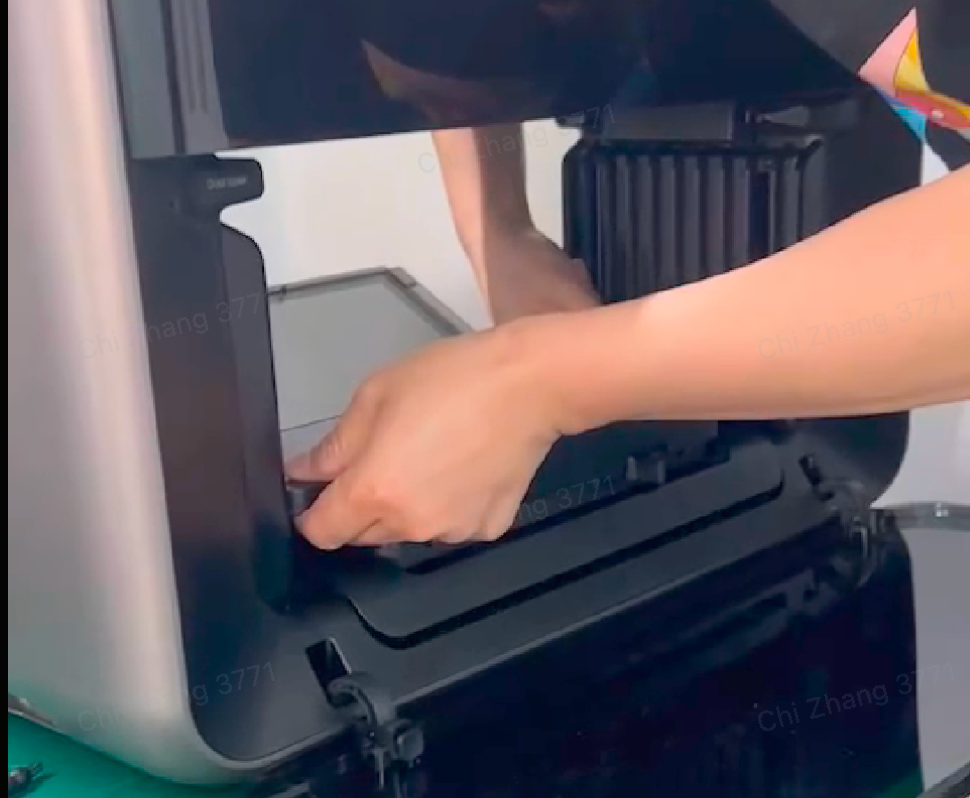
-
If the platform plate can be lifted normally:
-
Remove the left and right side shells of the printer.
-
Check whether the wiring of the Z-axis limit switch is properly connected and functioning normally.
-
Refer to the casing removal SOP: https://support.eufymake.com/s/article/Printer-Cover-Disassembly-and-Assembly-SOP
Note: Only the left and right side shells need to be removed.
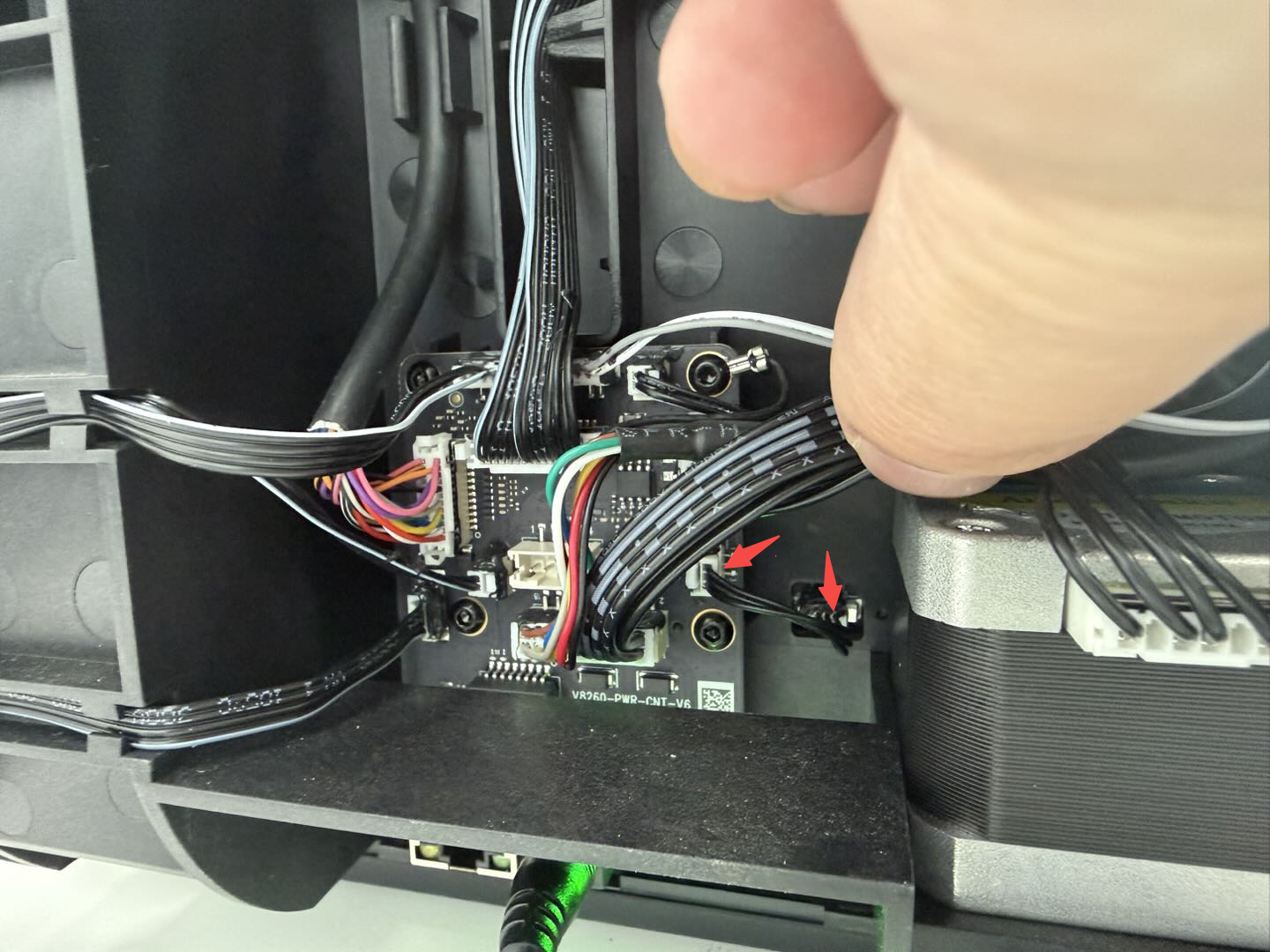
Left limit switch

Right limit switch
Support Contact
If the issue persists after completing the above steps, please contact eufyMake Customer Support at support@eufymake.com with the following information:
-
Your Order Information.
-
Printer SN. Please refer to: https://support.eufymake.com/s/article/How-to-Check-the-Device-Serial-Number-SN
-
Printer and App Logs. Please refer to: https://support.eufymake.com/s/article/Log-Upload-Process-App-PC-Overview
-
Recorded videos demonstrating the platform issue.










