Fault Phenomenon
The nozzle moves irregularly or gets stuck on the X-axis guide rail, and abnormal noise occurs during movement.
Error code: 0xFD010D0001
Cause Analysis
-
The printhead is locked at the ink stack and cannot be moved out.
-
Blocked or jammed by foreign objects during movement.
-
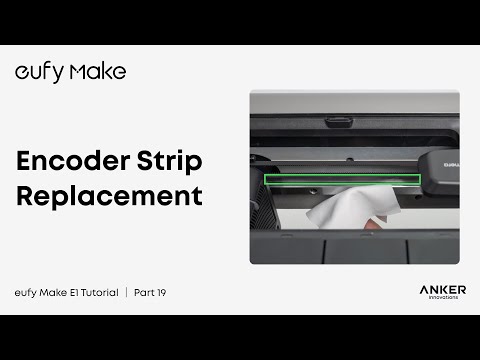
Abnormal feedback of grating scale signal.
-
The motor does not rotate in Week X.
Troubleshooting Steps
After powering on, self-check whether the X-axis emits any abnormal noise.
If abnormal noise is emitted
-
Refer to the unpacking video and check whether the foam of the printer has been completely removed.
-
Check the specific position where the nozzle is stuck, whether there is any foreign object blocking it, and clean up the relevant foreign objects.
-
If the print head is stuck in the ink stack position, please take a relevant video.
-
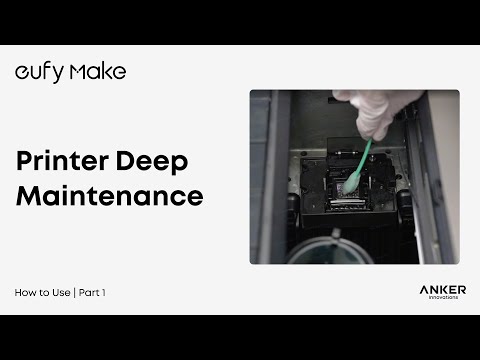
If the nozzle can move normally but makes noise, refer to the maintenance video to maintain the linear guide.
If no abnormal noise is emitted after powering on
-
Check the error code. If there is a grating ruler error during synchronization, first troubleshoot and resolve it according to the grating ruler error.
-
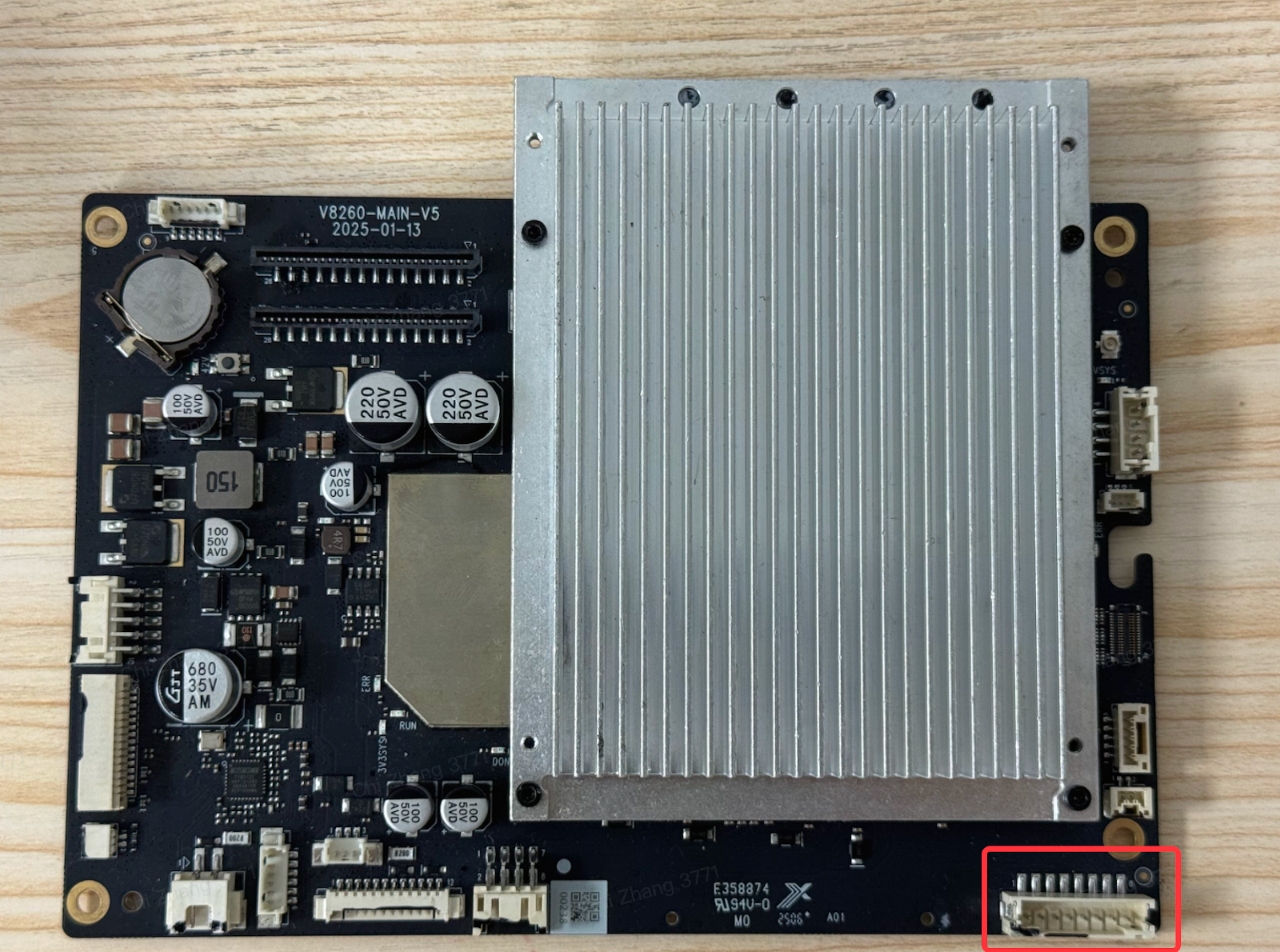
Please refer to: https://support.eufymake.com/s/article/eufyMake-UV-Printer-E1-Printer-Outer-Shell-Disassembly-SOP, open the printer's top cover, check if the motor wires are properly connected, and you can reconnect them.
Support Contact
If the issue persists after completing the above steps, please contact eufyMake Customer Support at support@eufymake.com with the following information:
-
Your Order Information
-
Printer SN. Please refer to:https://support.eufymake.com/s/article/How-to-Check-the-Device-Serial-Number-SN
-
Printer and App Logs. Please refer to https://support.eufymake.com/s/article/Log-Feedback-Upload-Process-App-PC-Overview
-
Relevant photos and videos.