Fault Phenomenon
The color order of the test pattern printed by the printer is incorrect, which causes the initialization and camera calibration process to fail.
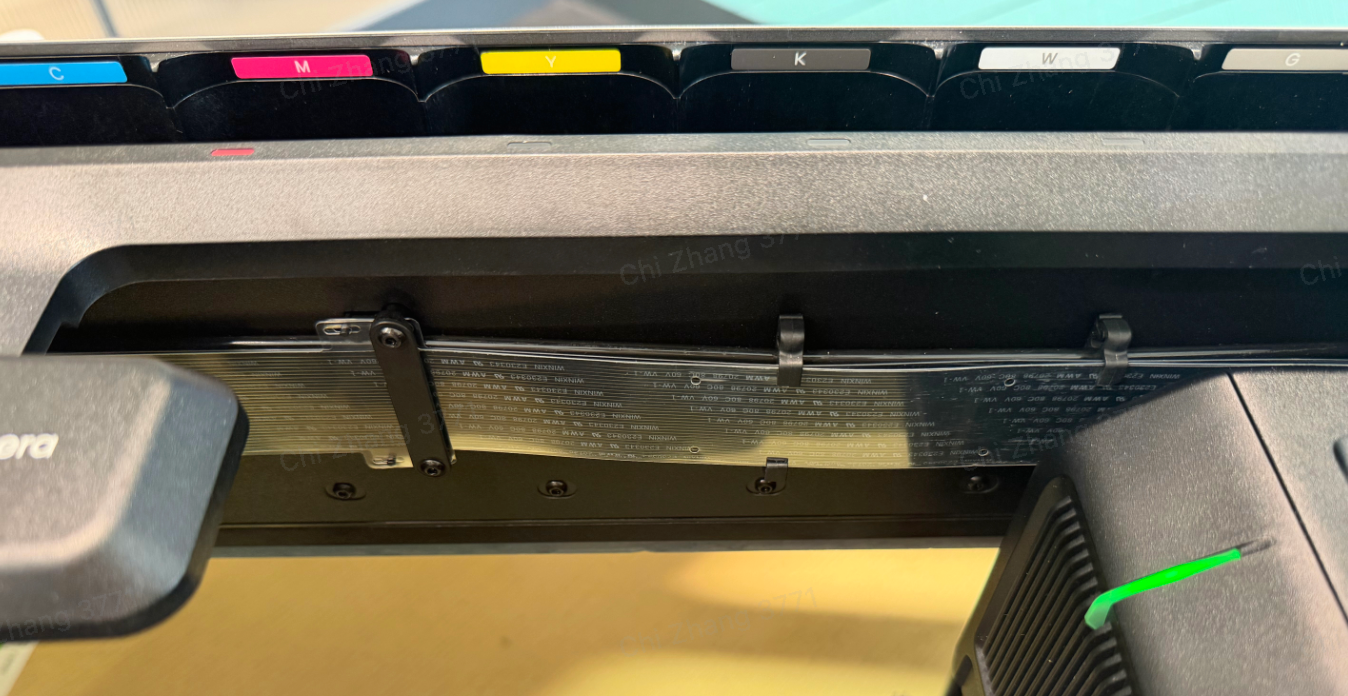
The correct color order is: CMYKWG
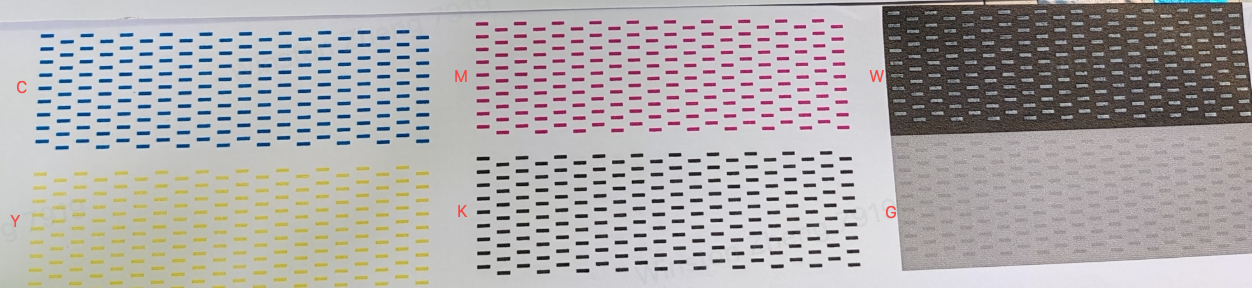
If the ink cartridges are inserted incorrectly, the printed test pattern may appear similar to the following images and will differ from the standard test pattern.
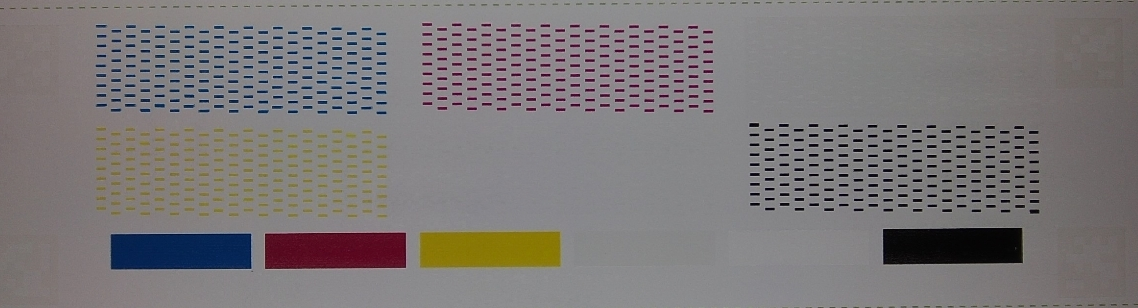
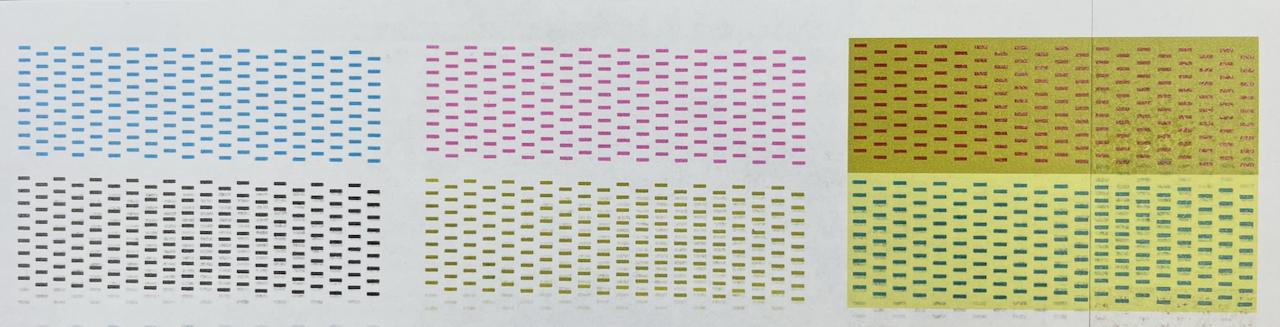
Cause Analysis
During cartridge installation, the user did not follow the correct installation order on the printer, resulting in the cartridges being inserted into the wrong positions.
Solution
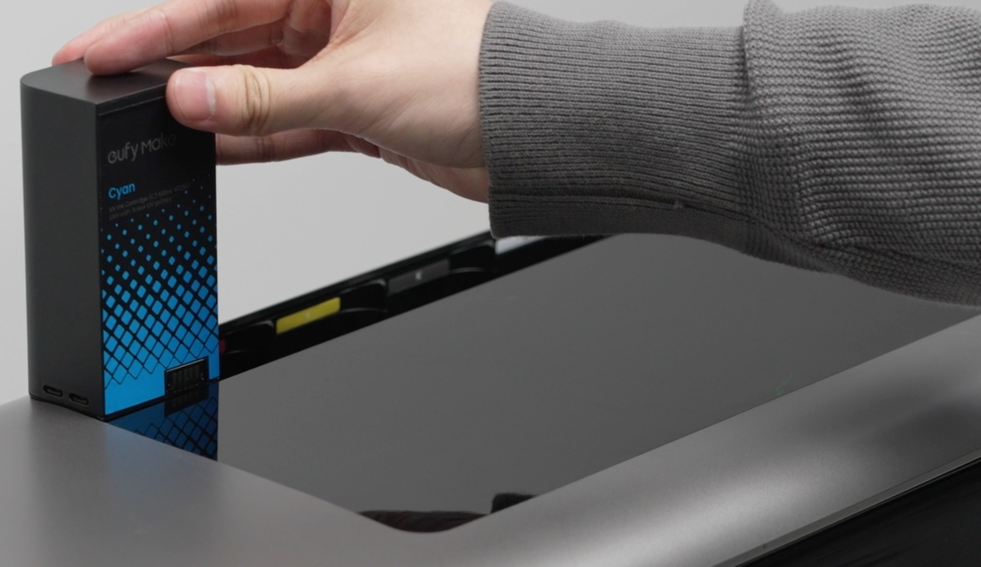
- Reinstall the ink cartridges in the order C—M—Y—K—W—G, following the installation sequence indicated on the ink cartridge holder.
If the device has already completed the ink filling operation, you must first restore the device to factory settings, then repeat the initialization process.
2. During the ink filling process, the residual mixed ink will be flushed from the system.
Repeat this operation 1–2 times to effectively resolve the ink mixing issue.
Factory Reset & Initialization Guide:










