Fault Phenomenon
Ink Cartridge Cannot Be Removed from the Cartridge Holder
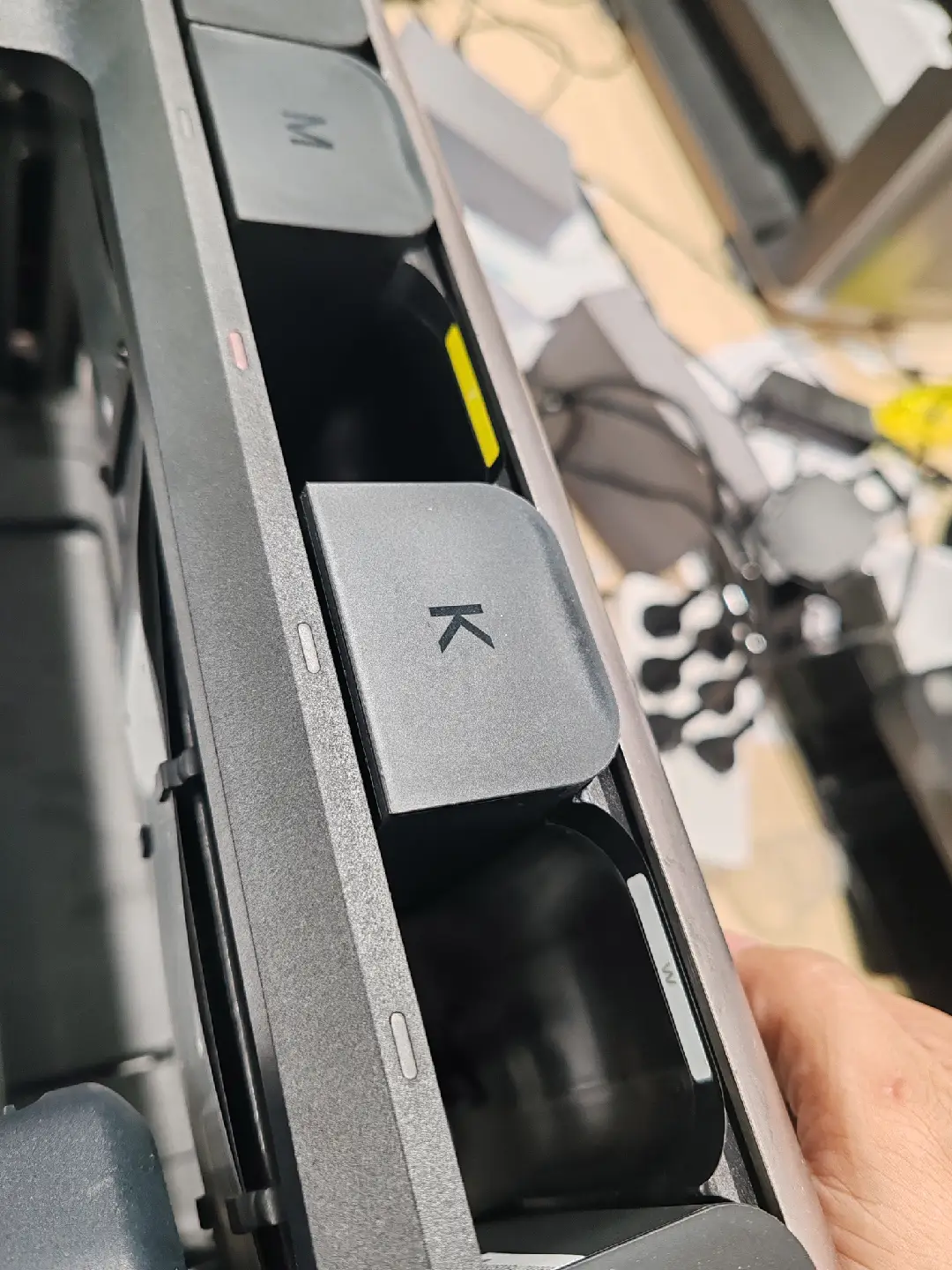
The ink cartridge is stuck in the cartridge holder and cannot be removed.
Cause Analysis
-
Ink leakage from the cartridge, resulting in corrosion or adhesion between the cartridge and housing
-
Cartridge hook corroded and stuck, preventing normal release
-
Hook slot of the ink cartridge holder is broken, causing mechanical jamming
Required tools
-
Gloves
-
Goggles
Operation Safety Precautions
-
Wear gloves before operation to prevent ink contact with skin.
-
Wear goggles to protect eyes from ink splashes or debris.
Troubleshooting Steps
-
Remove adjacent cartridges
Carefully remove the ink cartridges on both sides of the stuck cartridge to create sufficient operating space.
-
Release the stuck cartridge
-
Press the ink cartridge downward firmly.
-
Gently shake the cartridge left and right while maintaining downward pressure.
-
The cartridge should loosen and can then be removed.
Support Contact
If the issue persists after completing the above steps, please contact eufyMake Customer Support at support@eufymake.com with the following information:
-
Your Order Information
-
Printer SN. Please refer to: https://support.eufymake.com/s/article/How-to-Check-the-Device-Serial-Number-SN
-
Printer and App Logs. Please refer to: https://support.eufymake.com/s/article/Log-Feedback-Upload-Process-App-PC-Overview
-
Relevant photos and videos.










