Removing B-Film
-
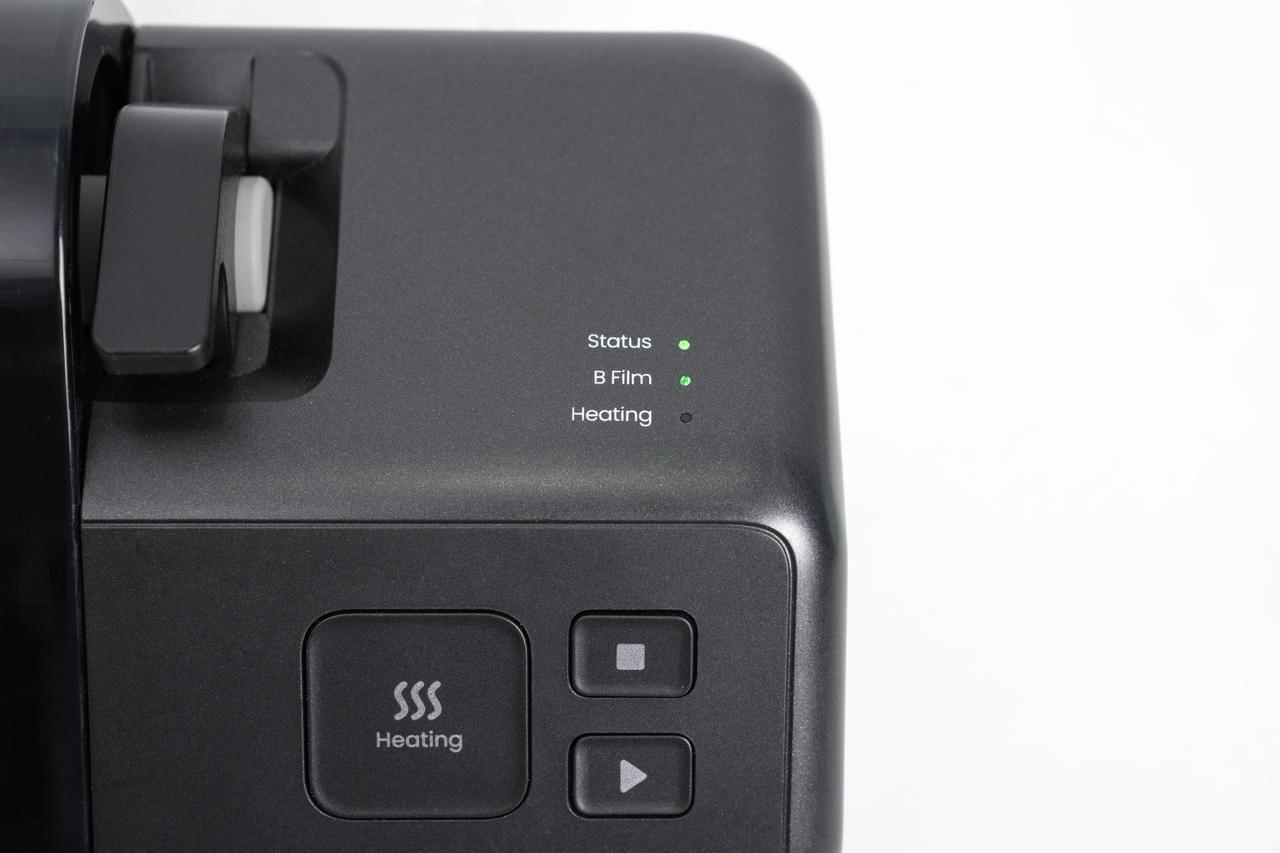
Press the Stop button to halt the laminator.
-
Wait until the heating roller has fully cooled to room temperature.
-
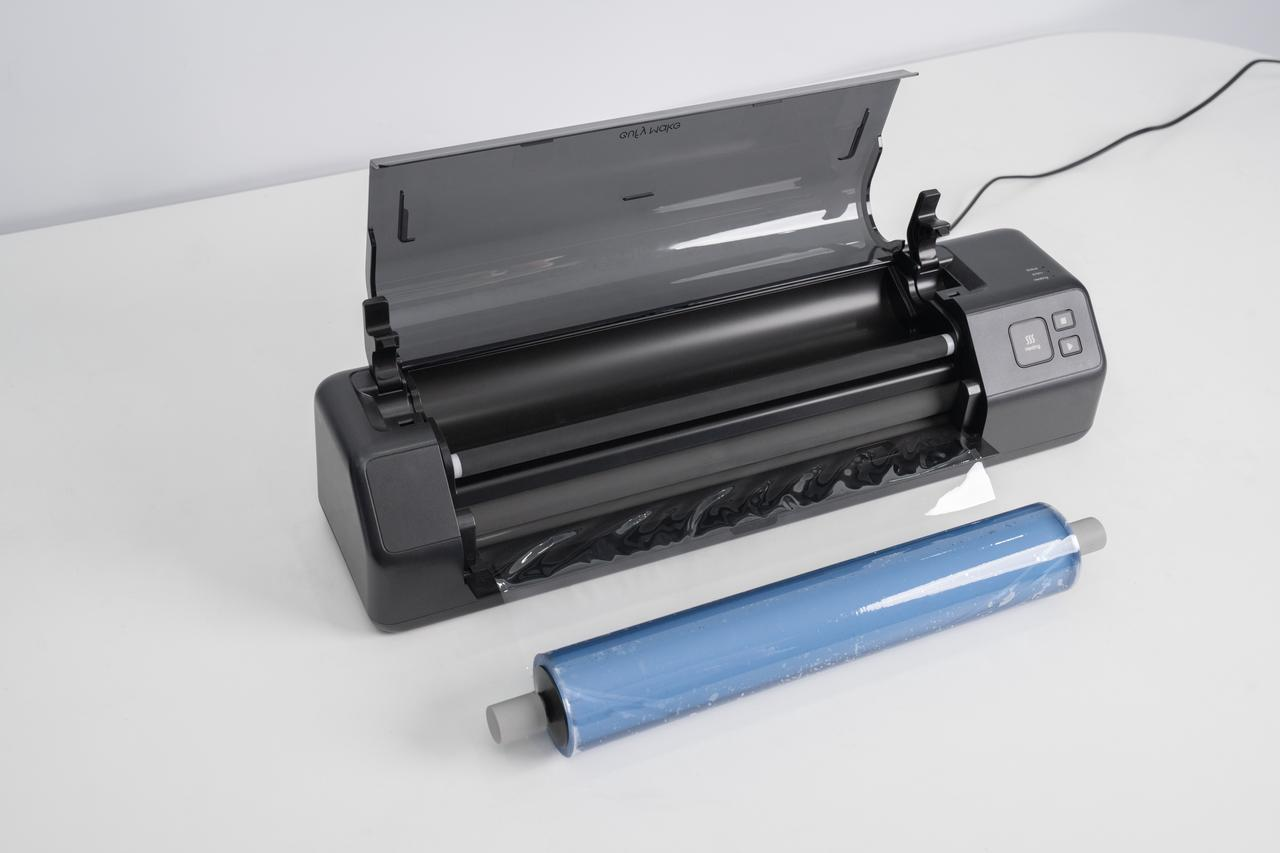
Open the maintenance cover.
-
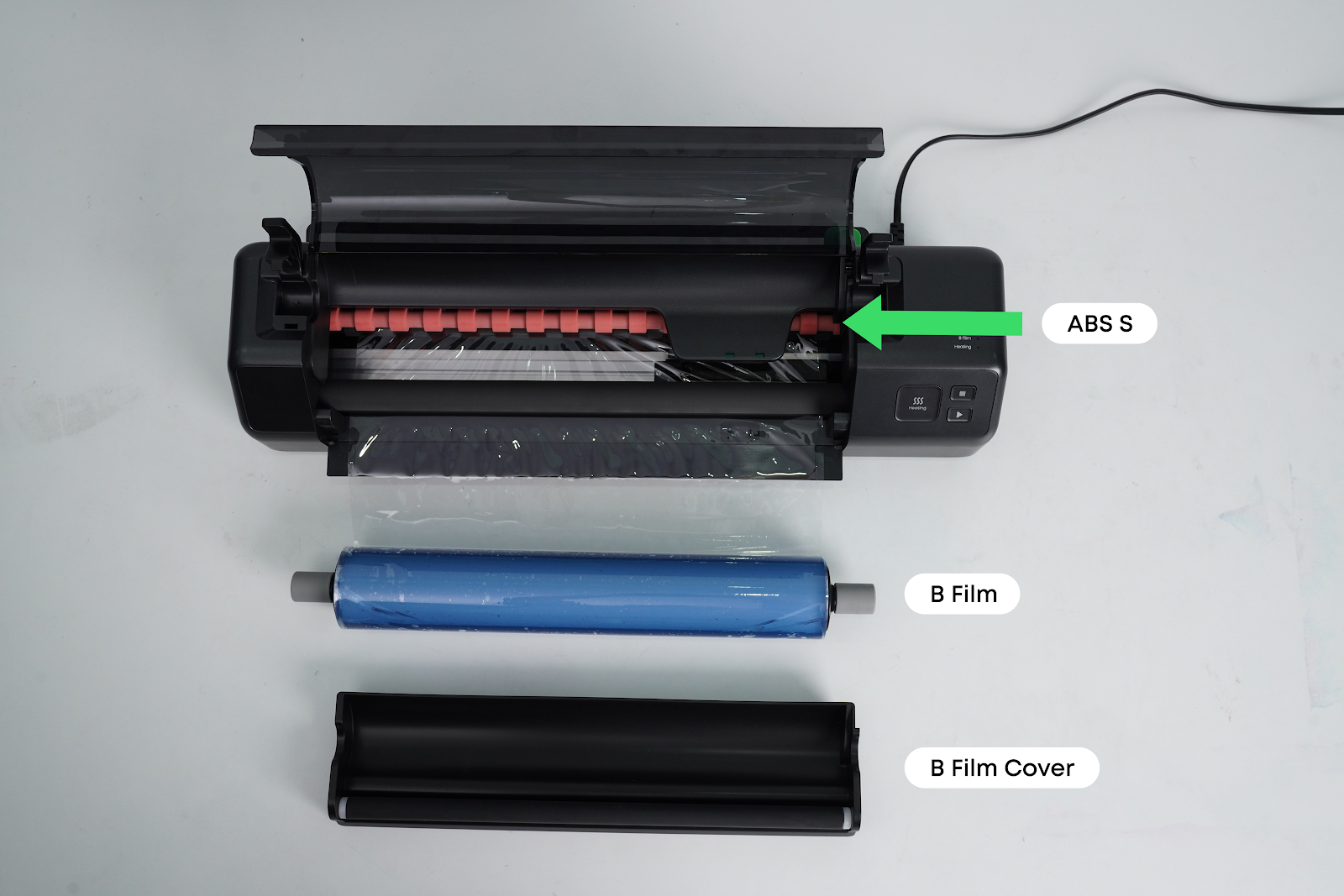
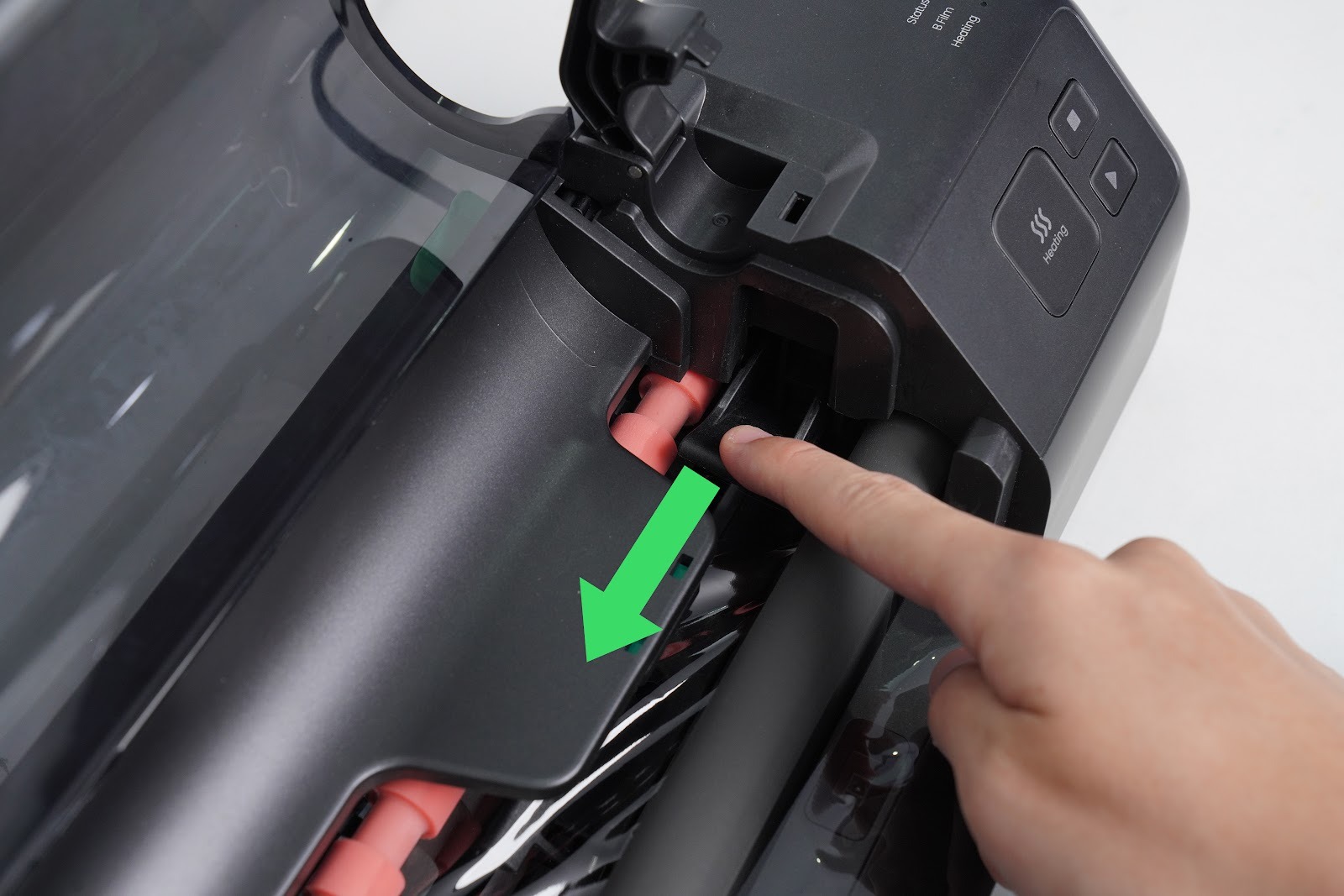
Push down the ABS lever.
-
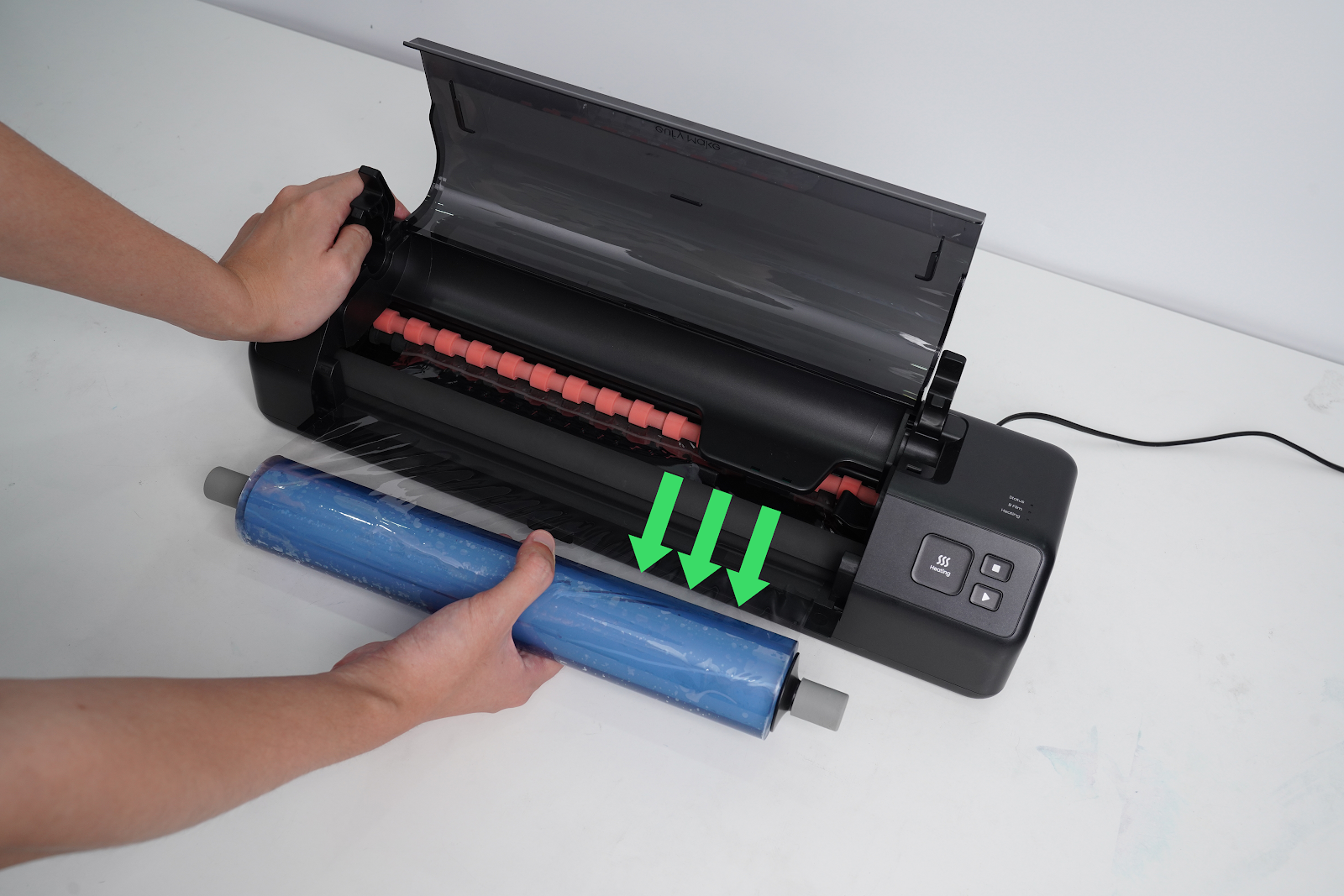
Holding the film firmly, pull the B-Film out manually along the roller axis direction.
Installing B-Film
Step 1 - Load B-Film into the Laminating Machine
-
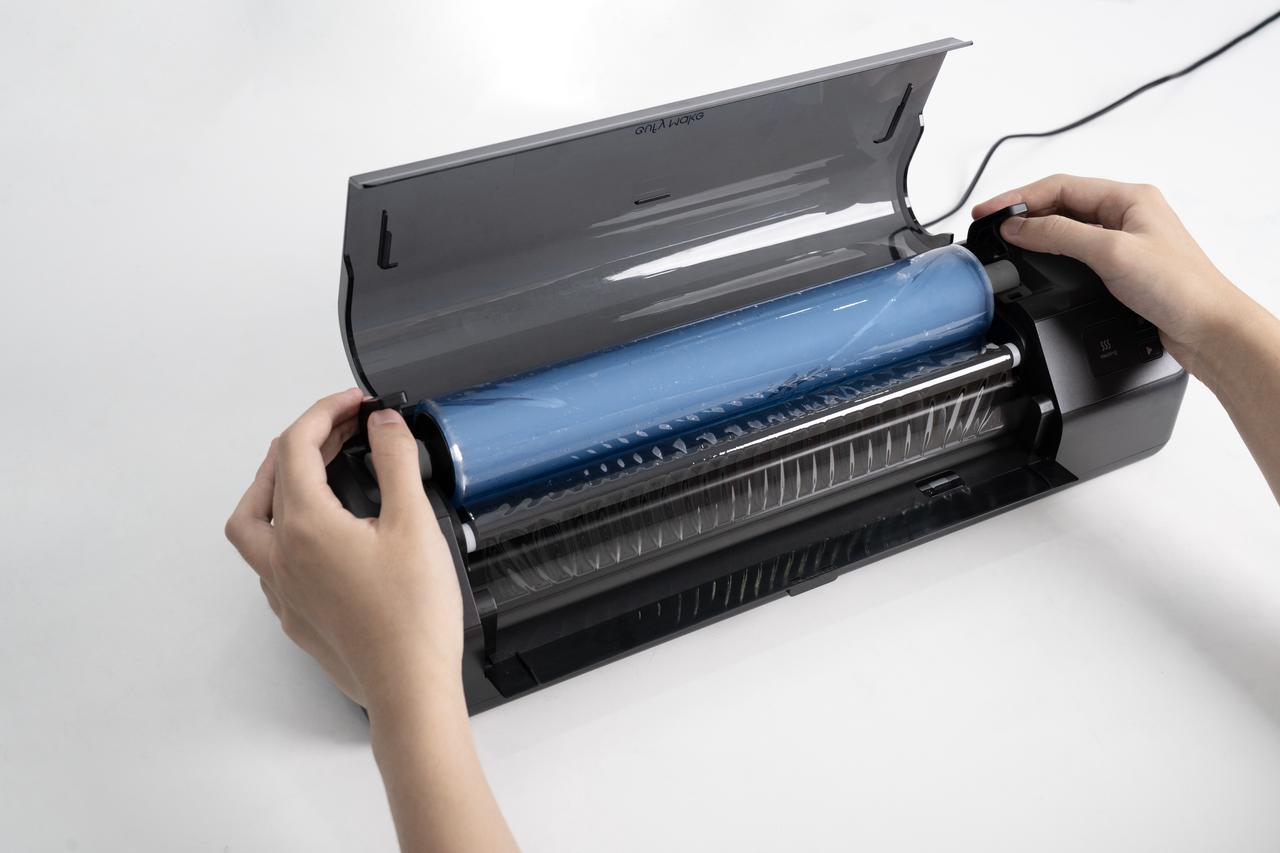
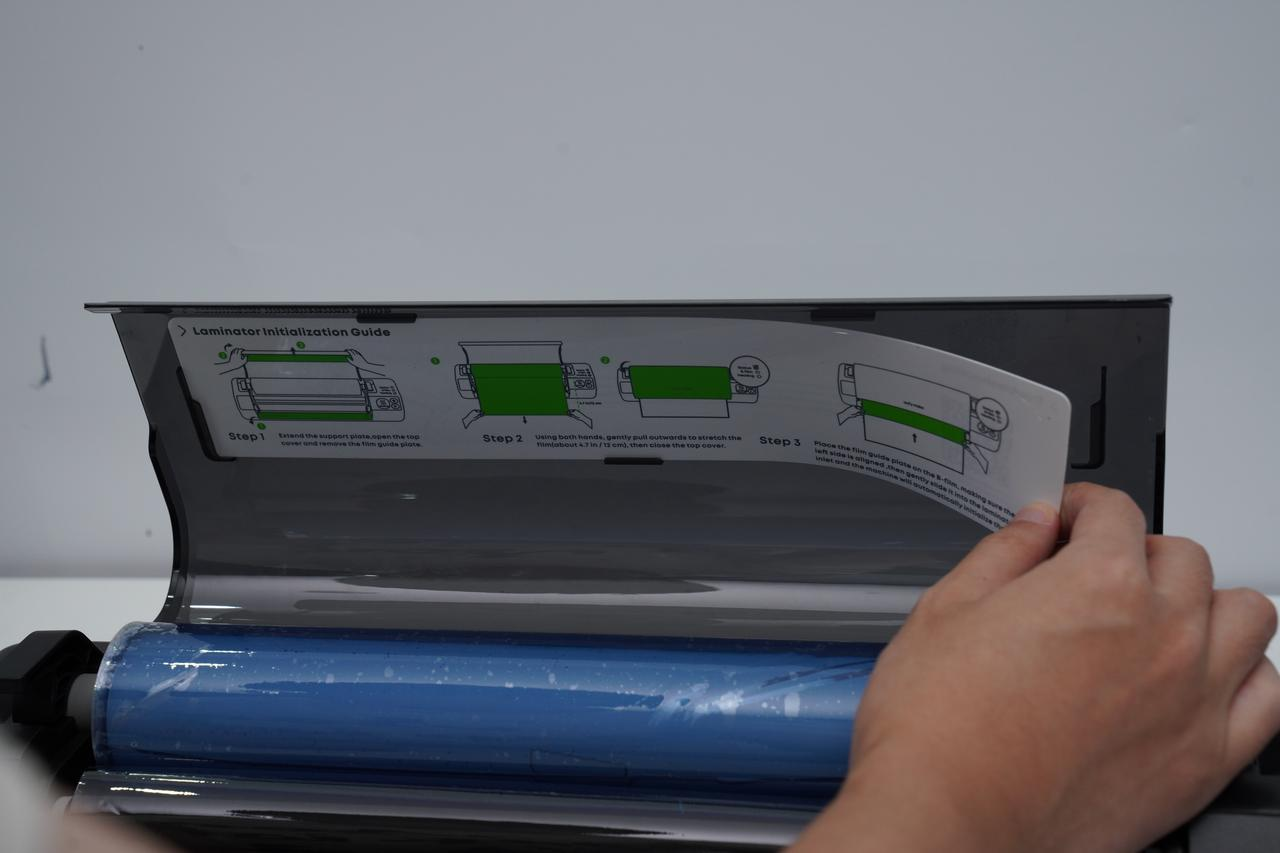
Remove the film guide plate from the top cover of the B-Film, as shown in the illustration.
-
Close the lid and wait for the short confirmation beep.
-
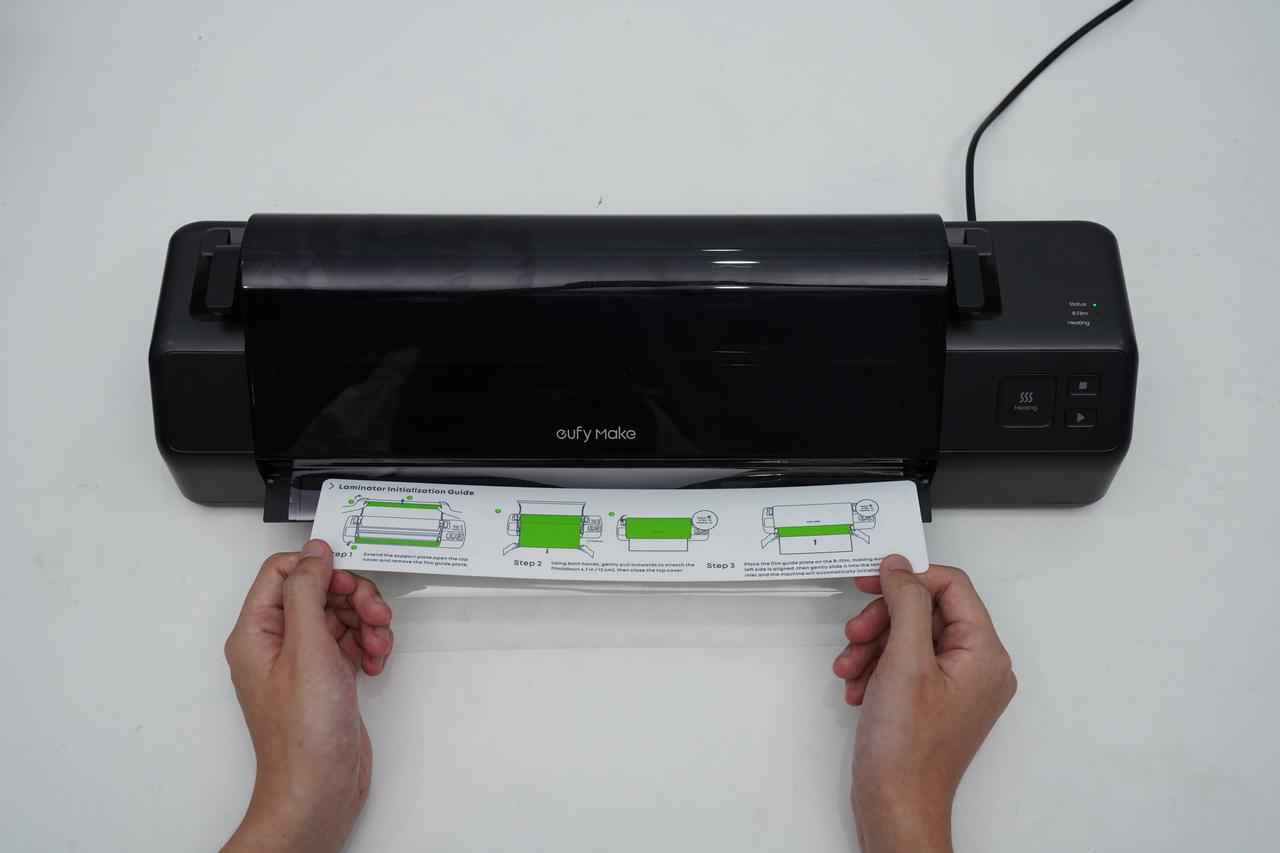
Place the film guide plate onto the B-Film, ensuring the left edge of the guide plate is aligned with the film entrance of the laminating machine.
-
Slowly push the film into the entrance.
-
The machine will automatically pull in and load the B-Film.
Step 2 - Cut the B-Film
-
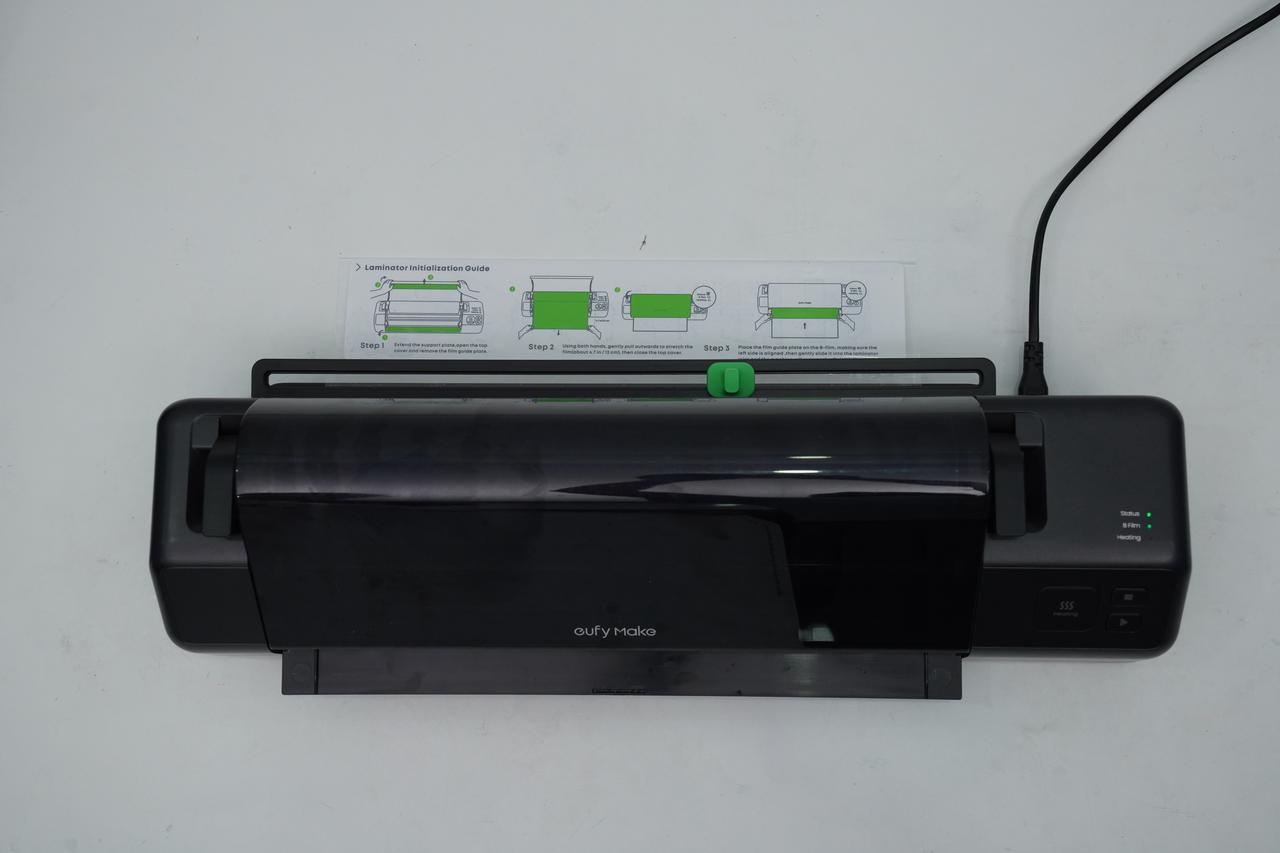
Once the B-Film is fully loaded, a beep will sound and the B-Film indicator light will turn on.
-
Wait for the machine to stop automatically.
-
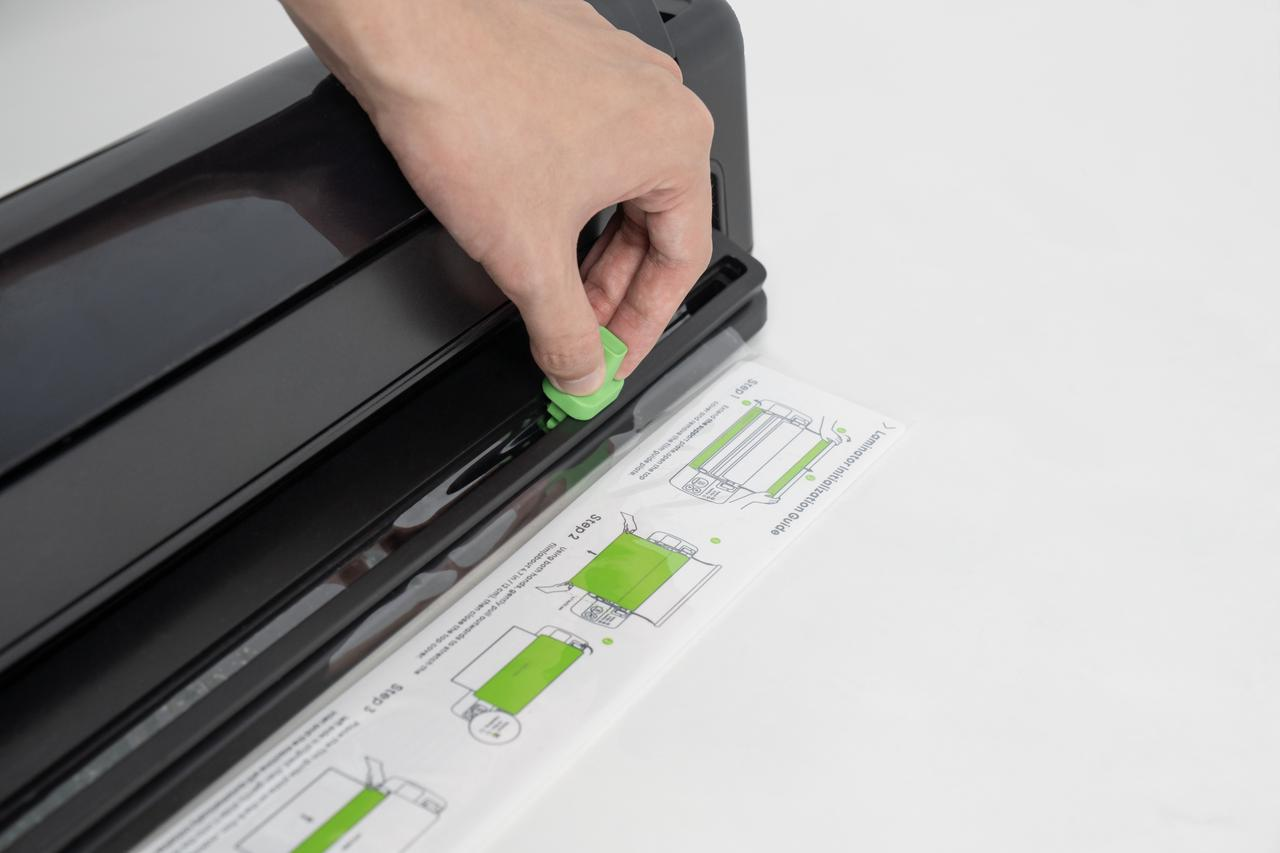
Move the cutter to either end of the guide rail, then press and slide the cutter to cut the B-Film.
-
Return the film guide plate to its original position.
At this point, the Status and B-Film indicator lights will both turn green, indicating the installation is complete.