Introduction
-
Redeem
-
Redeem means using your code to redeem eufyMake Care for UV Printer E1.
-
Redeeming the code does not start or affect your Care coverage period.
-
Activation
-
Activation means activating your eufyMake Care for UV Printer E1.
-
Service coverage period
-
Redeeming the code does not start or affect your Care coverage period.
- The service coverage period will begin based on the device’s first binding time. For instructions on how to bind your printer, please refer to: https://support.eufymake.com/s/article/Device-Binding-Operation-Guide-Initialization-and-Calibration-Procedures
-
If the device has not been bound, the service period will start from the activation time.
How to Redeem
-
Visit the eufyMake Care introduction page and apply your code at checkout.
-
Please make sure to redeem your eufyMake Care on the official store before the code expires.
eufyMake Care introduction page links by region
-
Click Buy Now.
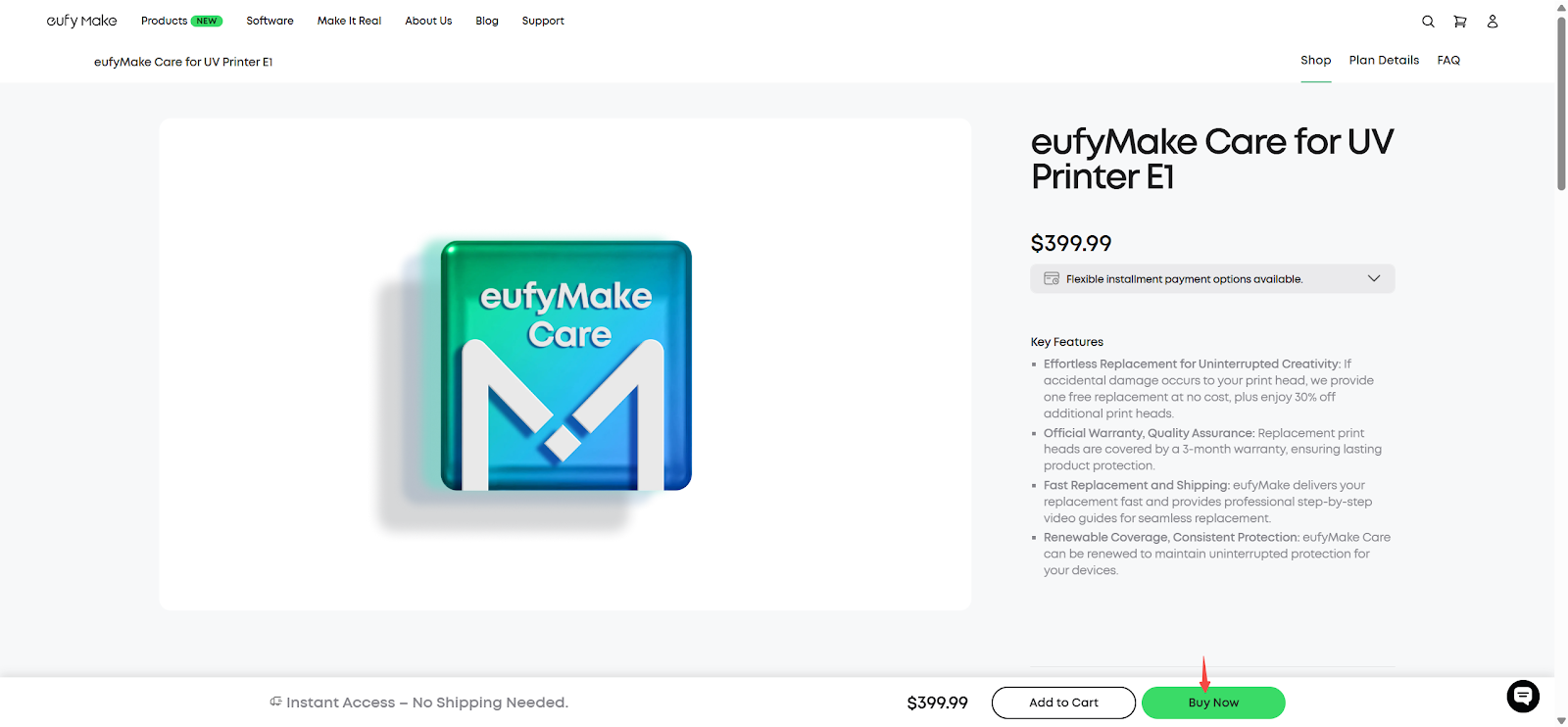
-
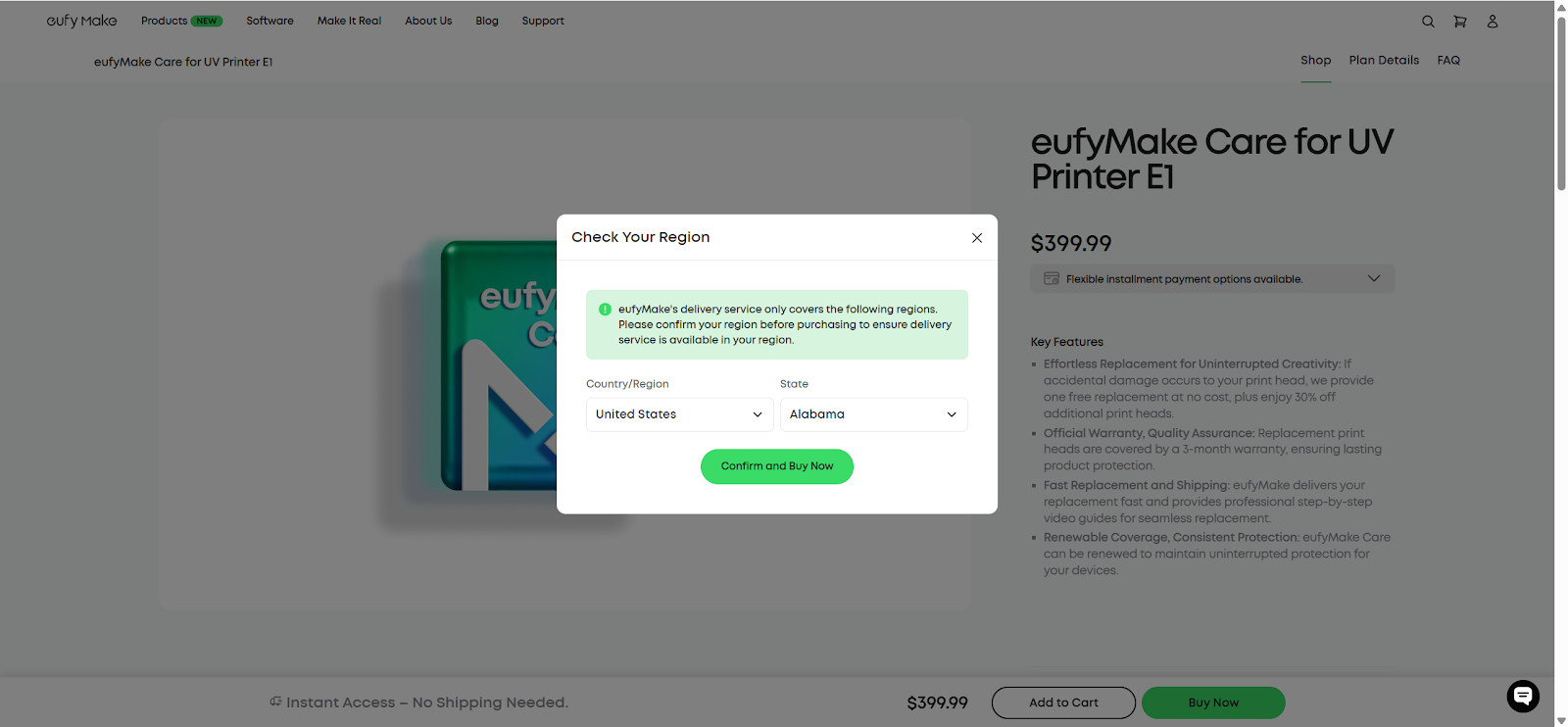
Check Your Region, then click Confirm and Buy Now to proceed.
-
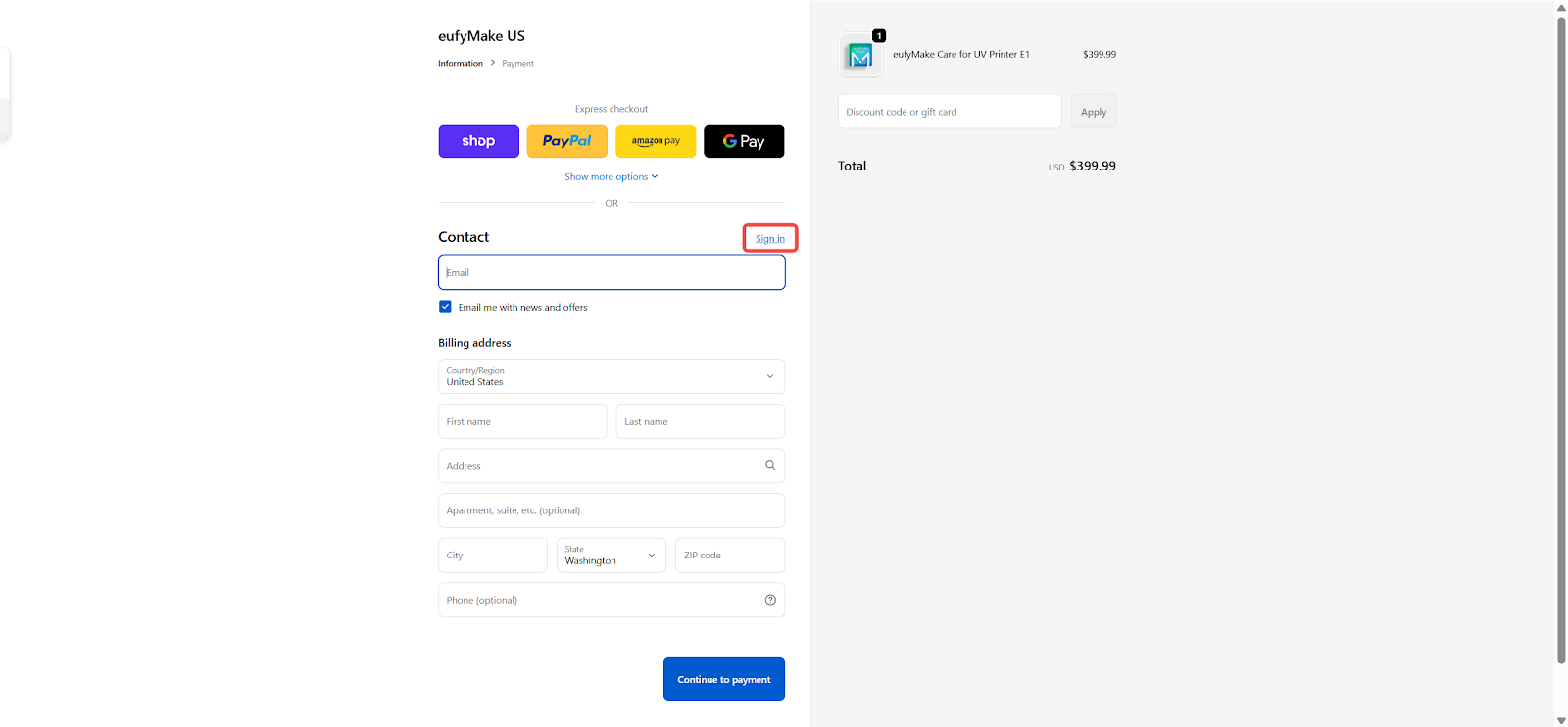
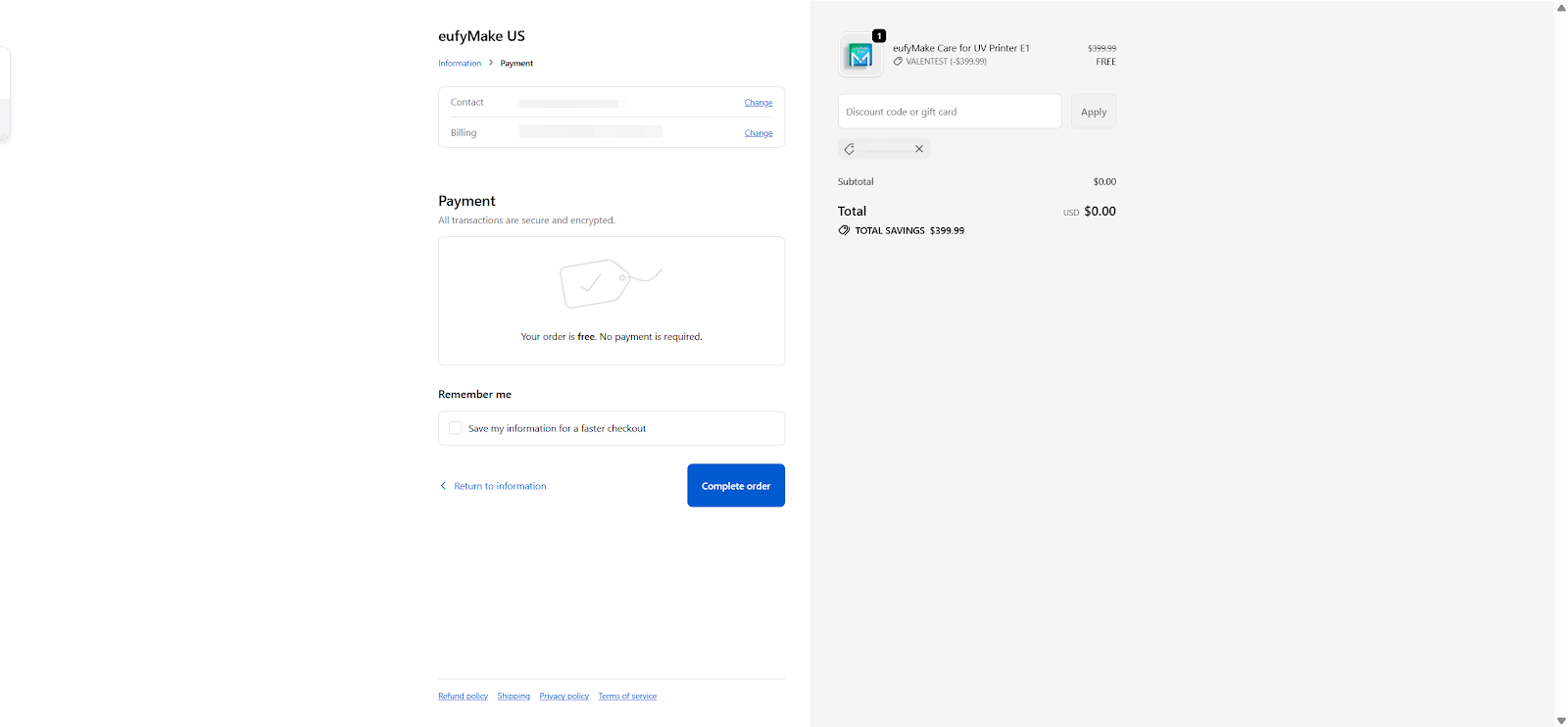
Fill in your information, enter the redeem code sent from our EDM and click Apply, then click Continue to payment and Complete order.
Notes: -
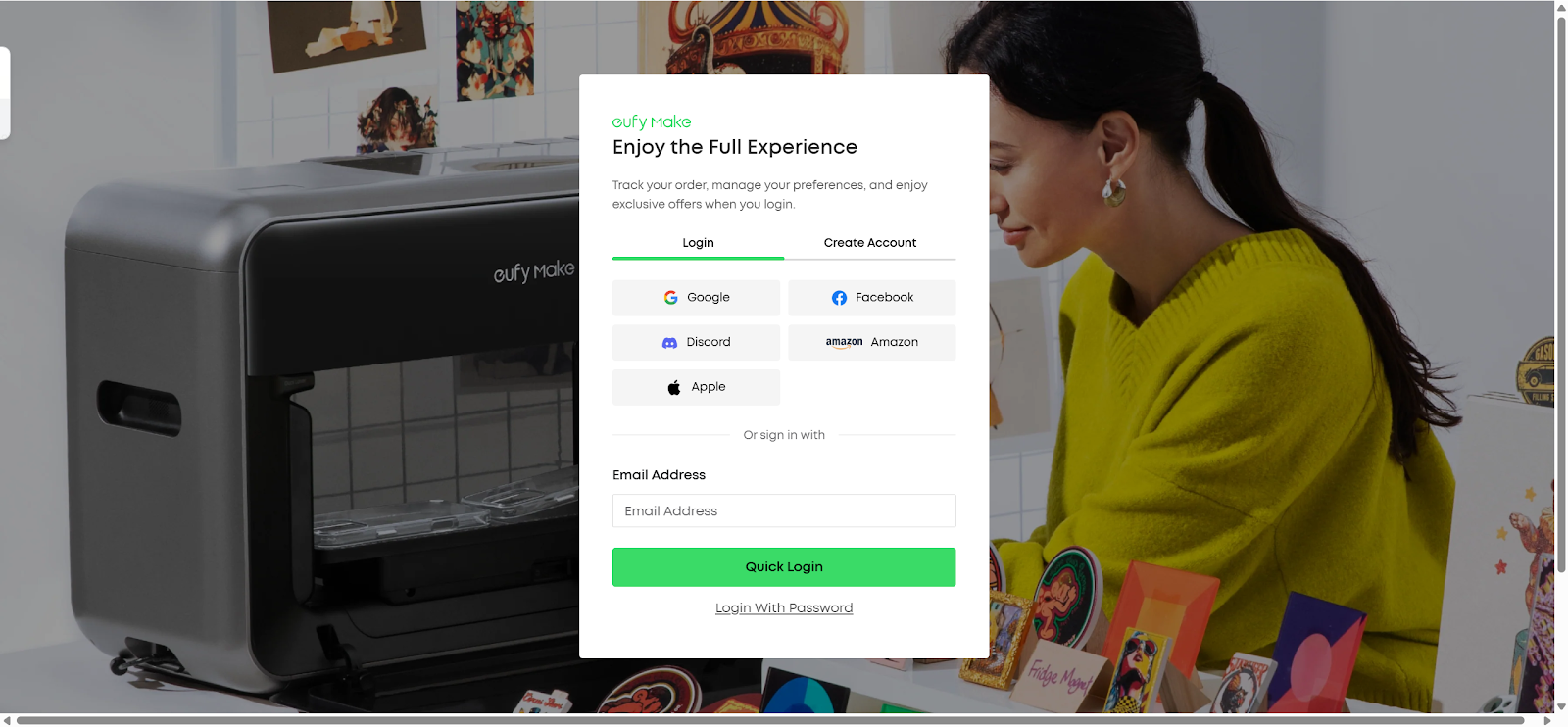
You may click Sign in to log in to your account or create a new one. If you do not select Sign in and the email address has not been registered previously, you will need to Sign up with this email address before activating your Care service later.
-
For Kickstarter backers, to ensure a smooth purchase process, we recommend using the contact email provided in the Kickstarter Survey. If no contact email was provided, please use the email associated with your Kickstarter account.
-
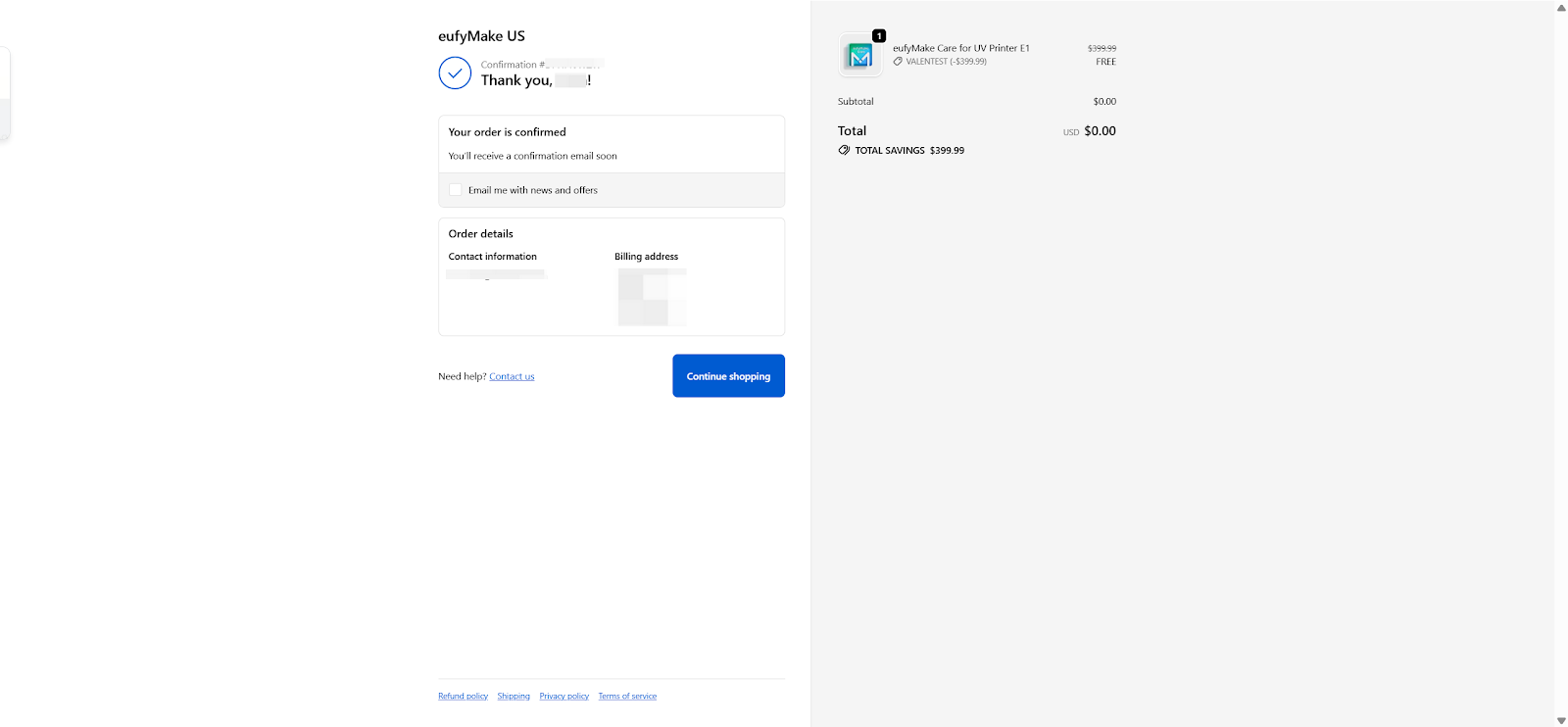
Congratulations! You have successfully redeemed your eufyMake Care. You will see a confirmation message on the page and receive an “eufyMake Order confirmed” email. Click View your order in the email to check your order details.
How to Activate
-
Click Continue shopping to return to the cover page.
-
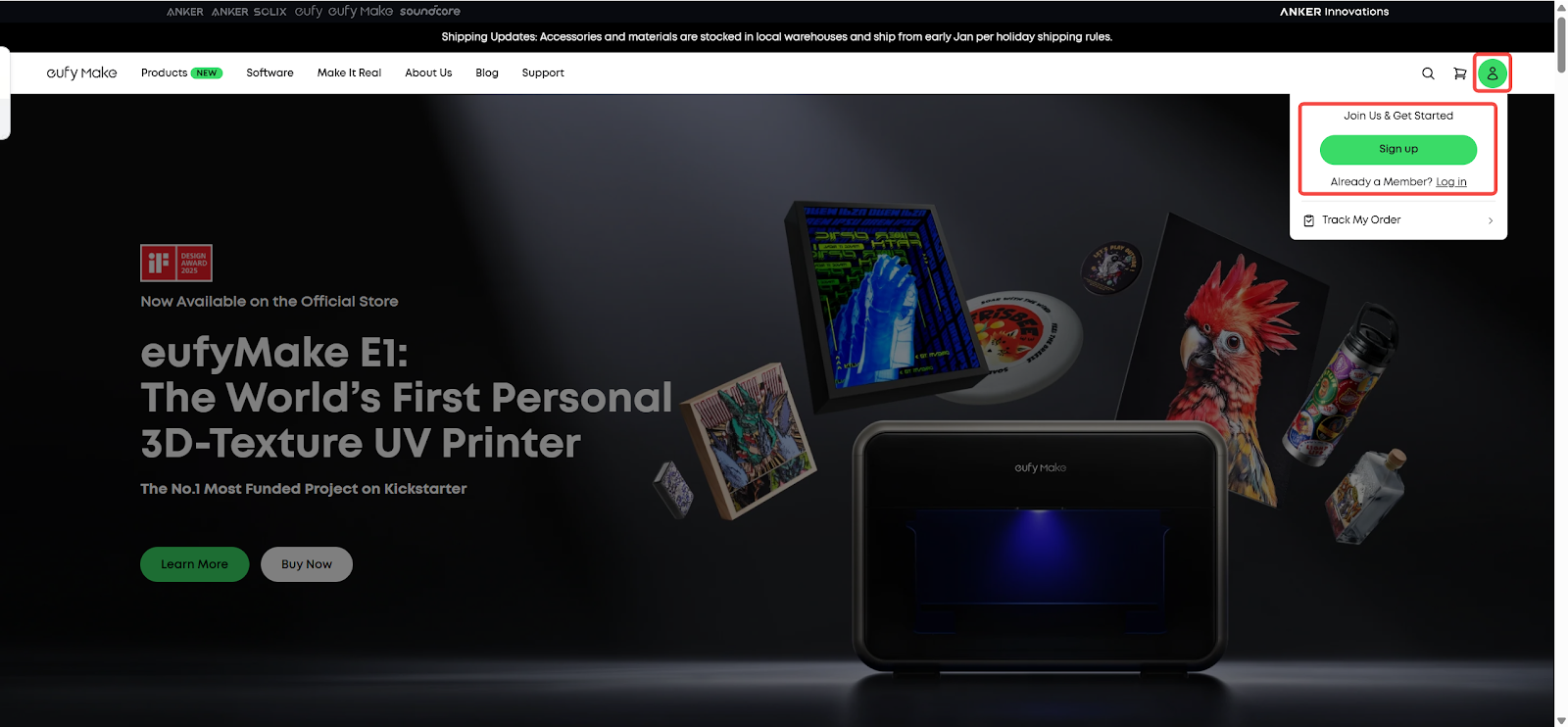
If you did not Sign up or Log in in the previous step, please do so first. If the button does not respond, refresh the page and try again.
-
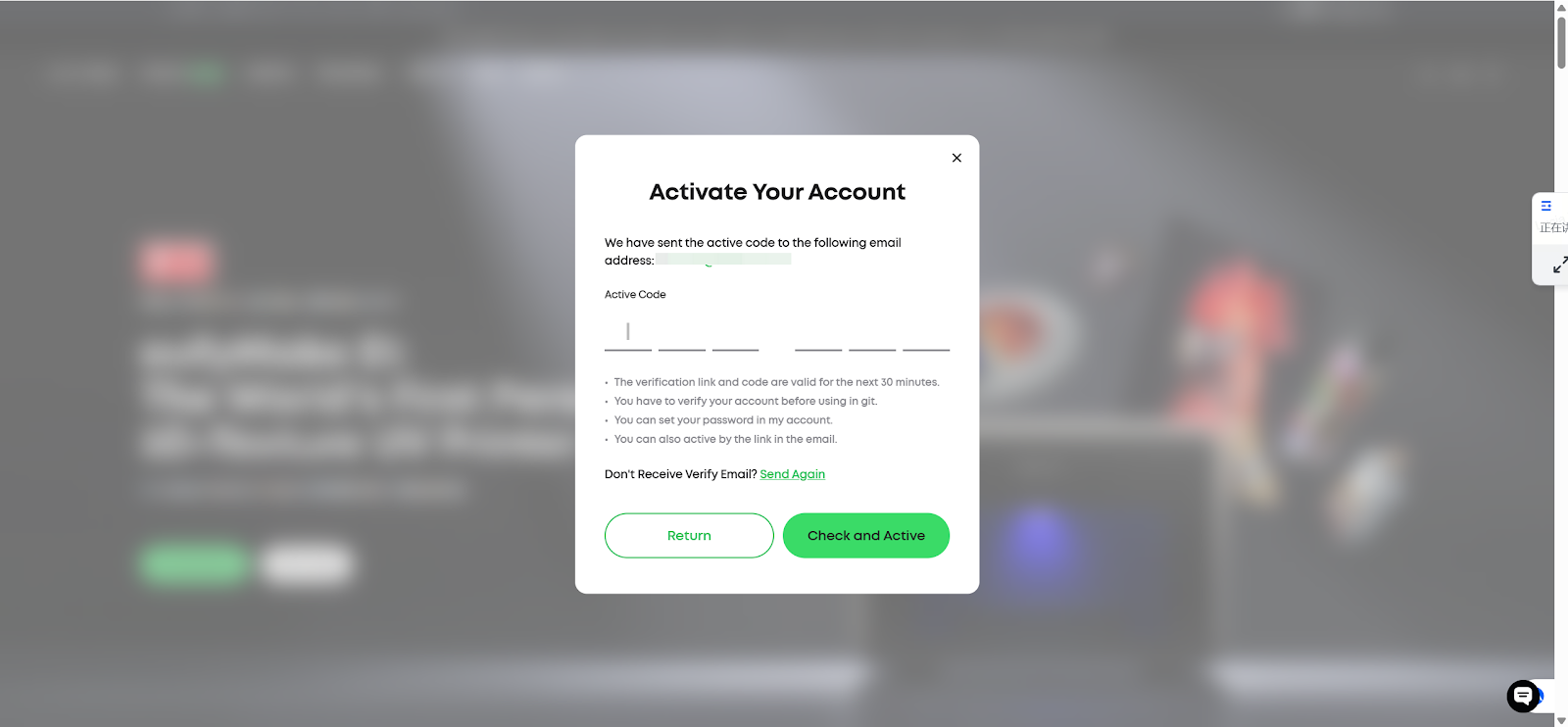
Verify your email: A verification email will be sent to you. You can
-
Either enter the code to Check and Activate.
-
Or click the link in the email to log in directly. No additional steps are needed.
-
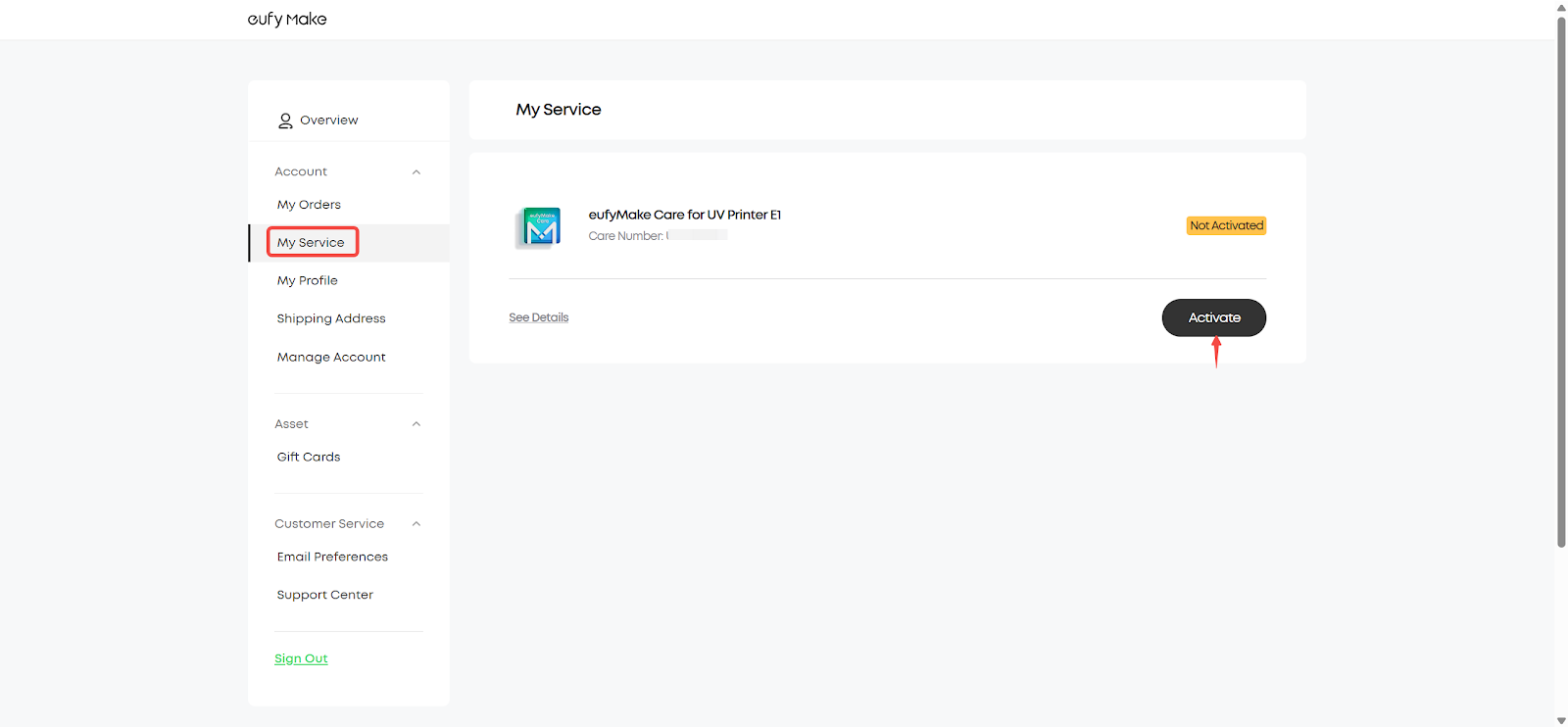
After logging in, choose My Order → My Service, then click Activate.
-
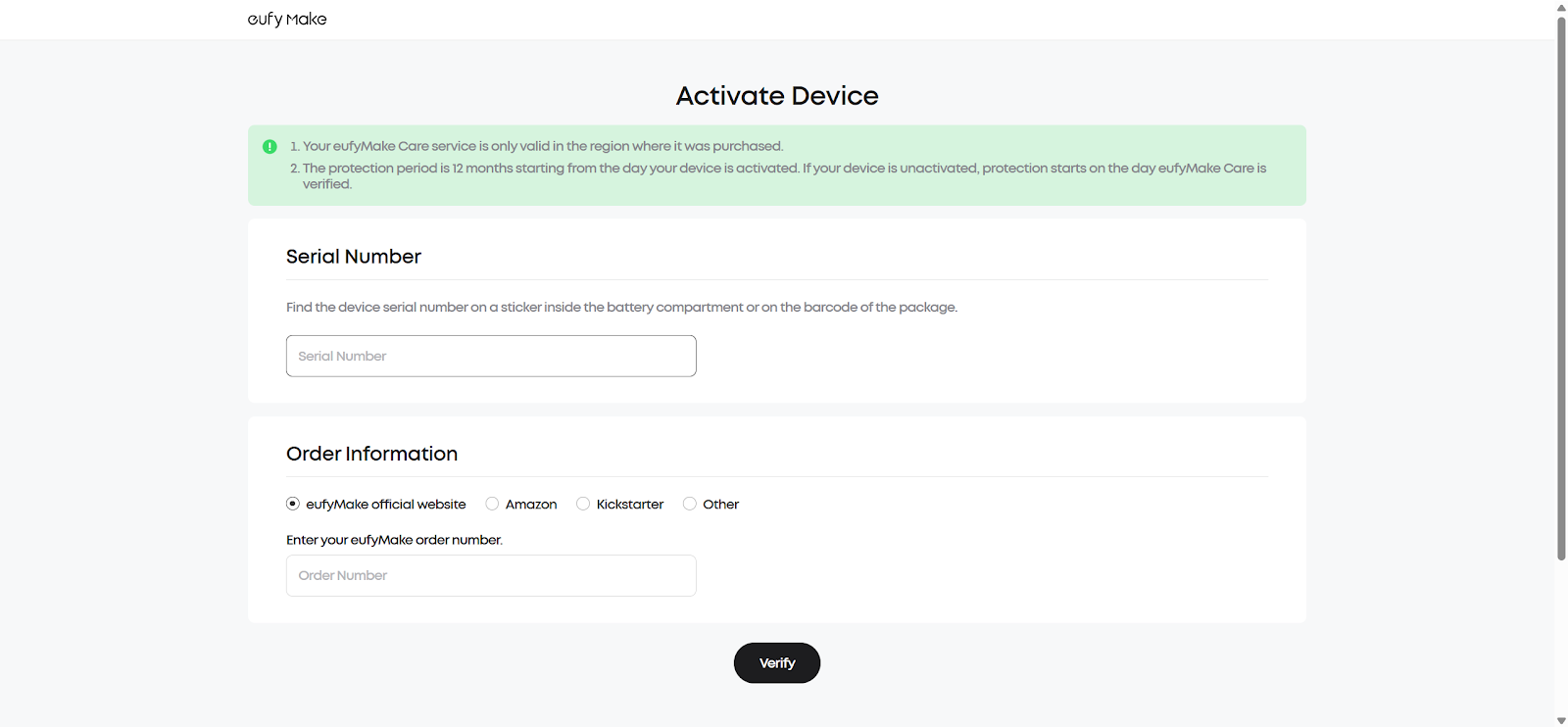
Enter the Serial Number (SN) and click Verify and Activate. Please refer to the article to locate your SN: https://support.eufymake.com/s/article/How-to-Check-the-Device-Serial-Number-SN
-
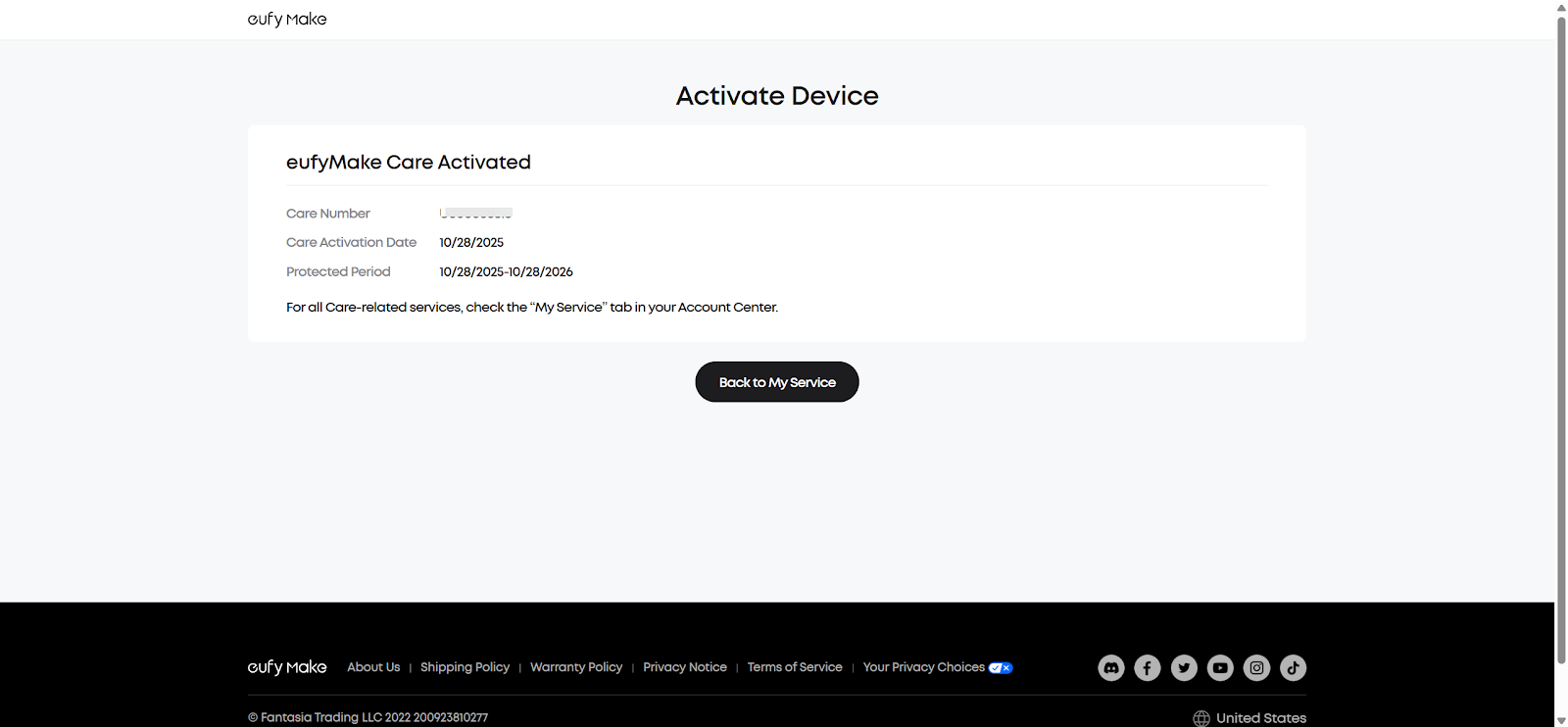
After completing the activation, the protected period will start from the date you first activate the printer.
Support Contact
If the steps above do not resolve the issue, please contact eufyMake Customer Support at support@eufymake.com and include:
-
Purchase Order Information
-
Relative screenshots and videos










