Fault Phenomenon
-
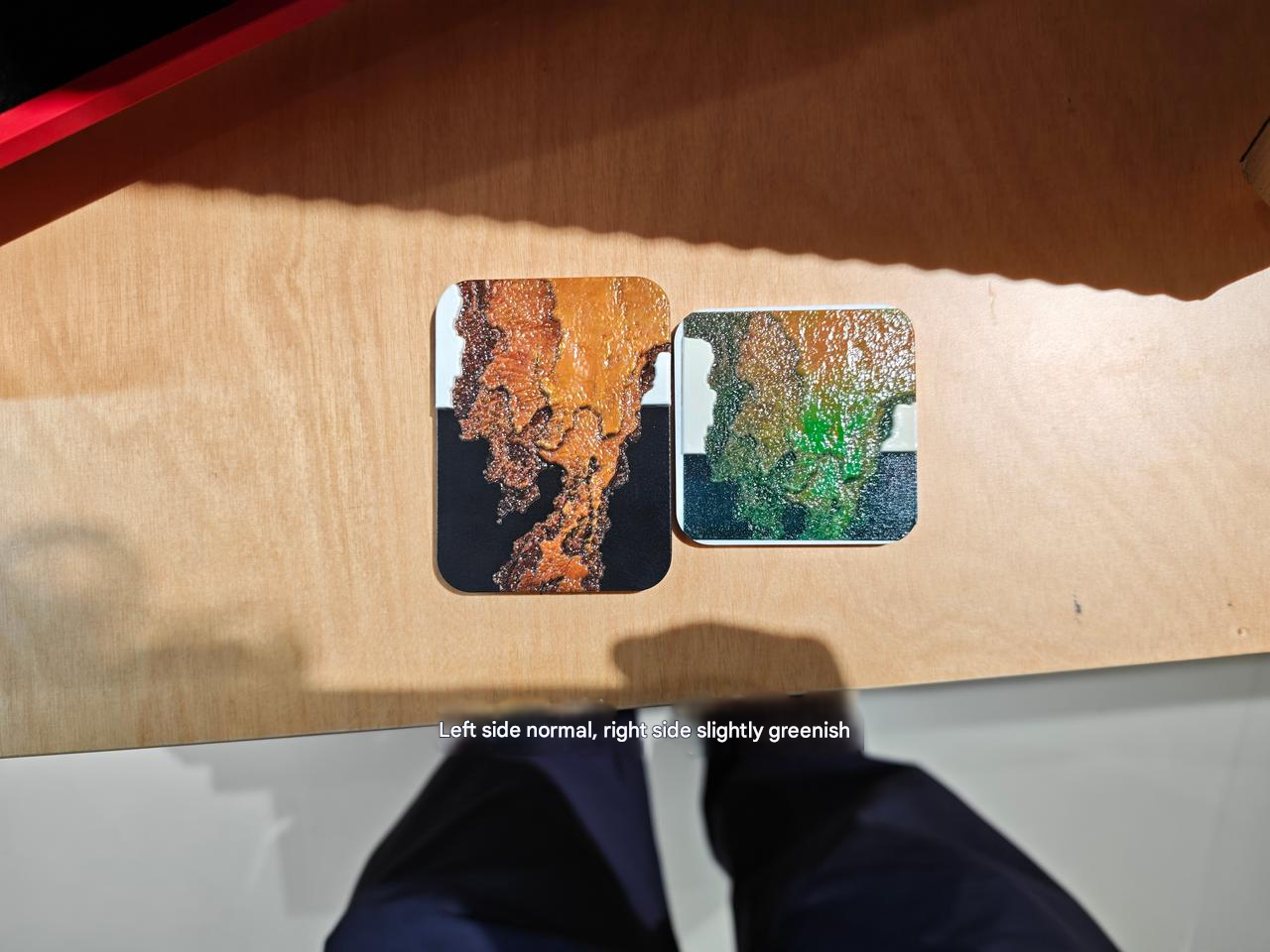
The printed image color does not match the original image.
-
The output shows obvious color deviation, with the pattern leaning toward a specific color such as red, green, or blue.
Cause Analysis
-
The root cause of color deviation is the absence or weakening of one or more CMYK color channels, which disrupts the normal CMYK color ratio.
-
In particular, after exiting maintenance mode, the printer performs a re-inking process. During this process:
-
A color channel may be mixed with residual cleaning solution or moisturizing fluid
-
Air bubbles may form during ink injection
-
Partial blockage or broken nozzles may occur
-
These conditions lead to insufficient ink output in a specific channel, resulting in color error.
How to Identify the Type of Color Error
Troubleshooting
-
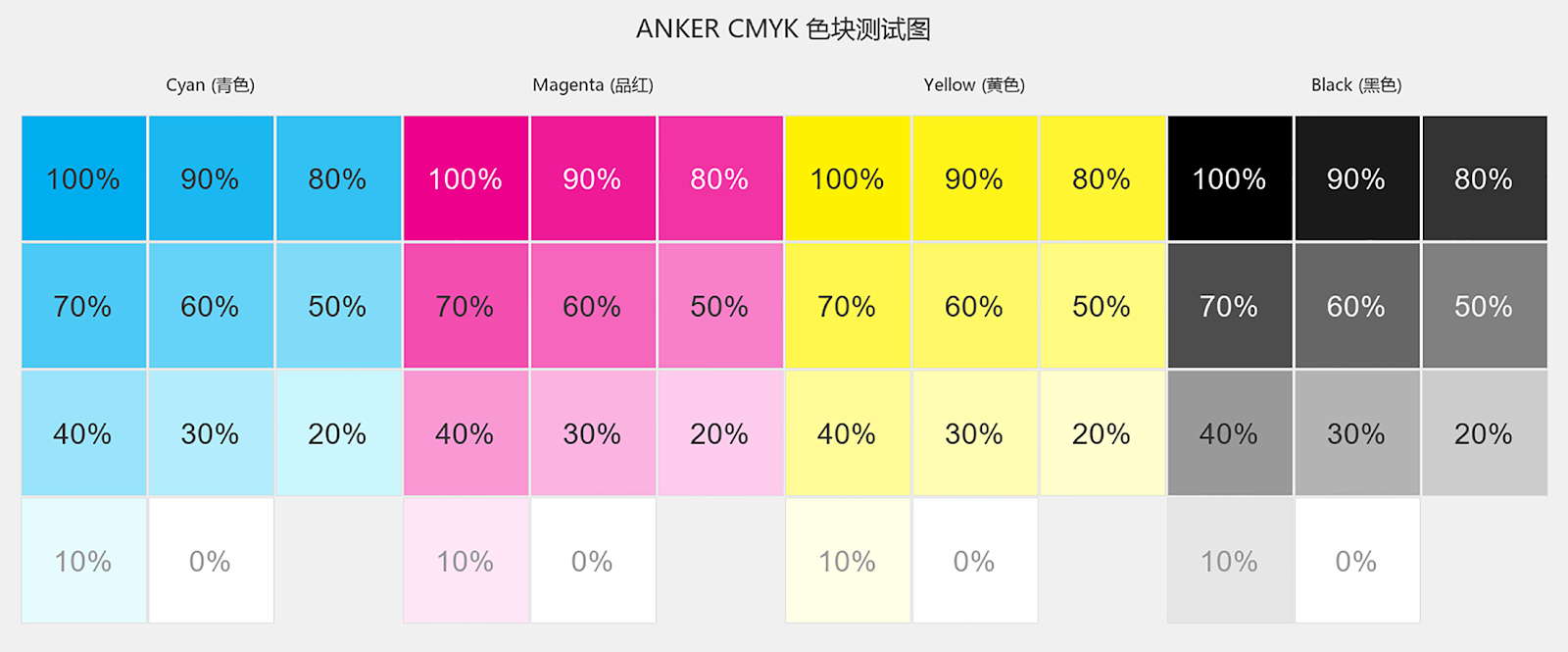
Print the test color block chart to observe color output.
-
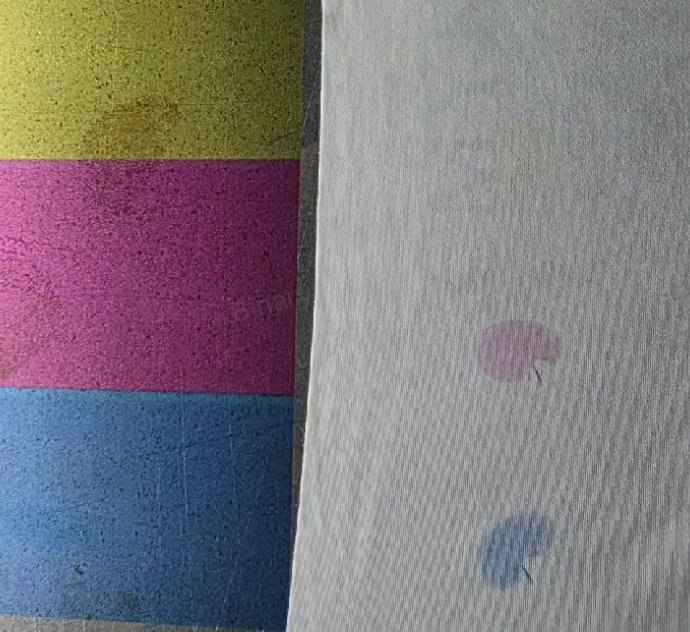
Gently wipe the printed test chart with a tissue to check for uncured or sticky areas.
-
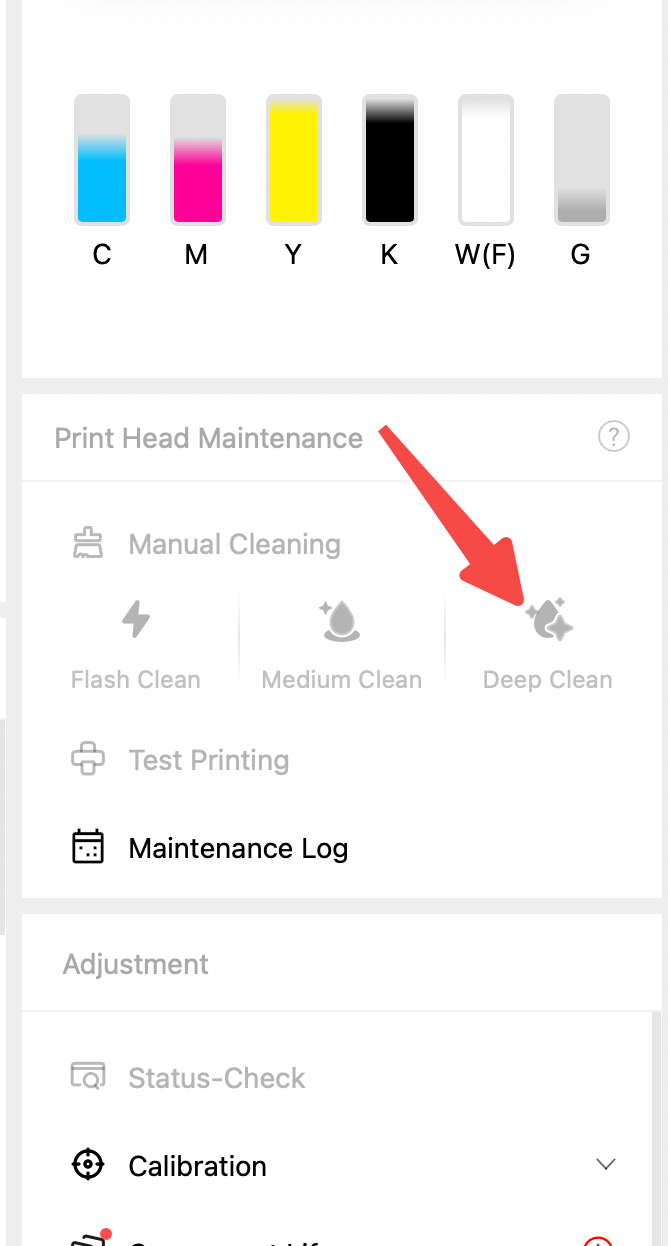
If ink does not fully cure or smearing occurs, this indicates cleaning solution contamination. Proceed directly to Deep Clean.
-
If there is an ink not curing issue:
-
Perform Medium Clean
-
Print the color patch chart again to check whether the color deviation has improved.
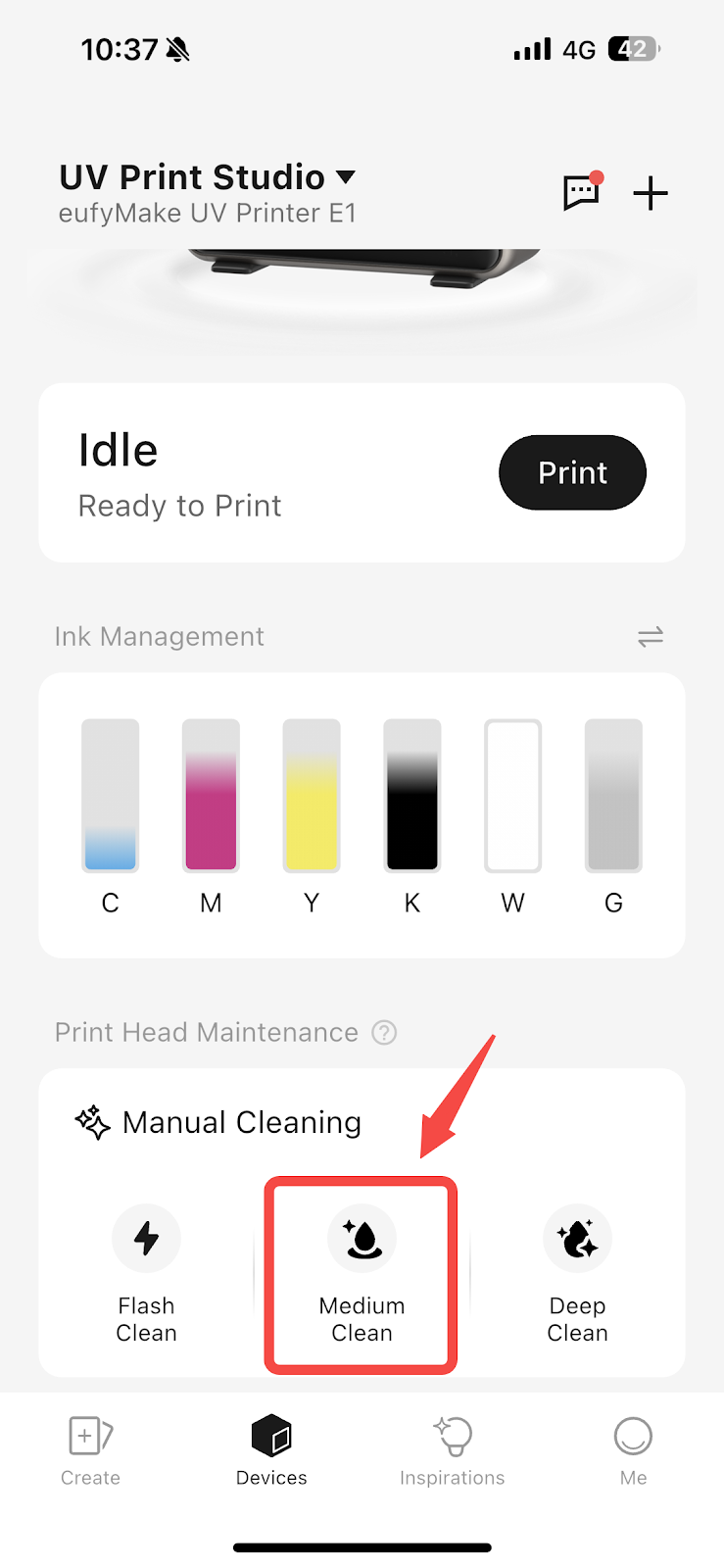
-
If the issue persists:
-
Perform Deep Clean
-
Reprint the color block chart to verify recovery.
-
If Deep Clean does not resolve the issue:
-
Perform a factory reset. Factory reset guide: https://support.eufymake.com/s/article/eufyMake-UV-Printer-E1-Device-Unbinding-Factory-Reset
-
Refill the ink
-
Re-test printing
Support Contact
If the issue persists after completing the above steps, please contact eufyMake Customer Support at support@eufymake.com with the following information:
-
Your Order Information
-
Printer SN. Please refer to:https://support.eufymake.com/s/article/How-to-Check-the-Device-Serial-Number-SN
-
Printer and App Logs. Please refer to https://support.eufymake.com/s/article/Log-Upload-Process-App-PC-Overview
-
Relevant photos and videos.










