White Ink Fading Troubleshooting Guide
Fault Phenomenon
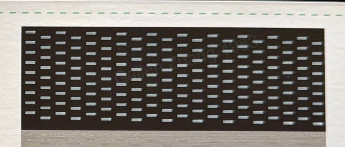
When printing a status chart or a white pattern, the white areas may appear significantly faded.
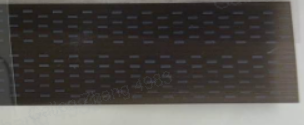
Cause Analysis
If white ink is not used for a long period or printing frequency is very low, the ink can settle inside the system.
This reduces the effective concentration of white ink and leads to faded print results.
Troubleshooting Steps
-
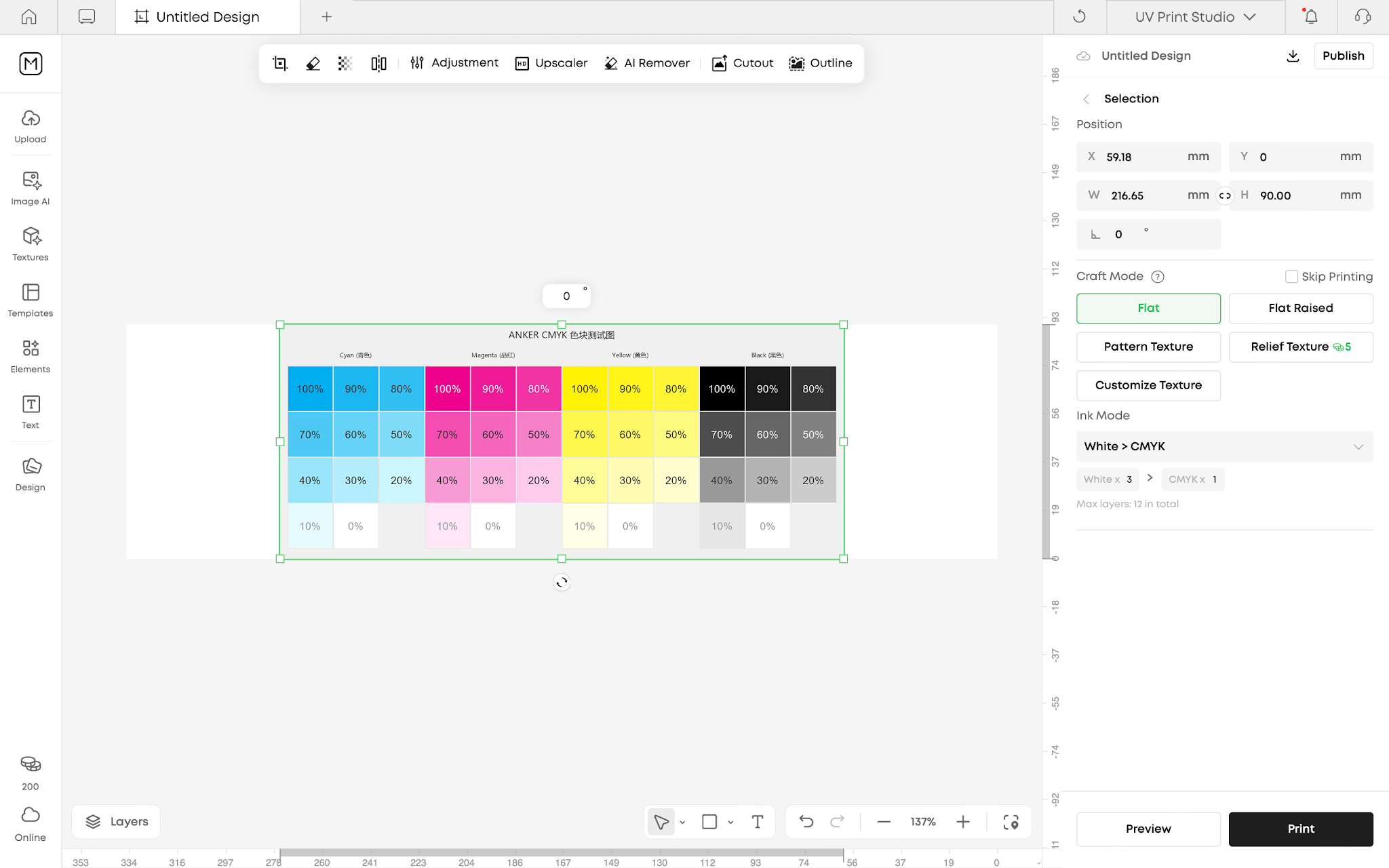
Import any image into the software.
-
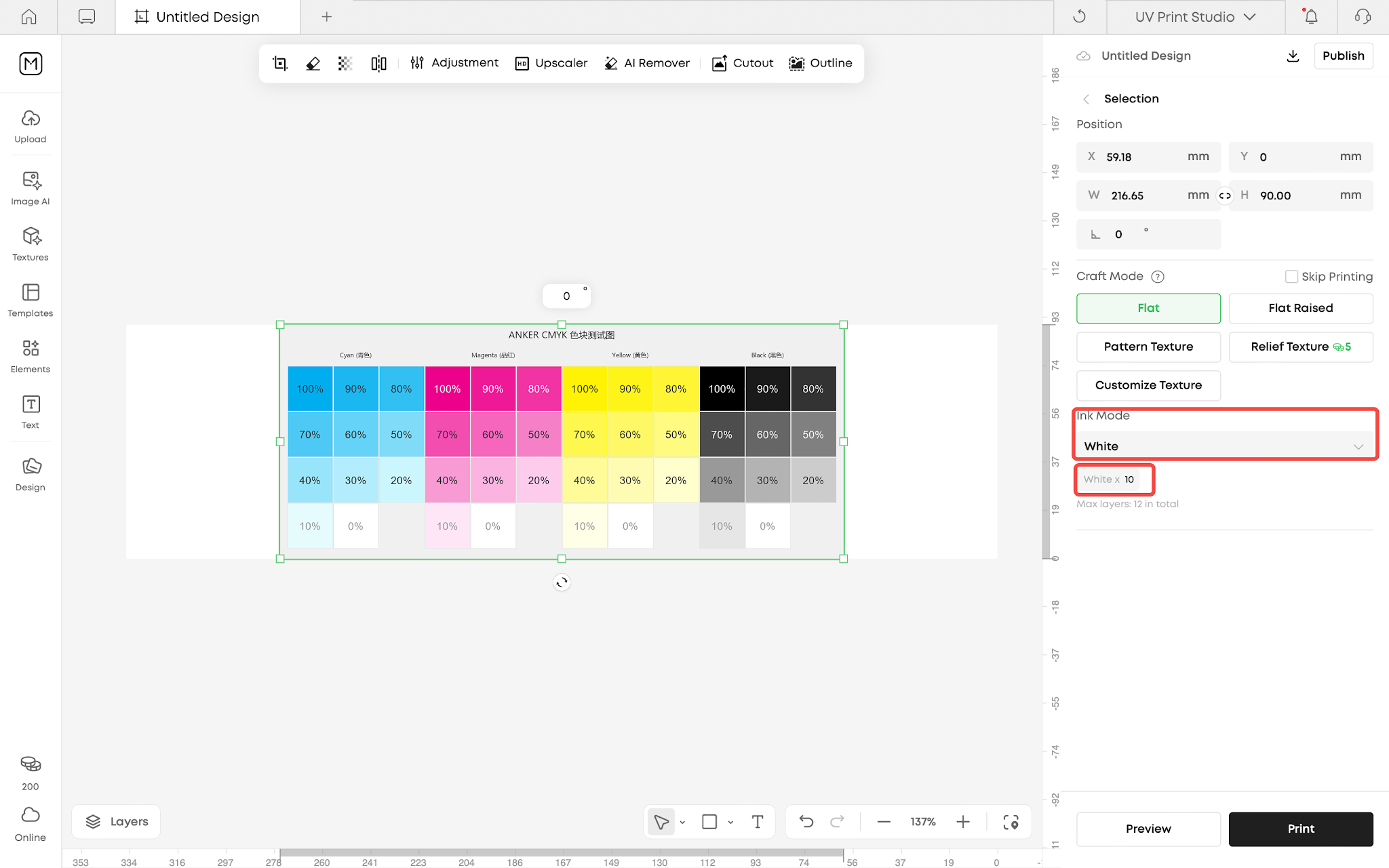
Set the ink mode to White and increase the number of white ink layers to 10.
-
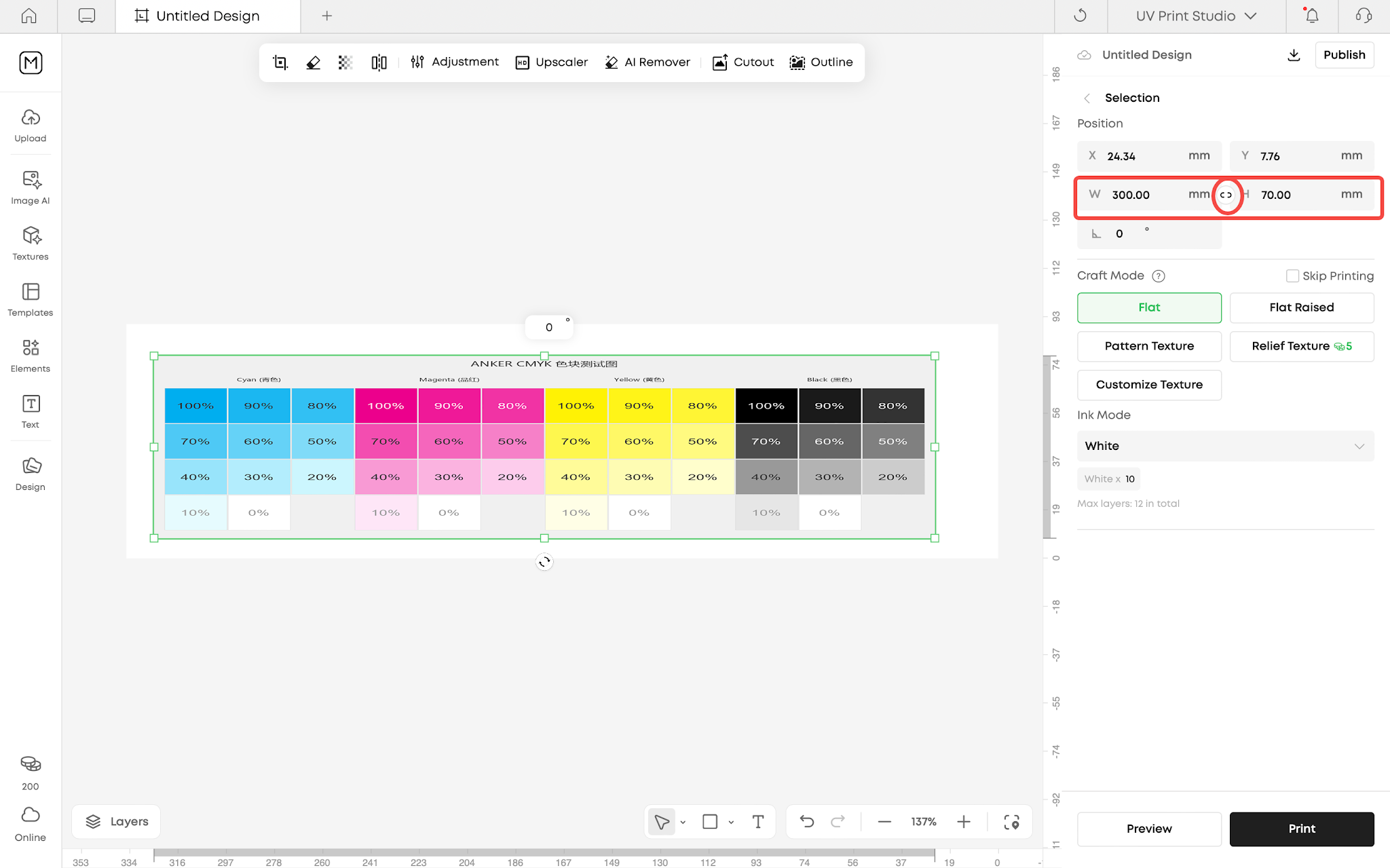
Disable proportional scaling and resize the image to 300 mm × 70 mm.
-
Before printing, cover the printing area of the mini flatbed with white paper or transparent film.
-
Start the print job. After printing, check the surface finish of the print.
-
Print a test image again to confirm whether the white output has returned to normal.


222 undefined

UL Exposure Assessment Report for the eufyMake UV Printer E1
Test Diagram Project File
eufyMake Rotary Printing Attachment for UV Printer E1 Quick Start Guide
eufyMake UV Printer E1 Quick Start Guide
eufyMake Laminating Machine for UV Printer E1 Quick Start Guide
eufyMake UV Printer E1 Brugervejledning (V8260)
View More


eufyMake E1 Tutorial | Part 13: Door Panel Replacement

eufyMake E1 Tutorial | Part 3: Main Printing Workflow

eufyMake E1 Tutorial Part 15: Printer Deep Maintenance

eufyMake E1 Tutorial Part 10: Ink Cartridge and Cleaning Cartridge Replacement

eufyMake E1 Tutorial Part 19: Encoder Strip Replacement

eufyMake E1 Tutorial Part 18: Printer Outer Shell Disassembly and Assembly
View More


