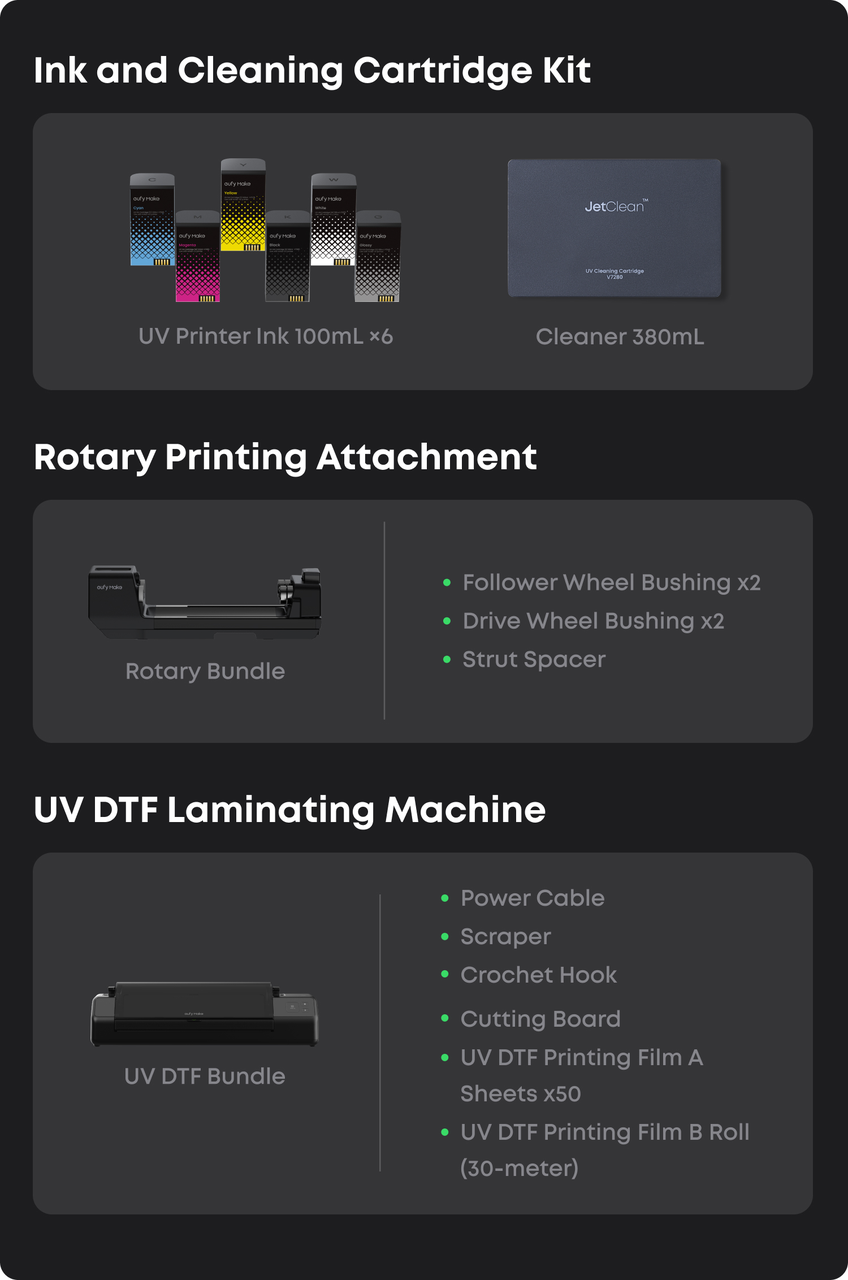
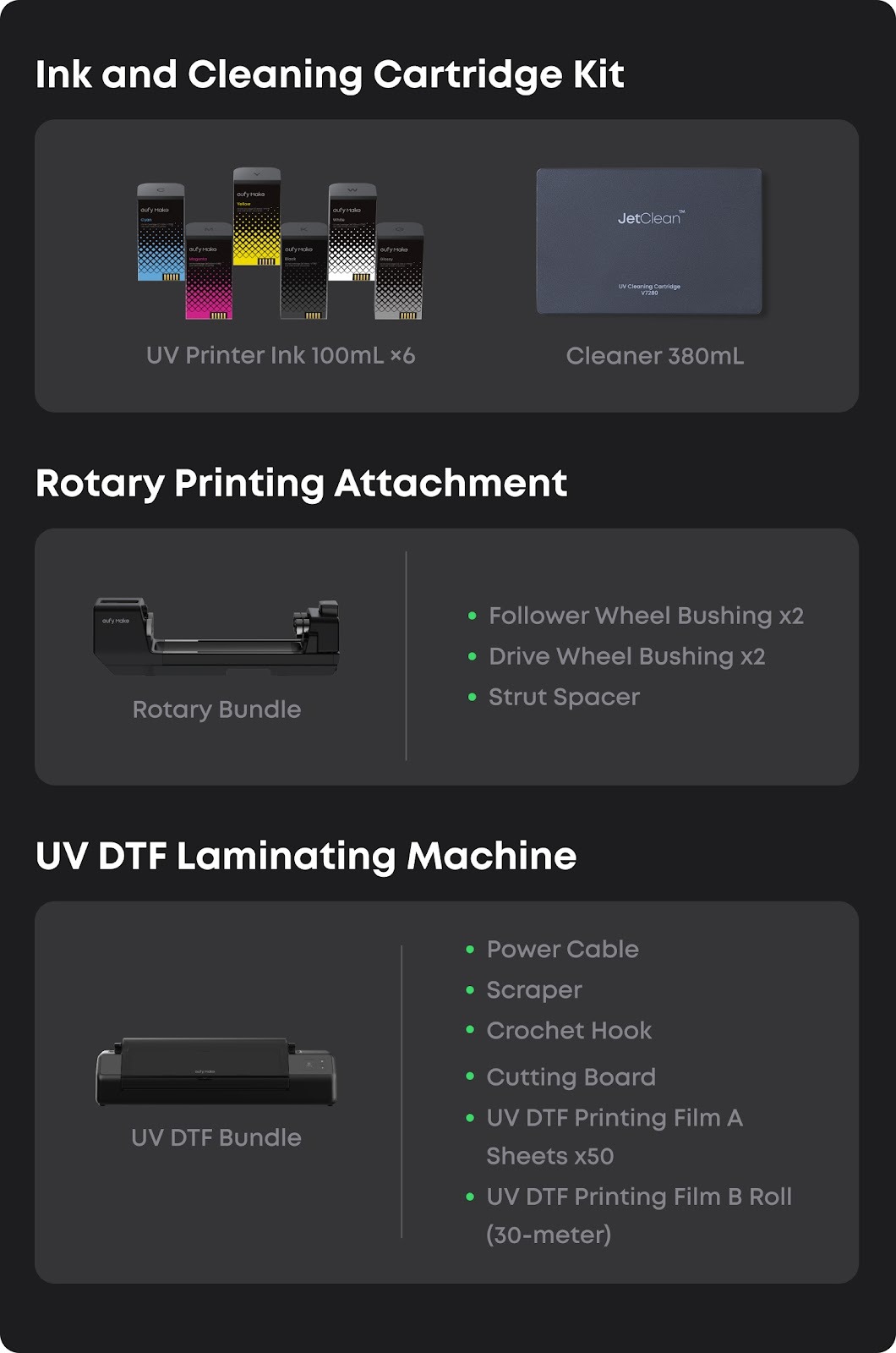
Detailed instructions on the product unpacking process and internal accessory list.
What's in the box?
The product is delivered in two separate packages: one containing the UV printer and the other containing the ink cartridges and cleaning cartridges.
Please confirm that you have received both packages before unpacking. Begin by checking the condition of each package.
The printer includes a set of accessories for printing and routine maintenance. Accessory types and quantities may vary depending on product updates, so please refer to the actual contents of your package.
To help you better understand the accessories, their functions, and how to inspect them during unpacking, please refer to the following guide with pictures and usage descriptions.
You can also refer to this video:
eufyMake E1 Tutorial | Part 1: Unboxing and Installation
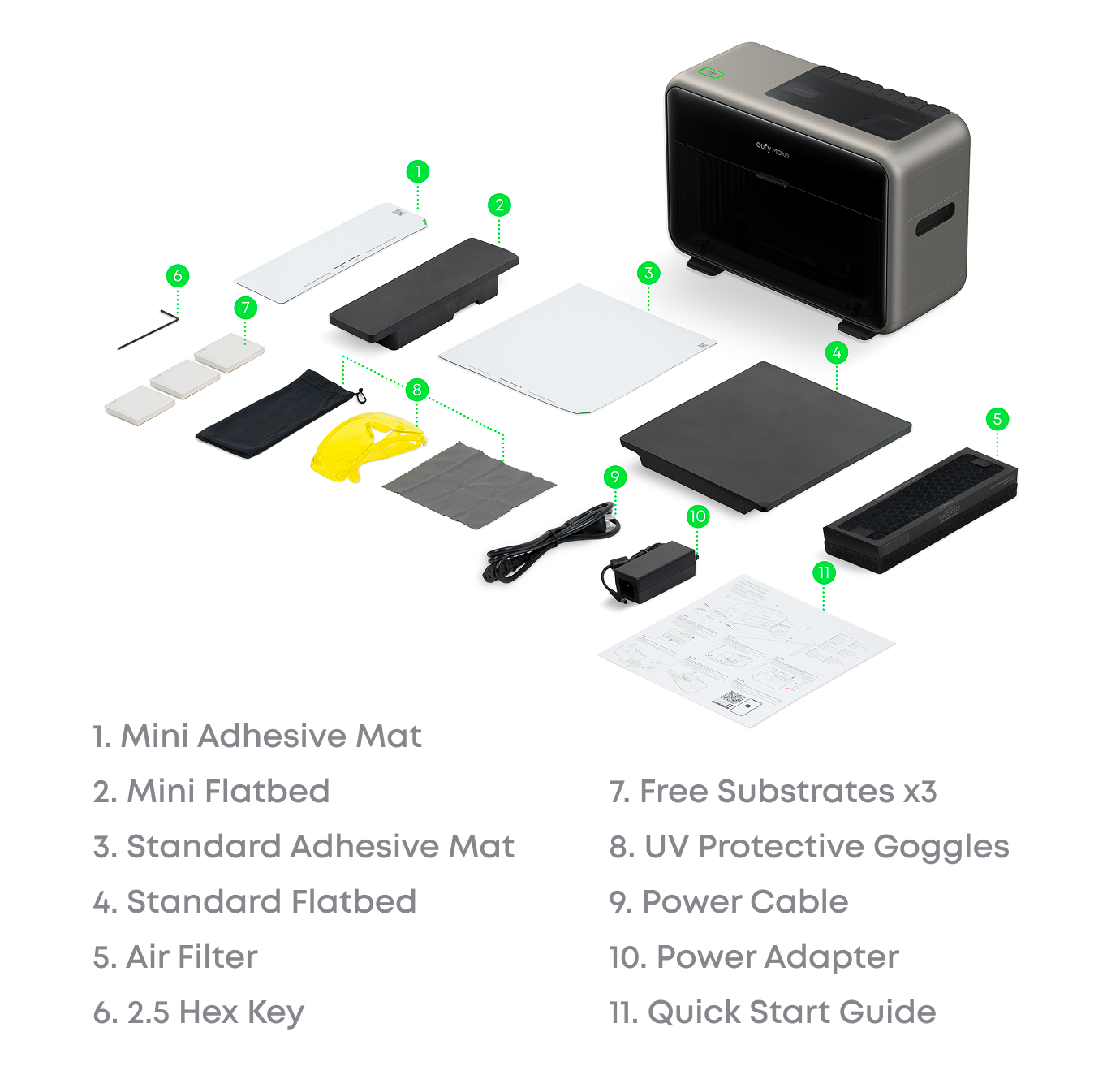
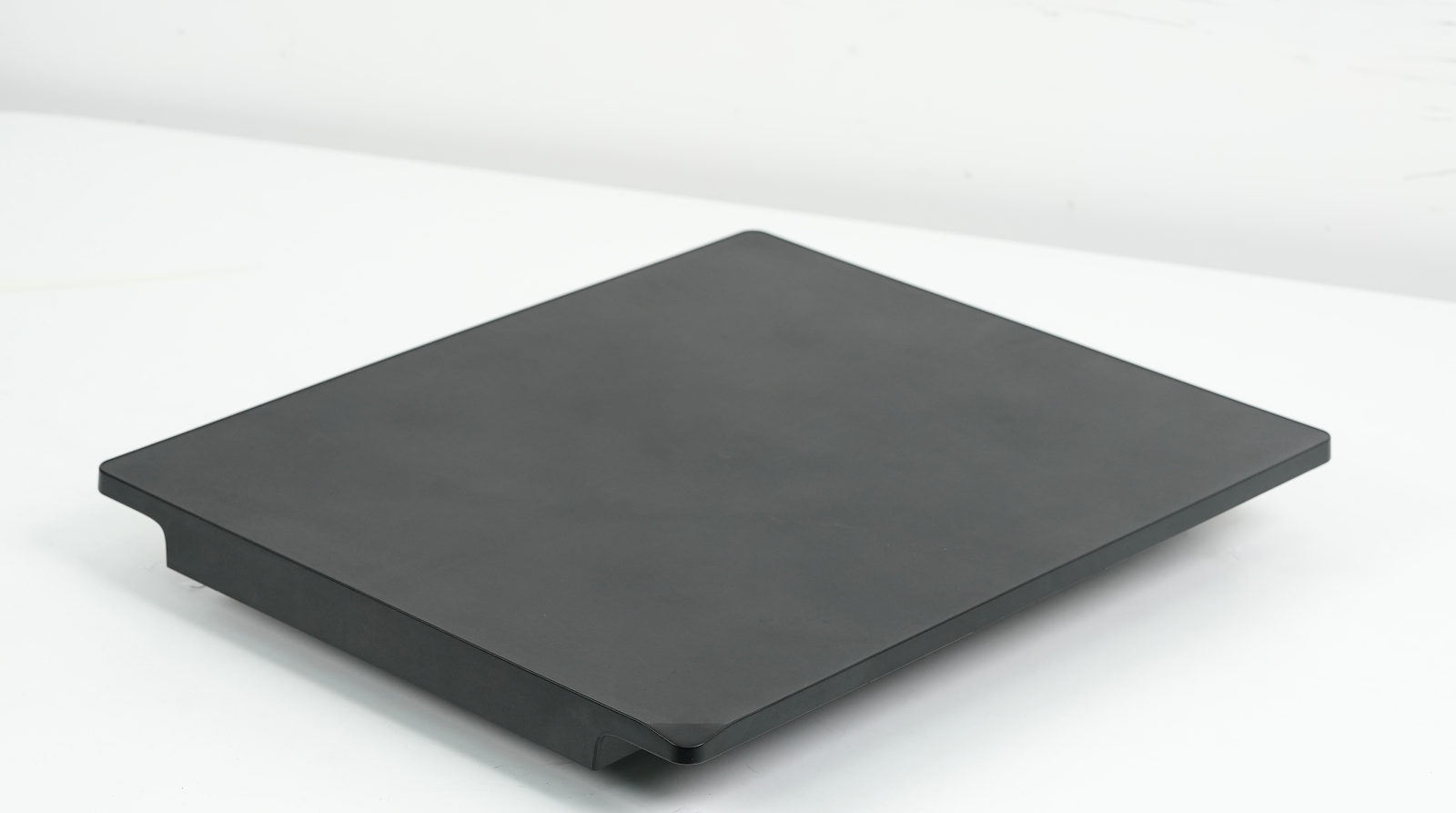
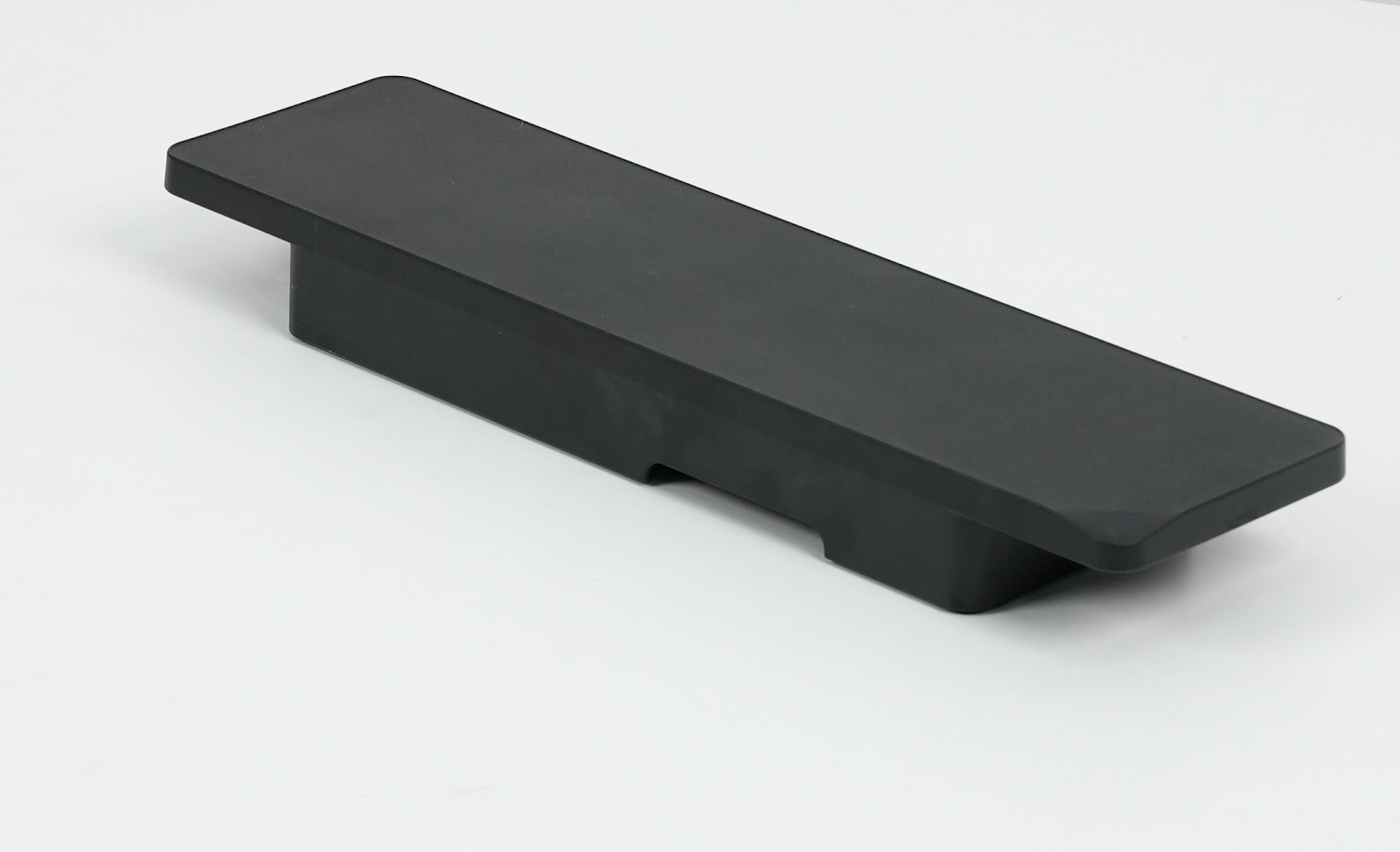
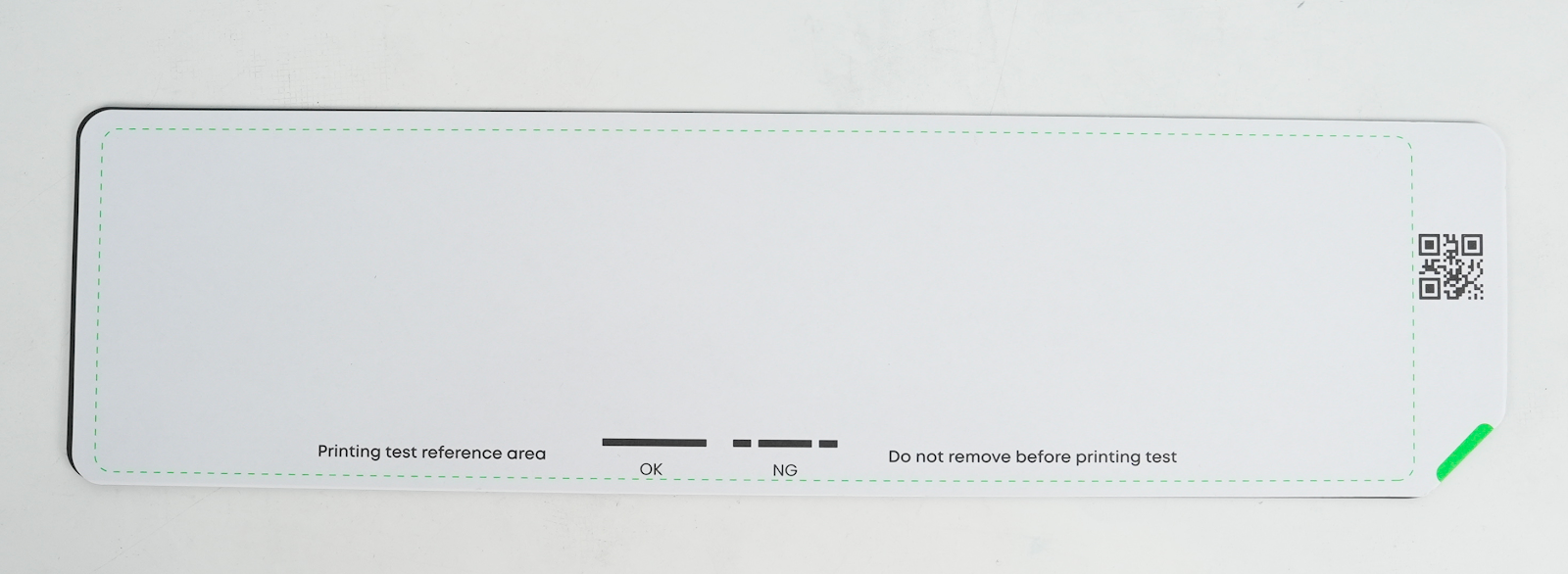
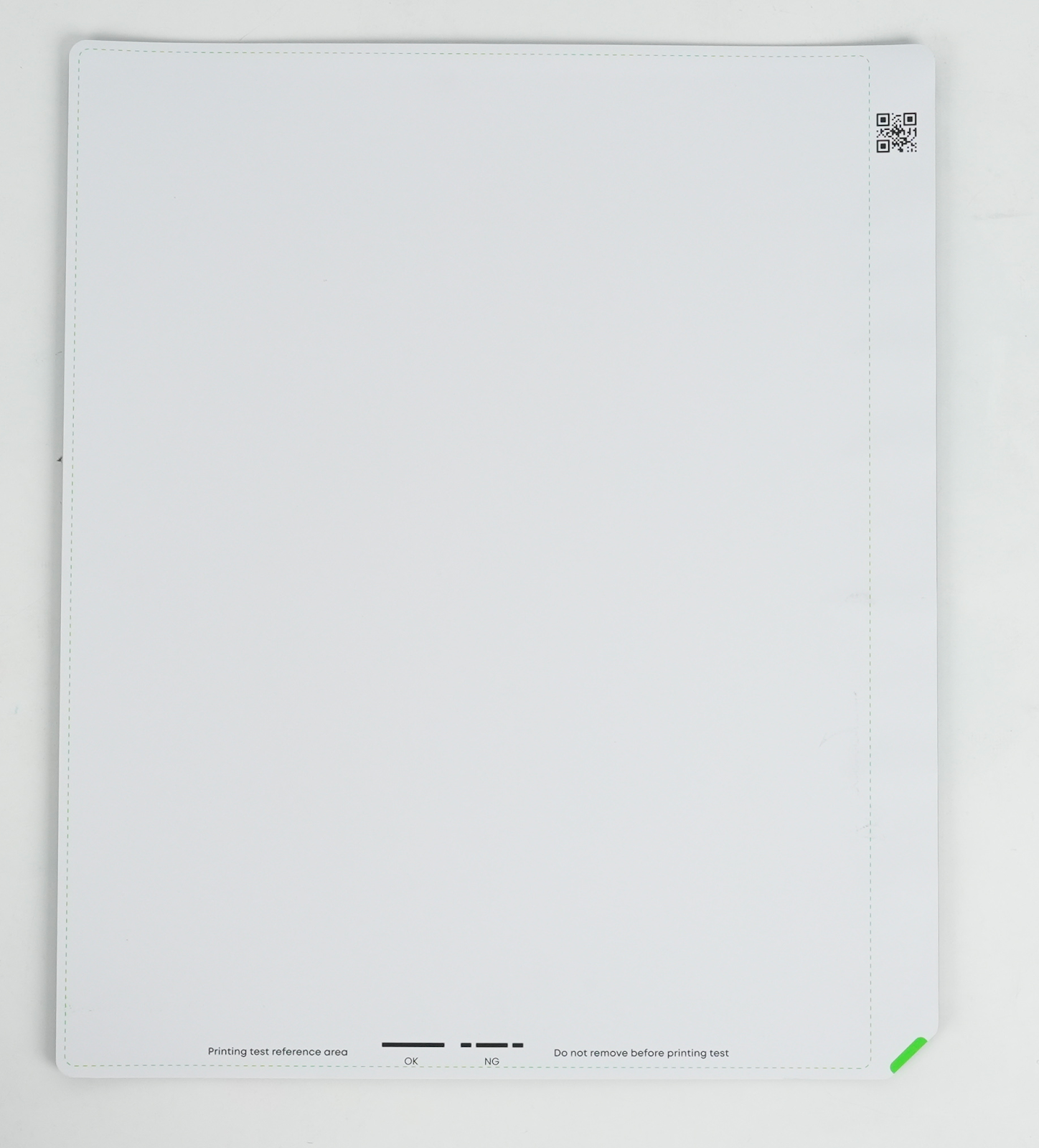
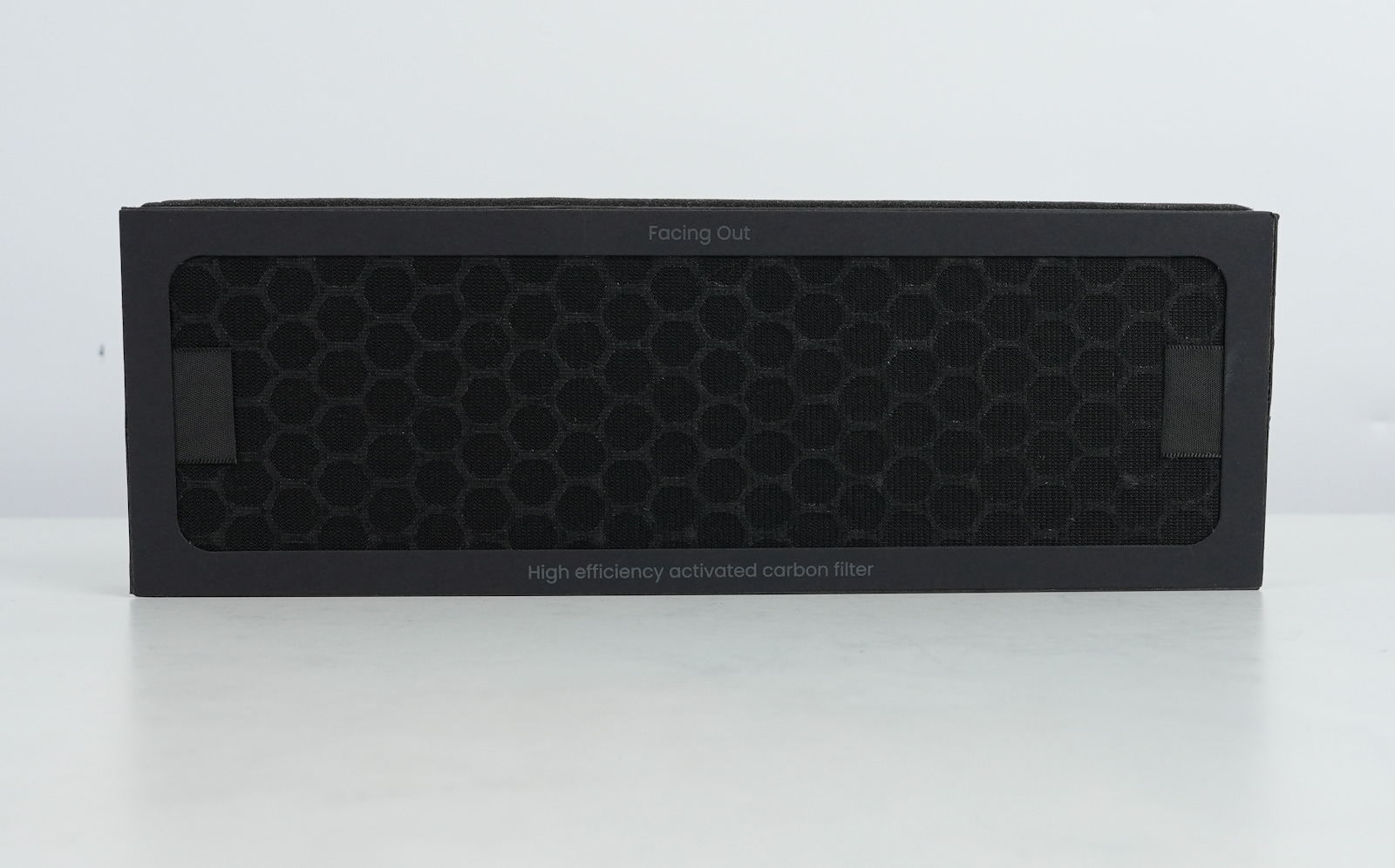
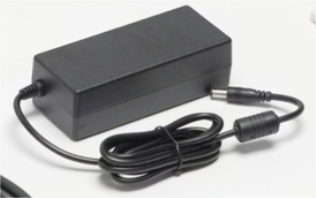
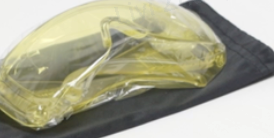
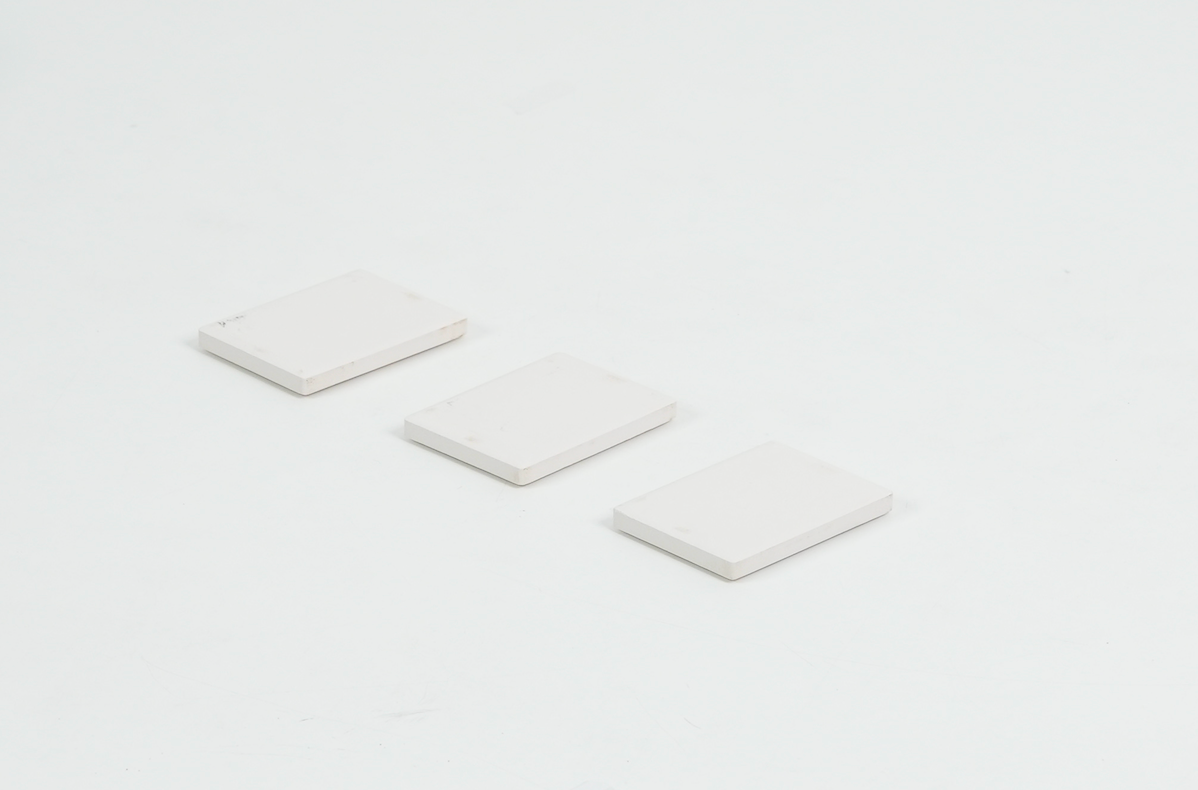
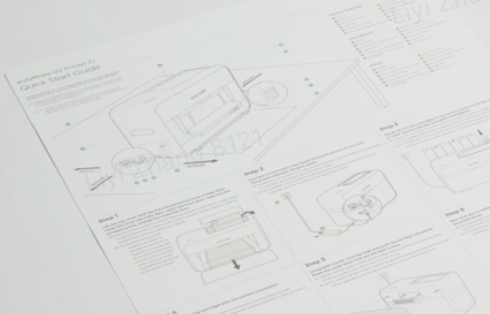
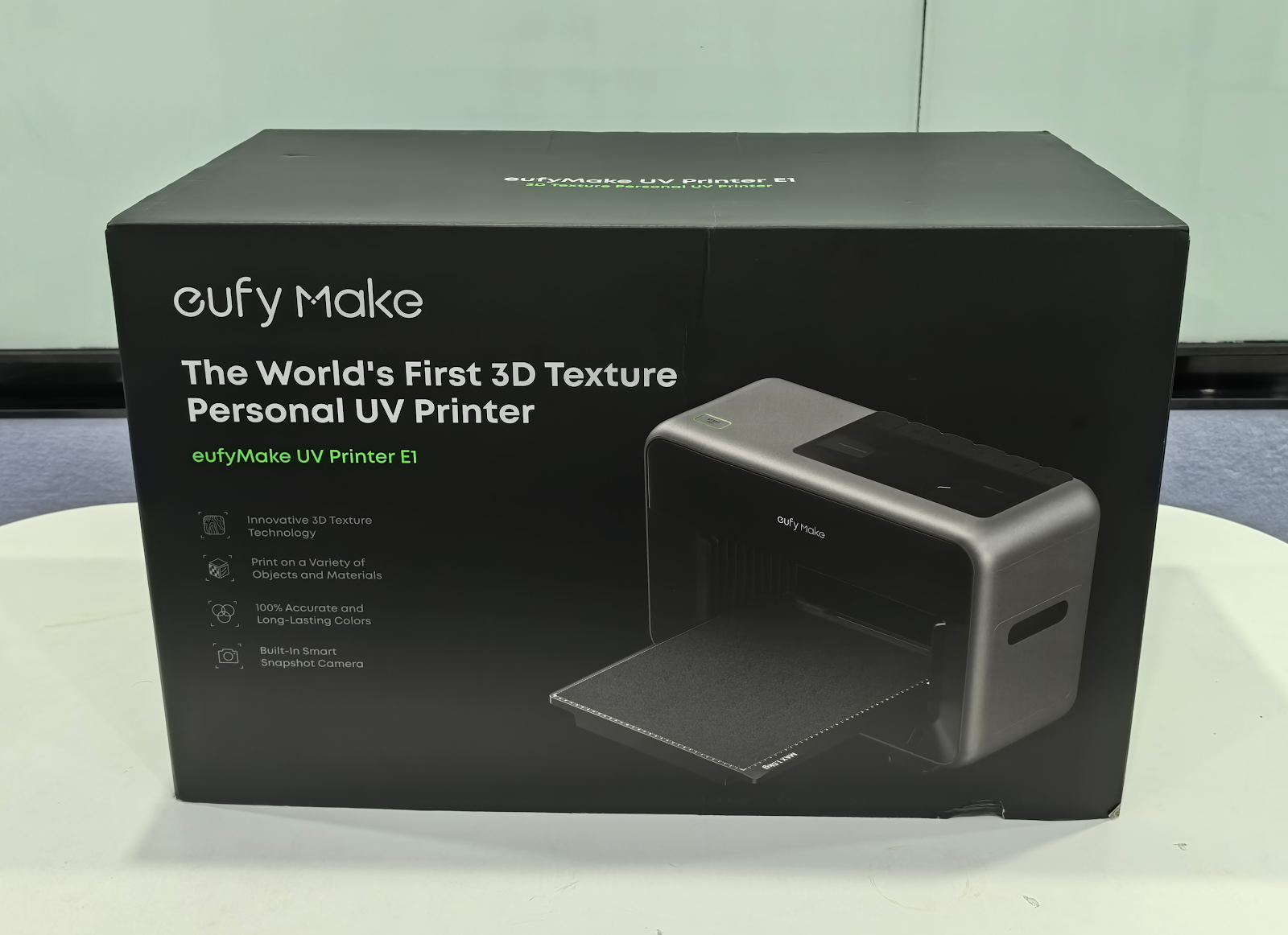
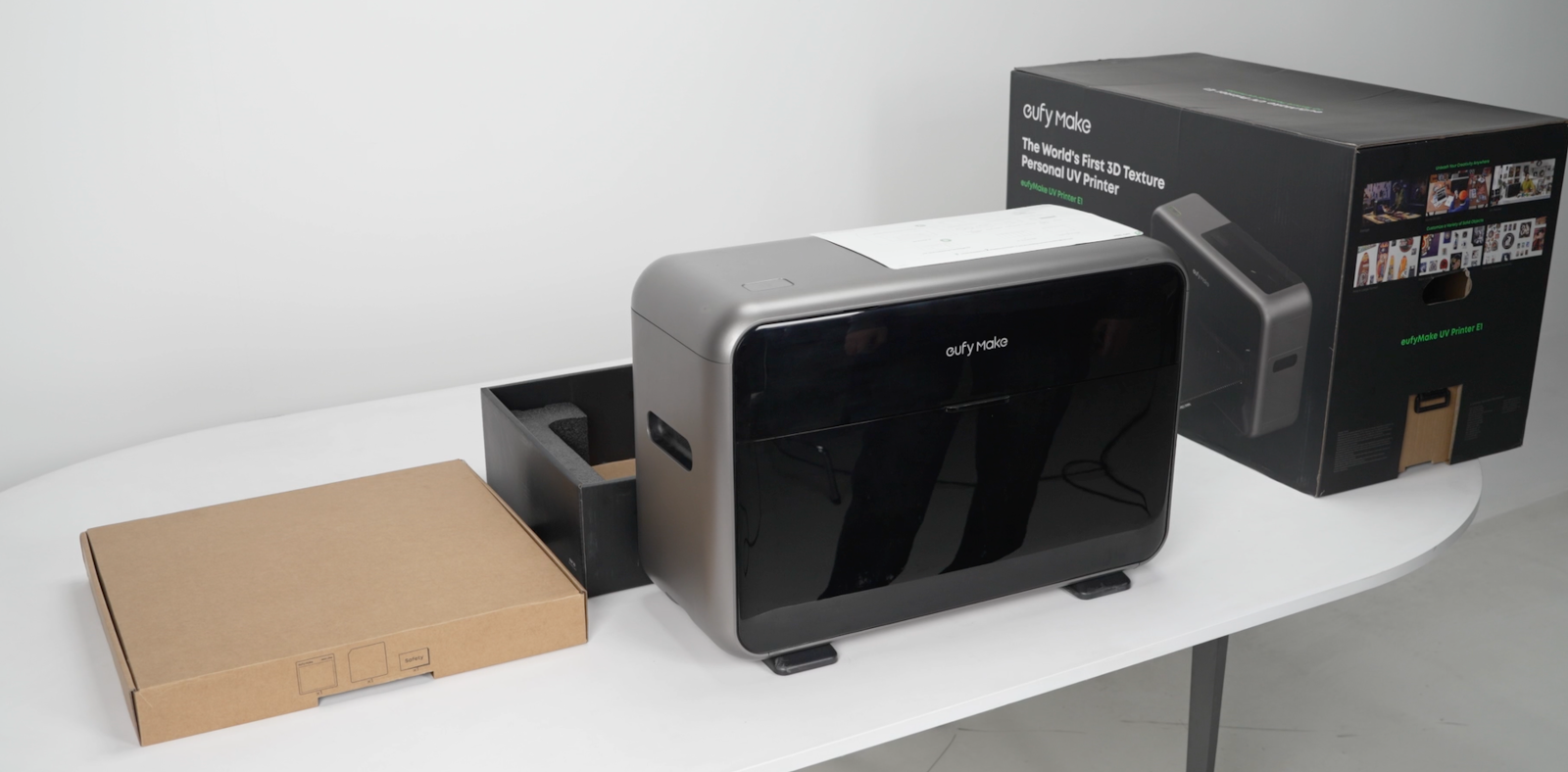
Diagram of the UV printer packaging before unpacking:
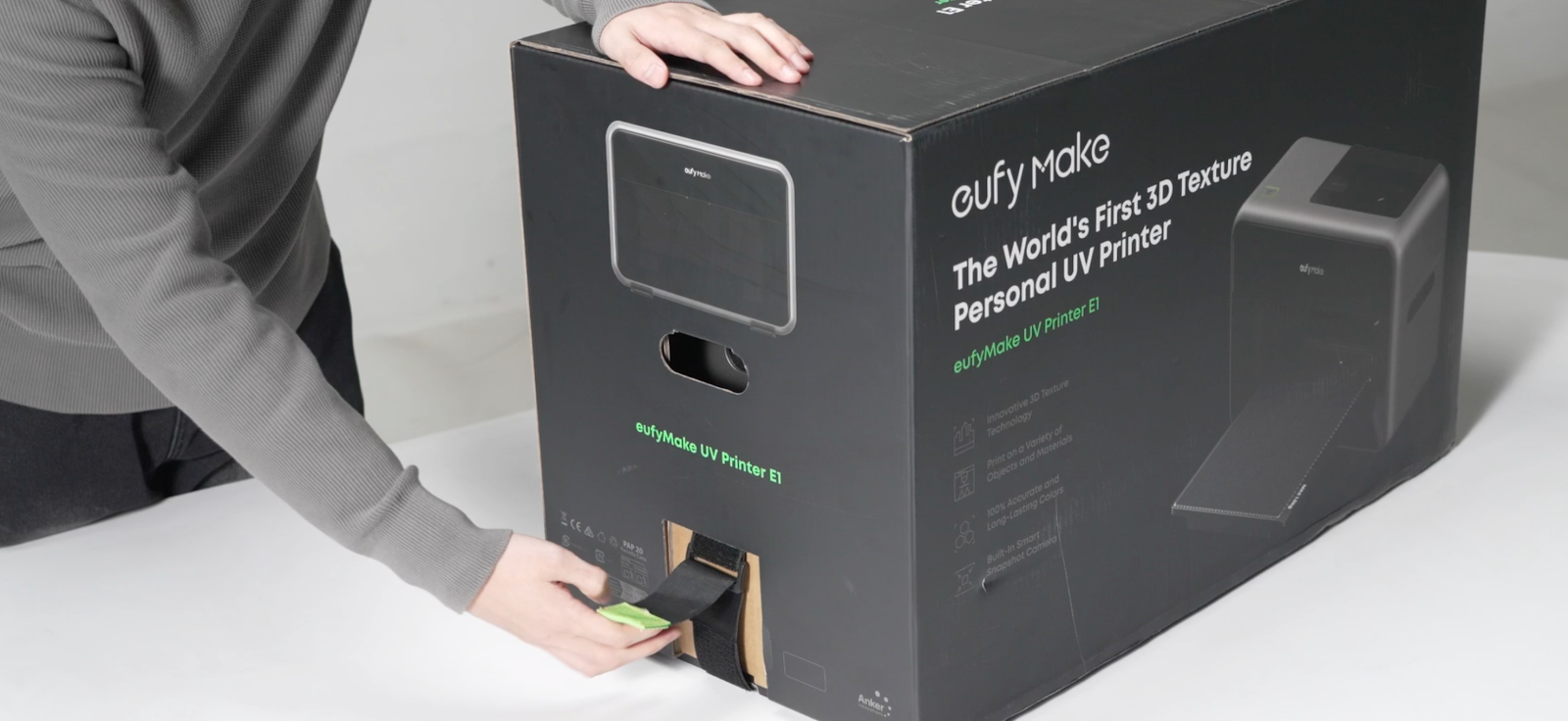
Step 1 - Release the Velcro Straps
After placing the box on a stable surface, locate the Velcro on the bottom of both ends.
Peel the Velcro strips outward and pull them out from the box, then lift the box upward to remove it.
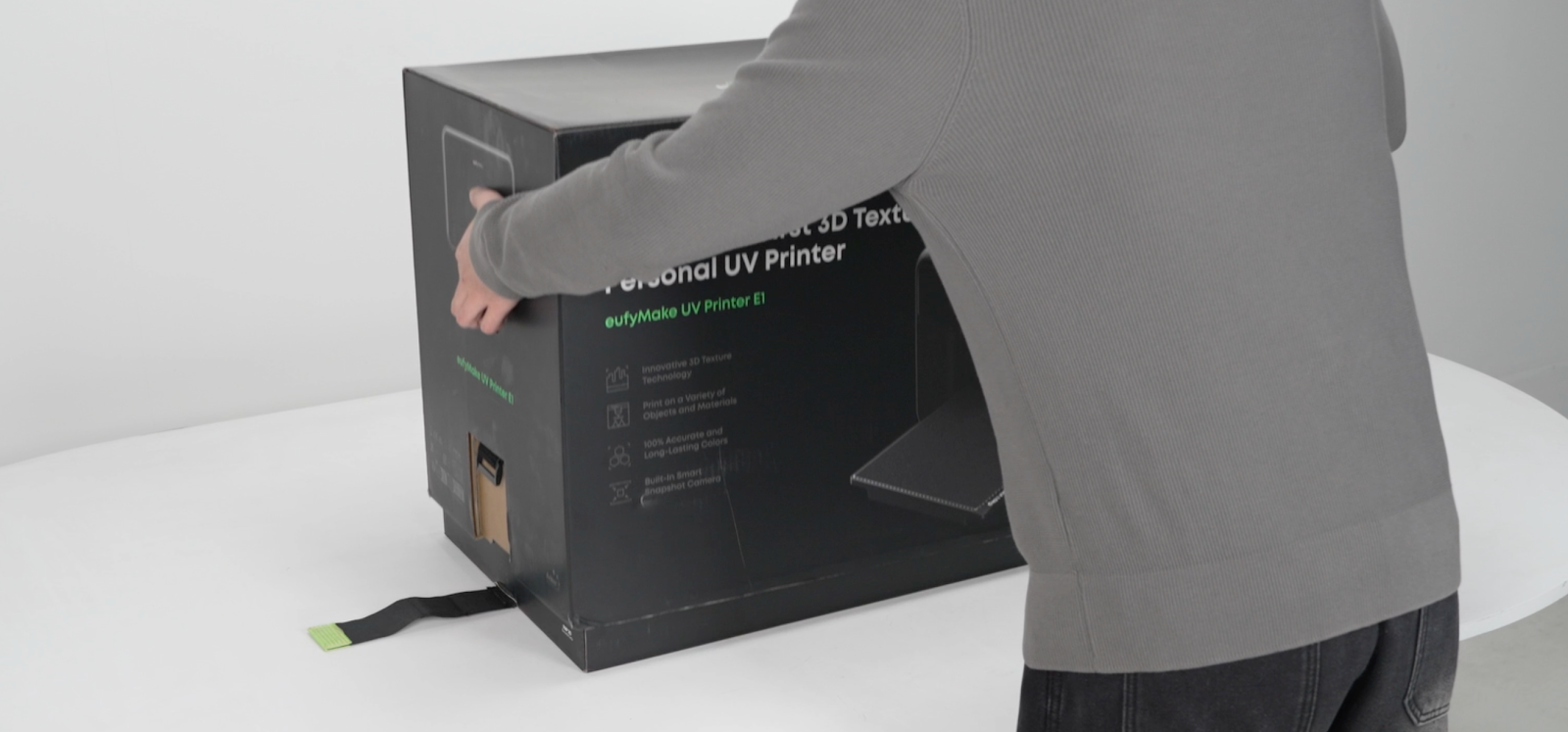
Step 2 - Lift the Printer and Standard Flatbed Out of the Box
Carefully lift the entire machine, along with the standard flatbed, out of the container.
Check all components and accessories to confirm that everything is present and that there is no visible damage to the equipment.
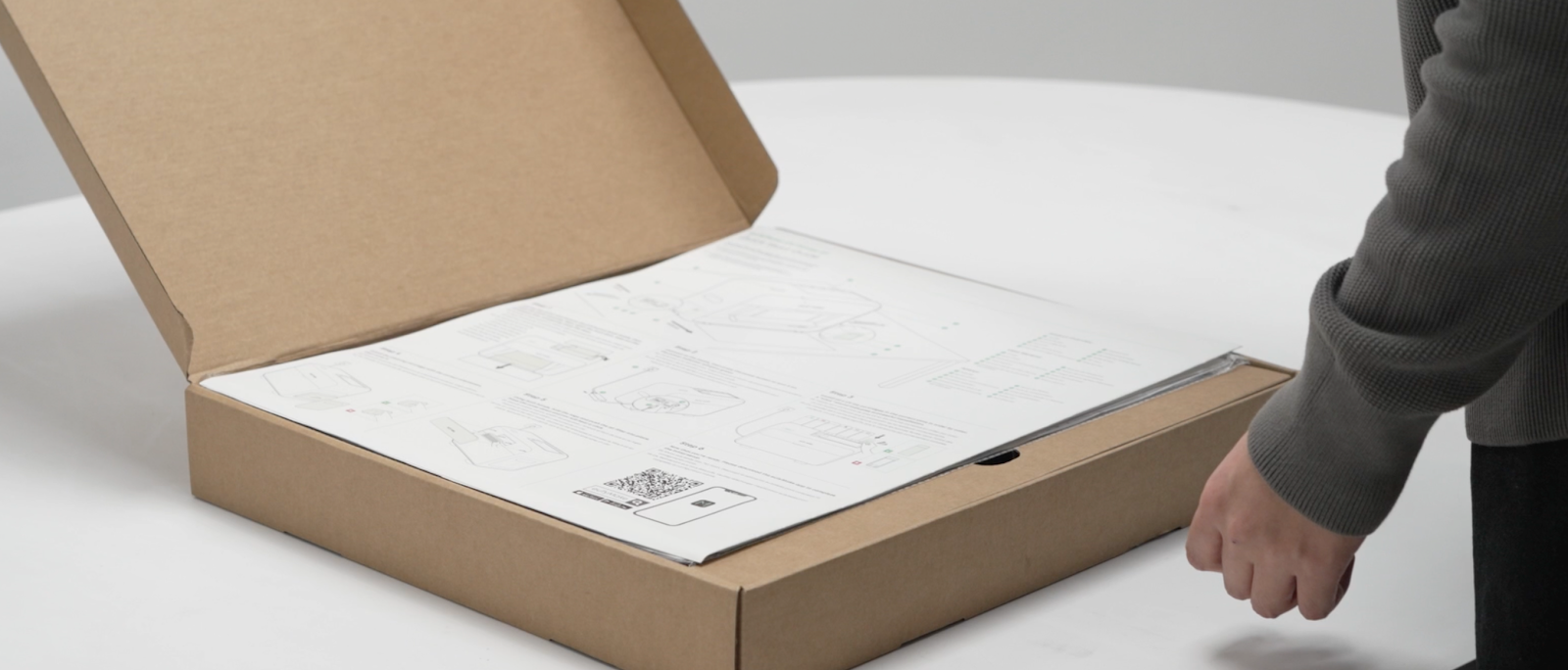
Step 3 - Unpack the Standard Flatbed Crate and Verify Contents
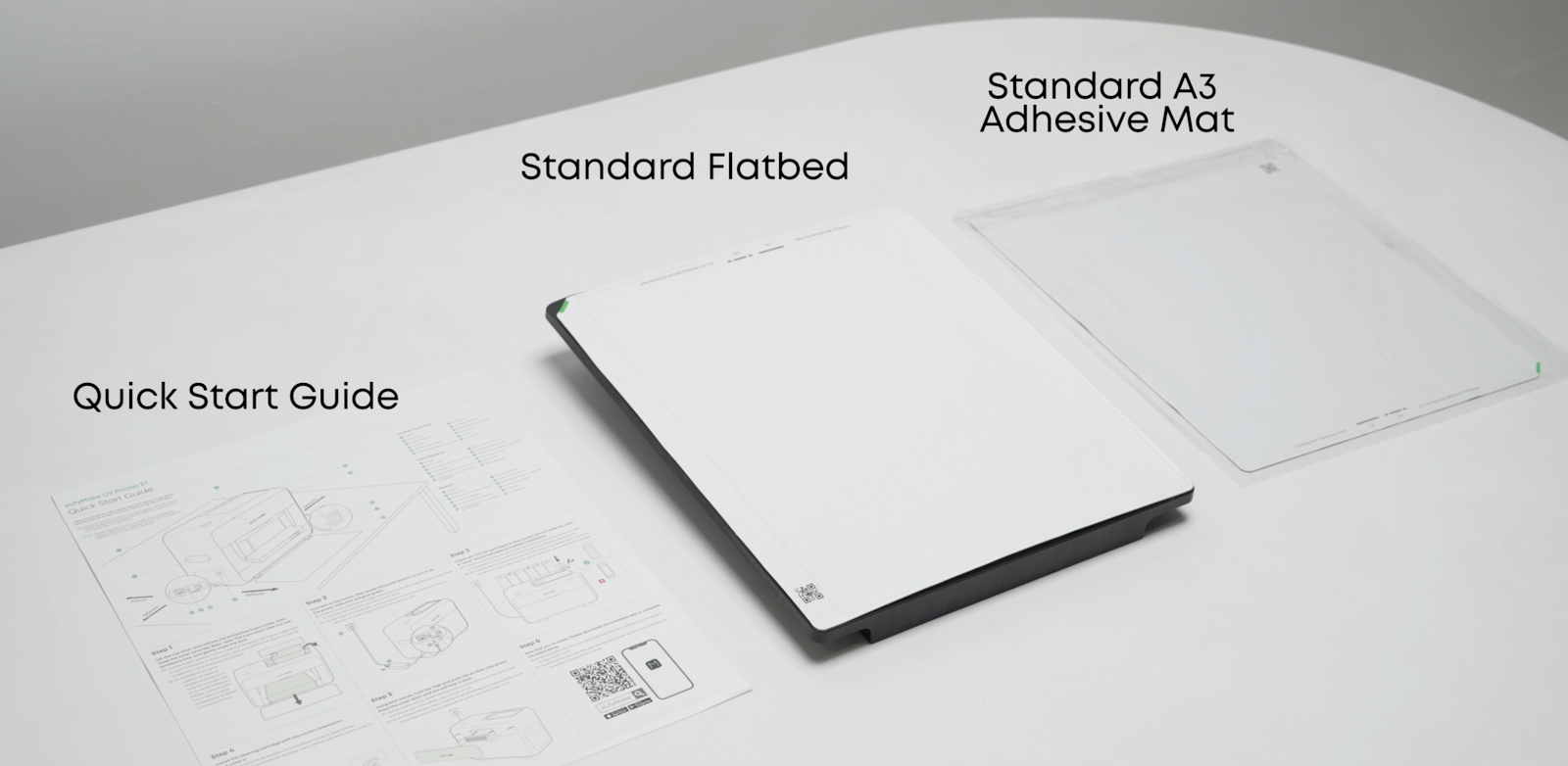
Open the standard flatbed crate and check that it includes the standard flatbed, Quick Start Guide (QSG), and standard adhesive mat.
You can refer to the QSG for guidance on the next steps in the setup process.
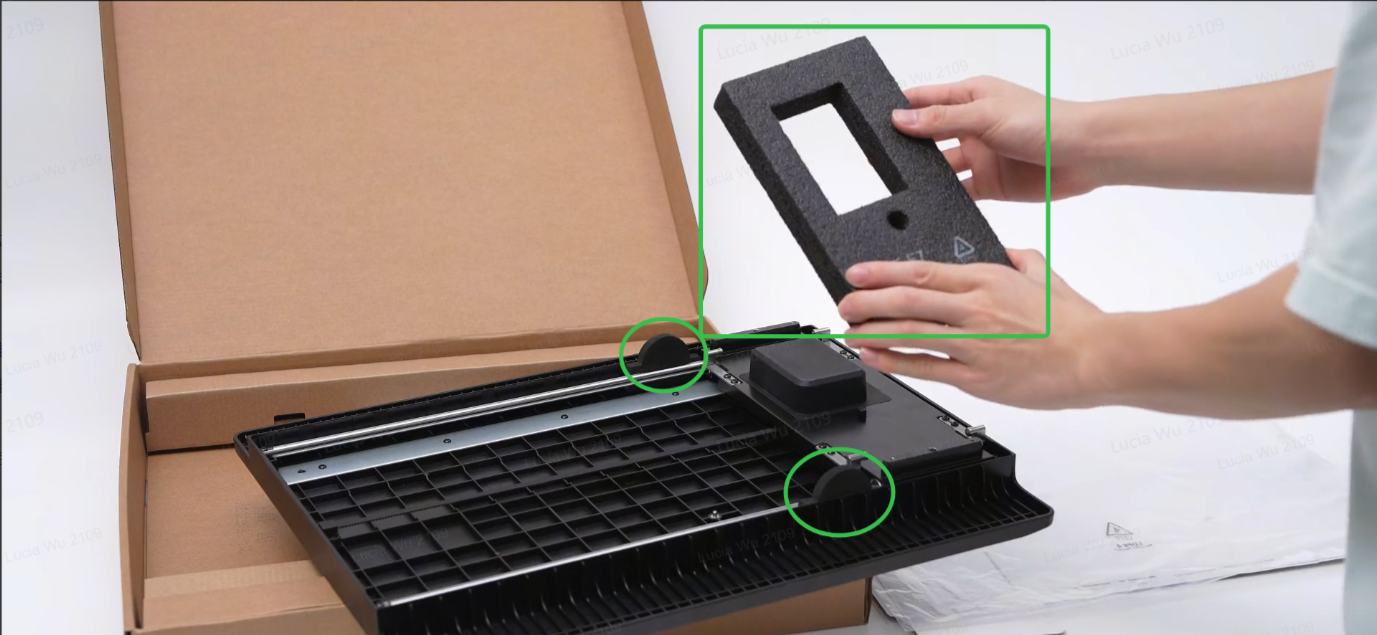
Please remove the foam pad as shown to ensure normal use of the standard flatbed.
Step 4 - Confirm the Installation Space for the Printer
Select a flat surface (tilt <10°) that meets the Printer Placement Requirements (Please refer to https://support.eufymake.com/s/article/UV-Printer-E1-Placement-Requirements
), ensuring sufficient space and load-bearing capacity.
Ensure the area provides adequate space and load-bearing capacity to support the full weight and size of the machine safely.
Step 5 - Slide the Upper Cover Plate and Remove the Foam Pad
After positioning the machine, push the upper cover plate forward, then lift the foam pad straight up to remove it from the printer.
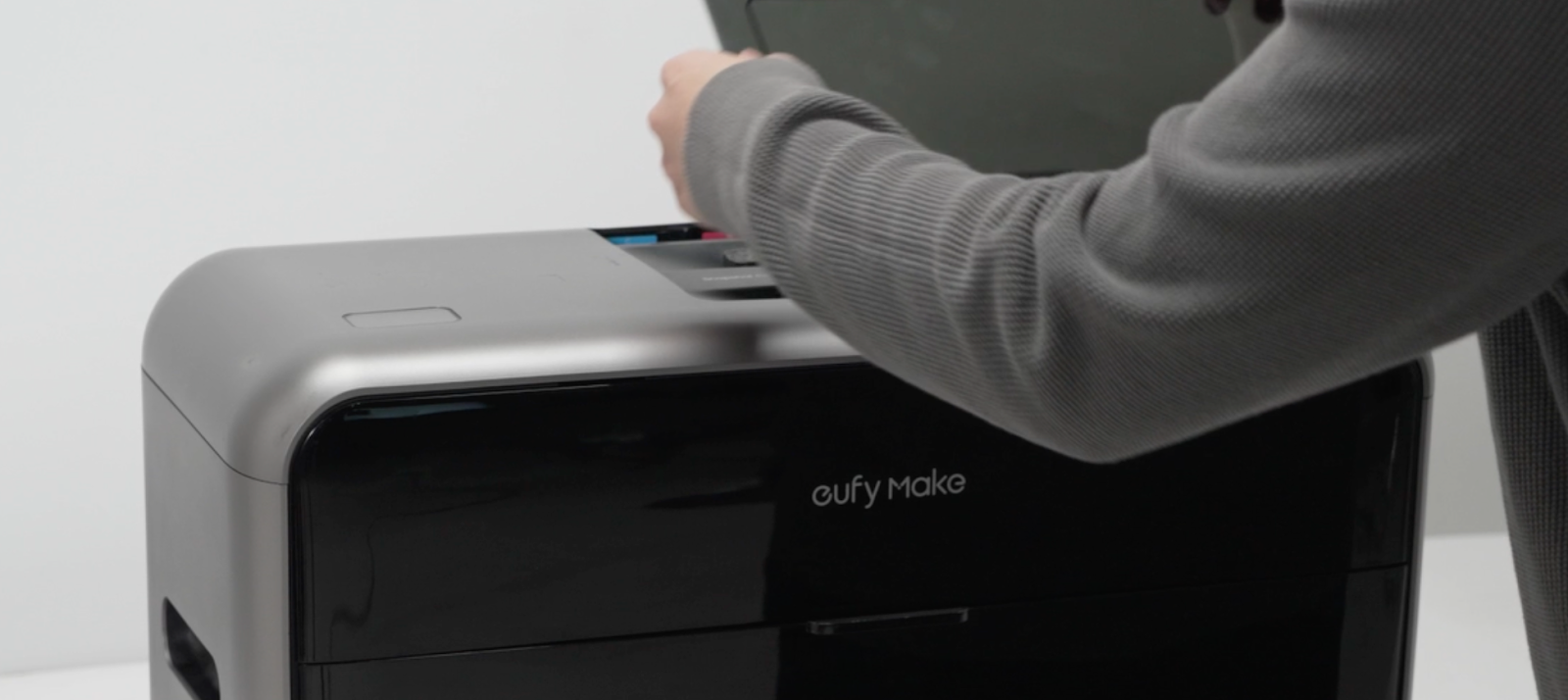
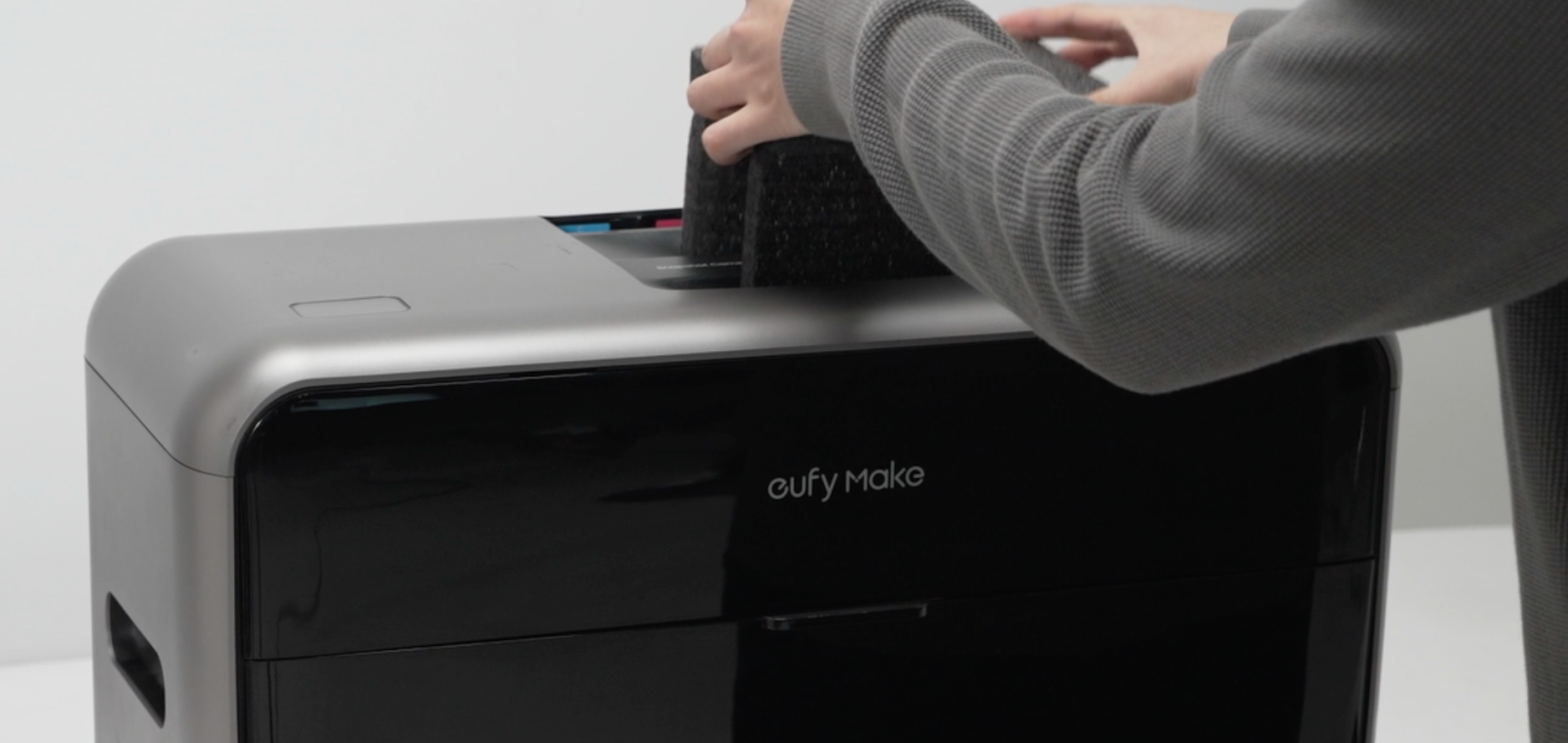
Step 6 - Open the Front Cover and Take Out the Accessory Box
After completing the previous steps, open the front cover, then remove the accessory box from inside the printer.
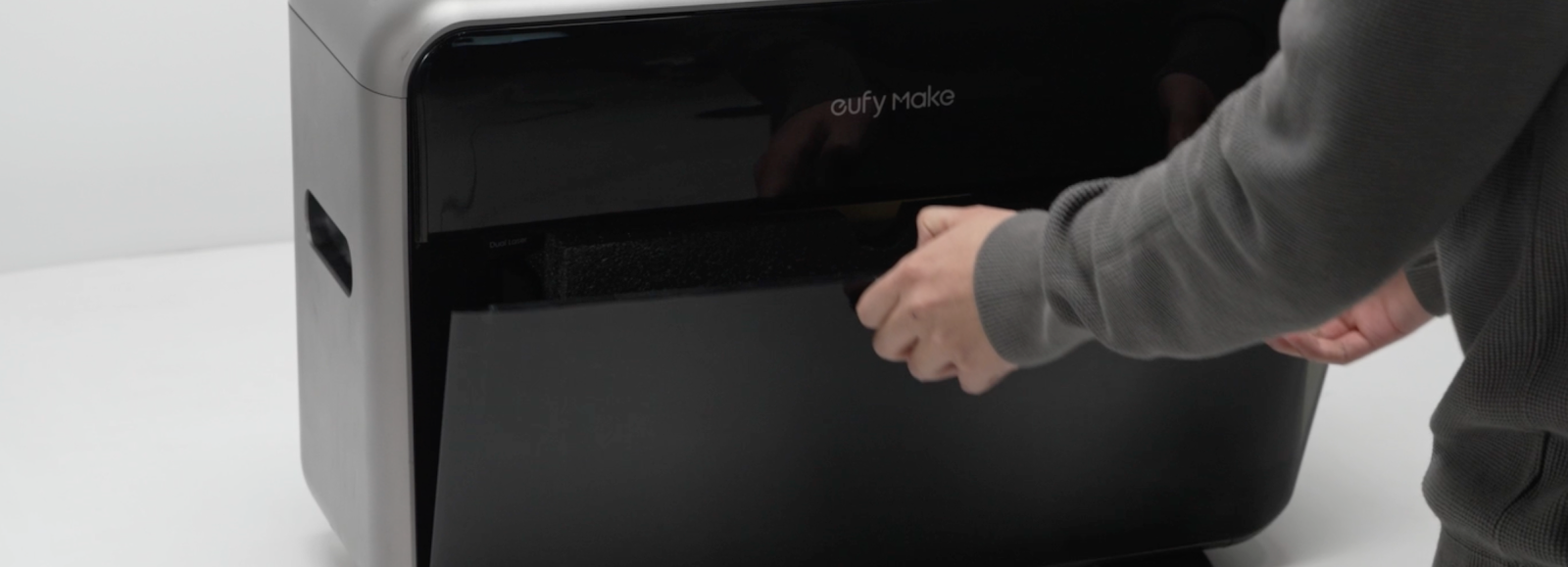
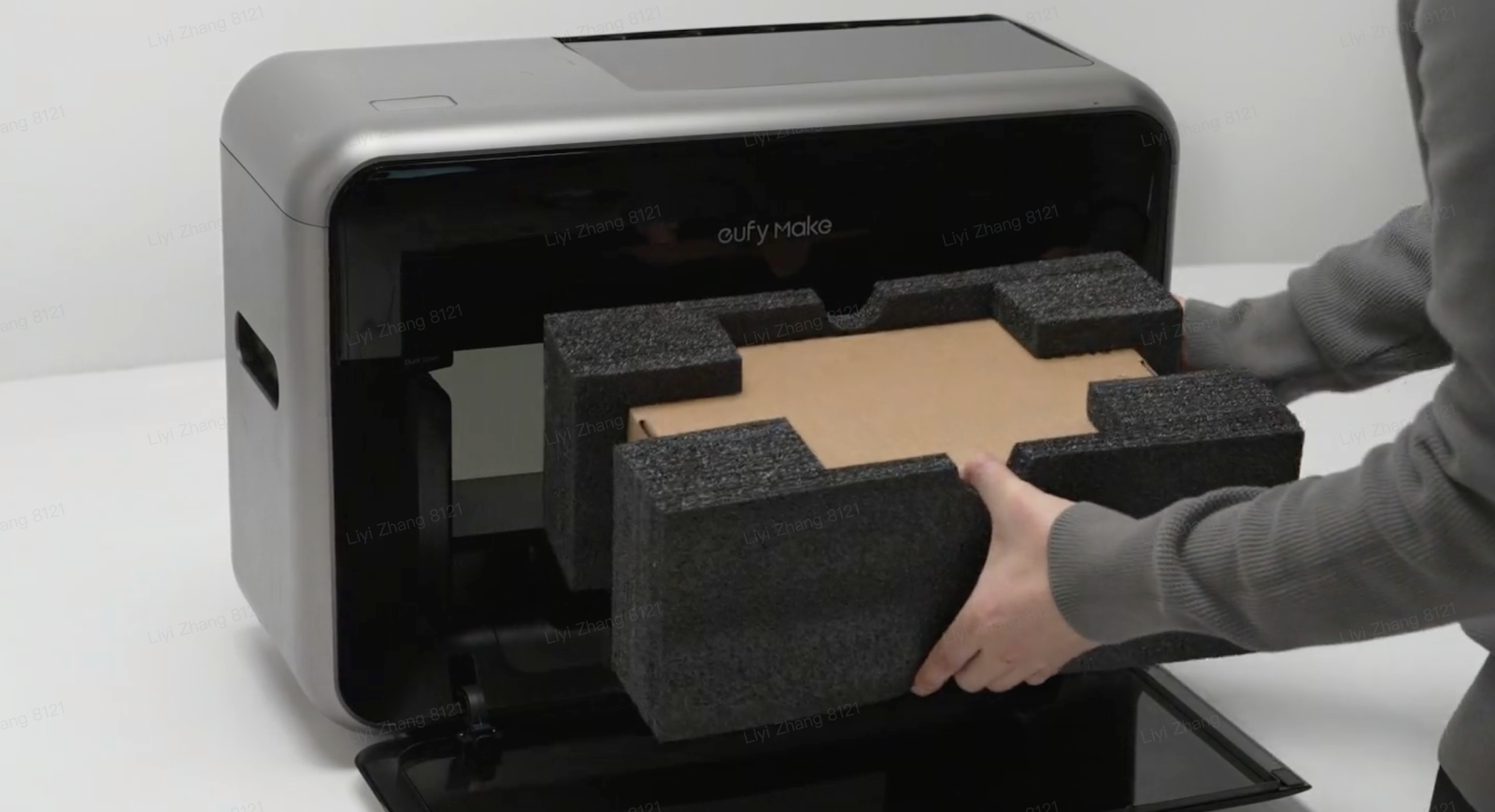
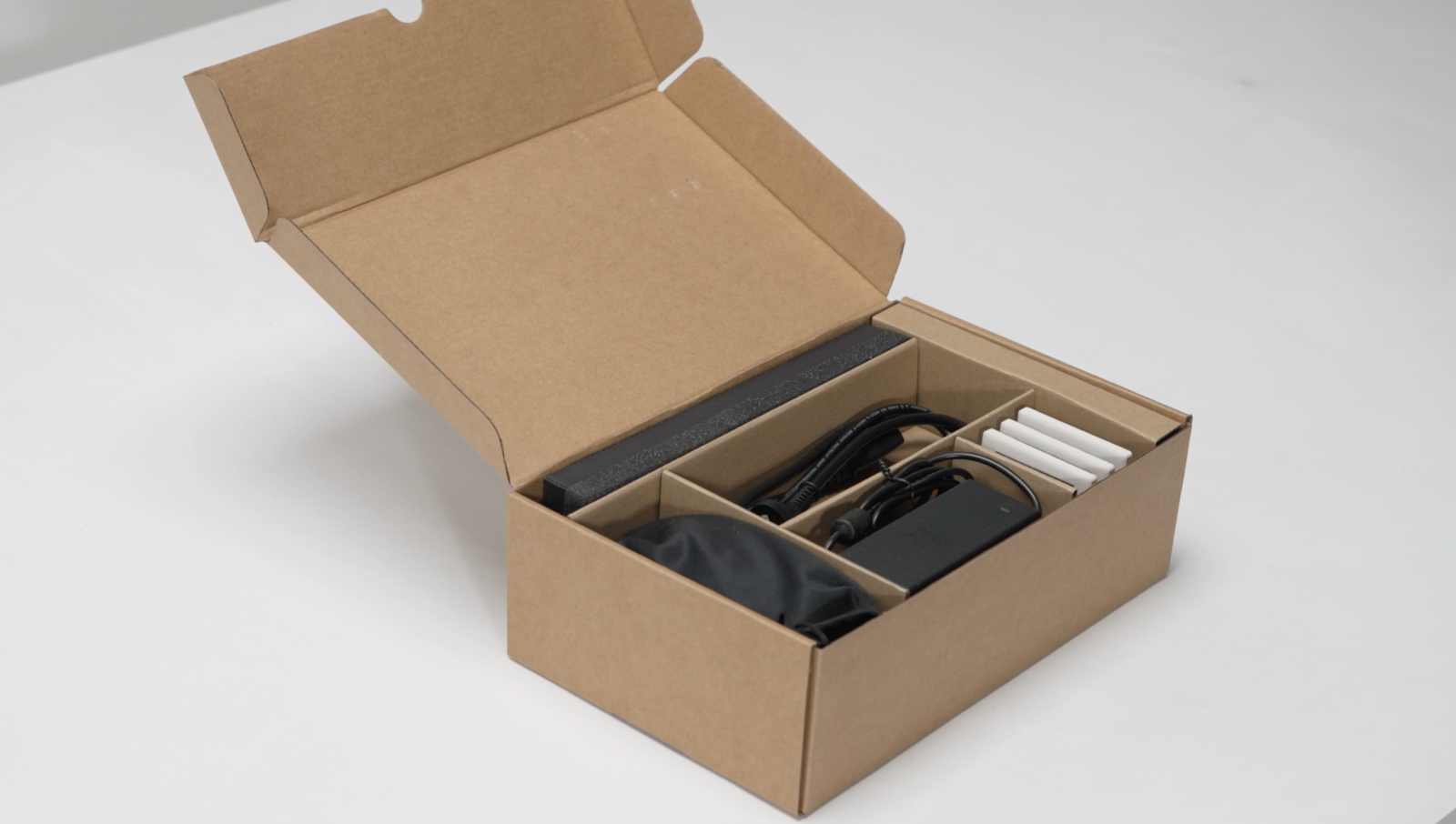
Step 7 - Open the Accessory Box and Confirm Contents
Open the accessory box and verify that all included items are present. The box should contain:
-
Air filter
-
Power cord
-
Power adapter
-
Free substrates ×3
-
Goggles
⚠️ Attention: Please ensure that the power adapter specifications match the electrical requirements in your region before use.
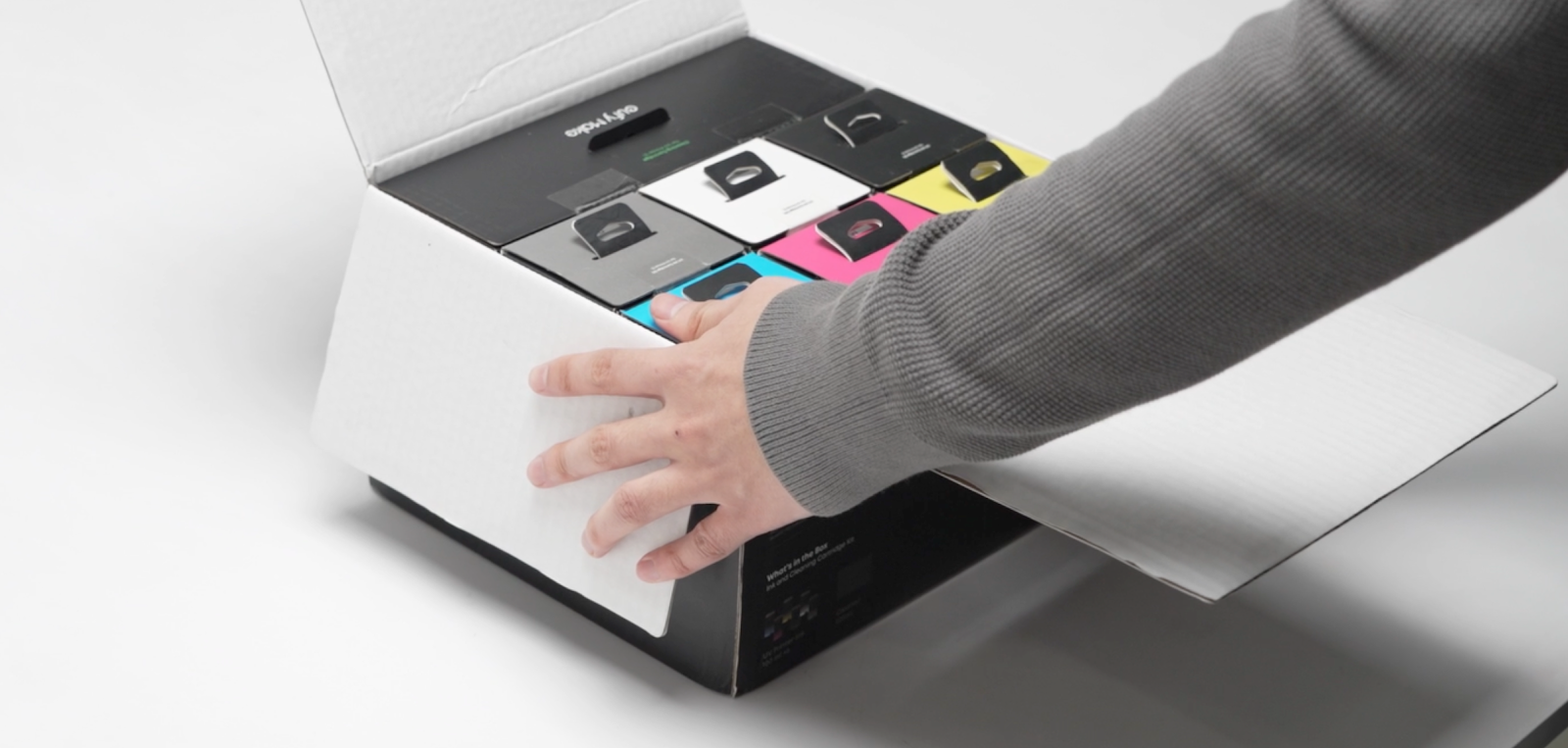
Ink Cartridge & Cleaning Cartridge Kit - Unboxing and Inventory
Open the Ink Cartridge & Cleaning Cartridge Kit outer box and confirm the contents.
Check all items against the Bill of Materials (BOM) included in the package.
Once verified, proceed to install the ink cartridge and cleaning cartridge into the printer.
Cartridge Kit Bill of Material