Fault Phenomenon
After the printer enters moisturizing mode, it reports a waste ink pump pressure abnormal error, such as: 0xFD0119002F, 0xFD0119002E
Cause Analysis
1. The waste ink channel in the capping station is not switching correctly
2. Waste ink pump hardware malfunction
Troubleshooting
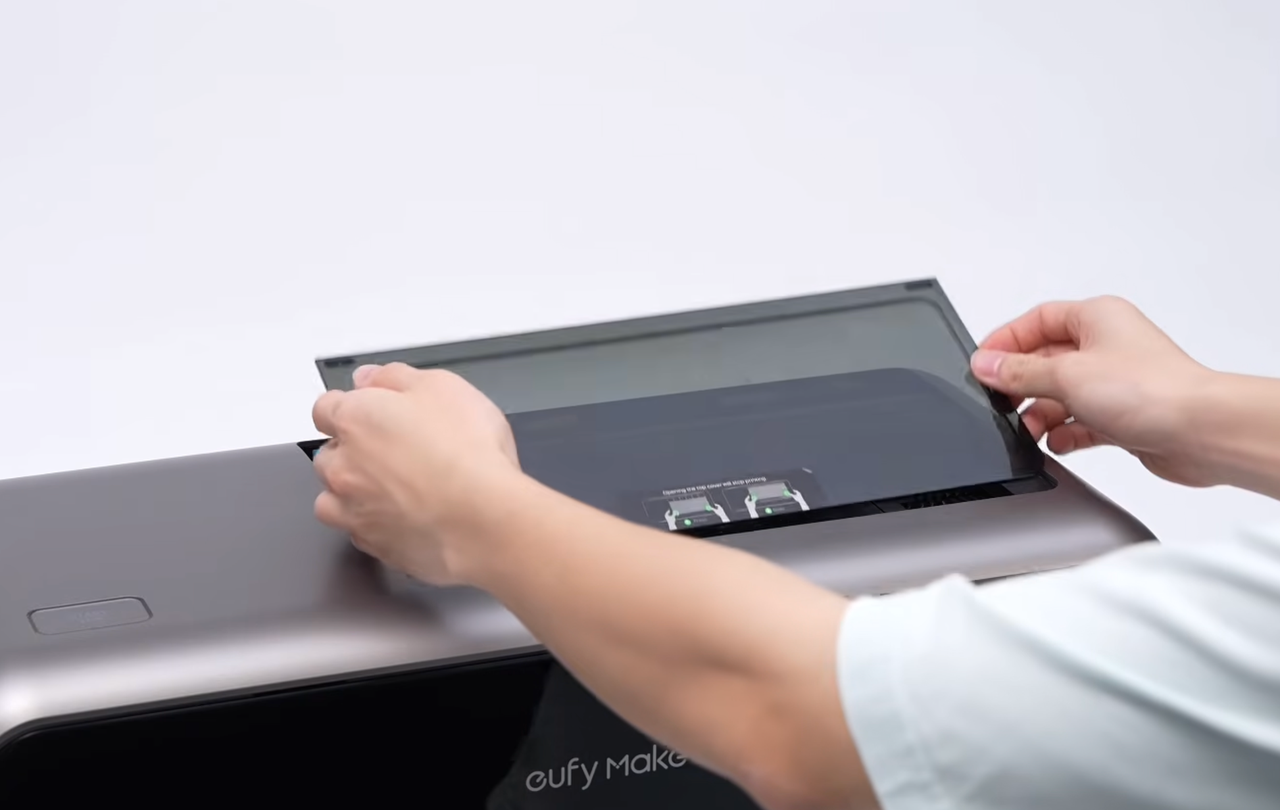
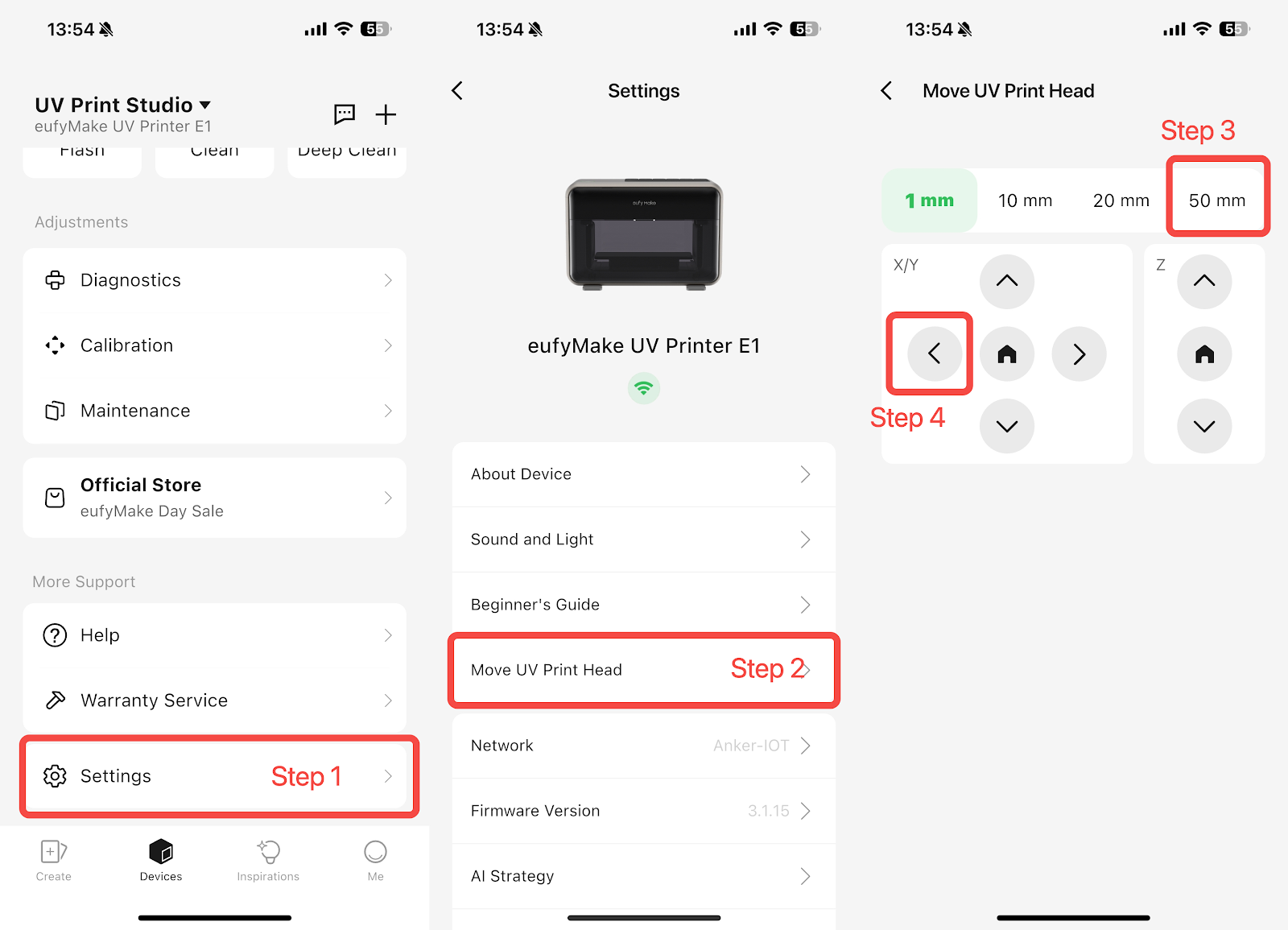
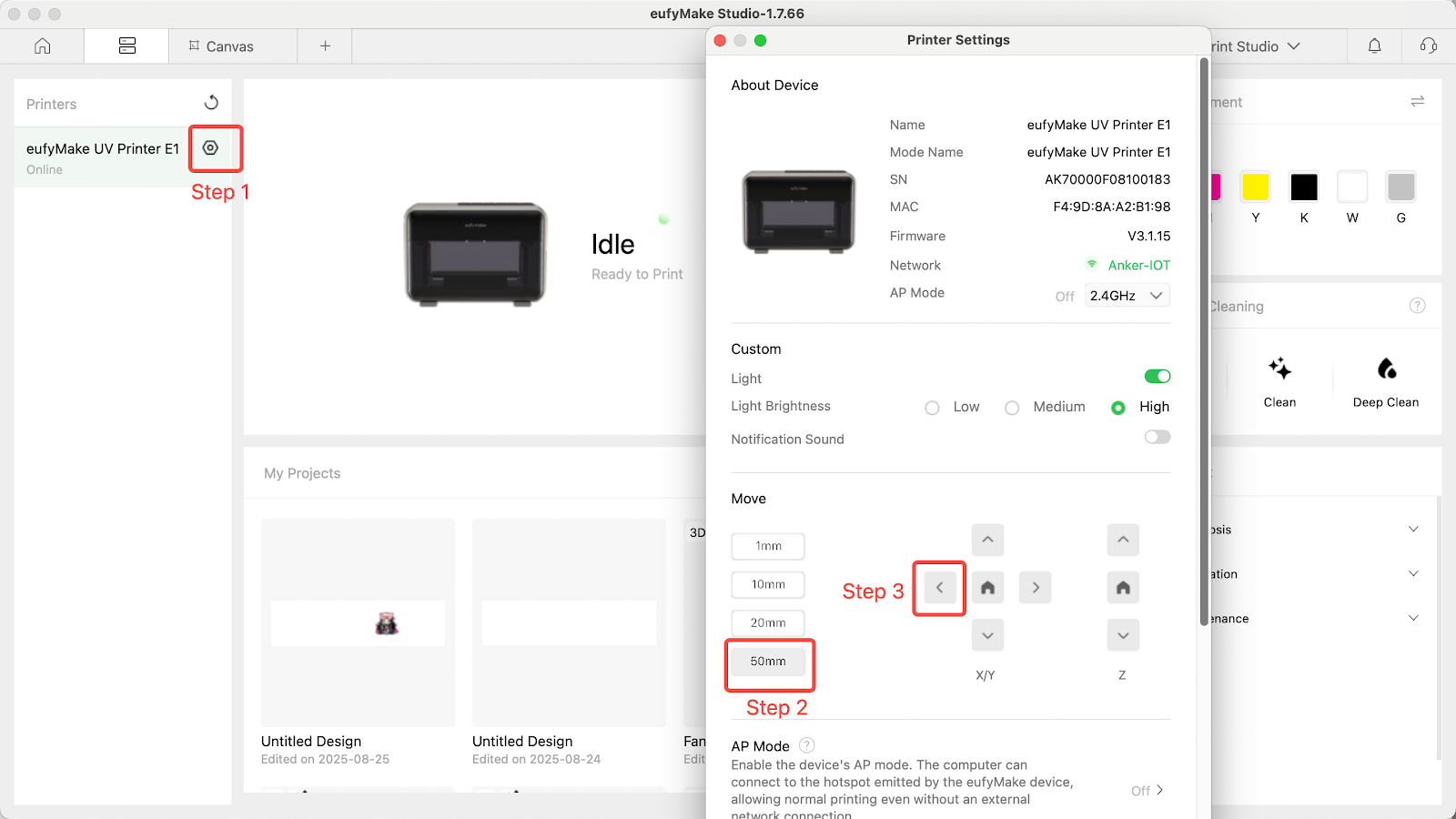
1. Reconnect the printer power cable. The printer will automatically enter self-test mode. After the print head moves out, check the capping station for any liquid accumulation.
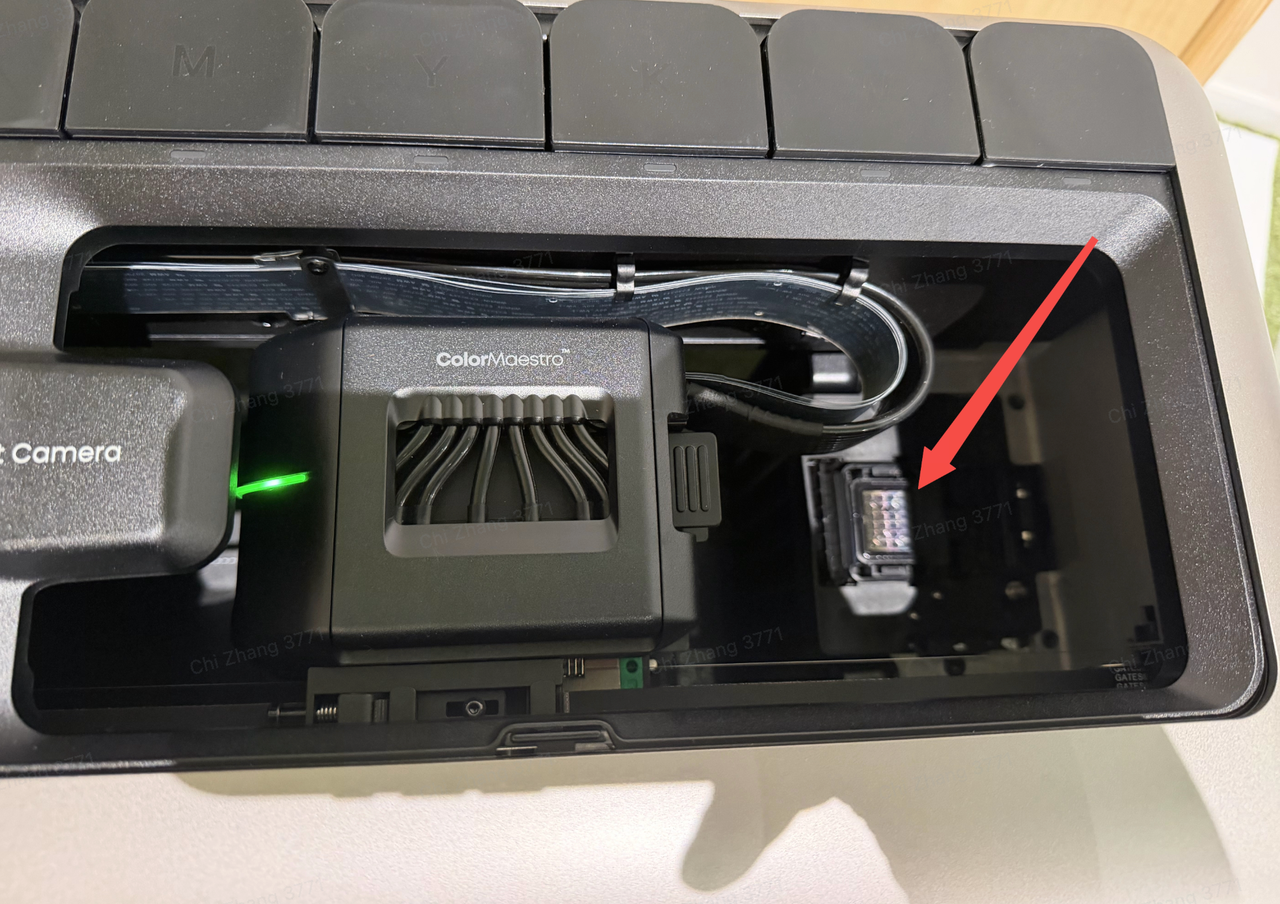
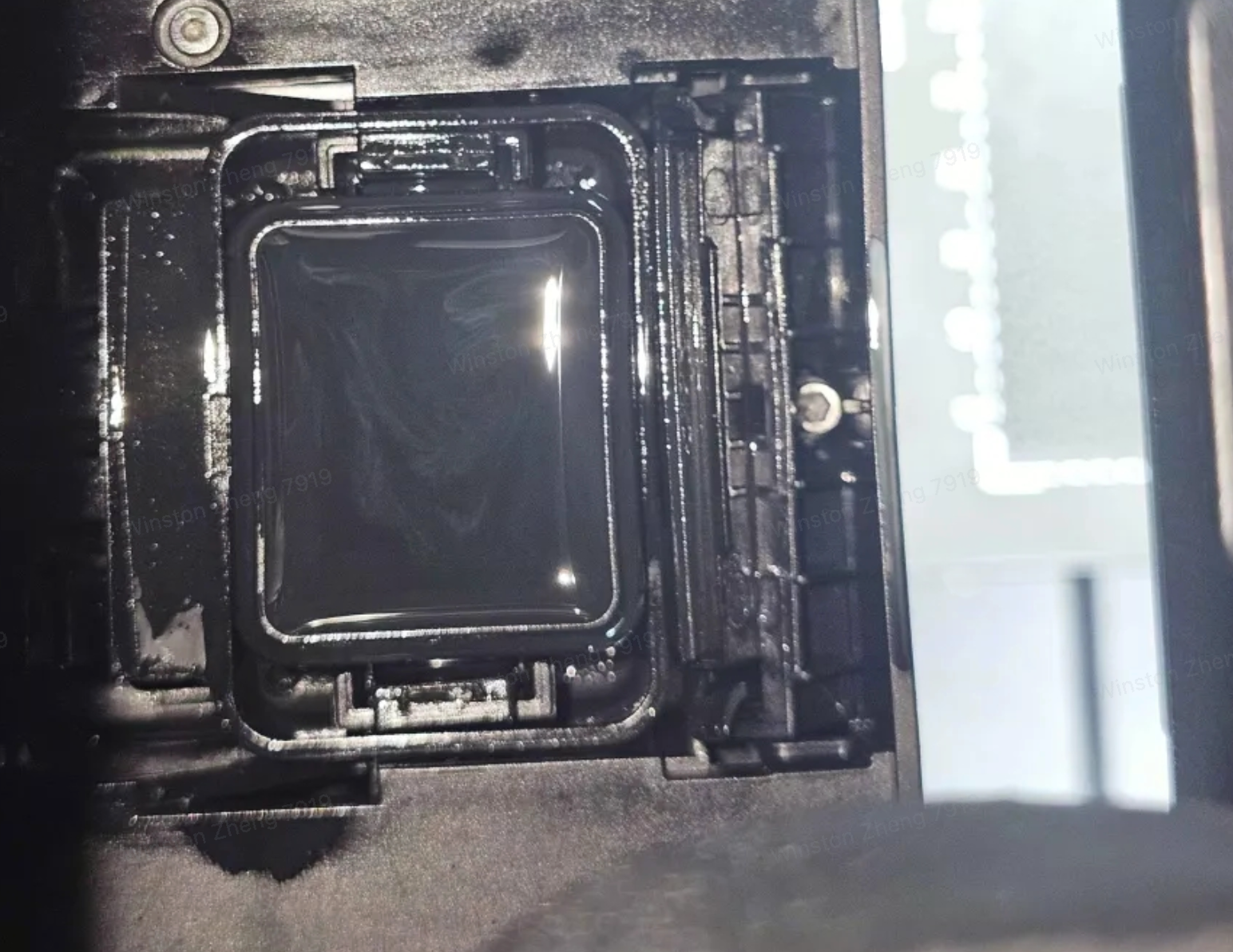
2. If there is any liquid accumulation, please take a photo and report it to the eufyMake Customer Support Team.
3. If liquid is present, take a photo and send it to eufyMake Customer Support.
4. If no liquid is present:
-
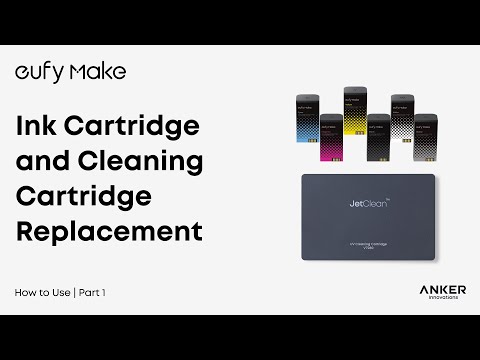
Remove the cleaning cartridge
-
Disconnect the printer power cable
-
Reconnect power and allow the self-test to complete
-
Perform the ink refilling process
Support Contact
If the issue persists after completing the above steps, please contact eufyMake Customer Support at support@eufymake.com with the following information:
-
Your Order Information
-
Printer SN. Please refer to: How to Check the Device Serial Number (SN)
-
Printer and App Logs. Please refer to Log / Feedback Upload Process (App & PC) – Overview
-
Relevant photos and videos.