Video link: https://youtu.be/j8C54xISFKk?si=yEFbwgqWTiIvaRKC
Fault Phenomenon
The APP or PC software displays the following error:
Laser sensor anomaly (0xFD01120002)
Cause Analysis:
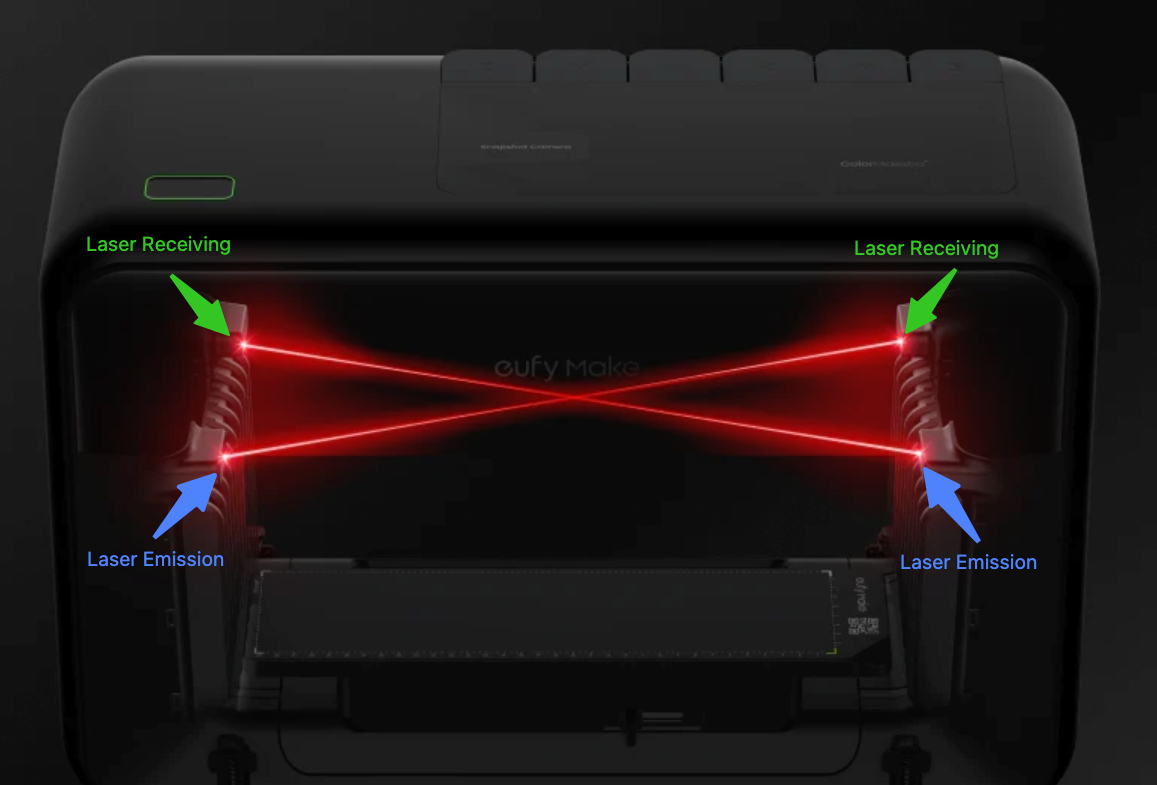
1. The laser receiver is not detecting the signal from the emitter, usually due to a blockage.
2. The laser alignment may be off, causing the beam to miss the receiver (this can happen during transport).
Troubleshooting:
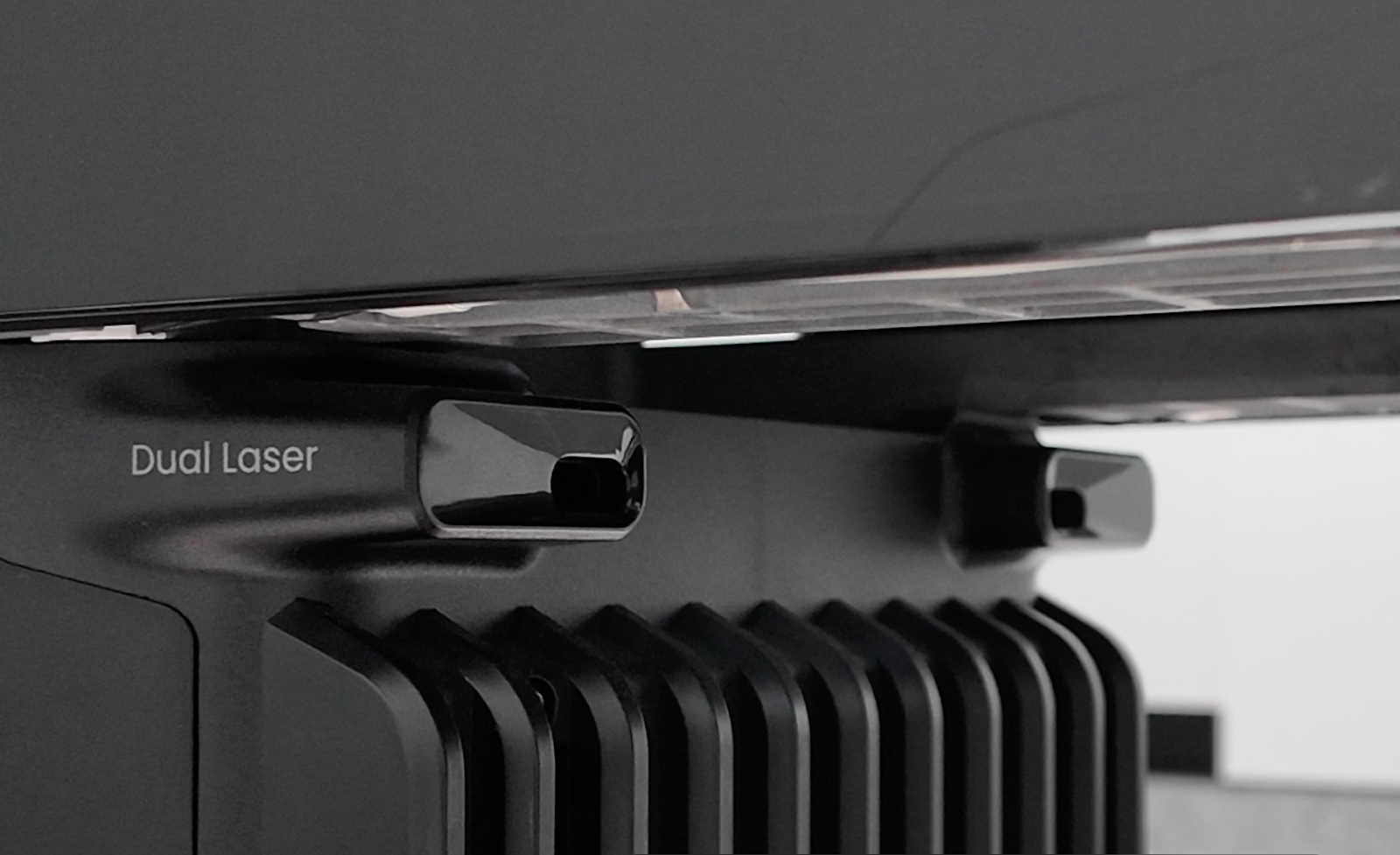
1. Check the laser emitter and receiver at the ventilation openings on both sides of the printer.
Make sure nothing is blocking them.
If any debris is found, remove it.
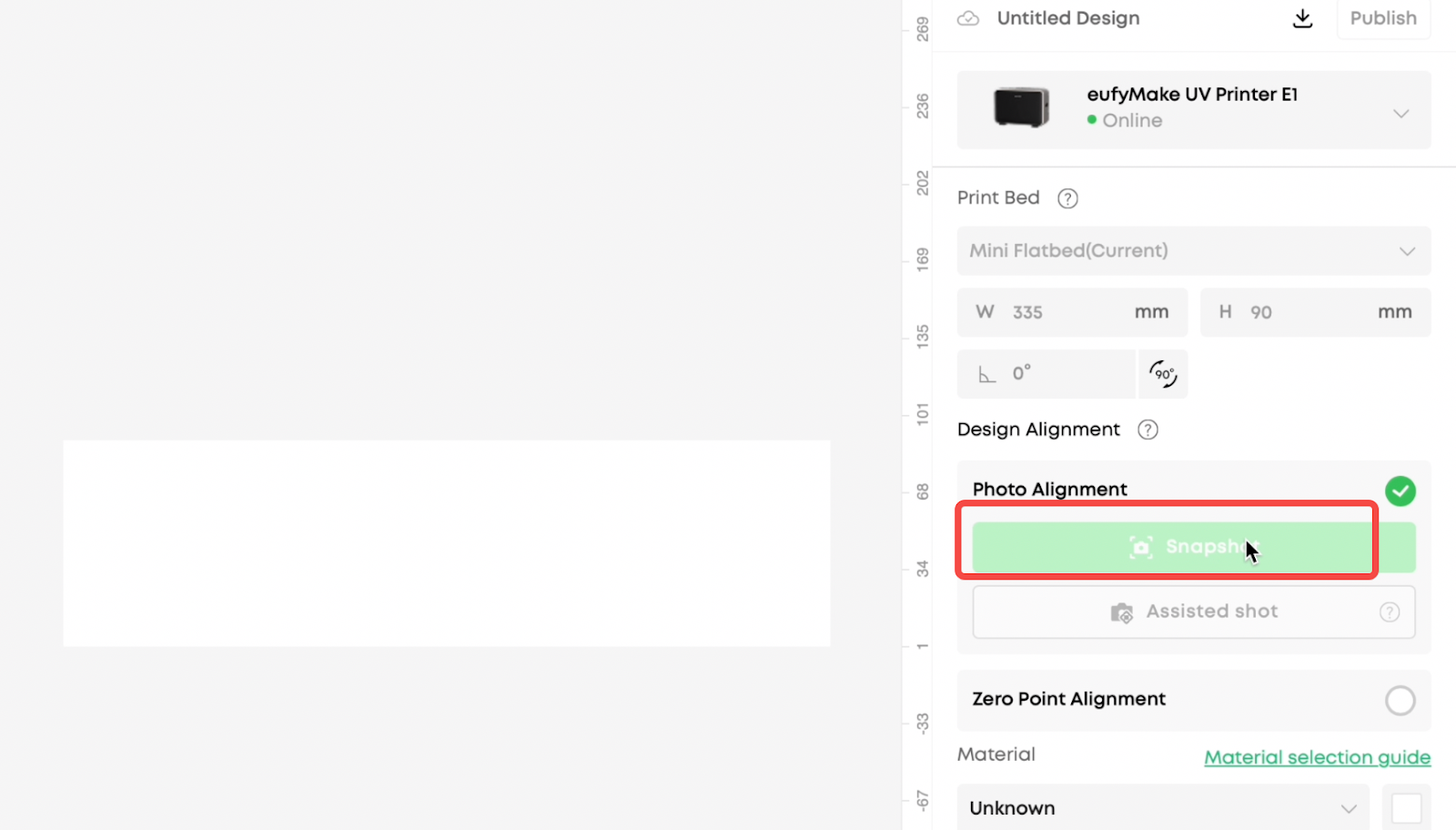
2. Run Snapshot in the eufyMake software and check whether the lasers on both sides activate normally.
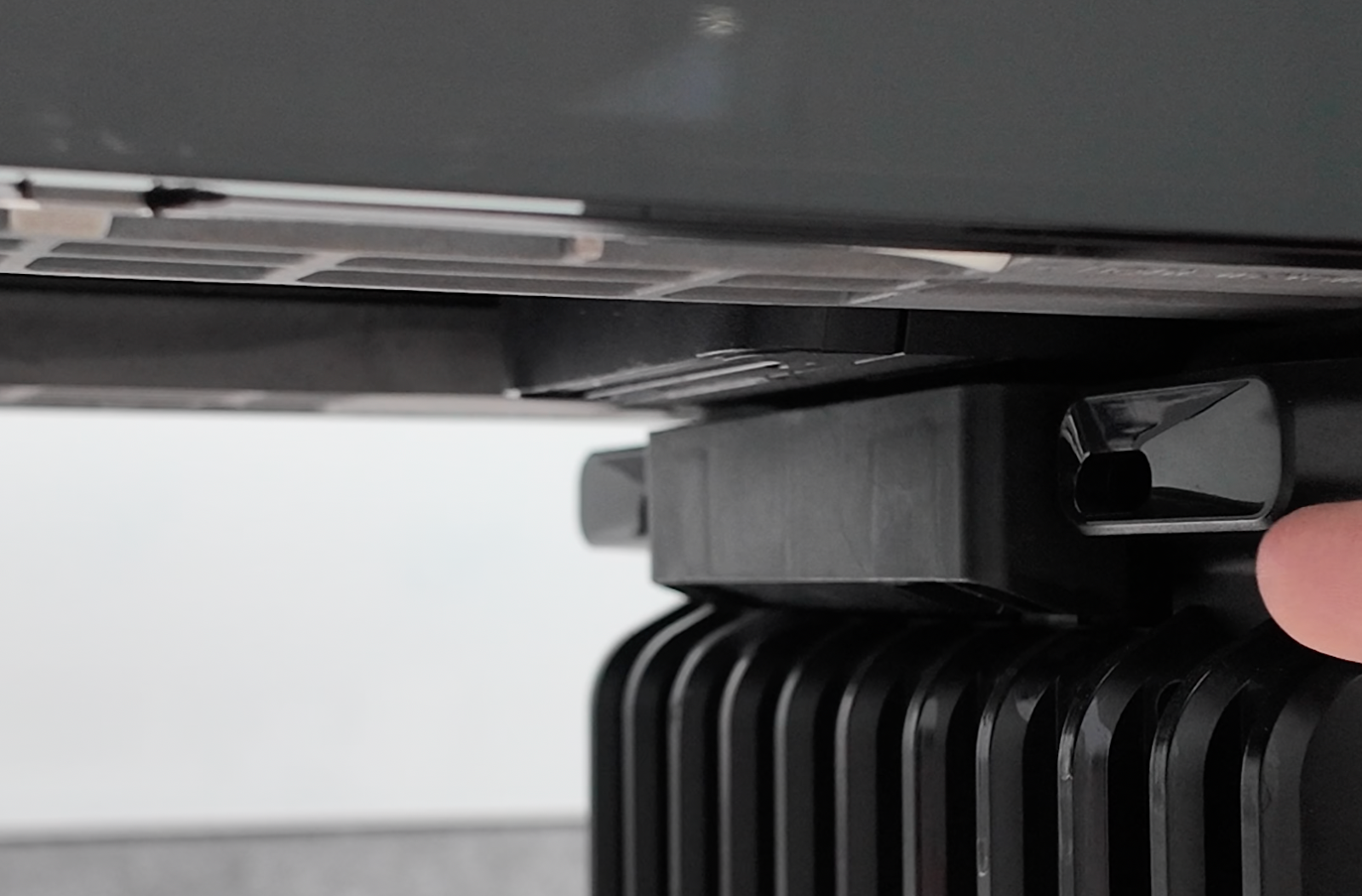
Place a piece of cardboard under the laser receiver on the left rear of the printer.
3. Hold it flush against the lower edge of the receiver opening.
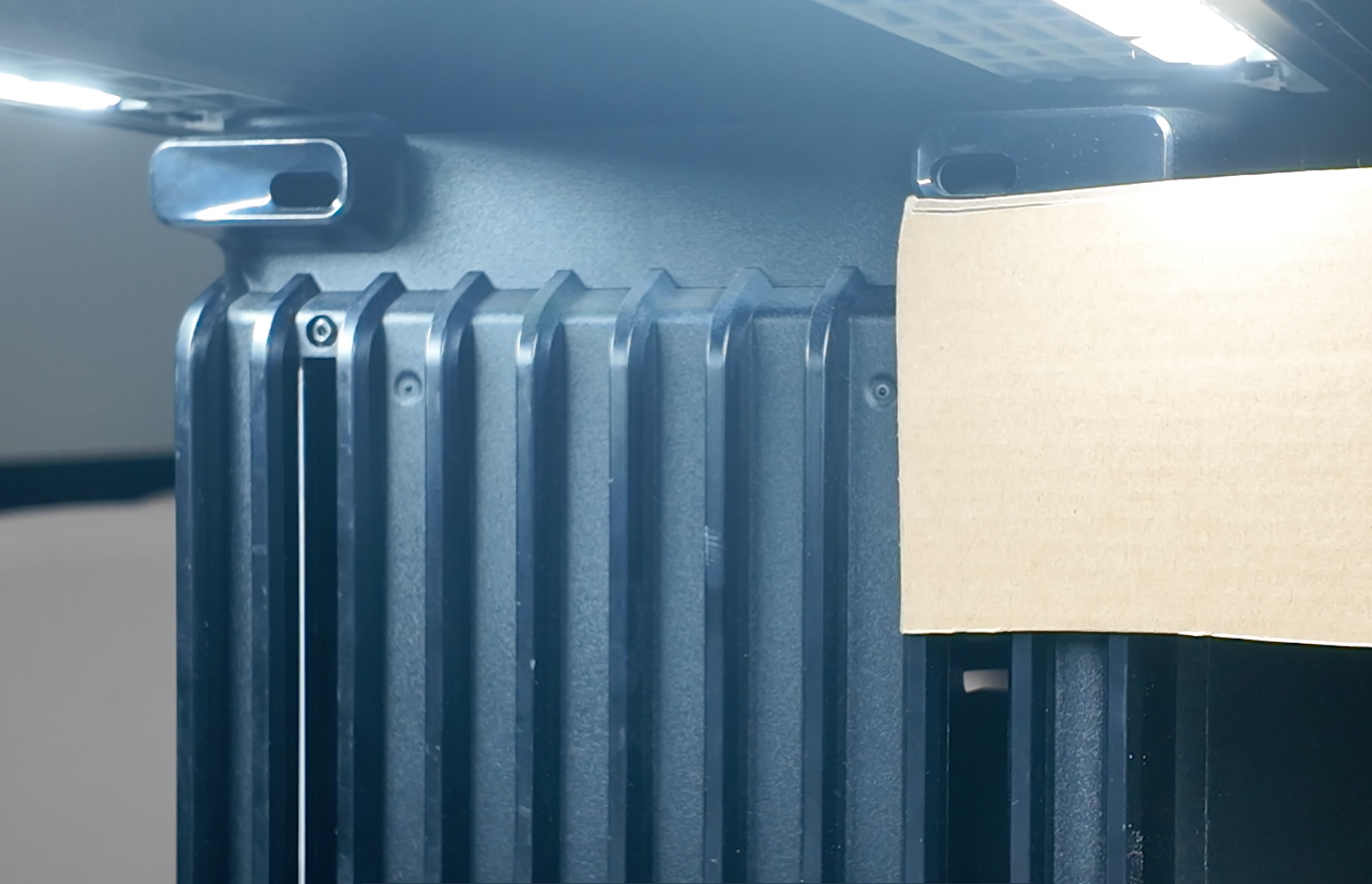
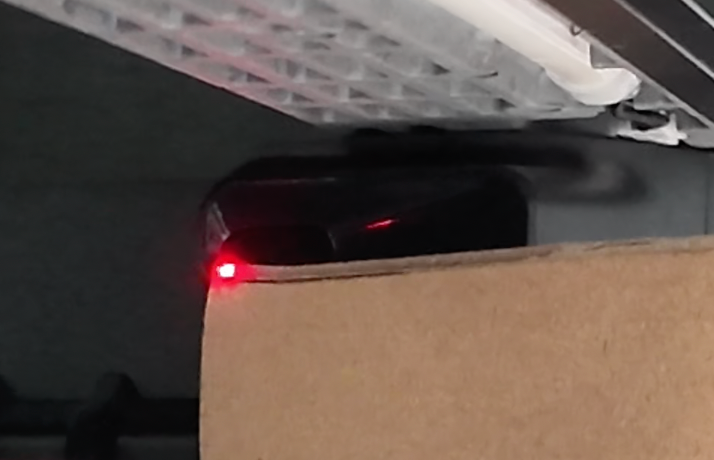
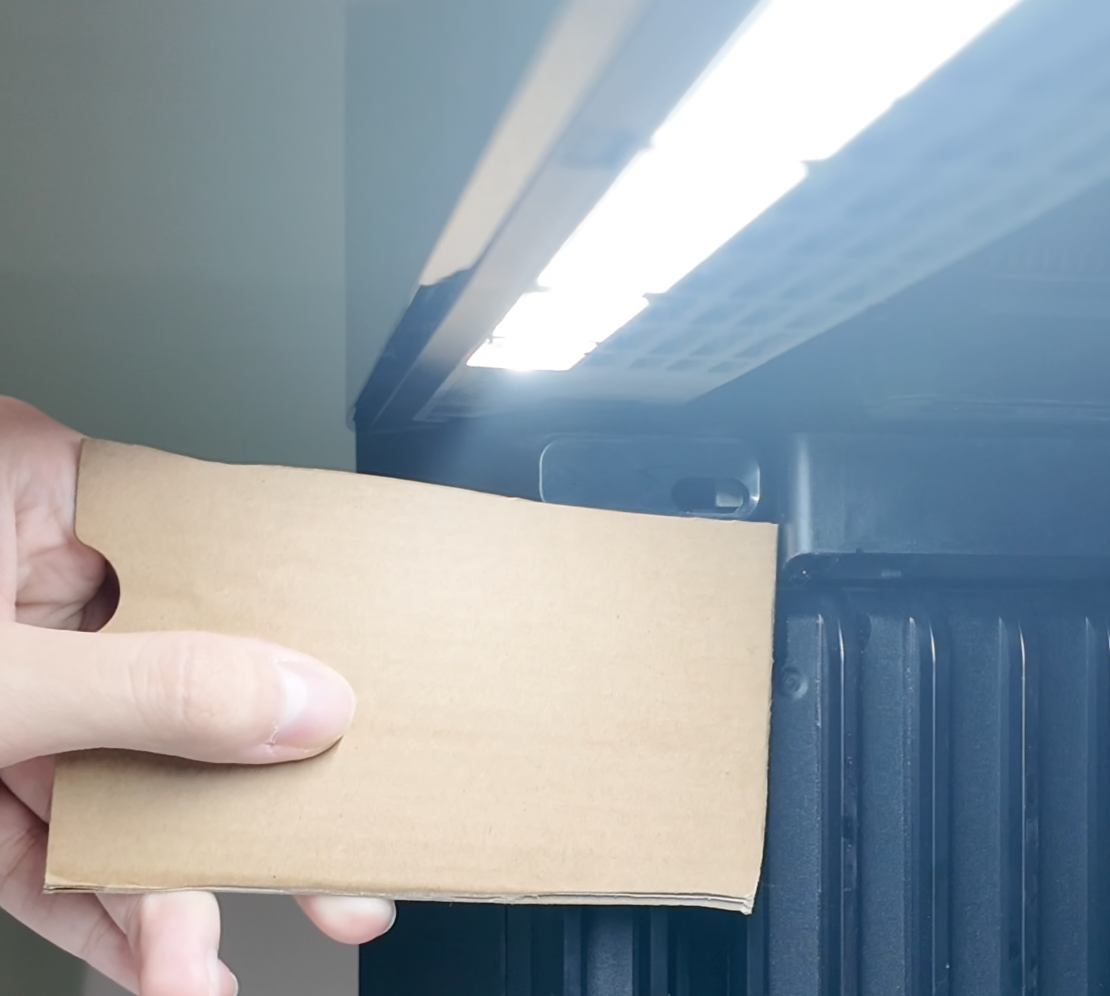
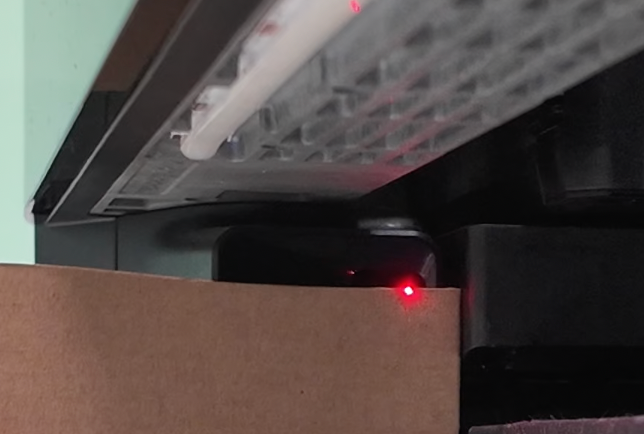
4. Observe the position of the laser dot on the cardboard and check whether it is aligned with the receiver opening.
Repeat the same process for the right rear laser receiver.
5. Keep the viewing angle as perpendicular as possible when checking alignment.
Support Contact
If the issue persists after completing the above steps, please contact eufyMake Customer Support at support@eufymake.com with the following information:
-
Your Order Information
-
Printer SN. Please refer to: How to Check the Device Serial Number (SN)
-
Printer and App Logs. Please refer to Log / Feedback Upload Process (App & PC) – Overview
-
Relevant photos and videos.










