Scope of Application
This process is used to produce waterproof transparent stickers, such as phone-case decals, notebook decorations, and other clear stickers that can be applied to a variety of surfaces.
Working Principle
Film A has a high-adhesion surface. After being laminated with Film B, it lifts the printed pattern and adhesive layer together, completing the transfer.
Operating Steps
- Prepare Film A
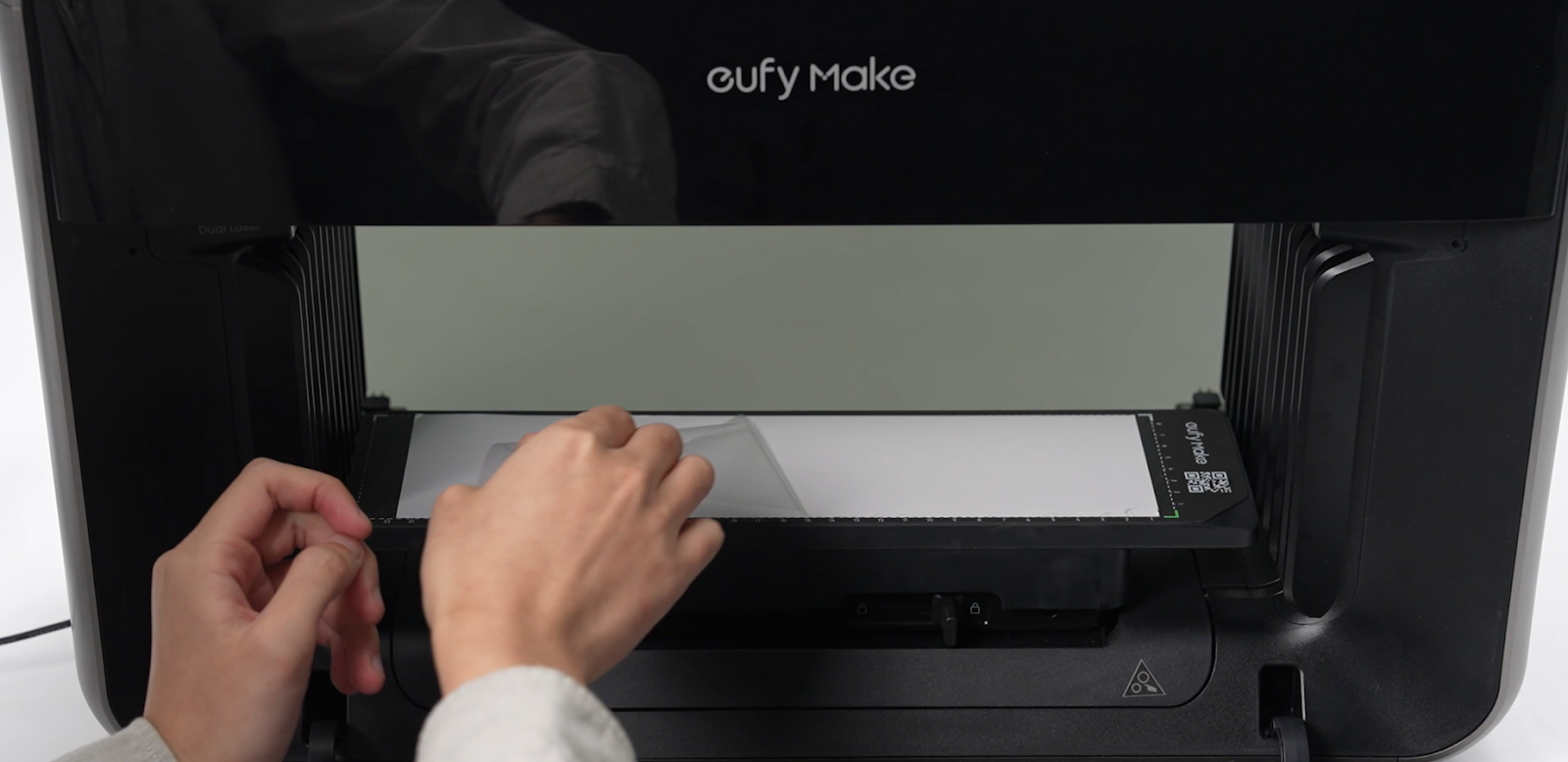
Tear off the protective layer of Film A to expose its adhesive surface.
2. UV printing on Film A
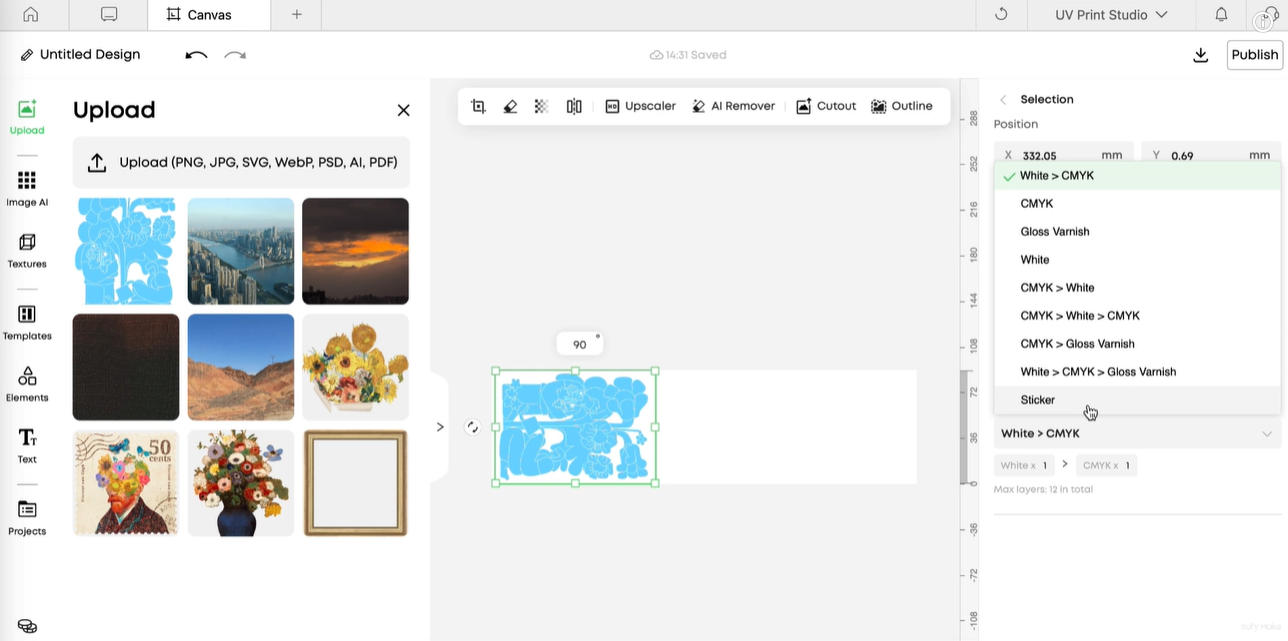
In Ink Mode, select Sticker.
-
-
Sticker Mode cannot be used together with other print modes.
-
All elements in the print job must be set to Sticker before sending it for printing.
-
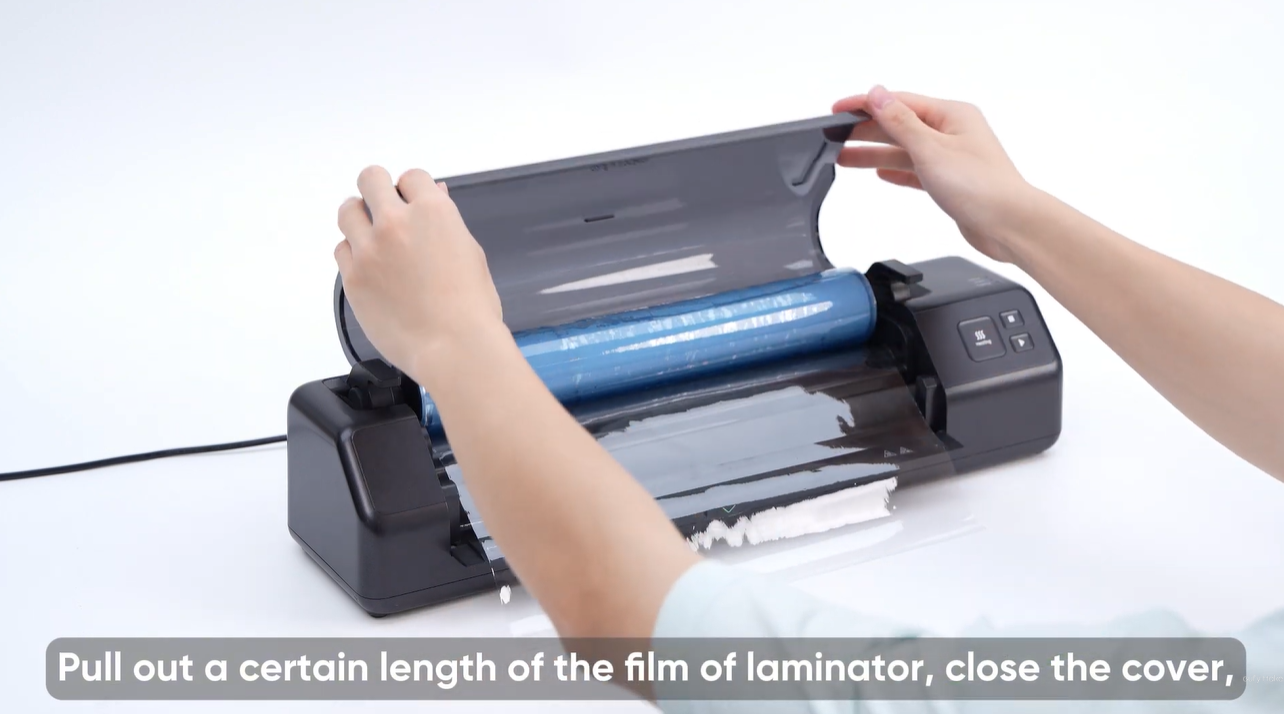
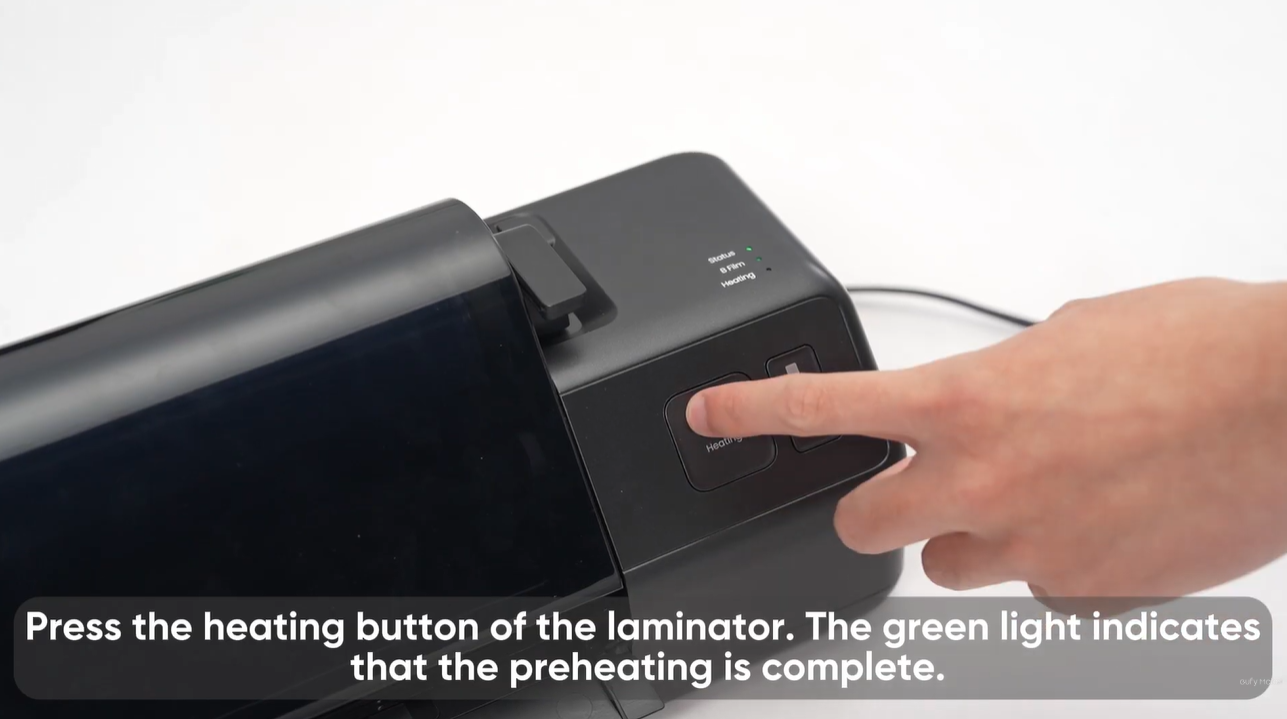
3. Install and Preheat Film B
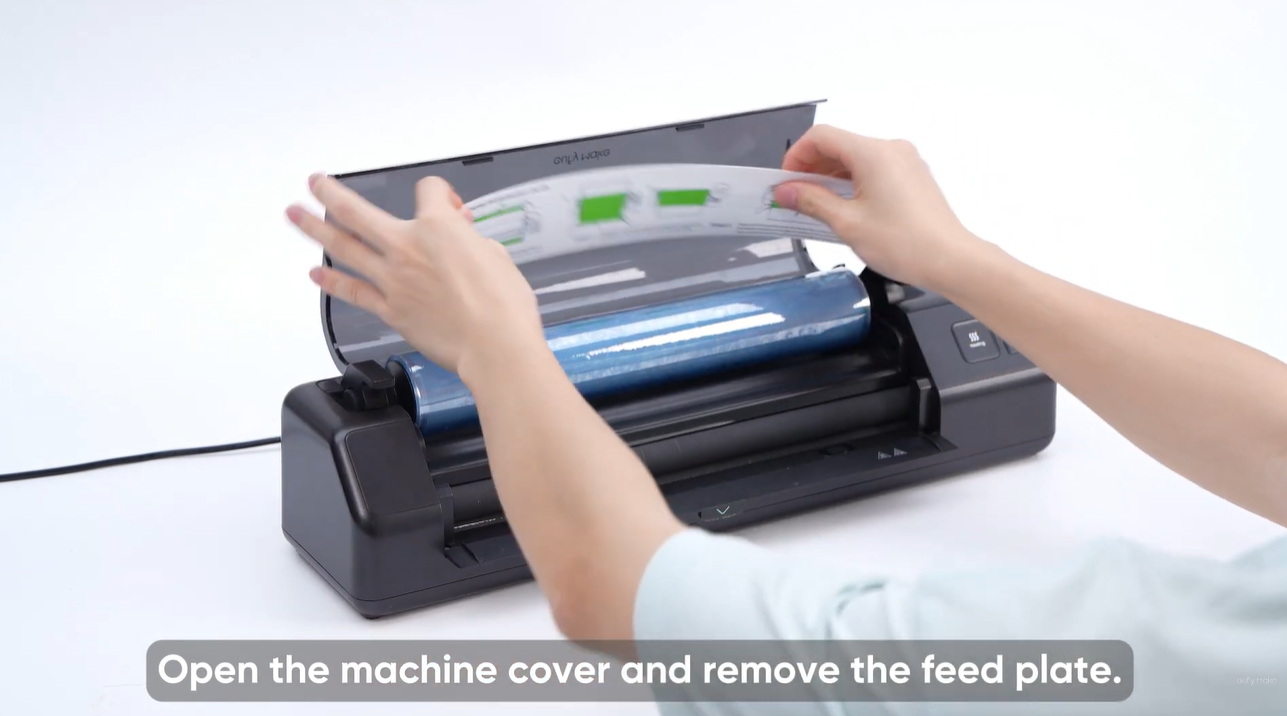
Install Film B on the laminating machine and complete the preheating process.
Please refer to the article and video of the Laminator Usage Guide.
-
article: https://support.eufymake.com/s/article/Laminator-Machine-Usage-Tutorial
-
video tutorial: https://www.youtube.com/watch?v=5ufN3rKykW4&list=PL_aDMkCH-68yWfXs3bCObg95QSWqcr1Y3&index=5
4. Laminate the Films
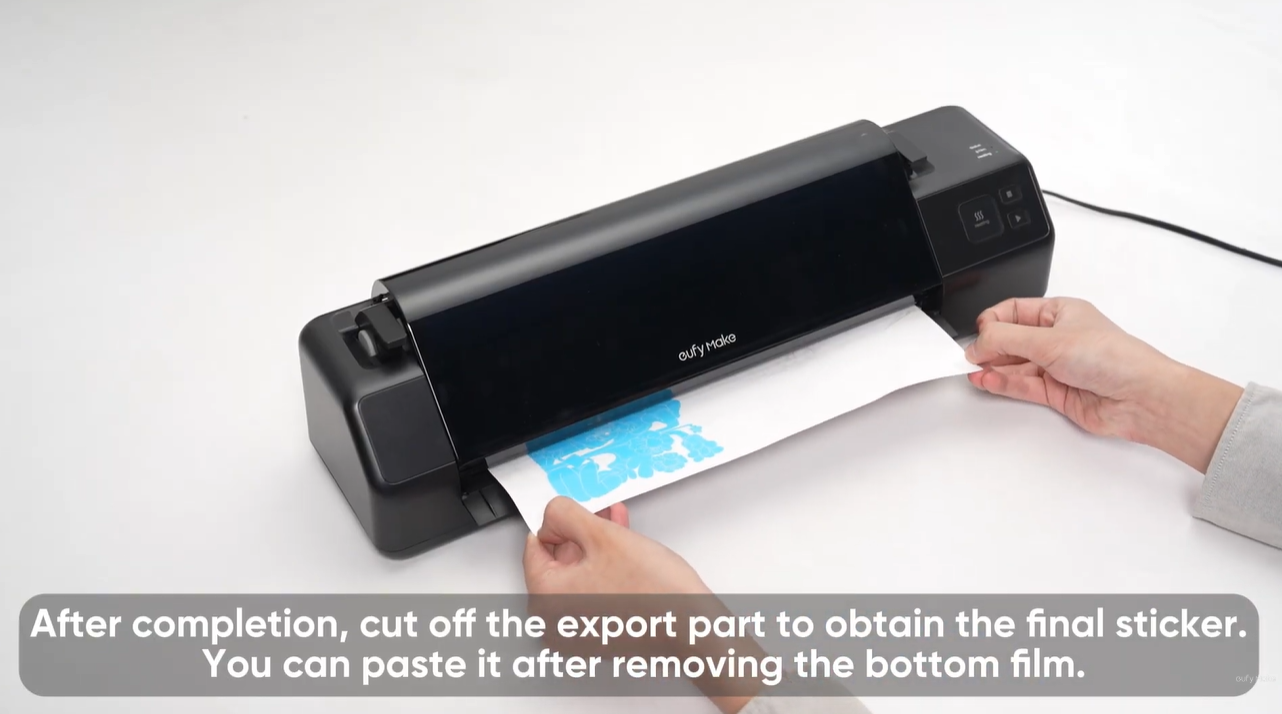
Insert the printed Film A into the inlet of the laminating machine. The film will feed automatically.
5. Trim the Stickers
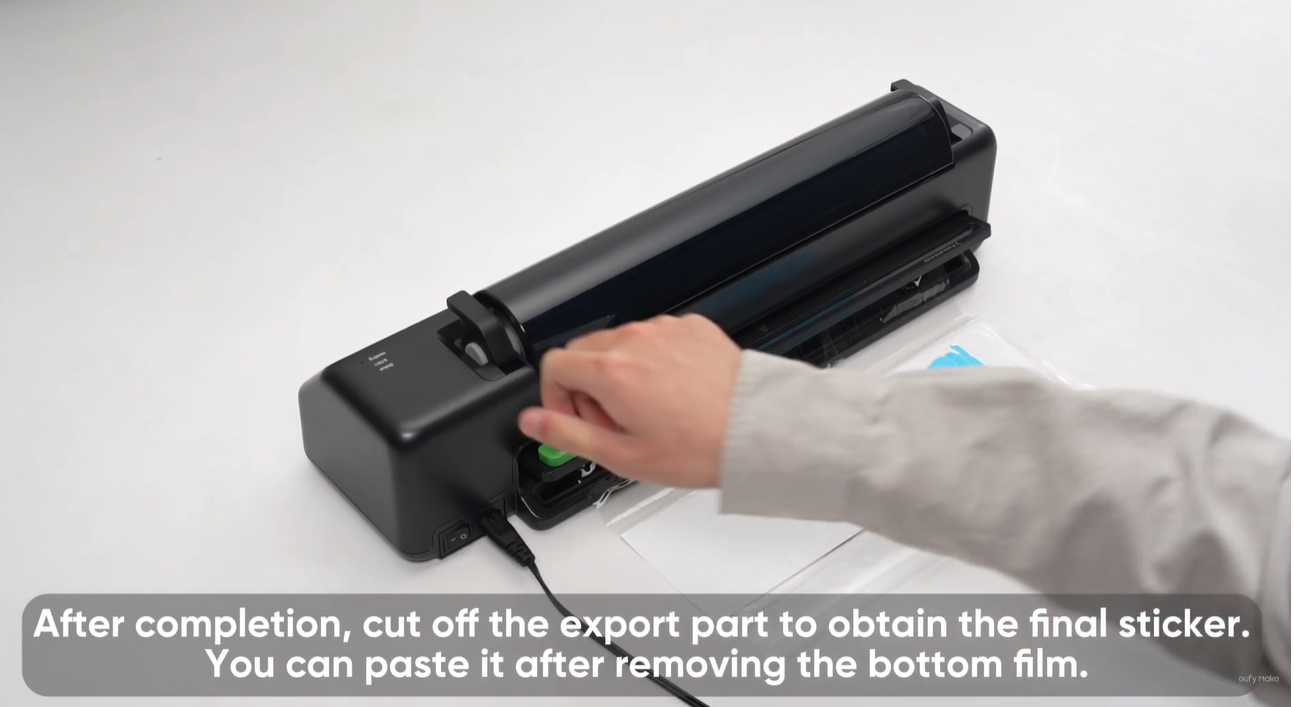
After lamination is finished, use a cutter to trim the sheet to the required sticker size.
6. Peel and Transfer
Tear off Film B. The printed pattern will separate from Film A and adhere to Film B.
7. Apply the Sticker
Attach the design from Film B to the target surface, press it firmly, and then remove Film B to leave the sticker in place.
Frequently Asked Questions
Q1: The status light flashes red during startup or lamination.
-
This indicates the device has entered protection mode.
-
If the preheat light also flashes red, the roller may be overheating. Turn off the machine and restart after it has cooled naturally.
-
If a film jam occurs:
-
Press Forward to eject the film.
-
Open the baffle.
-
Remove the jammed Film B.
-
Restart the device.
Q2: The status light flashes red when Film A is inserted before self-test completes.
-
After powering on, the machine will perform an automatic self-check. Wait for the beep prompt before operation.
-
If the sensor is blocked during self-check, the device may misidentify it as an error and enter protection mode. Recover using the steps described in Q1.
Q3: The pattern does not fully transfer after peeling Film B.
Possible causes:
-
Films A and B were installed in the wrong orientation, or printing direction was incorrect.
Lamination pressure or contact was insufficient.
-
Check that:
-
The printing surface is the adhesive side on the back of Film A.
-
The film combination is correct.
-
Lamination pressure and duration are adequate.
Q4: The gold/silver stamping transfer is incomplete or contaminated.
-
If the transfer is incomplete or the edges are damaged:
-
Confirm that Soft White Ink printing is complete.
-
Extend hot-pressing time if necessary.
-
Peel the film only after it has cooled completely.
-
If metallic adhesion appears in non-patterned areas:
-
Check that white-ink output is normal and that the pattern edges are clean.
-
Perform a nozzle test if needed.