1. Fault Symptom
The printer reports error code 0xFD01190010 (Scraper Solenoid Open Circuit Error) in the eufyMake App or eufyMake Studio.
2. Cause Analysis
-
Scraper solenoid open circuit
-
Scraper not installed properly
-
Abnormal wiring connection
3. Troubleshooting Steps
1.Run a Self-Check
Start a self-check through the eufyMake App, or disconnect and reconnect the printer's power cable. The printer will automatically perform a self-check during startup.
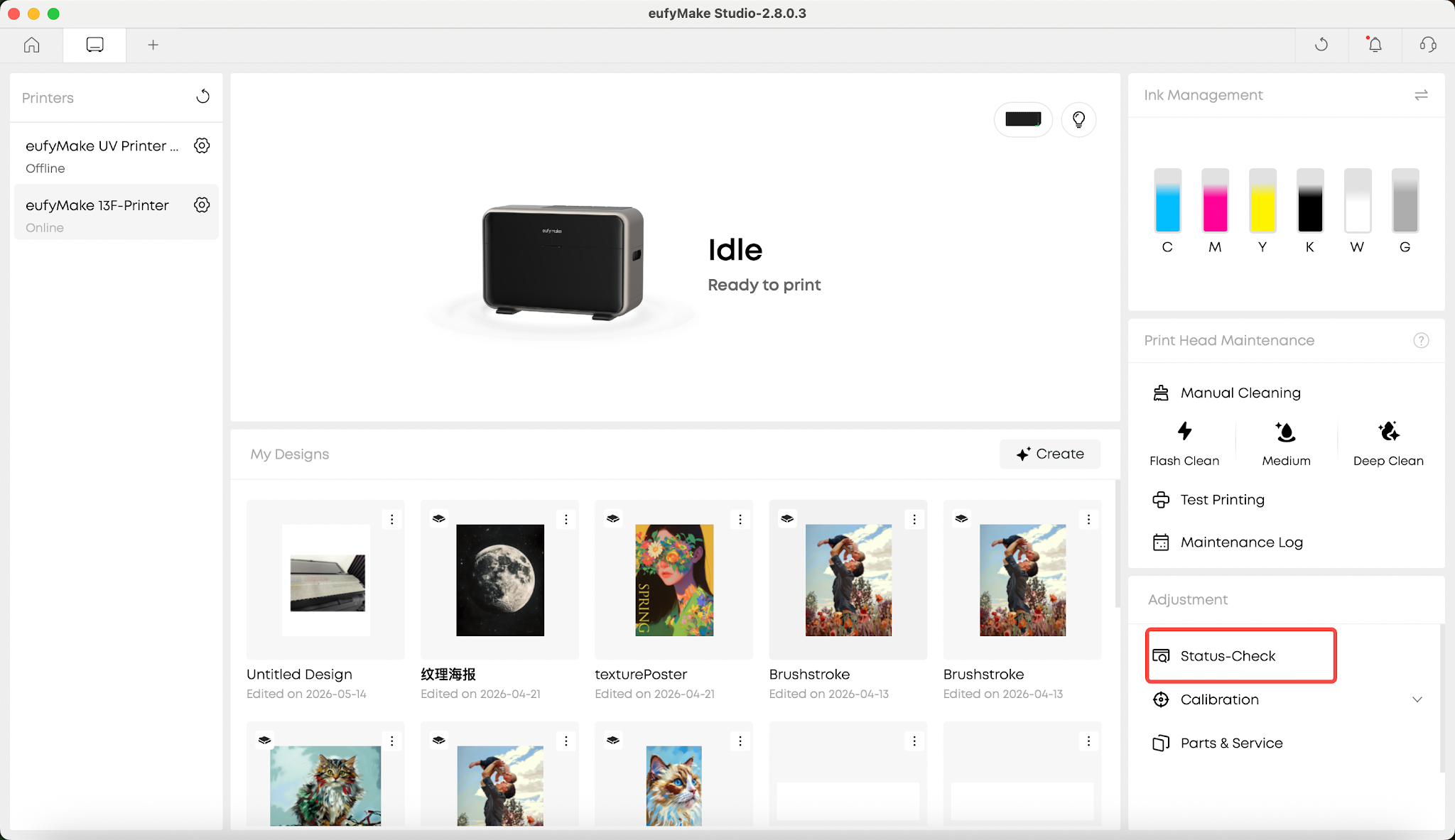
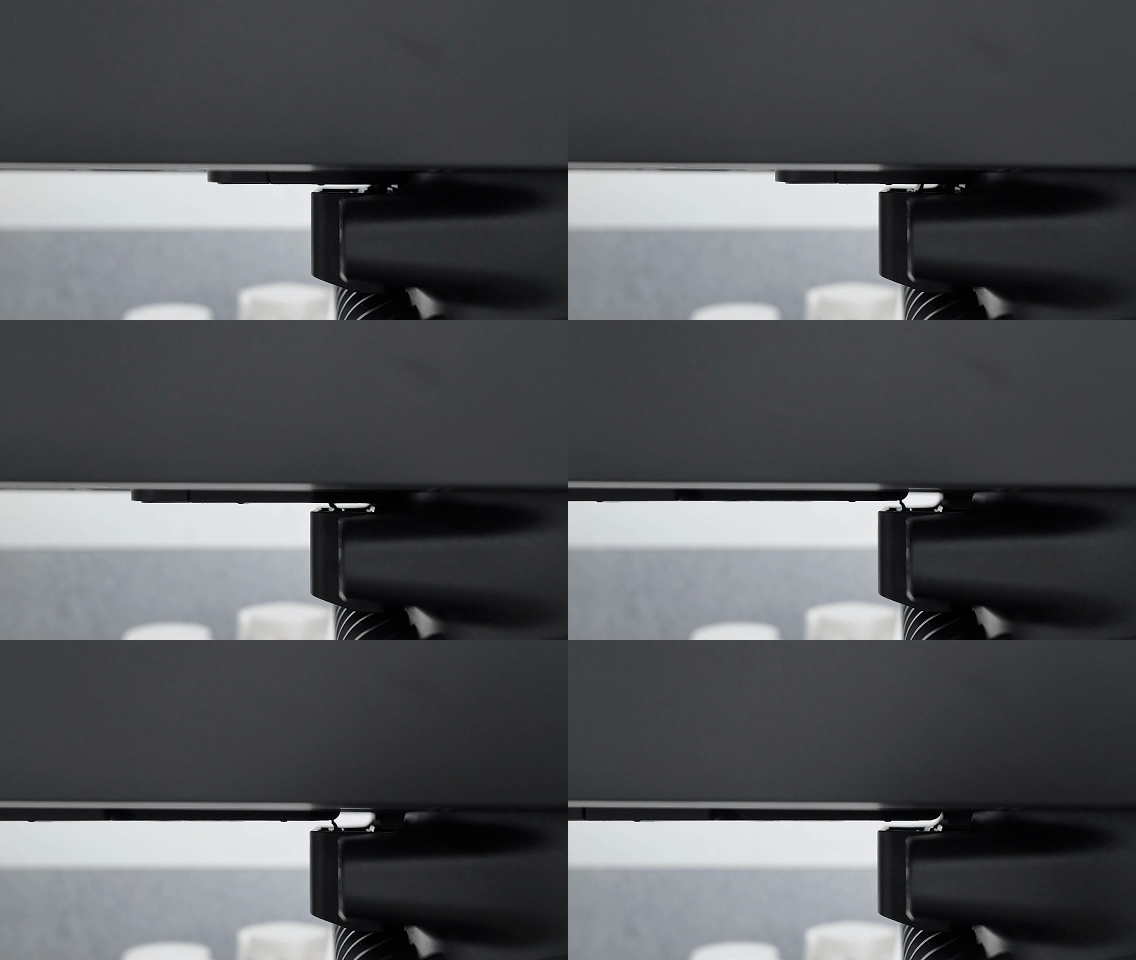
2.Observe the Scraper Solenoid
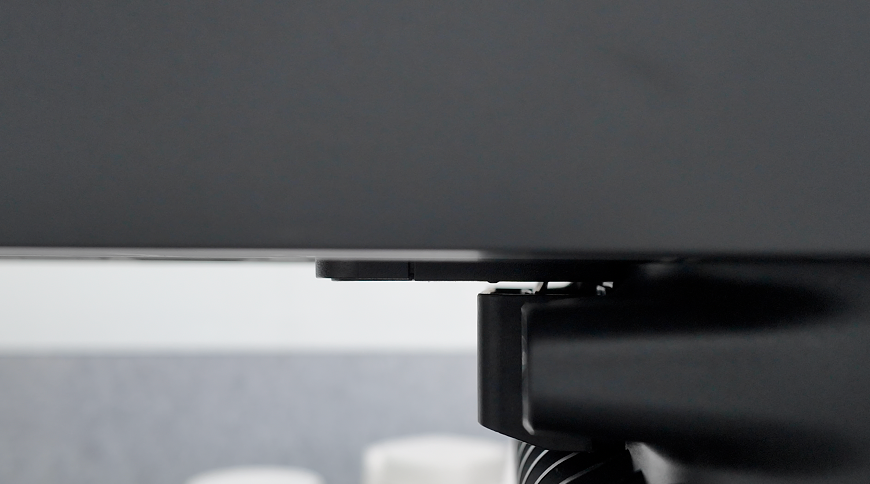
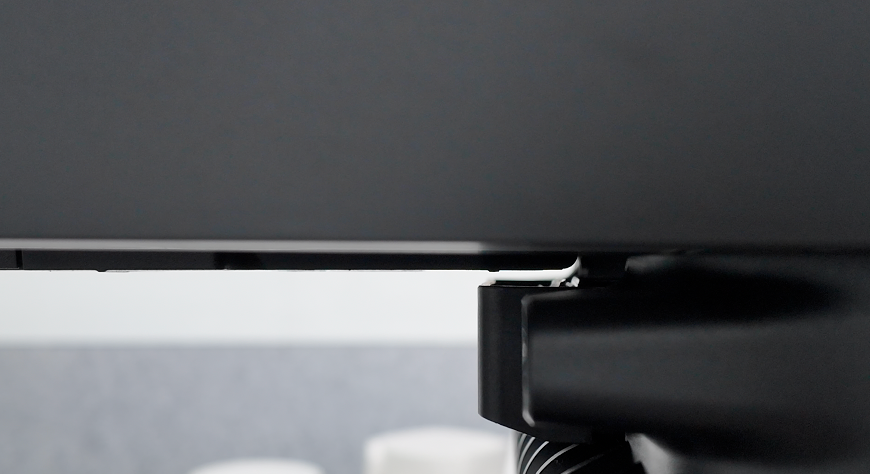
After the UV curing light self-check is complete, the printer will automatically perform the scraper solenoid self-check.
Scraper solenoid not actuating
Scraper solenoid actuating normally
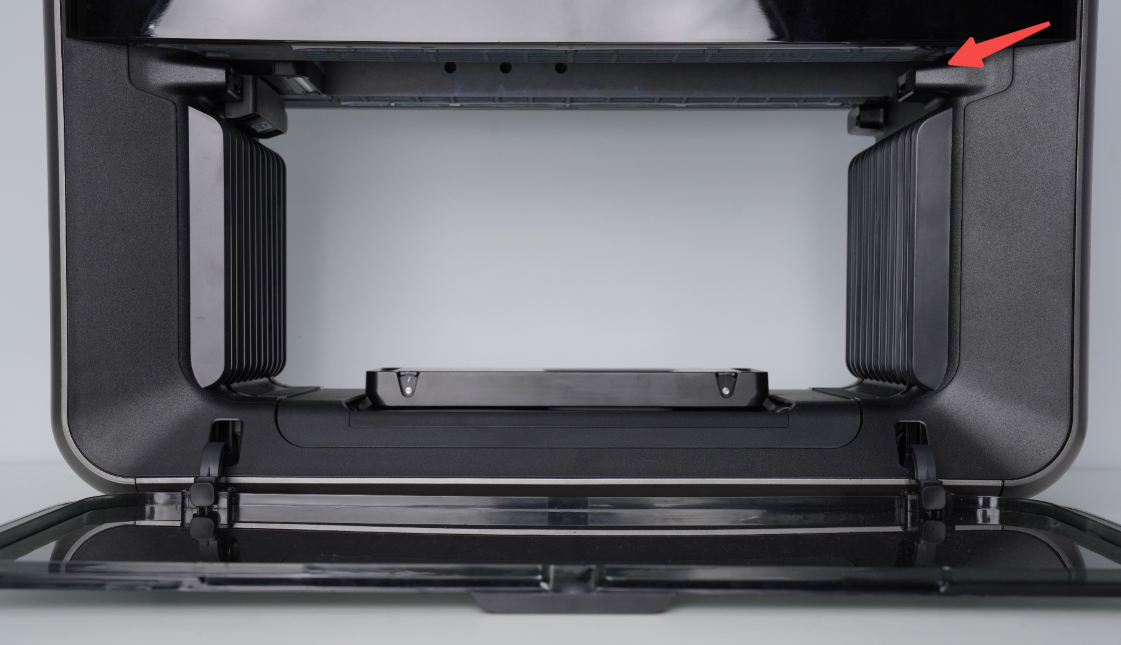
3.Verify Solenoid Movement
If the scraper raises and lowers normally, the hardware is functioning correctly and the error may be a false software alarm.
Please upload the printer logs for further analysis.
4.Inspect the Scraper and Wiring
If the error persists after restarting the printer and completing the self-check, a false software alarm can generally be ruled out.
Please perform the following checks:
1.Refer to the Printer Scraper Replacement Kit SOP to verify that the scraper is installed correctly:
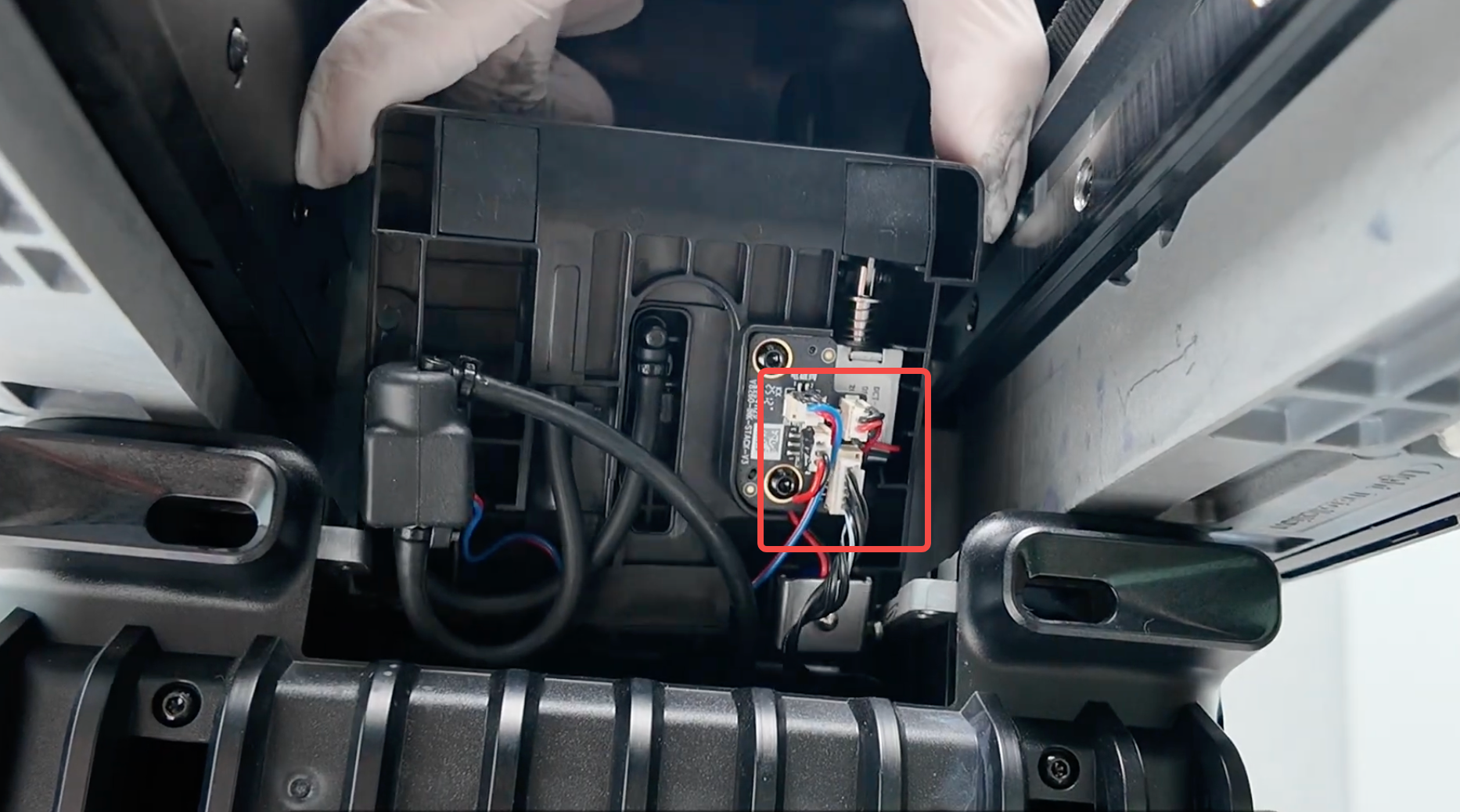
2.If the scraper is installed correctly, refer to the Ink Stack replacement video below to inspect the Ink Stack assembly and verify that all wiring connections are secure:https://www.youtube.com/watch?v=TvLlBtrvelI
Support Contact
If the issue persists after completing the above steps, please contact eufyMake Customer Support at support@eufymake.com with the following information:
-
Your Order Information
-
Printer SN. Please refer to: https://support.eufymake.com/s/article/How-to-Check-the-Device-Serial-Number-SN
-
Printer and App Logs. Please refer to https://support.eufymake.com/s/article/Log-Upload-Process-App-PC-Overview
-
Relevant photos and videos.










