Fault Symptoms
The printer reports error code 0xFD01190011 (Scraper Electromagnet MOS Tube Error) in the App or on the device.
Possible Causes
1.Scraper electromagnet or MOS tube hardware failure.
2.False system error.
Troubleshooting Steps
1.Run a Self-Check
Perform a device self-check, or unplug and reconnect the printer's power cable. The printer will automatically start the self-check process after powering on.
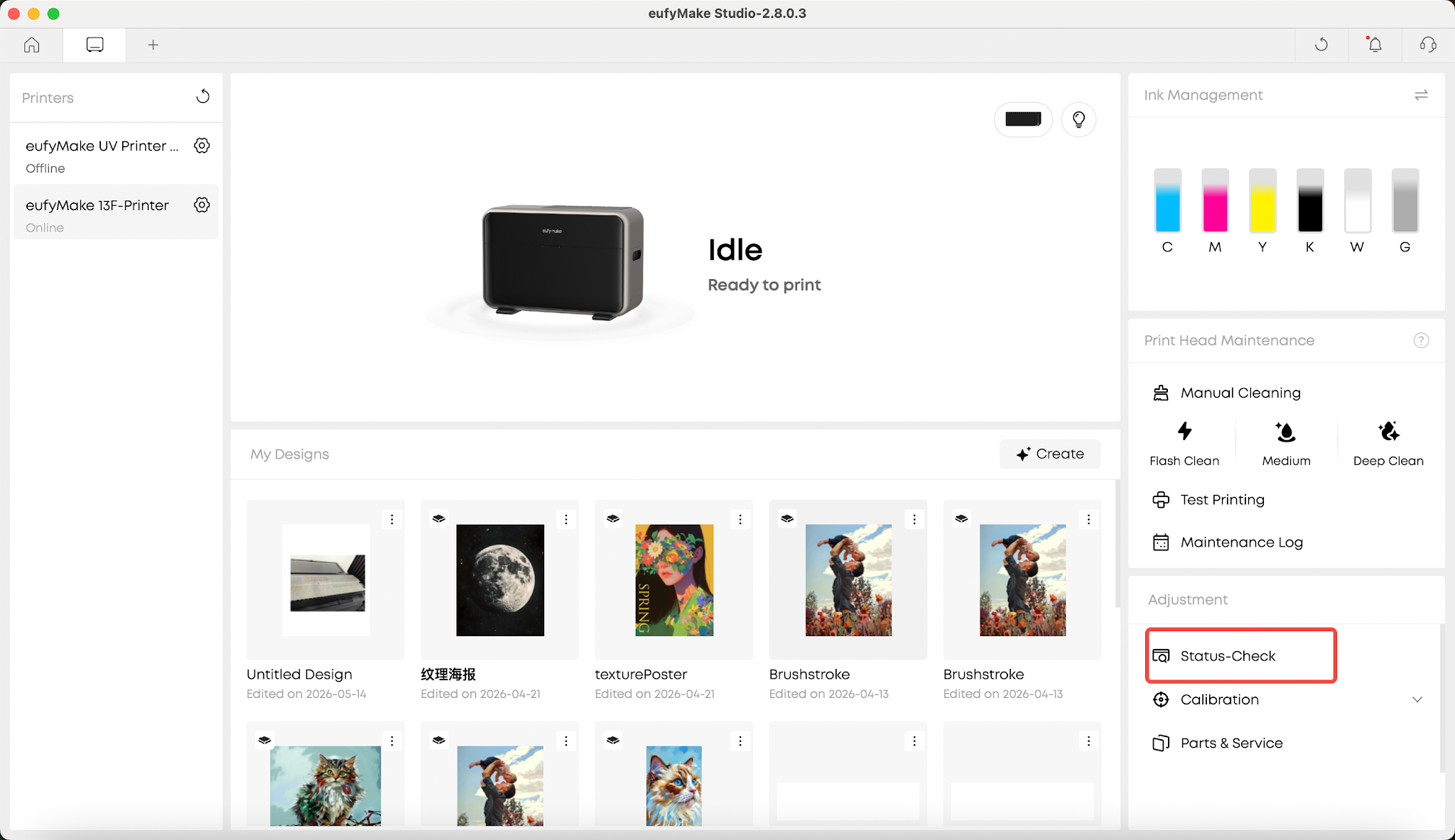
2.Observe the Scraper Electromagnet Self-Check
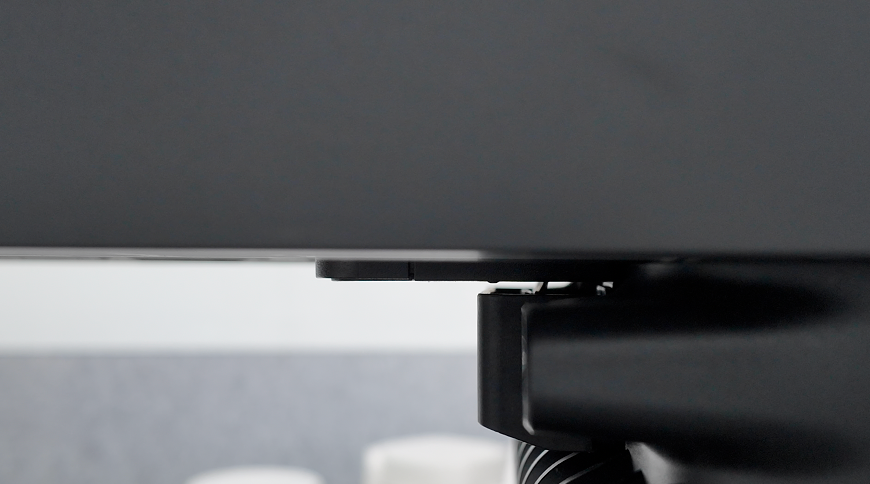
After the UV lamp self-check is completed, the printer will begin the scraper electromagnet self-check.
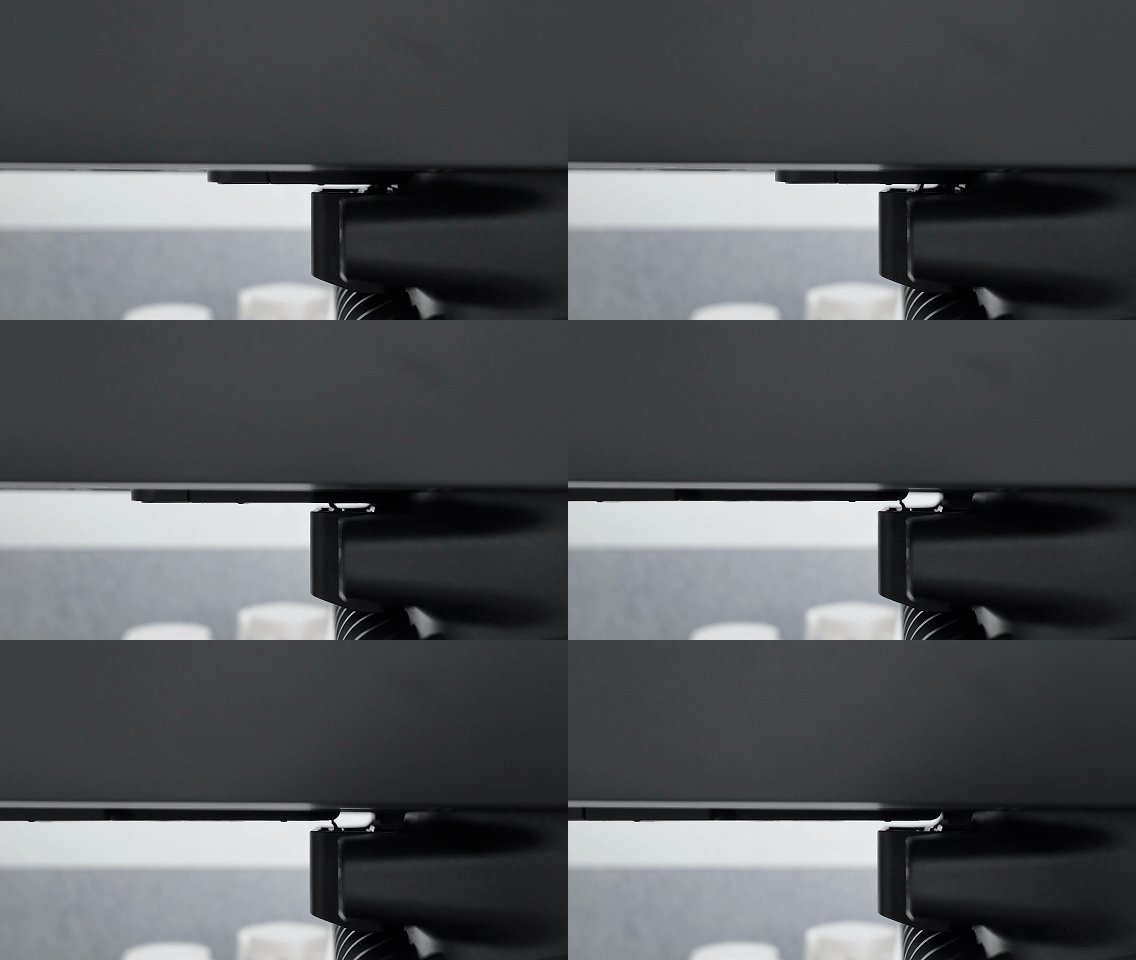
Observe whether the scraper raises and lowers normally during this process.
3.Scraper Electromagnet Does Not Raise
4.Scraper Electromagnet Raises Normally
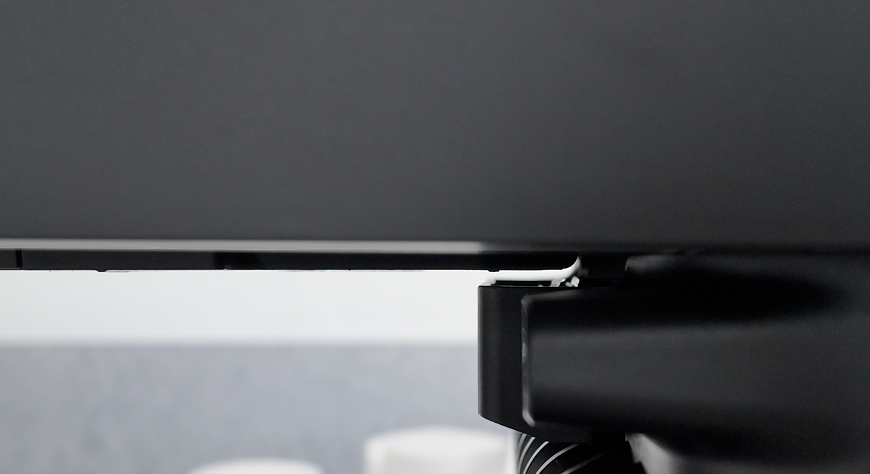
If the scraper raises and lowers normally as shown above, the error may be a false alarm. Please upload the printer logs and contact eufyMake Customer Support for further analysis.
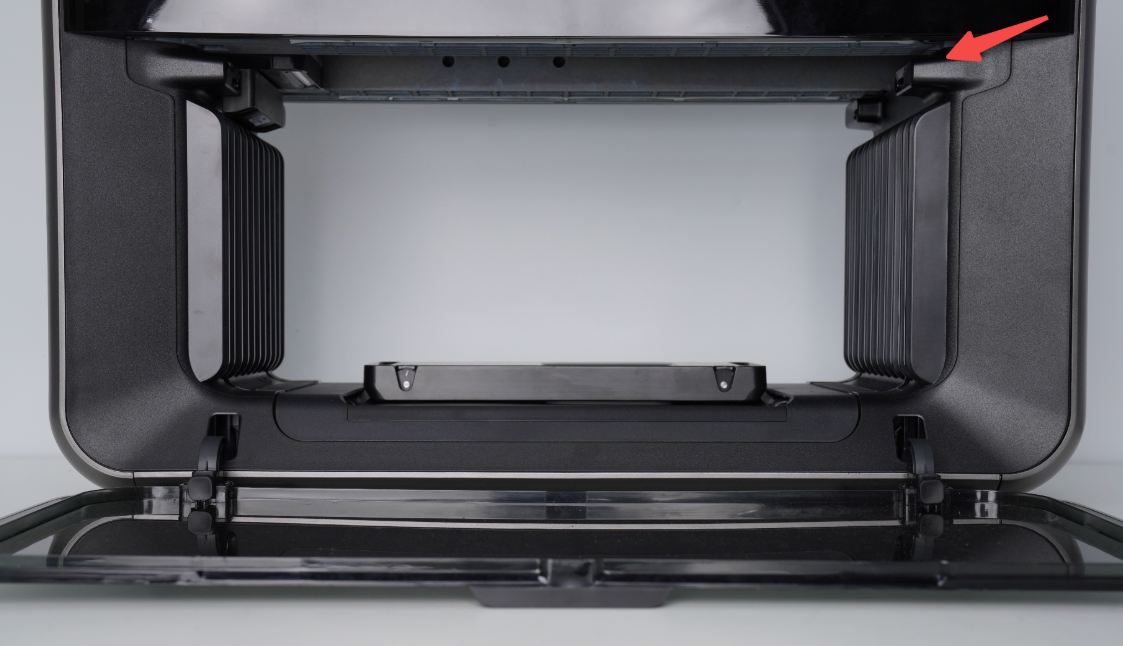
5.Replace the Ink Stack Assembly
If a hardware failure is confirmed, the ink stack assembly will need to be replaced.
Please record a video showing the issue and provide it to eufyMake Customer Support along with the information listed below.
Ink Stack Replacement Video:
https://www.youtube.com/watch?v=TvLlBtrvelI
Support Contact
If the issue persists after completing the above steps, please contact eufyMake Customer Support at support@eufymake.com with the following information:
-
Your Order Information
-
Printer SN. Please refer to: https://support.eufymake.com/s/article/How-to-Check-the-Device-Serial-Number-SN
-
Printer and App Logs. Please refer to https://support.eufymake.com/s/article/Log-Upload-Process-App-PC-Overview
-
Relevant photos and videos.










