Pattern Texture Mode Overview
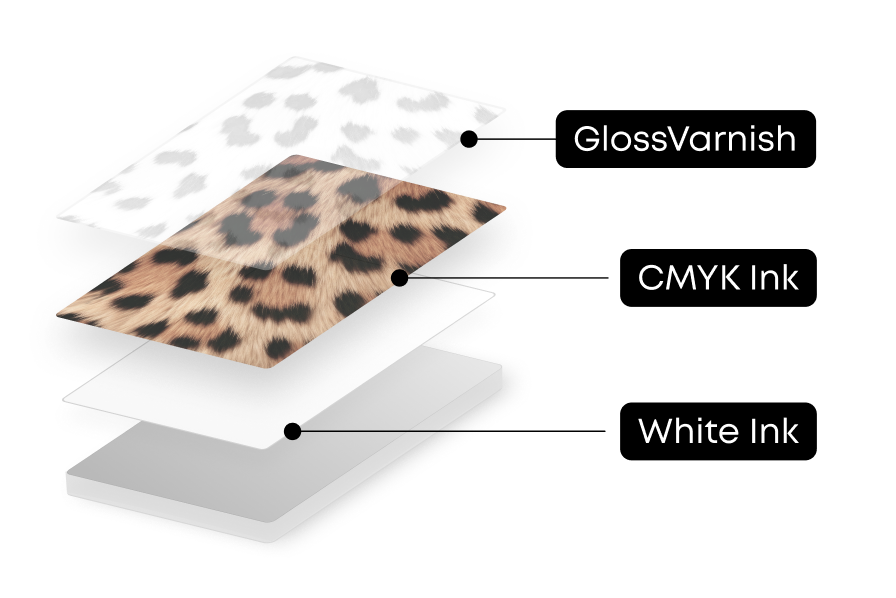
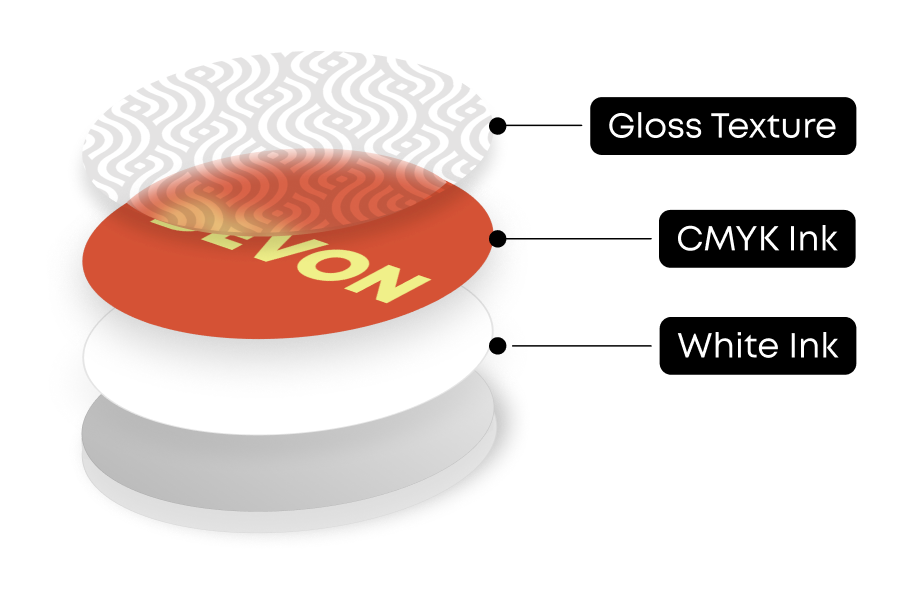
Pattern Texture is an intelligent three-dimensional printing mode based on the light and dark information within an image.
By analyzing brightness values, the system stacks ink in brighter areas while relatively reducing height in darker areas, naturally restoring the texture and depth of the original image.
An advanced image analysis algorithm accurately identifies tonal variations and automatically matches them to appropriate stacking heights. The system also supports optimized ink adhesion strategies based on different substrate characteristics.
You can further customize the height amplitude, surface smoothness, and invert the texture direction to create a personalized texture effect with strong tactile and visual impact.
Ink-Saving Printing is supported in this mode, allowing reduced background texture height to lower overall ink consumption.
How to Use Pattern Texture Mode
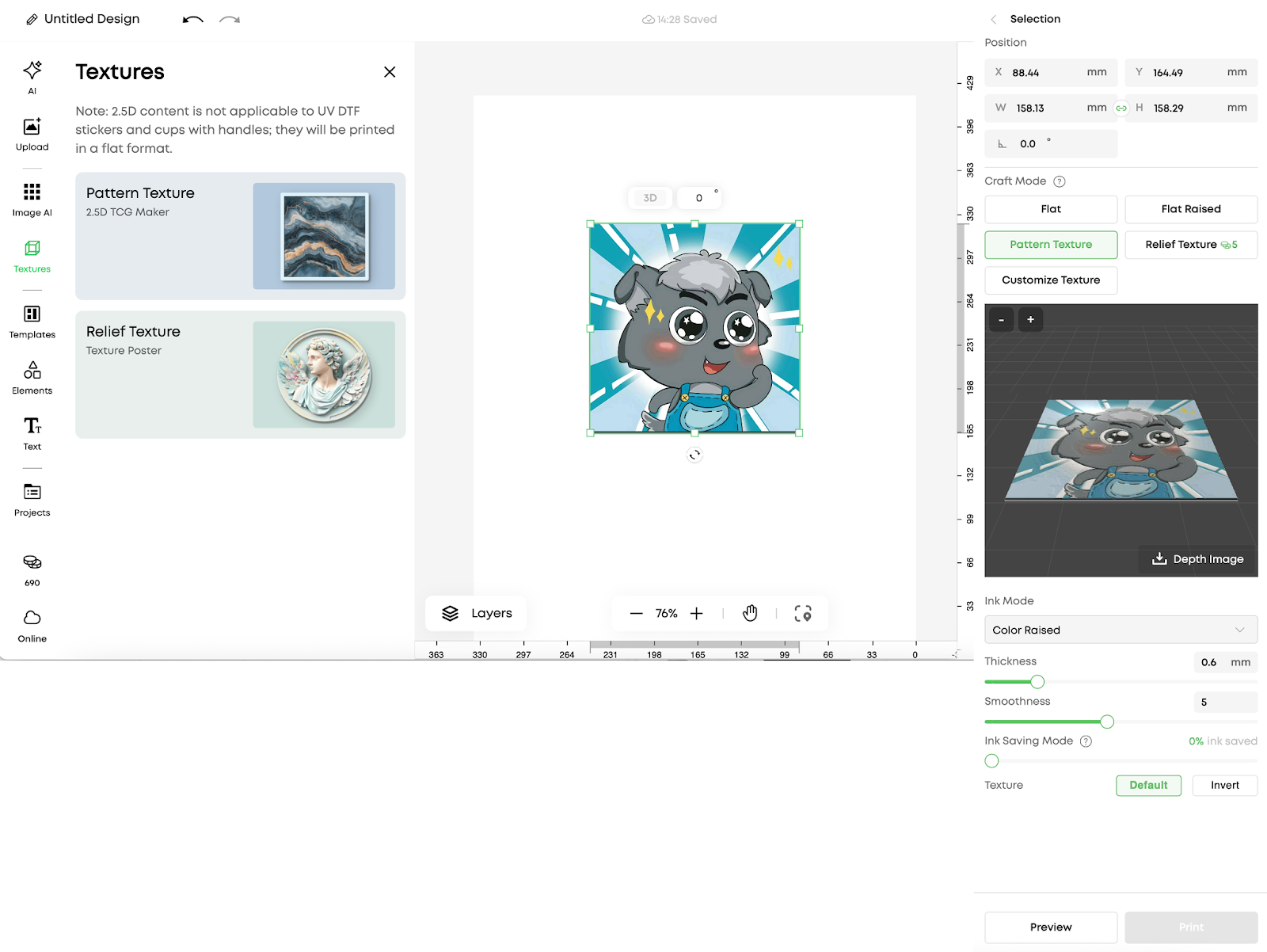
After selecting an element in the editor, a process editing panel will appear on the right side.
-
Select Pattern Texture mode
-
Preview the result using the 3D preview
-
Download the generated depth map if needed
-
Set the ink mode:
-
Pure color
-
Pure varnish
-
Adjust printing thickness and surface smoothness
-
Optionally invert the texture direction
-
Enable Ink-Saving Printing if required