Introduction to Flat Raised Mode

Flat Raised Mode Overview


Flat Raised is an advanced three-dimensional printing mode based on planar printing. It creates raised structures by stacking multiple layers of ink vertically.

Based on your requirements for relief thickness, you can adjust the number of ink layers, select ink types suitable for the substrate, and ensure the final structure is stable with smooth, well-defined edges. This mode is ideal for producing customized 3D effects such as raised graphics, text, and signage.


How to Use Flat Raised Mode


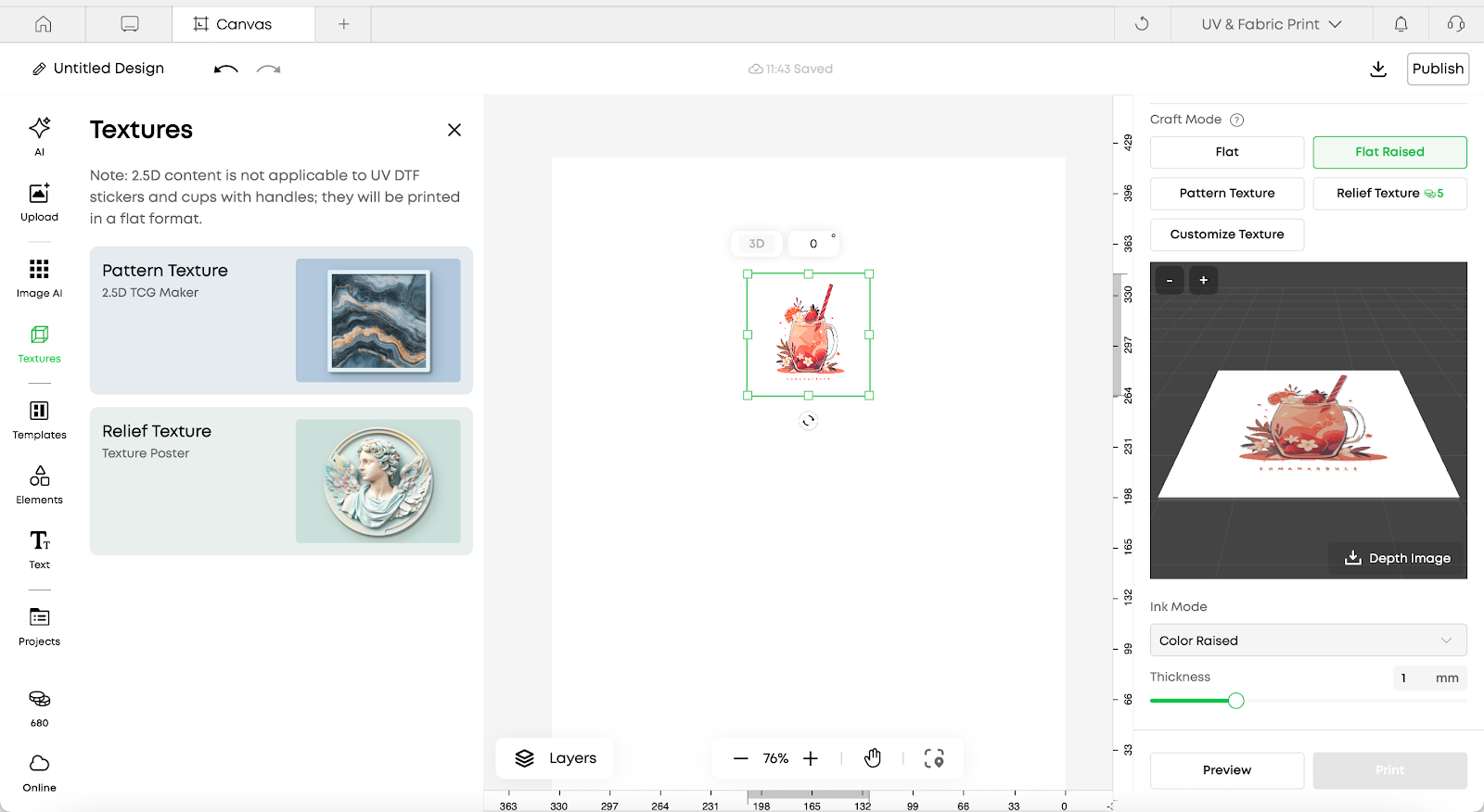
After selecting an element in the editor, a process editing panel will appear on the right side.

  1. Select Flat Raised mode

  2. Preview the result using the 3D preview

  3. Download the generated depth map if needed

  4. Select the ink mode:

    1. Solid color

    2. Solid varnish

    3. White (foil-stamp)

  5. Set the desired printing thickness


Vertical Stacking Mode

Introduction

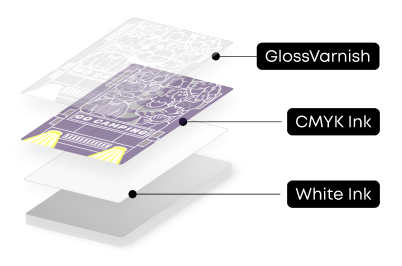
Schematic Diagram

Color raised

Application Scenarios

  • Logo designs

  • Text elements

  • Geometric patterns

  • And more

Features

  • Multiple layers of white ink build thickness

  • A top CMYK layer provides vivid color and clear detail

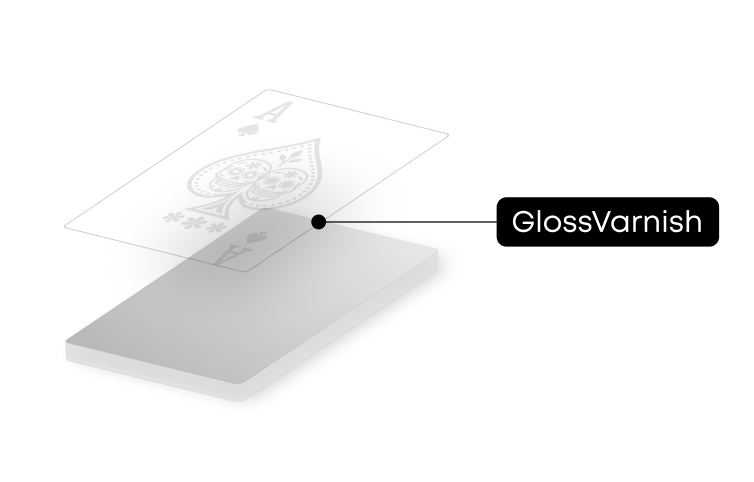
Gloss raised

Application Scenarios

  • Logo designs

  • Text elements

  • Geometric patterns

  • And more

Features

  • Adjustable raised height

  • Multiple layers of gloss ink build thickness, creating a transparent, glossy effect

White (Foil-Stamp)

Application Scenario

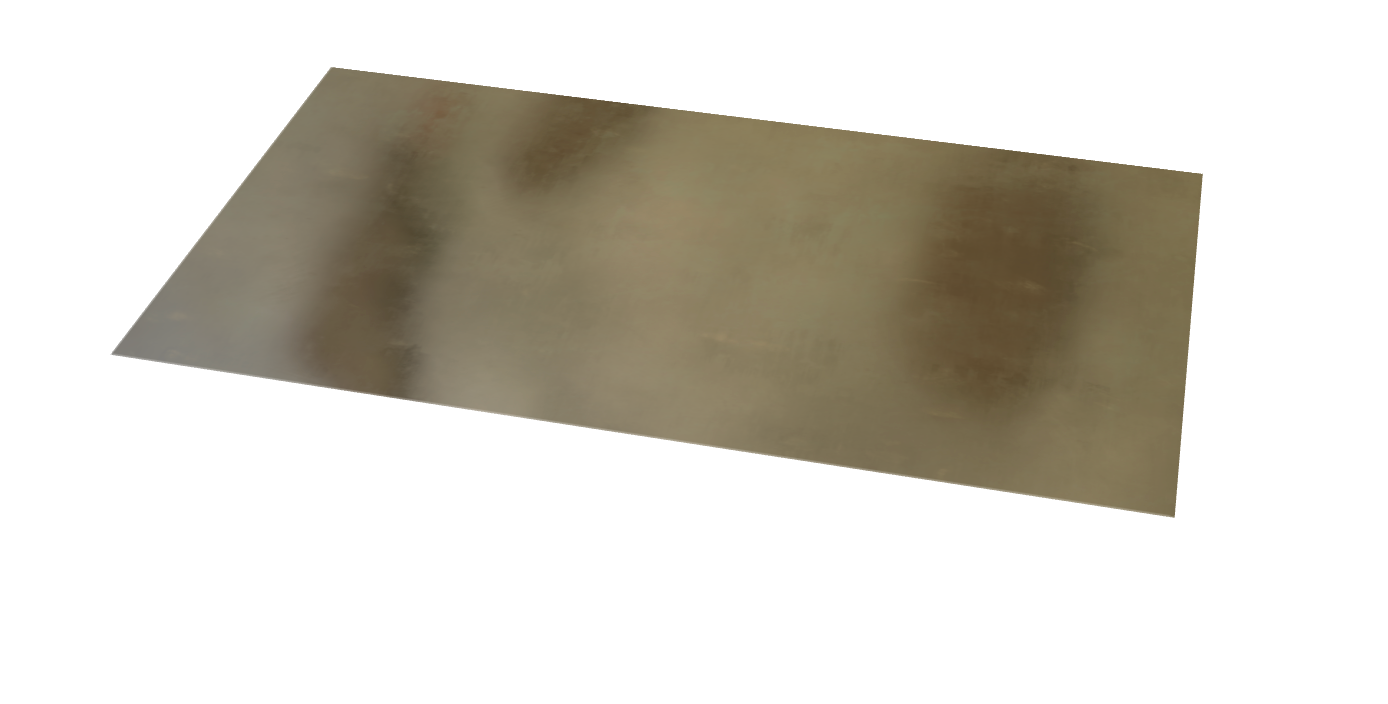
After switching to soft white ink, only Flat Raised white ink layers are printed.

A laminating machine is then used to transfer foil-stamp film onto the surface, creating a metallic film effect on the raised areas.

Features

  • Adjustable raised height

  • Multiple layers of soft white ink are stacked

  • Foil-stamp film is applied to the surface to achieve enhanced visual effects


Unresolved icon
195 undefined
Download icon
UL Exposure Assessment Report for the eufyMake UV Printer E1
Download icon
Test Diagram Project File
Download icon
eufyMake Rotary Printing Attachment for UV Printer E1 Quick Start Guide
Download icon
eufyMake UV Printer E1 Quick Start Guide
Download icon
eufyMake Laminating Machine for UV Printer E1 Quick Start Guide
Download icon
eufyMake UV Printer E1 Brugervejledning (V8260)
View More
Play videoeufyMake E1 Tutorial | Part 13: Door Panel Replacement
eufyMake E1 Tutorial | Part 13: Door Panel Replacement
Play videoeufyMake E1 Tutorial | Part 3: Main Printing Workflow
eufyMake E1 Tutorial | Part 3: Main Printing Workflow
Play videoeufyMake E1 Tutorial Part 15: Printer Deep Maintenance
eufyMake E1 Tutorial Part 15: Printer Deep Maintenance
Play videoeufyMake E1 Tutorial Part 10: Ink Cartridge and Cleaning Cartridge Replacement
eufyMake E1 Tutorial Part 10: Ink Cartridge and Cleaning Cartridge Replacement
Play videoeufyMake E1 Tutorial Part 19: Encoder Strip Replacement
eufyMake E1 Tutorial Part 19: Encoder Strip Replacement
Play videoeufyMake E1 Tutorial Part 18: Printer Outer Shell Disassembly and Assembly
eufyMake E1 Tutorial Part 18: Printer Outer Shell Disassembly and Assembly
View More