Introduction to Flat Mode
Flat Process Printing Overview
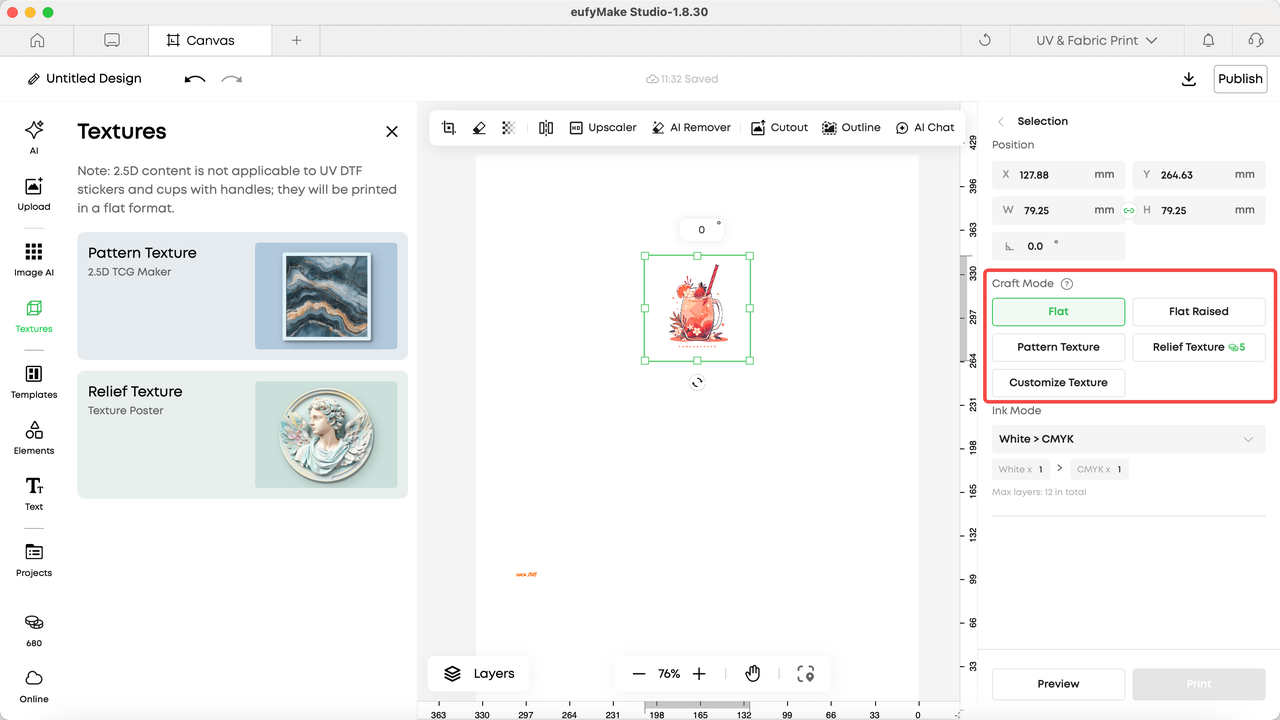
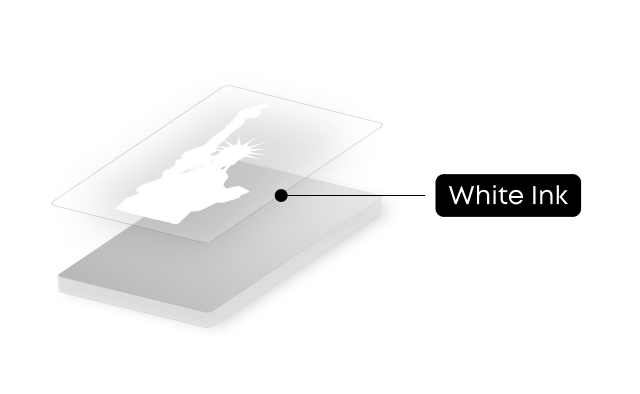
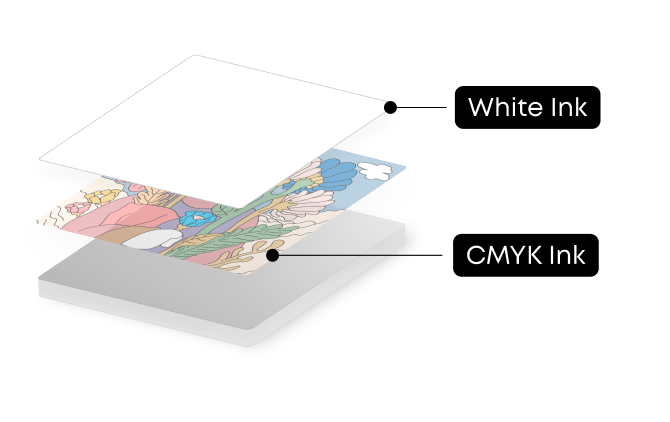
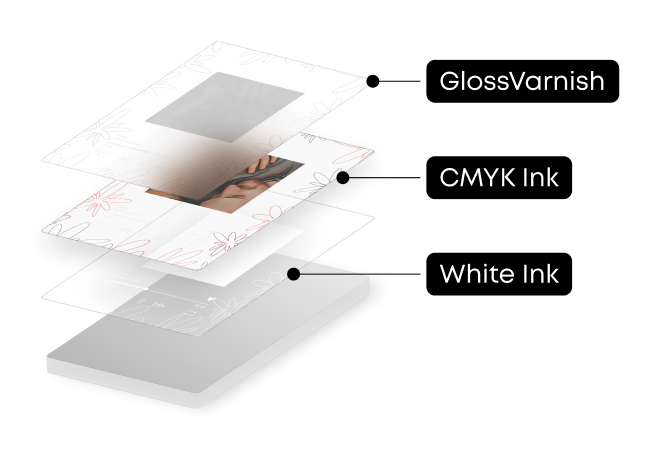
Flat process printing is the most basic and fastest printing mode. It performs standard planar, single-layer printing, making it suitable for most everyday printing needs.
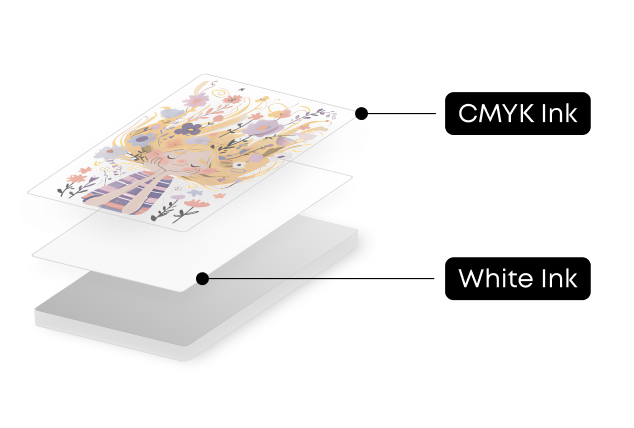
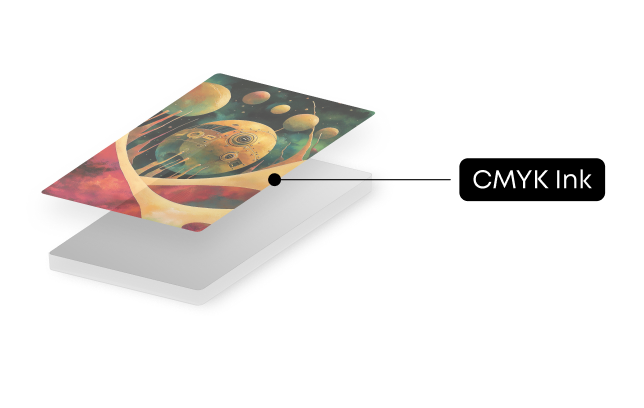
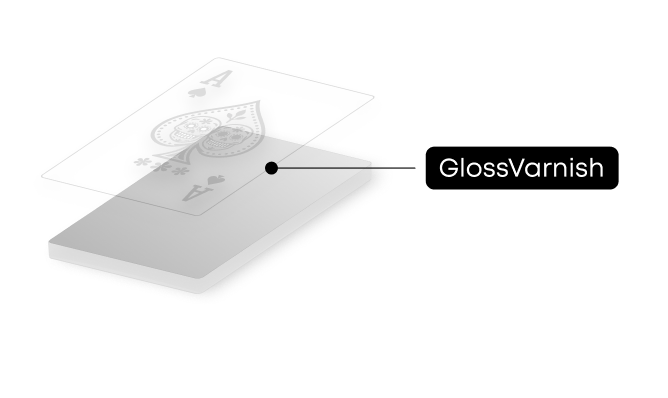
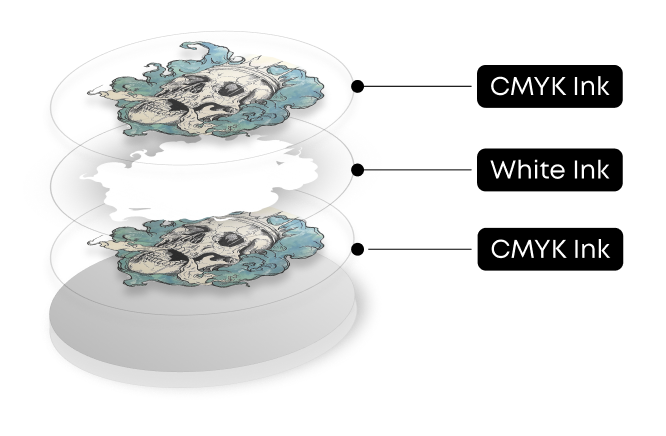
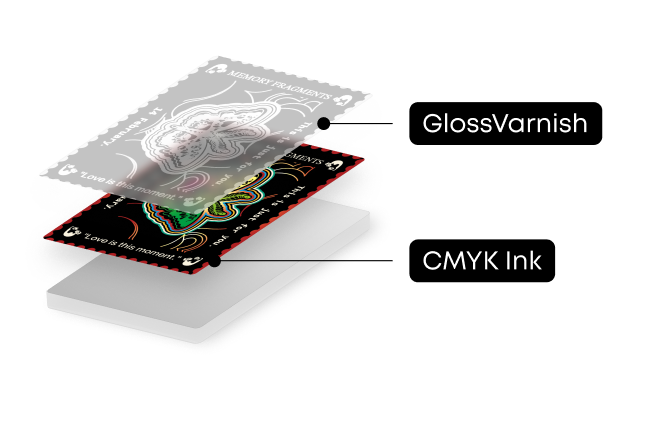
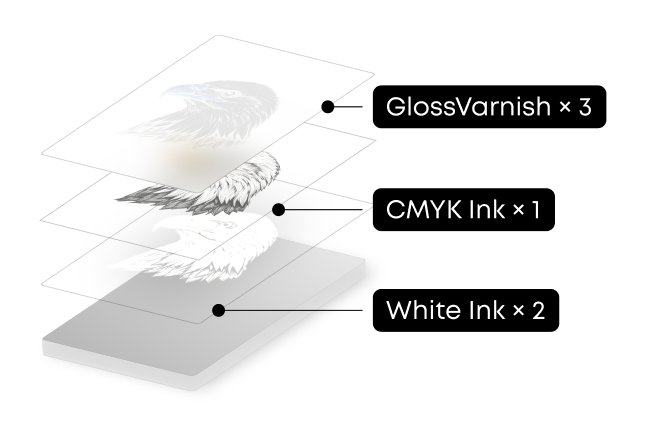
The system provides multiple ink mode configurations, each with an optimized default layer setup matched to your selected substrate. You can also customize ink modes and layer counts to achieve specific planar printing effects as needed.
How to Use Flat Mode
After selecting an element in the editor, a process editing panel will appear on the right side.
-
Select Flat mode
-
Choose the required ink mode
-
Adjust the number of ink layers if needed


222 undefined

UL Exposure Assessment Report for the eufyMake UV Printer E1
Test Diagram Project File
eufyMake Rotary Printing Attachment for UV Printer E1 Quick Start Guide
eufyMake UV Printer E1 Quick Start Guide
eufyMake Laminating Machine for UV Printer E1 Quick Start Guide
eufyMake UV Printer E1 Brugervejledning (V8260)
View More


eufyMake E1 Tutorial | Part 13: Door Panel Replacement

eufyMake E1 Tutorial | Part 3: Main Printing Workflow

eufyMake E1 Tutorial Part 15: Printer Deep Maintenance

eufyMake E1 Tutorial Part 10: Ink Cartridge and Cleaning Cartridge Replacement

eufyMake E1 Tutorial Part 19: Encoder Strip Replacement

eufyMake E1 Tutorial Part 18: Printer Outer Shell Disassembly and Assembly
View More


